


WorldAccessBlocker
WorldAccessBlocker is a Minecraft plugin that temporarily restricts access to the Nether, the End, elytra flight and custom worlds — by date or weekly schedule.
📖About WorldAccessBlocker
🌍 WorldAccessBlocker


WorldAccessBlocker temporarily restricts access to the Nether, the End, elytra flight, and custom worlds — by a fixed date or a recurring weekly schedule. Built for Paper and its forks (Purpur, Folia).
✨ Features
- ⏳ Date-based restrictions — block a feature until a specific date and time.
- 📅 Recurring schedules — allow access only on certain days and time windows (e.g. weekends, or Sundays 15:00–17:00).
- 🌋 Nether blocker — cancels portal creation, portal travel, and ender-pearl teleports.
- 🐉 End blocker — prevents End portal activation (and the trip to the End).
- 🪽 Elytra control — block equipping and/or flight independently.
- 🗺️ Custom worlds — restrict any named world by date or schedule.
- 🚪 Fallback teleport — send blocked players to a configurable world spawn.
- 🎫 Per-player bypasses — grant a timed bypass with
/wab bypass, revoke with/wab remove. - 🔌 PlaceholderAPI support — expose restriction state and time-left to scoreboards / TAB.
- 🌐 Multi-language — English and Russian included; add your own
.yml. - ♻️ Live reload — apply config changes without a restart via
/wabreload. - 🧵 Folia-native — uses the regional scheduler on Folia (no thread-safety warnings).
- 🔔 Update notifications — admins get an in-game alert when a new version is out.
📦 Installation
- Download the latest
WorldAccessBlocker.jar. - Drop it into your server's
plugins/folder. - Restart the server.
- Edit
plugins/WorldAccessBlocker/config.ymlto taste, then run/wabreload.
⚙️ Configuration
# Message language: "en" or "ru"
language: "en"

# Server time zone (important for recurring schedules!)
time-zone: "Europe/Moscow"

nether:
  disable: true
  # Used only when there is NO `recurring` block (blocked until this date):
  restriction-date: "2025-03-10 00:00:00"
  disable-portal-creation: true
  disable-teleportation: true

  # Weekly schedule. If this block is present, `restriction-date` is IGNORED.
  # Each period is an OPEN (allowed) window — outside these windows access is blocked.
  recurring:
    periods:
      # Open only on Sundays, 15:00–17:00
      - days: [SUNDAY]
        start-time: "15:00"
        end-time: "17:00"
      # Open all day on weekends
      - days: [SATURDAY, SUNDAY]

end:
  disable: true
  disable-portal-activation: true
  # Empty list = no open windows = ALWAYS blocked
  recurring:
    periods: []

elytra:
  disable: true
  disable-equip: true
  disable-flight: true

custom-worlds:
  lobby_world:
    disable: true
    recurring:
      periods:
        - days: [MONDAY, TUESDAY, WEDNESDAY, THURSDAY, FRIDAY]
          start-time: "09:00"
          end-time: "17:00"

# Where blocked players are teleported (world name → its spawn)
fallback-spawns:
  default: "world"
  nether: "hub"
How the schedule works: when
recurring:is set, each period defines an open window. If the current day/time falls inside a period, access is open; otherwise it is blocked. An emptyperiods: []means always
blocked.
🧩 Commands & Permissions
| Command | Permission | Default | Description |
|---|---|---|---|
/wab bypass <player> <feature> <seconds> |
wab.bypass |
op | Grant a timed bypass |
/wab remove <player> <feature> |
wab.bypass |
op | Remove a bypass |
/wab status [player] |
wab.status |
all | Show restriction status |
/wabreload |
wab.reload |
op | Reload config without a restart |
<feature> is nether, end, elytra, or a custom world name.
🔧 PlaceholderAPI
| Placeholder | Returns |
|---|---|
%wab_nether_blocked% |
true / false |
%wab_end_blocked% |
true / false |
%wab_elytra_blocked% |
true / false |
%wab_time_left_nether% |
time remaining (or schedule) |
%wab_time_left_end% |
time remaining (or schedule) |
%wab_time_left_elytra% |
time remaining (or schedule) |
💻 Compatibility
| Platform | Versions | Status |
|---|---|---|
| Paper | 1.20.5 – 1.21.4 | ✅ Full support |
| Purpur | 1.20.5 – 1.21.4 | ✅ Full support |
| Folia | 1.20.5+ | ✅ Native scheduler |
Requires Java 21. Spigot/Bukkit are not supported (the plugin uses Paper's Adventure & scheduler APIs).
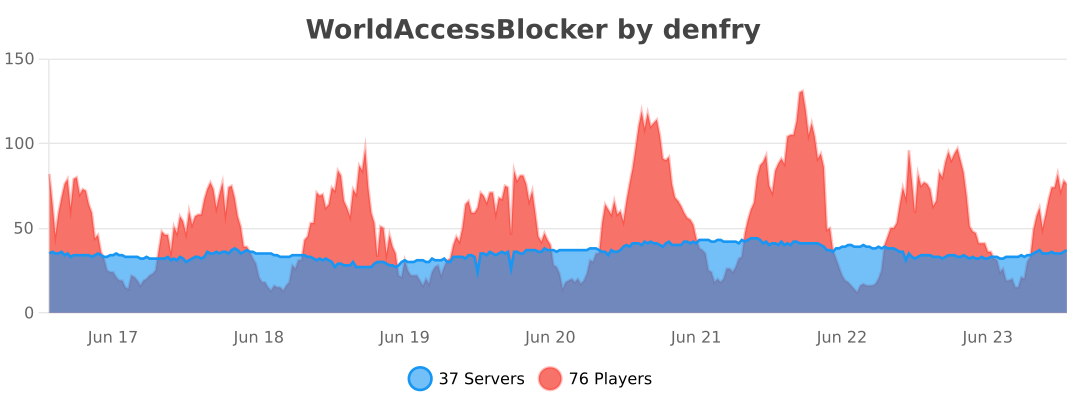
📊 Stats
🐛 Bugs & Suggestions
Open an issue on GitHub or leave a comment here on Modrinth.