
Velocity - Auto Reconnect
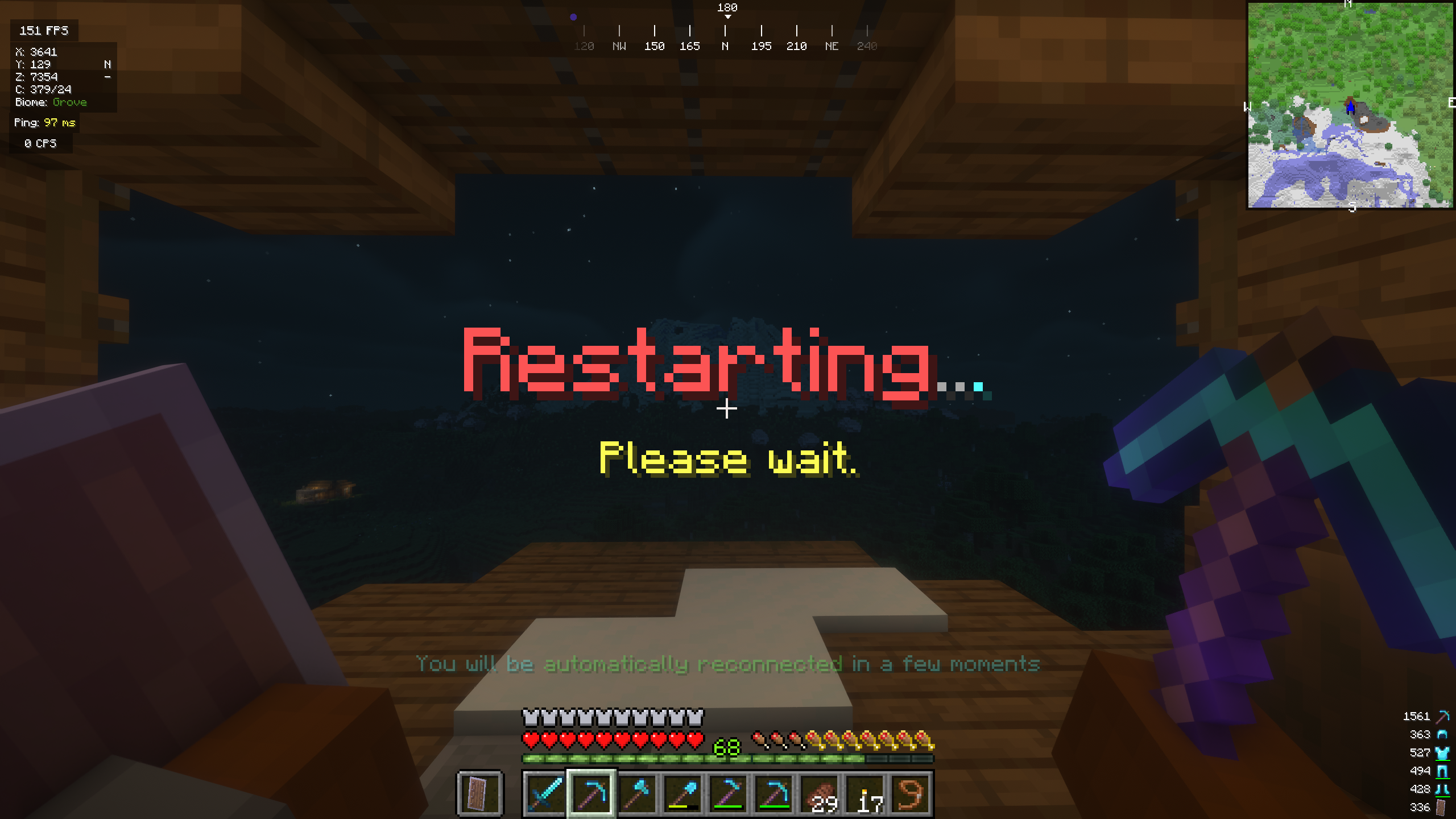
Keeps players online while your server restarts and reconnects them automatically on Velocity, with no limbo server needed.
📖About Velocity - Auto Reconnect

VelocityReconnect
Keep players connected during backend restarts and automatically bring them back when the server is ready.
VelocityReconnect prevents players from being kicked from your network when a backend restarts, crashes, or goes down for maintenance. Players are held safely inside the proxy while the plugin waits for the backend to return.
By default, VelocityReconnect uses its built-in no-limbo mode. No additional backend, Limbo server, or backend-side plugin is required. A real holding server can still be used if preferred.
Features
- Native Velocity reconnect handling
- Built-in no-limbo mode enabled by default
- No additional backend plugin required
- Automatic backend availability detection
- Automatic and manual reconnect modes
- Global and per-server timing settings
- Optional real holding-server support
- Optional gradual reconnect queue
- Configurable queue batch size and interval
- Custom titles, subtitles, and actionbar messages
- Animated reconnect messages
- Configurable reconnect timing and retry behavior
- Fallback server support
- Per-server permission support
- Simple Voice Chat compatibility in built-in holding mode
- Clean player disconnect and proxy shutdown handling
Automatic Reconnecting
Automatic mode detects when a backend becomes available and reconnects waiting players without requiring manually matched startup times.
Manual mode is also available if you prefer fixed reconnect delays. Timing can be configured globally or separately for each backend.
Gradual Reconnect Queue
The optional reconnect queue prevents every waiting player from joining the backend at the same time.
When enabled, VelocityReconnect confirms that the backend is ready with one player before gradually reconnecting everyone else in configurable batches.
The queue is disabled by default and can be configured globally or per server.
Commands
| Command | Description |
|---|---|
/velocityreconnect enable |
Enables reconnect handling. |
/velocityreconnect disable |
Disables reconnect handling and restores normal Velocity disconnect behavior. |
/velocityreconnect status |
Shows whether reconnect handling is enabled or disabled. |
/velocityreconnect reload |
Reloads the configuration. |
Setup
- Download VelocityReconnect and place it in your Velocity proxy's
pluginsfolder. - Restart the Velocity proxy.
- Open the generated configuration file.
- Keep automatic mode enabled, or configure manual reconnect timing to match your server.
- Ensure the shutdown message or regex matches the message sent by your backend.
- Enable and configure the gradual reconnect queue if desired.
- Run
/velocityreconnect reloadafter making changes. - Test a backend restart and enjoy smoother maintenance!
Credits
VelocityReconnect is based on and ported from tau's BungeeReconnect. Credit and thanks go to tau for the original plugin and concept.
VelocityReconnect includes additional Velocity-specific functionality, automatic backend detection, gradual reconnect queues, and built-in proxy holding support.
Anonymous Statistics