TurulPowerX
TurulPlugin is helping for admins to have fun, and keep the server clean
📖About TurulPowerX
TurulPowerX is a Minecraft Spigot plugin that allows players to use various commands, such as striking other players with lightning or even killing a player with a simple command. The plugin aims to provide an engaging and interactive experience for servers, especially for players who want to customize events and commands.
Features:
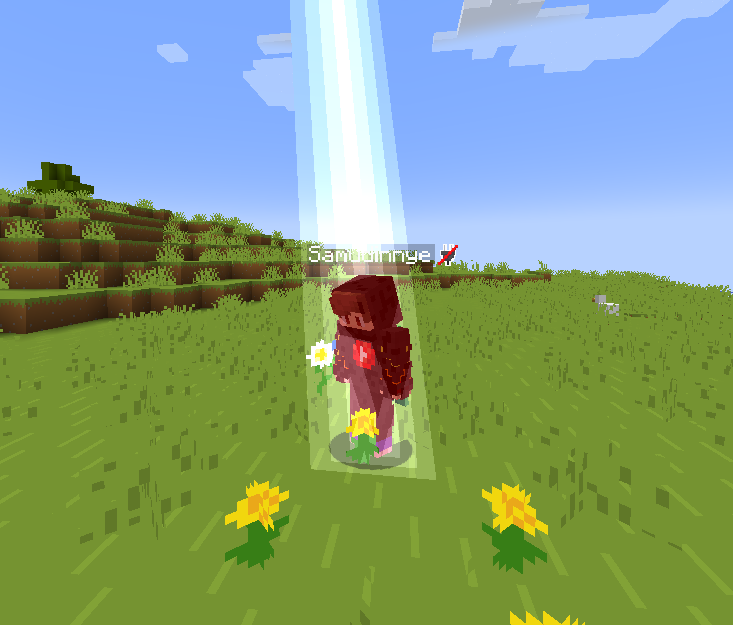
Lightning Strike Command (/tpx strike): Players can strike another player with lightning by using the command /tpx strike .
Kill Player Command (/tpx kill): Players can kill another player using the command /tpx kill . This is a quick and simple way to influence the game.
Multilingual Support: The plugin allows the use of different languages, so players can enjoy the commands in their preferred language.
Command Permissions: The plugin assigns permissions to each command, ensuring that only authorized users can execute them.
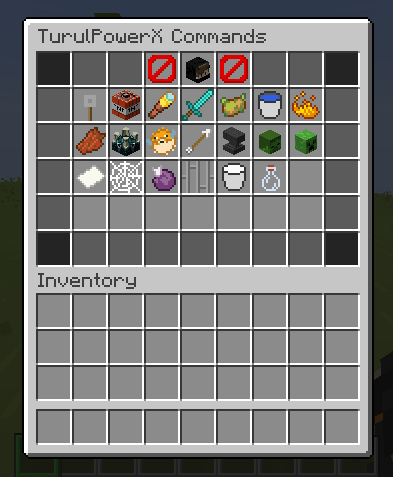
Custom gui: The plugin has a custom gui and erasy to use.
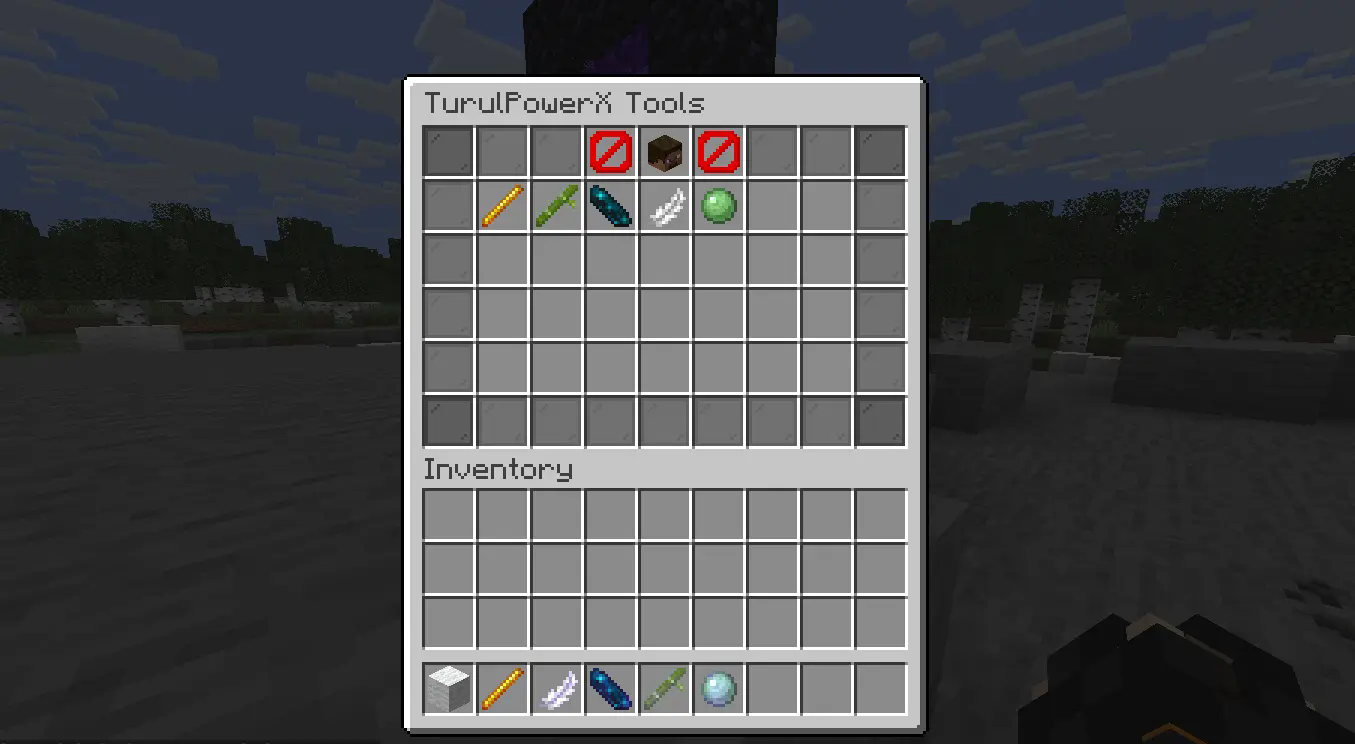
Custom tools: The plugin has a custom tools to use.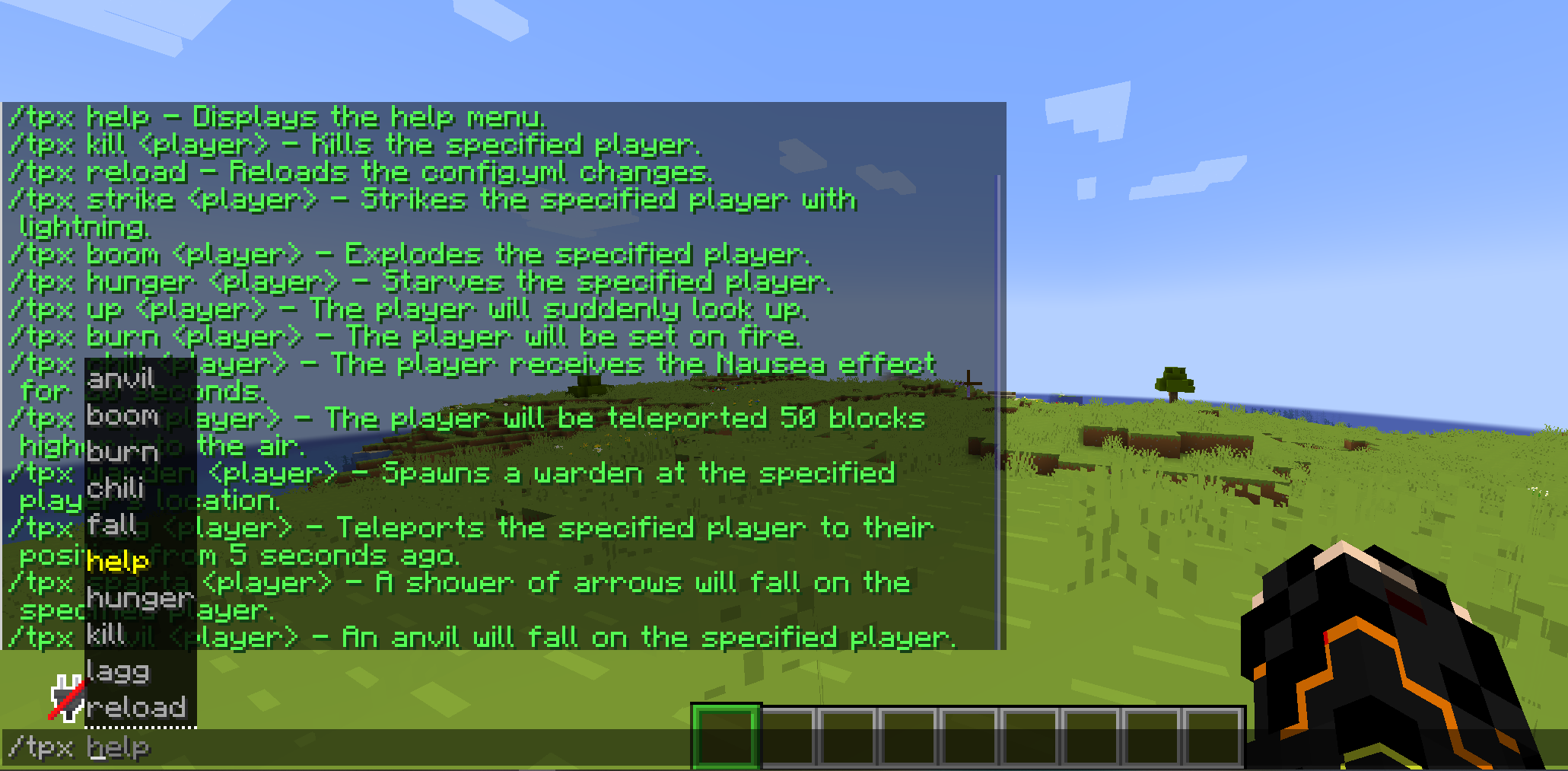
Commands:
- /tpx strike: Strikes the specified player with lightning.
- /tpx kill: Kills the specified player.
- /tpx help: Provides information about the plugin's commands.
- /tpx up: The player will suddenly look up.
- /tpx reload: Reloads the config.yml changes.
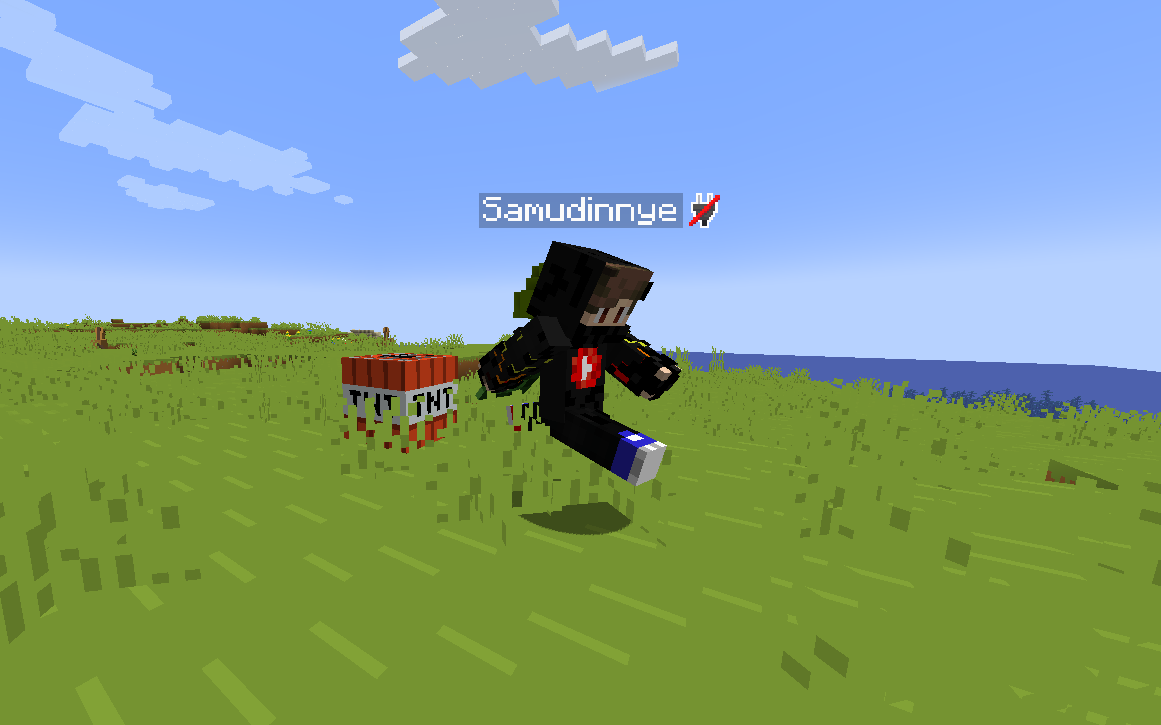
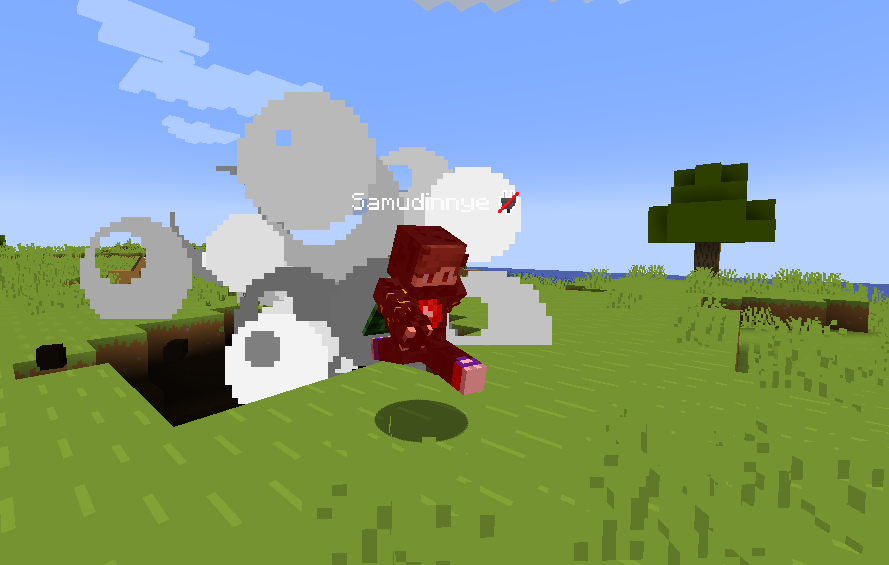
- /tpx boom: Explodes the specified player.
- /tpx hunger: Starves the specified player.
- /tpx chili: The player receives the Nausea effect for 20 seconds.
- /tpx fall: The player will be teleported 50 blocks higher into the air.
- /tpx warden: Spawns a warden at the specified player's location.
- /tpx lagg: Teleports the specified player to their position from 5 seconds ago.
- /tpx sparta: A shower of arrows will fall on the specified player.
- /tpx anvil: An anvil will fall on the specified player.
- /tpx fakecrash: The specified player will be kicked with the reason 'Server crashed'.
- /tpx creeper: Summons a specified number of creepers on the given player.
- /tpx zombie: Summons a specified number of zombies on the given player.
- /tpx invisible: Toggles the visibility of the given player.
- /tpx drop: The item held by the given player will be dropped.
- /tpx down: The given player will be teleported 3 blocks down.
- /tpx down: The given player will be teleported 3 blocks down.
- /tpx cobweb: The specified player will be surrounded by cobwebs for 10 seconds.
- /tpx box: The specified player will be trapped in a box for 10 seconds.
- /tpx justrun: The specified player must run for 1 minute, or they will die if they stop.
- /tpx spin: The specified player will spin for 10 seconds.
- /tpx headswap: Two specified players will swap heads for 10 seconds.
- /tpx fakeop: The specified player will receive a fake message: 'You are now an Operator.'
- /tpx confused: The specified player will have reversed movement controls for 10 seconds.
- /tpx gui: The TurulPowerX menu is open
Tools:
- /tpxt float_stick
- /tpxt freeze_stick
- /tpxt knockback_stick
- /tpxt slip_stick
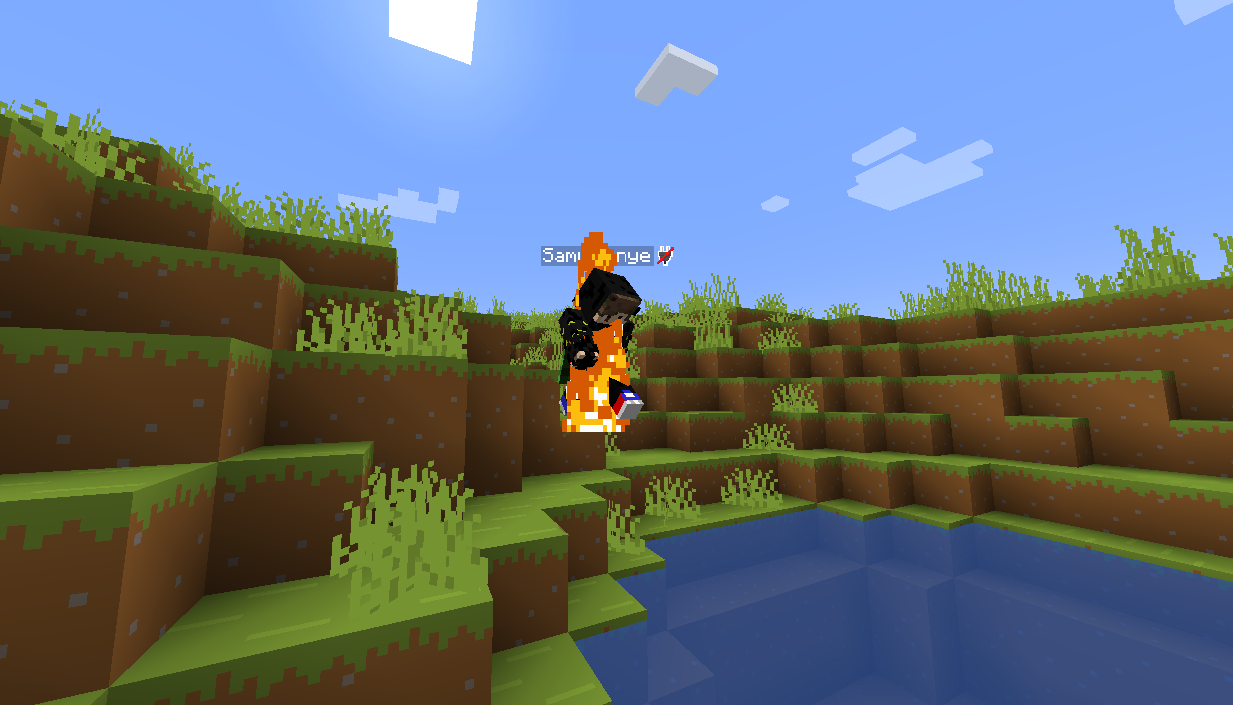
- /tpxt strike_stick
Settings:
Languages:
- English (en)
- Hungarian (hu)
- German (de)
- French (fr)
- Spanish (es)
- Italian (it)
Permissions: 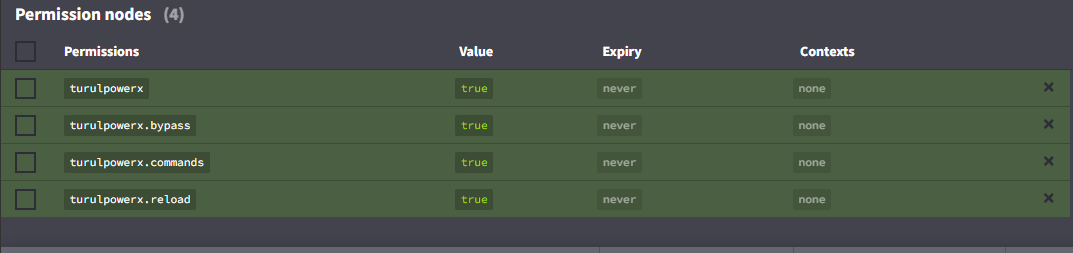
TurulPowerX is an easy-to-use and customizable plugin that enhances the gaming experience and allows servers to offer fun commands and events to players.