


Staffplus
Staff moderation plugin with advanced commands and full support for Minecraft 1.17 - 1.21.11
📖About Staffplus





Staff++ is a modernized and feature-rich moderation plugin for Minecraft servers, providing administrators and moderators with powerful tools to manage their communities effectively.
Staff++ is maintained as an open collaboration project.
What is Staff++?
Staff++ is a comprehensive moderation plugin that bridges professional server management with ease of use. It combines advanced features for handling player reports, staff gadgets, and administrative controls in one unified package. Whether you're running a small community server or a large network, Staff++ adapts to your needs with a clean architecture and zero problematic dependencies.
Key Features:
- Advanced Moderation - Freeze players, Vanish mode, Examine inventories, Real-time alerts
- Staff Gadgets - Freecam, ItemRadar, XRay, NightVision, Invisible mode
- Ticket System - Automated player reports and comprehensive ticket management
- Multi-Language - Full support for 12 languages (EN, ES, DE, FR, IT, PT, NL, HR, HU, NO, SV, ZH)
- Flexible Storage - YML flat file or MySQL database support
- Modern Architecture - Clean codebase with version-specific adapters for all supported Minecraft versions
Special thanks to the Spigot and Paper communities for their continuous support and feedback!
Supported Versions
Staff++ supports Minecraft Java Edition versions 1.17 through 1.21.11 across all major server software:
- Spigot - Complete support
- Paper - Full compatibility with latest versions
- Bukkit - Full Bukkit API compliance
Each version includes a dedicated version adapter ensuring optimal performance and compatibility.
For detailed compatibility information, see the WIKI.
Setting Up
Take a look here for comprehensive installation and configuration guides.
Commands
User Commands
- /report: Report a player for misconduct.
- /ticket: Create and manage support tickets.
- /notes: View notes about players.
- /login: Staff login (if you have permission).
- /register: Register a staff password (if you have permission).
- /changepassword: Change your own password.
Staff Commands
- /staff: Toggle staff mode.
- /freeze: Freeze or unfreeze a player.
- /examine: Examine a player's inventory.
- /cps: Run a clicks-per-second test on a player.
- /sc: Toggle and use staff chat.
- /warn: Warn and manage player warnings.
- /vanish: Toggle vanish mode.
- /chat: Manage global chat.
- /alerts: Manage alerts.
- /follow: Follow a player.
- /revive: Revive a player.
- /personnel: List staff members.
- /strip: Strip a player's armor.
- /clear: Clear a player's inventory.
- /resetPassword: Reset a user's password.
Note: All commands are subject to change. See documentation for details and permissions.
Links:
Demo Video
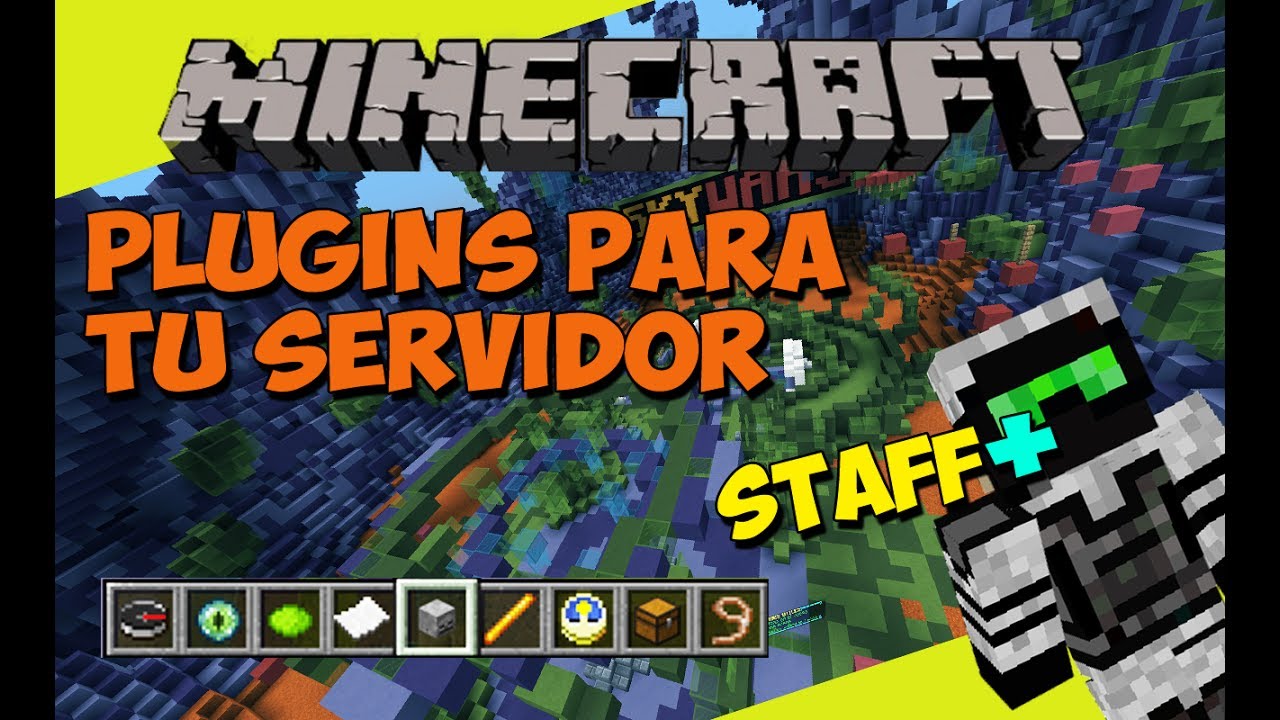
- Documentation: WIKI - Complete Guide
- GitHub: https://github.com/Anonimus1221/staff-plus
- License: MIT
- Supported Servers: Spigot, Paper, Bukkit
Contributing
Requirements
- Java 8 or higher
- Maven 3.8.1+
- Git
Build Instructions
Clone the repository
git clone https://github.com/Anonimus1221/staff-plus.git
cd staff-plus
Run Maven build
mvn clean package -DskipTestsLocate compiled artifacts
- Main plugin:
StaffPlusCore/target/Staff+.jar - Version adapters:
v1_XX_RX/target/v1_XX_RX-5.0.0.jar(for each version)
- Main plugin:
The build system automatically creates 14 JAR files: 1 API, 1 Core plugin, 1 Bungee adapter, and 11 version-specific adapters.
Contributing
Any contributions are appreciated. Feel free to reach out on GitHub if you're interested in helping improve Staff++.
Libraries Used:
- HikariCP - Database connection pooling
- Apache Commons Lang - Java utilities
- Bcrypt - Password hashing
- SLF4J - Logging framework
- Spigot/Paper API - Server development kit
Configuration
Main Files
Configuration files are located in plugins/StaffPlus/:
config.yml- Main plugin configurationmessages.yml- Localization stringspermissions.yml- Permission structure
Installation
- Download
Staff+.jarfrom releases - Place in
plugins/folder of your Minecraft server - Restart server - plugin auto-generates config
- Configure
plugins/StaffPlus/config.ymlas needed
System Requirements
- Java 8 or higher
- Minecraft 1.17 - 26.1
- At least 2GB RAM (4GB+ recommended)
- Spigot, Paper, or Bukkit server