
Simple Voice Radio 📻
Plugin that adds a radio block that lets players communicate over distances
📖About Simple Voice Radio 📻
 Radio - Simple Voice Chat Integration
Adds radio blocks with a frequency-based broadcasting system — talk with teammates, stream music, run a news station, or build anything else you can imagine, all across large distances.
 Features
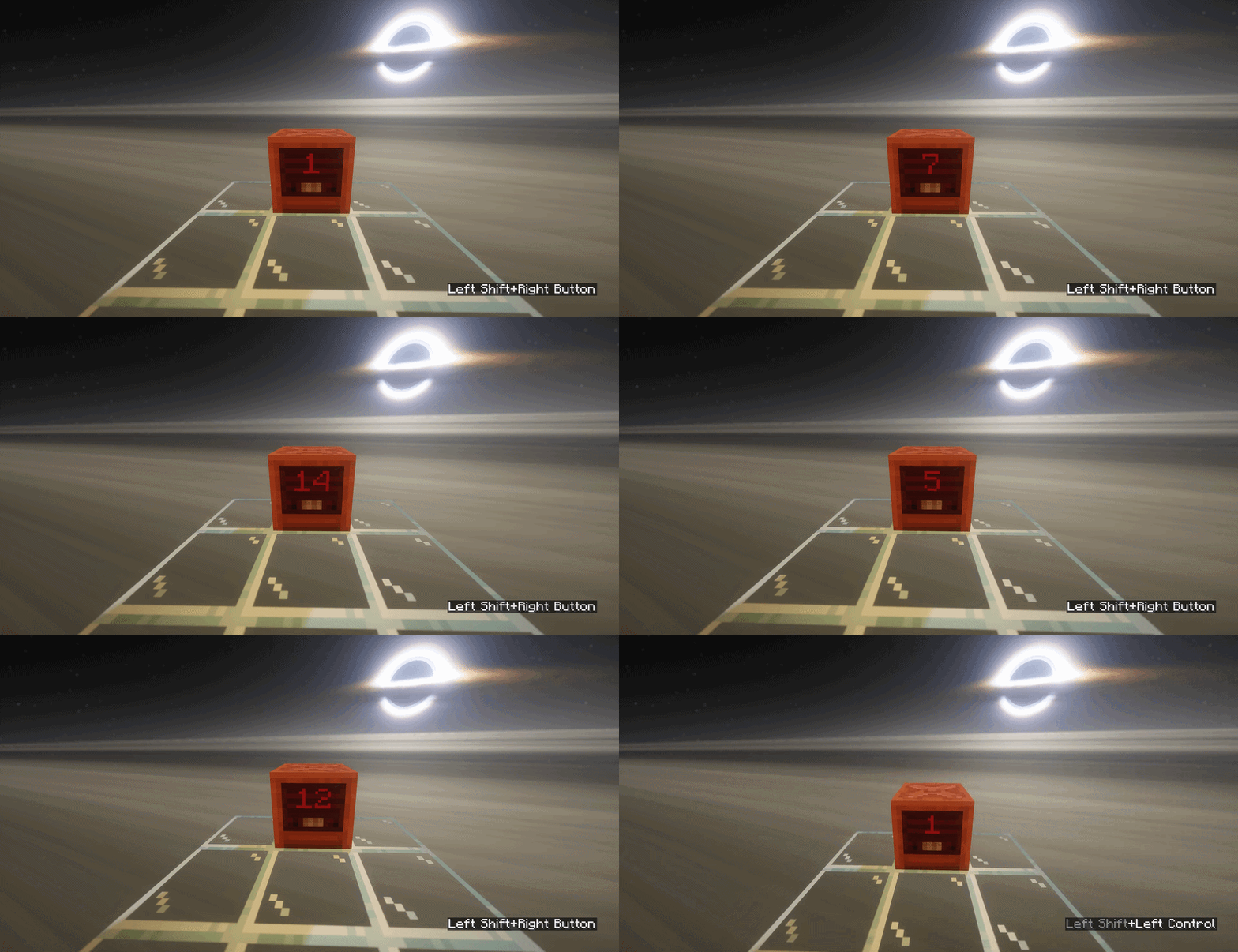
📡 Frequency System — Every radio block operates on a set frequency. Only radios sharing the same frequency can communicate with each other.
🔄 Modes
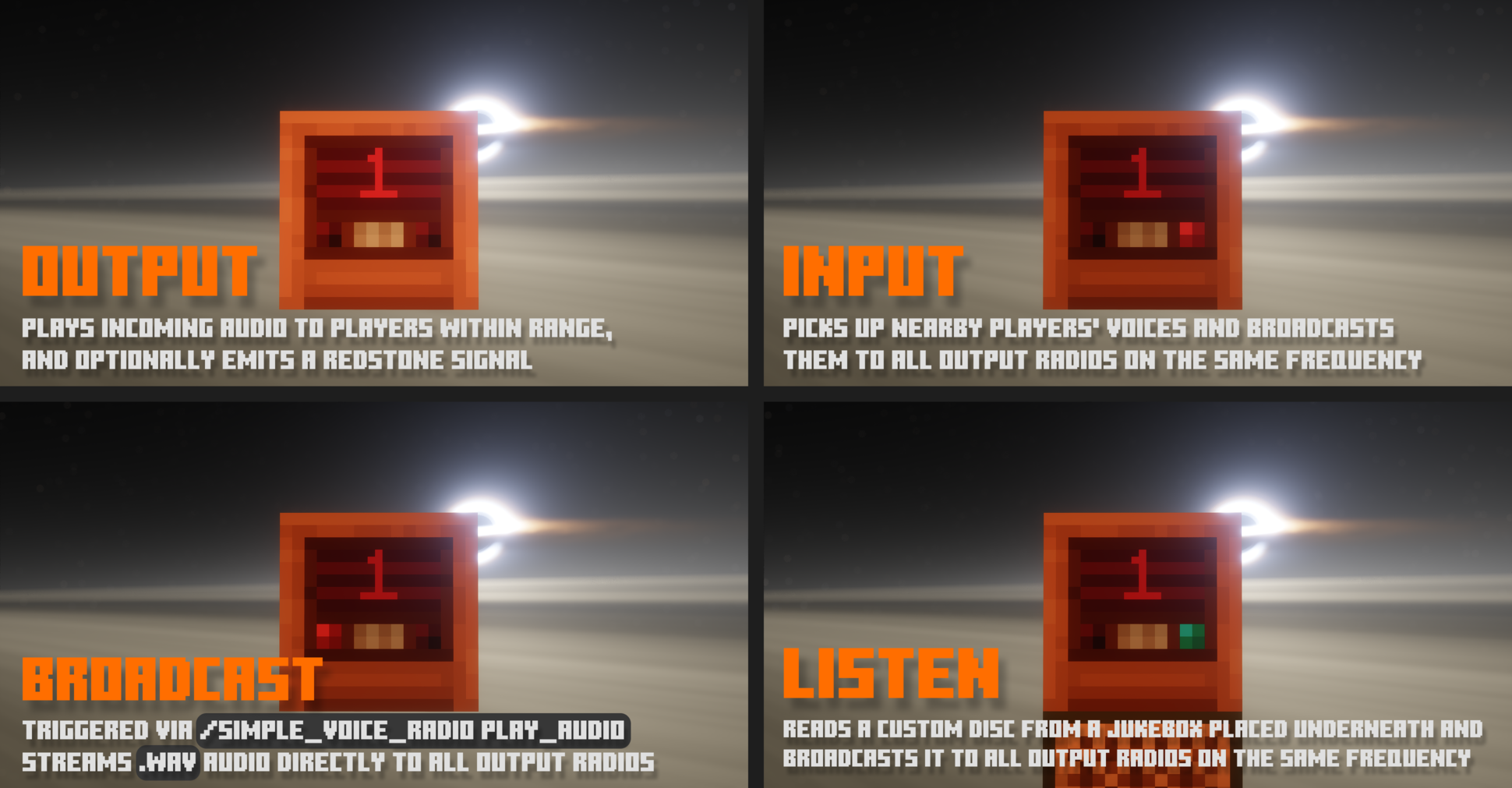
| Input — Picks up nearby players' voices and broadcasts them to all Output radios on the same frequency
| Output — Plays incoming audio to players within range, and optionally emits a redstone signal
| Broadcast — Triggered via /simple_voice_radio play_audio streams .wav audio directly to all Output radios
| Listen — Reads a custom disc from a jukebox placed underneath and broadcasts it to all Output radios on the same frequency
📶 Redstone Signal Output — Output radios can emit a redstone signal from 1 to 15 based on how close the nearest player is to the paired Input radio (optional)
⚡ Redstone Frequency Control — Set a radio's frequency dynamically using a redstone signal applied to the block (optional, may conflict with signal output system)
🎨 No Resource Pack Needed — All visuals are built with Display Entities — no client-side setup required
🪞 Custom Skins — Since 0.0.4: load your own per-state textures using BlockBench texture format
📻 Radio Effect — Since 0.0.4: real-time audio filtering adds static and tone shaping to simulate the feel of an old analog radio
⚙️ Fully Configurable — Tune detection range, frequency limits, chunk limits, crafting recipe, item name & lore, skins, audio filters, and more
 Command Tree
/simple_voice_radio
↳ reload - reloads the plugin's config 🔄
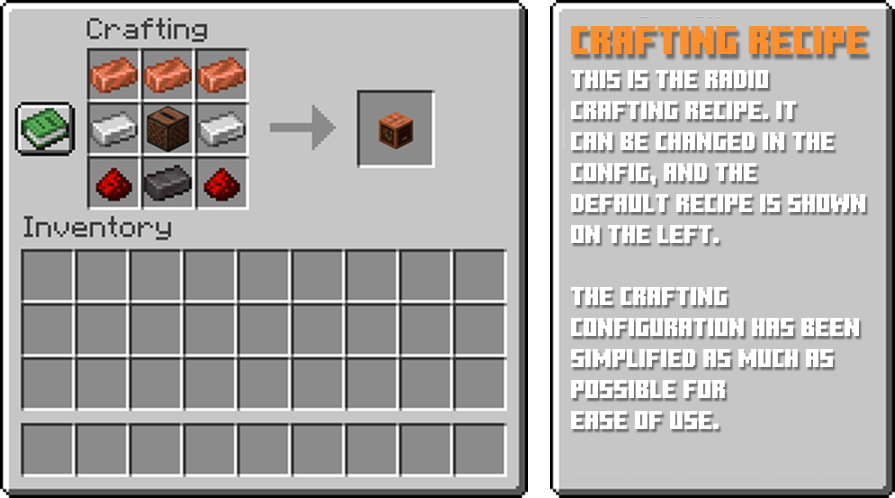
↳ view_craft - shows the radio crafting recipe 👁️
↳ give <target> - gives a radio item to the target 🎁
↳ play_audio - plays .wav audio directly to all Output radios 📢
↳ url <url> - audio will be downloaded from the given URL 🔗
↳ file <file> - audio will be loaded from a .wav file 📁
↳ stop - stops the currently playing audio 🛑
 Requirements
🎤Simple Voice Chat📚Packet Events💽Custom Discs SVC (optional — required for Listen mode)
 Support
- Need help? Join our Discord
- Found a bug? Report it on Discord!
 Preview
For more images - see gallery
Different modes
Frequency Switching