Logo
MINECRAFTBIBLE
Items
Items

All game items

Blocks
Blocks

Building blocks

Mobs
Mobs

Creatures & monsters

Biomes
Biomes

World biomes

Structures
Structures

Generated structures

Recipes
Recipes

Crafting guides

Advancements
Advancements

Achievements

Loot Tables
Loot Tables

Drop rates

Tags
Tags

Item groupings

All Versions
View all data →
Capes
Cape ArchiveNEW

Browse rare Minecon capes, OptiFine capes, and custom capes from players worldwide

Browse

Player Database
Player DatabasePopular

Search any player

Skin Browser
Skin Browser

Browse & download skins

Cape Gallery
Cape GalleryNEW

Minecon & OptiFine capes

Seed Vault
Seed Vault

Curated seeds

Learn

Guides
GuidesNew

Tutorials & tips

Blog
Blog

News & updates

Community

Community Hub
Community HubHub

Posts, discussions & more

All Versions
View community →
Seed Analyzer
Seed Analyzer

World seed analysis

Loot Explorer
Loot Explorer

Drop rates

Crafting Calculator
Crafting Calculator

Material planning

Enchant Calculator
Enchant Calculator

Probability math

Redstone Lab
Redstone Lab

Signal timing

Trading Profit
Trading Profit

Villager ROI

All Versions
View all tools →
Mods
Mods

Browse all mods

Plugins
Plugins

Server plugins

Resource Packs
Resource Packs

Textures & sounds

Shaders
Shaders

Visual enhancements

Datapacks
Datapacks

World logic

Scanner
Mod Intelligence

Scan & analyze any mod

All Versions
View all mods →
Loading...
IntroductionIntroductionVersion HistoryVersion HistoryGuidesGuidesBlog & NewsBlog & News
ItemsItemsBlocksBlocksMobsMobsRecipesRecipesBiomesBiomesStructuresStructuresAdvancementsAdvancementsLoot TablesLoot TablesTagsTags
ModsModsPluginsPluginsResource PacksResource PacksShadersShadersDatapacksDatapacks

MinecraftBible

The Ultimate Wiki

Logo
MINECRAFTBIBLE

The ultimate Minecraft reference. Every item, block, mob, and recipe documented with precision.

Community

  • Skin Browser
  • Cape Gallery
  • Seed Vault
  • Blog
  • Guides

Database

  • Items
  • Blocks
  • Mobs
  • Recipes
  • Biomes
  • Structures

Tools

  • Seed Analyzer
  • Mod Intelligence
  • Crafting Calculator
  • Enchant Calculator

Mods & Packs

  • Mods
  • Plugins
  • Resource Packs
  • Shaders
  • Datapacks

Site & Legal

  • About
  • Authors
  • Editorial Policy
  • Corrections
  • Contact
  • Privacy Policy
  • Terms of Service
  • DMCA
  • Sitemap

© 2026 MinecraftBible. Not affiliated with Mojang or Microsoft.

PrivacyTermsContact
RessourcefulBeesLike
PluginMIT

RessourcefulBeesLike

ResourcefulBeesLike adding customizable bees for resource gathering, breeding hybrids, and upgradable hives.

176
Downloads
2
Followers
1 years ago
Updated
📦
6
Versions
adventuregame-mechanicsmobsfoliapaperspigot
Download Latestv1.0.2View on Modrinth

📖About RessourcefulBeesLike

ResourcefulBeesLike

Welcome to the official repository for the ResourcefulBeesLike plugin, a Spigot plugin inspired by the popular Minecraft mod "Resourceful Bees". This plugin introduces a unique beekeeping system where bees can gather resources, mutate, and be bred to create powerful hybrids.

Features

  • Material-Based Bee Species: A variety of bee species linked to different in-game materials such as metals, gems, and more.

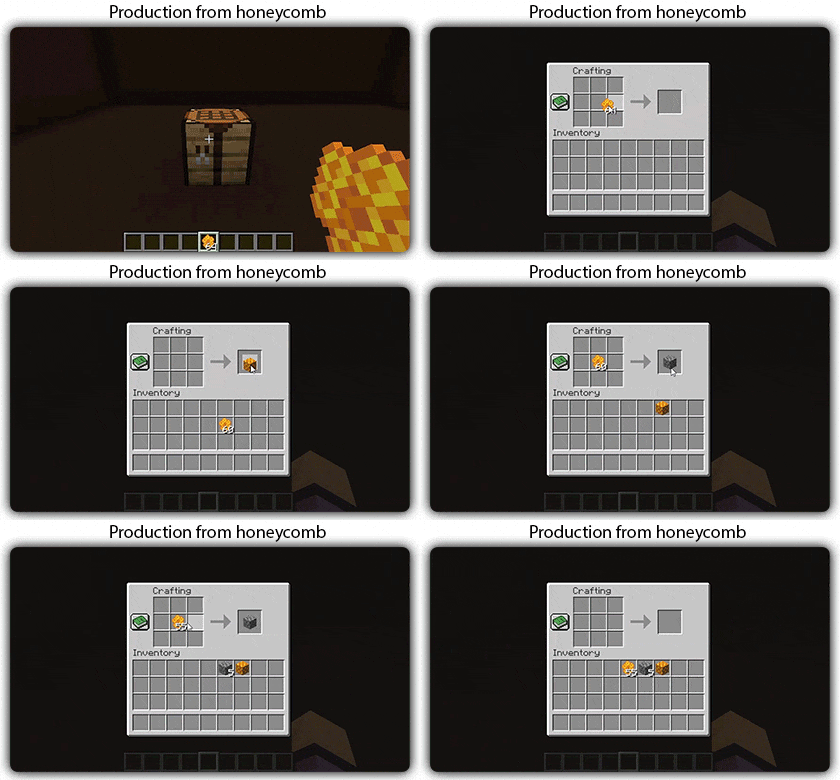
Material Bee Spawning
Production from honeycomb

  • Upgradable Beehives: Construct and upgrade beehives with custom crafting recipes for improved resource efficiency.
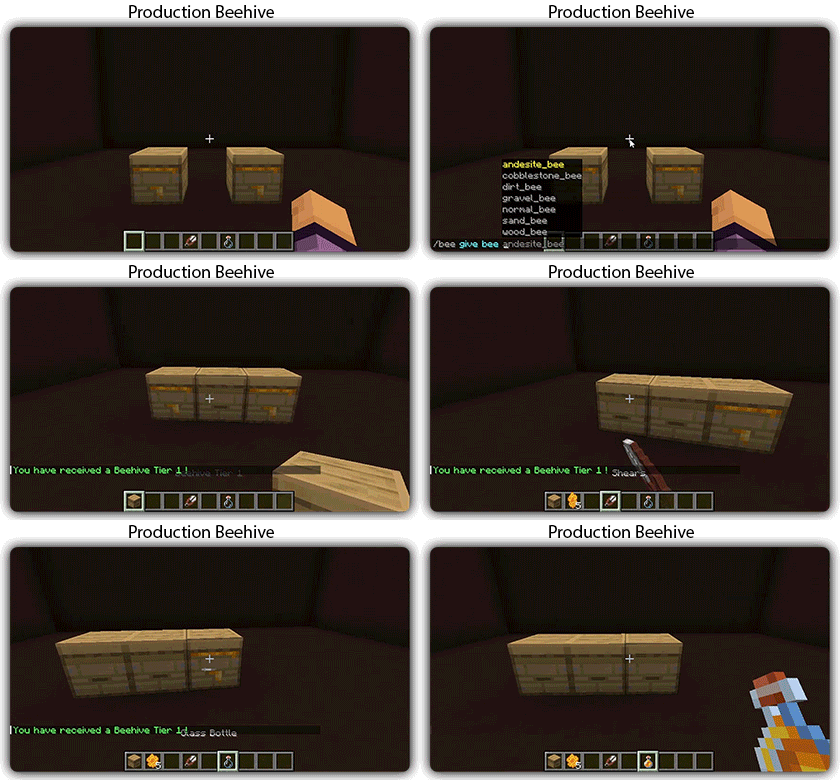
Beehives

  • Mutation Mechanics: Bees can mutate when passing over specific blocks, which are configurable, adding a dynamic element to beekeeping.
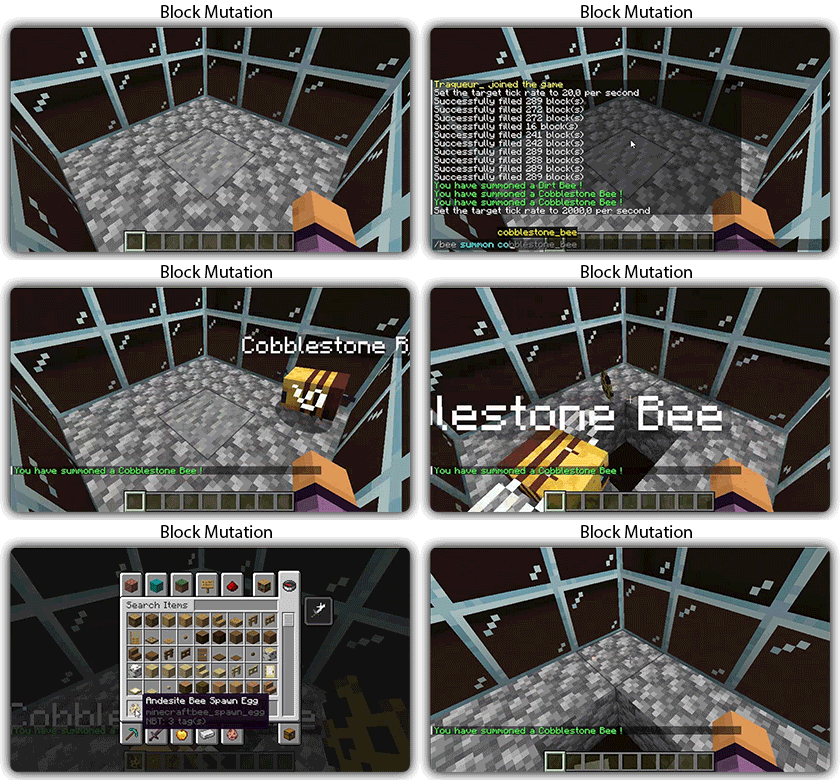
mutations

  • Breeding and Hybrids: Breed bees to create hybrid species with unique traits and enhanced abilities.
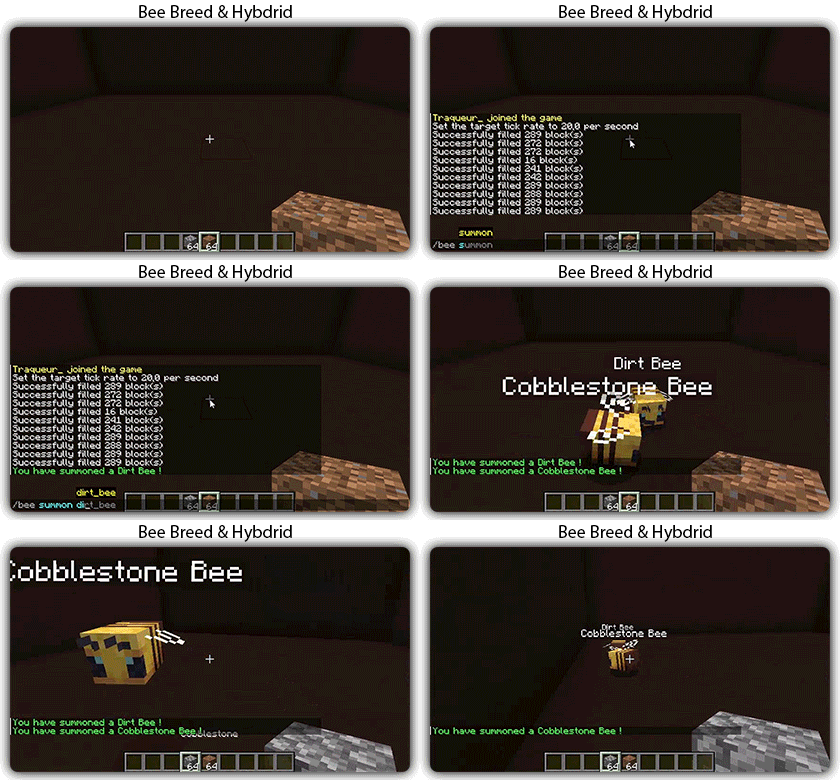
breed

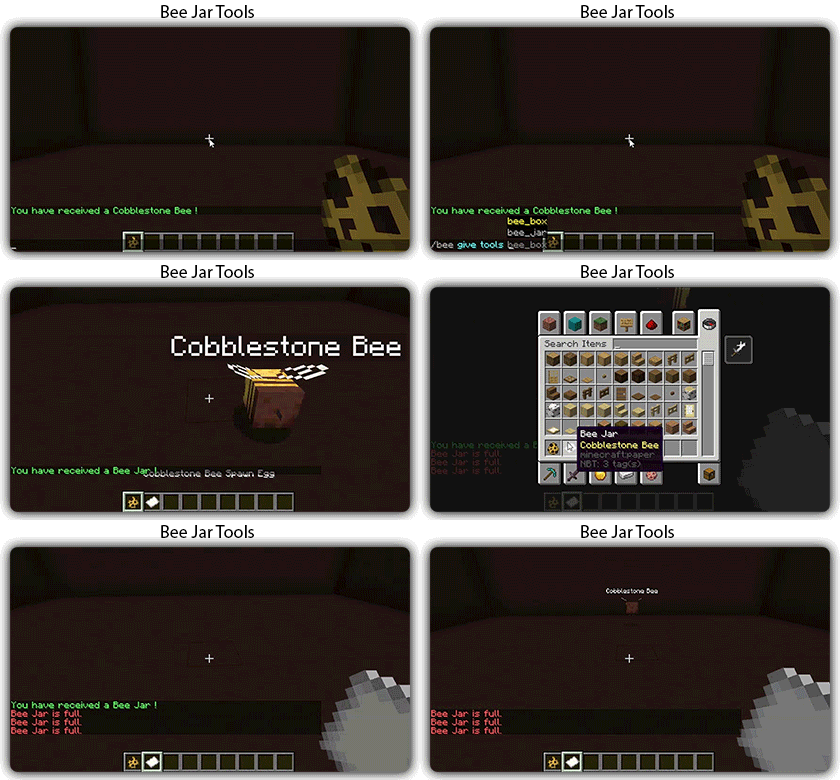
  • New Items Tools: Bee box and Bee jar to store one or multiple bees.
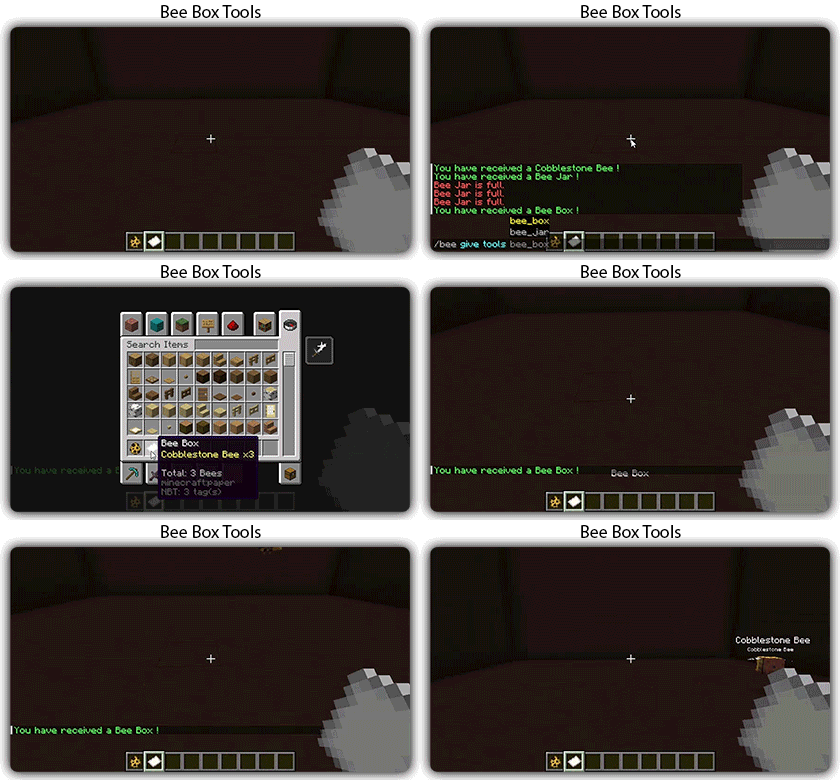
beebox
beejar

  • Customization and Configuration: Extensive configuration options to tailor bee behaviors, mutations, and breeding mechanics to your server's needs.
  • API for Addon Development: Robust API to create addons and extend the plugin’s functionality.

Installation

  1. Download the Plugin: Get the latest version of the plugin.
  2. Place in Plugins Folder: Drop the downloaded .jar file into your server's plugins folder.
  3. Restart Server: Restart your server to load the plugin.

Configuration

The plugin comes with a comprehensive configuration file that allows you to customize bee behaviors, hive upgrades, mutation blocks, and more. After the first run, you'll find the configuration files in the plugins/ResourcefulBeesLikePlugin directory.

Documentation soon...

Issues

If you encounter any issues or have suggestions for new features, please report them on the issue tracker.

👥 Team & Contributors

Traqueur_
Traqueur_Owner

⚙️ Compatibility

Environment
🖥️ Server-side
Loaders
foliapaperspigot
Minecraft Versions
1.20.41.20.51.20.61.211.21.1

🔗 Links

Modrinth Page