

ResourceWorldResetter
ResourceWorldResetter is a Spigot/Paper plugin or automated resource-world resets with scheduling, preflight safety gates, region resets, and admin tools.
📖About ResourceWorldResetter
ResourceWorldResetter
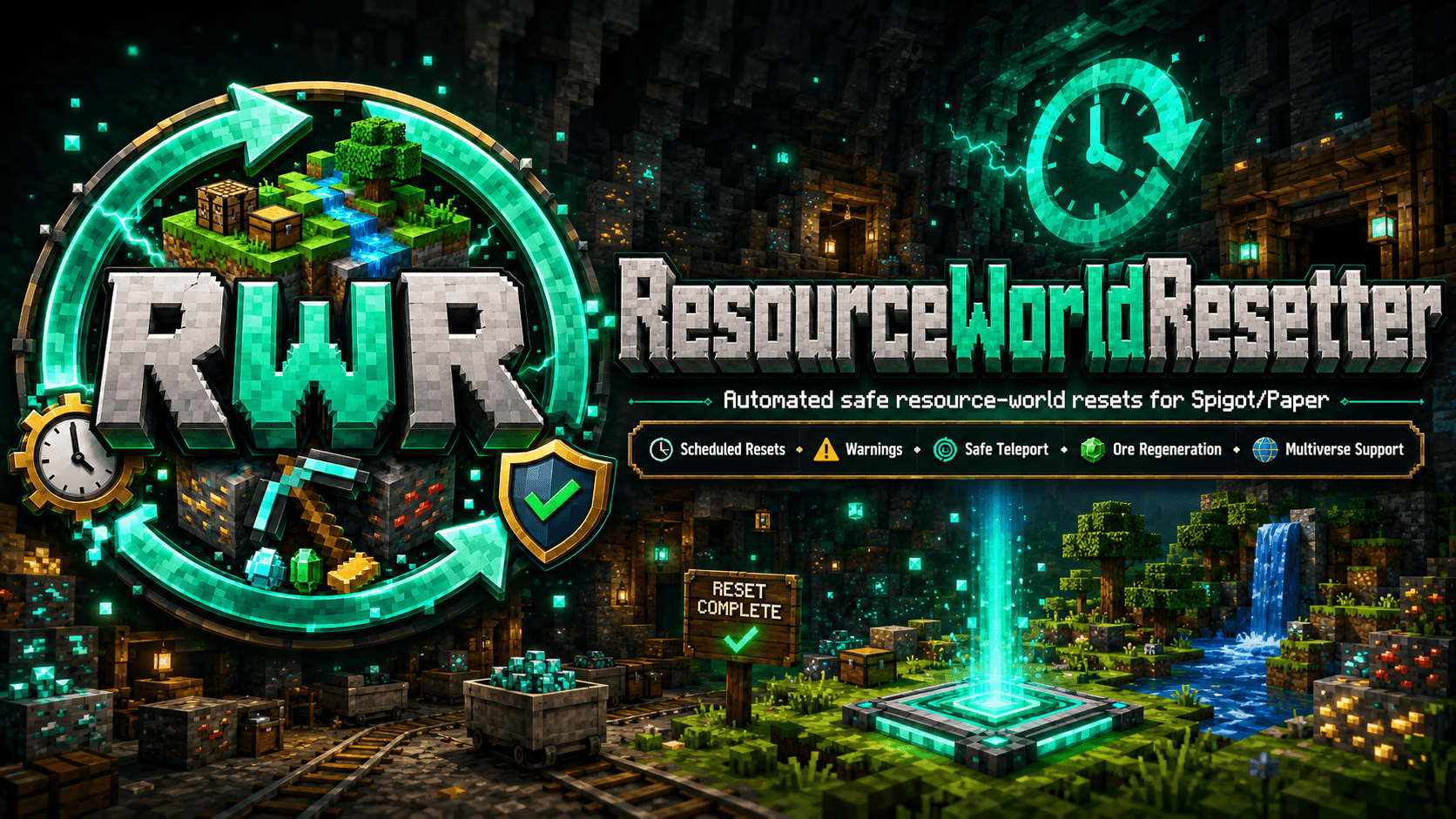
ResourceWorldResetter is a Spigot/Paper plugin built to keep your resource world fresh without manual upkeep. It automates scheduled resets, warns players before action is taken, and gives staff the controls they need to manage the full reset lifecycle safely.
What it does
It handles recurring resource-world resets, preflight validation, evacuation, deletion, recreation, verification, and recovery. Instead of relying on ad hoc scripts or manual world wipes, you get a structured reset pipeline with clear status and admin visibility.
Key features
- Daily, weekly, or monthly reset schedules
- Configurable warning intervals before a reset starts
- Preflight safety gates for TPS, player count, and disk checks
- Delay, abort, and force controls for safer operations
- Region-based partial resets for more targeted cleanup
- Reset status visibility with
/rwr status - Admin GUI, world teleport menu, reset history, and resume support
- Compatible with RTP plugins such as EssentialsX and AuraUtils
Commands
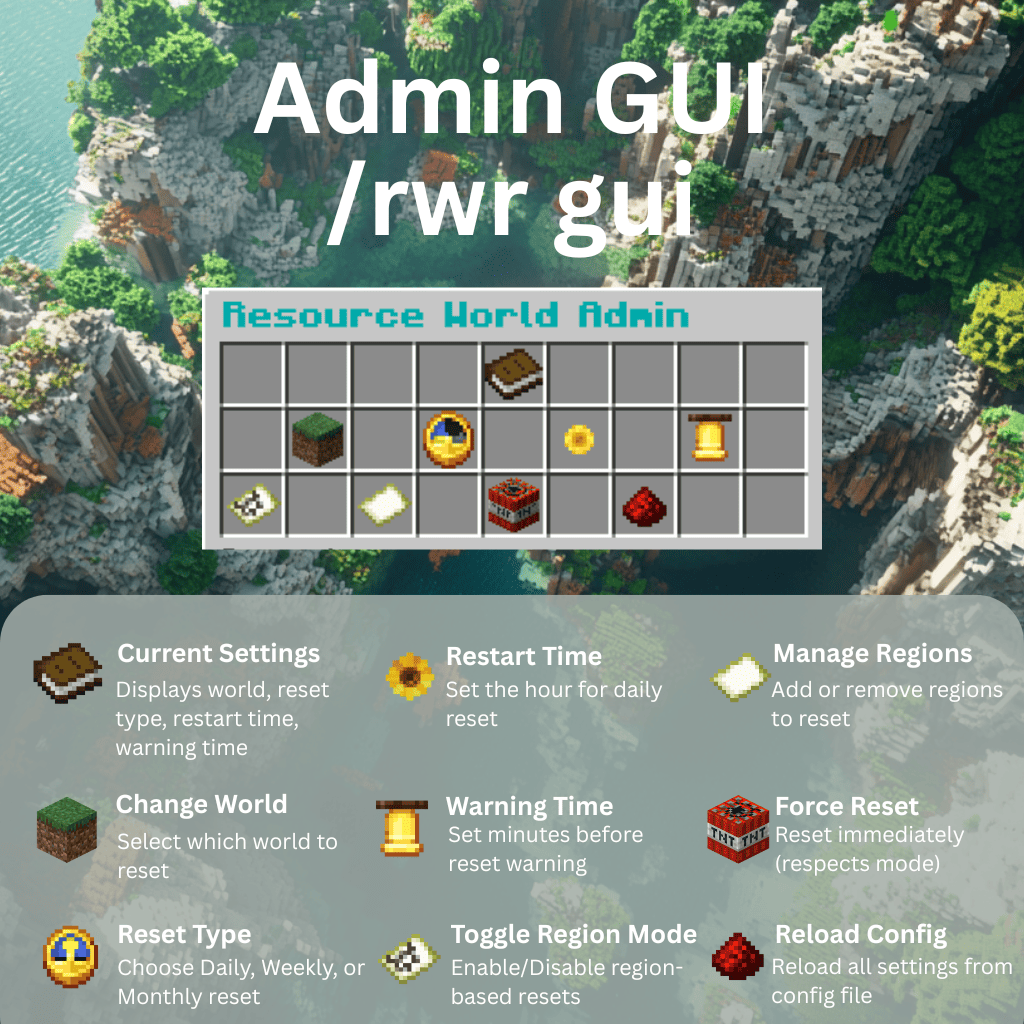
All functionality is exposed through the /rwr command tree.
/rwr help- view the live command list/rwr gui- open the admin GUI/rwr status- inspect the current reset phase, schedule, and failures/rwr next- view the next reset time and warning countdown/rwr reset dry-run- run preflight checks without changing worlds/rwr reset now- force an immediate full reset/rwr resume- continue an incomplete reset after interruption/rwr history [count]- view recent reset history/rwr region add <name> <x1> <z1> <x2> <z2>- define a region reset area/rwr region enableand/rwr region disable- toggle region resets
Permissions
resourceworldresetter.admin- grants all admin/rwrcommands and GUI actionsresourceworldresetter.tp- allows/rwr tpfor the optional world selection GUI
By default, resourceworldresetter.admin is assigned to op and resourceworldresetter.tp is true.
Ideal for
- Servers that want a consistently fresh resource world
- Networks that need automated resets with admin oversight
- Communities that want safer resets with warning and abort options
Support
Join the Discord for help, updates, and release discussion: https://discord.gg/kbKZzxDETU