Redox Kits
The ultimate kits plugin for Practice servers
Redox Kits is a highly optimized and feature-rich kits plugin designed specifically for Minecraft practice servers. With extensive customization options and a built-in kit layout editor, it's everything you need to manage player kits efficiently.
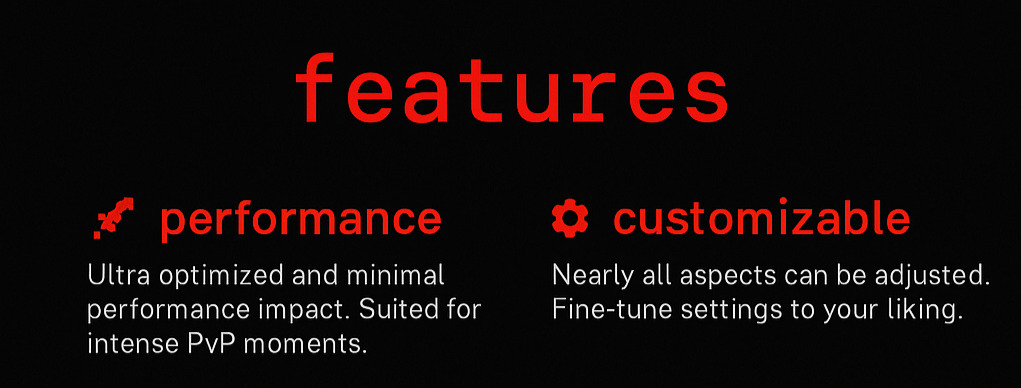
✨ Key Features
🚀 High Performance
- Optimized specifically for practice servers
- Minimal impact on server performance
- Smooth operation even with high player counts
- Efficient memory usage and processing
- Fastest and the Smoothest Kit Plugin you would ever see, and its FREE
⚔ Kit Settings
- Kit Block Placing Enable/Disable
- Kit Block Breaking Enable/Disable
- Natural Regen Enable/Disable
- ViewDeathInventory Enable/Disable
- 33% Damage Boost Enable/Disable
- Crafting Enable/Disable
- Heal on Kit Give Enable/Disable
- Disable Hunger Loss Enable/Disable
- Effects on Give
- Clear Effect on Give Enable/Disable
⚙️ Extensive Customization
- 95% of features are configurable
- Customize almost every aspect of the plugin
- Flexible configuration options
- Tailor the plugin to your specific server needs
✨ Modern Architecture
- Built with modern Paper and Bukkit APIs
- Uses MiniMessage format for enhanced formatting
- Clean, maintainable codebase
- Regular updates and improvements
📋 Kit Management
Three Types of Kit Editors
Redox Kits provides three comprehensive kit editing interfaces:
- Kit Inventory Editor - Manage items in kit inventories
- Armor Editor - Configure armor sets for each kit
- Ultimate Items Editor - Set special items and effects
Fully Configurable Menus
- Every menu item is completely editable
- Custom layouts and designs
- Optimized for the best performance
- Intuitive user interface
💬 Message System
All plugin messages are fully configurable:
prefix: "&c[RedoxKits] &r"
kit-received: "&aYou have received the %kit_name% kit!"
cooldown-active: "&cKit cooldown: %time_left%"
no-permission: "&cYou don't have permission to use this kit!"
kit-not-found: "&cKit '%kit_name%' not found!"
🛠️ Installation
- Download the latest version of Redox Kits
- Place the
.jar file in your server's plugins folder
- Restart your server
- Configure the plugin in
plugins/RedoxKits/config.yml
- Set up your kits using the in-game editor or configuration files
⚡ Quick Start
Create your first kit:
/kit create <kitname>
Edit kit contents:
/kit edit <kitname>
Give a kit to a player:
/kit give <player> <kitname>
Set kit permissions:
redoxkits.kit.<kitname>
🎯 Perfect for Practice Servers
Redox Kits is specifically designed for practice servers and includes features like:
- Fast kit switching
- Cooldown management
- Permission-based access
- PvP-optimized configurations
- Tournament and event support
- Per Kit settings matching the MCTiers.io & MCTiers.com Kits
🔧 Configuration
The plugin offers extensive configuration options:
- Kit cooldowns and permissions
- Custom messages and formatting
- Menu layouts and designs
- Integration settings
- Performance optimizations
🤝 Support & Community
Need Help?
- Discord: Here
- Issues: Report bugs on our discord
- Support: Seek assistance direct from developers at our discord
Contributing
We welcome contributions! Please read our contributing guidelines before submitting pull requests.
📝 License
This project is licensed under the MIT License - see the LICENSE file for details.
Why Choose Redox Kits?
- Optimized Performance - Built specifically for practice servers
- Maximum Customization - 95% of features are configurable
- Easy Integration - Works with popular plugins
- Modern Technology - Uses latest Minecraft APIs
- Active Support - Regular updates and community support
- User-Friendly - Intuitive interfaces and commands
Don't let your practice server suffer without proper kit management!
Made with ❤️ for the Minecraft community
- Originally made by paceie.
- Being mantained by Kyssta.


