

PlayerX
It doesn't just perform basic functions, but uses a modular architecture, providing flexibility and extensibility for various administrative tasks.
📖About PlayerX

PlayerX is a revolutionary plugin for Minecraft, representing a new era in the development of admin tools! It does not just perform basic functions but utilizes a modular architecture, providing flexibility and expandability for various administrative tasks.
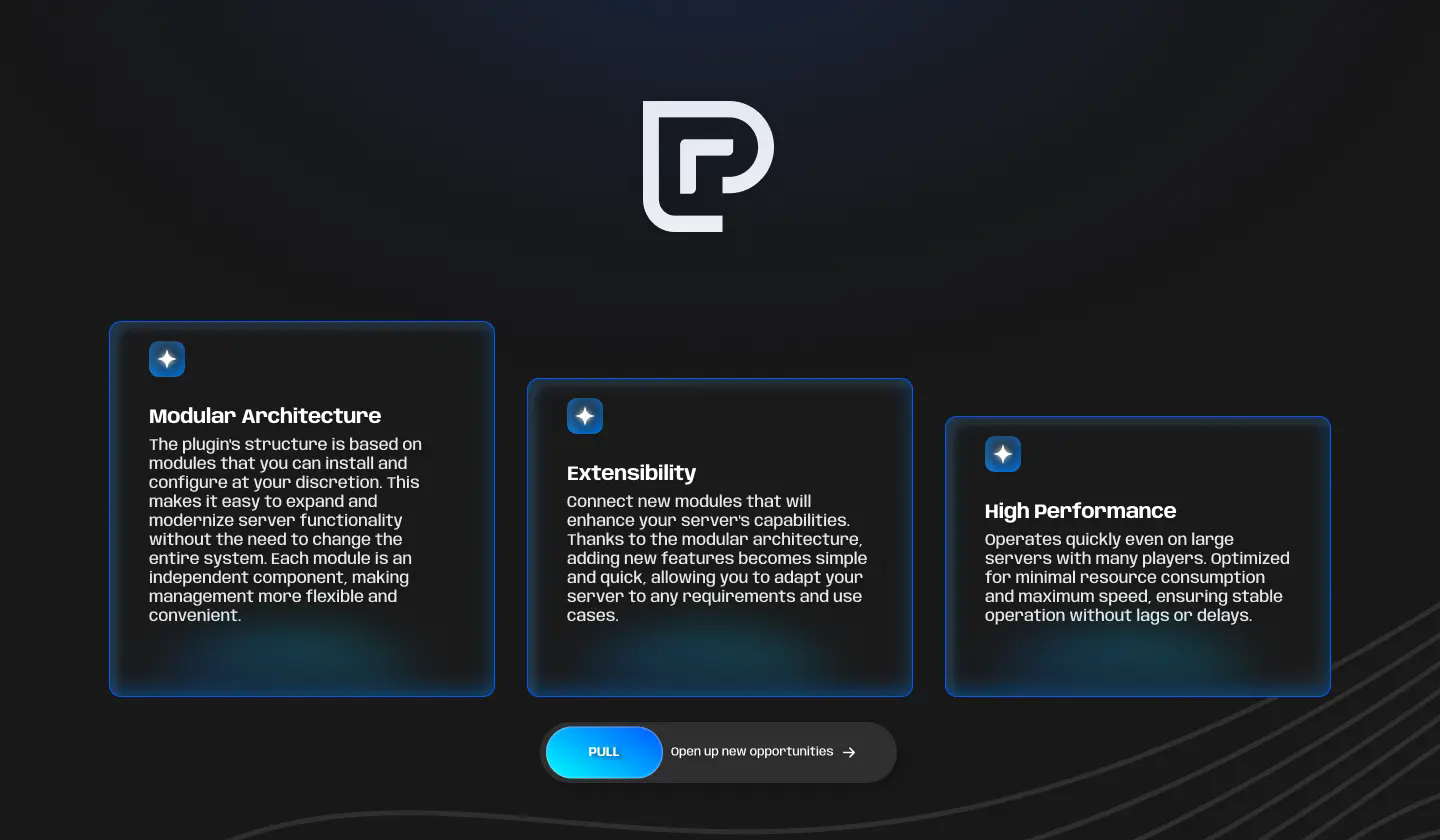
Modular Architecture
The plugin's structure is based on modules that you can install and configure at your discretion. This makes it easy to expand and modernize server functionality without the need to change the entire system. Each module is an independent component, making management more flexible and convenient.
Extensibility
Connect new modules that will enhance your server's capabilities. Thanks to the modular architecture, adding new features becomes simple and quick, allowing you to adapt your server to any requirements and use cases.
High Performance
Operates quickly even on large servers with many players. Optimized for minimal resource consumption and maximum speed, ensuring stable operation without lags or delays.
Compatibility
Platform: Paper/Spigot. Versions: from 1.16 to 1.20
Commands and Permissions
Commands:
- /playerx help
- /playerx reload
- /playerx module reload
- /playerx module load
Permissions:
playerx.admin
Installation
- Download the .jar plugin.
- Place the .jar into your server's plugins/ folder.
- Restart the server to generate configuration files.
Alternatively, use PlugManX to load the plugin.
- Edit the config.yml file (if necessary) and reload the plugin with the command /playerx reload.
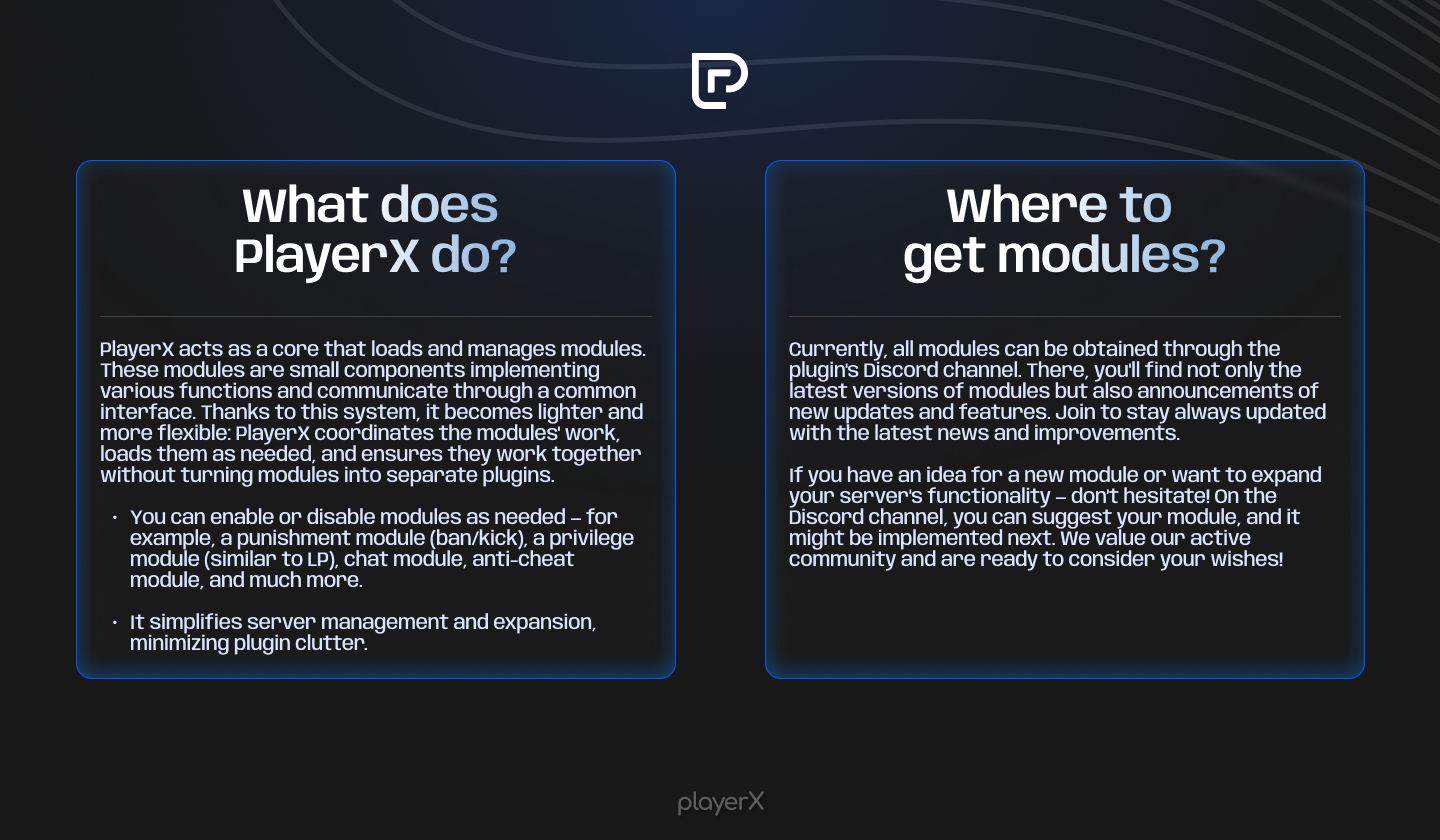
What does PlayerX do?
PlayerX acts as a core that loads and manages modules. These modules are small components implementing various functions and communicate through a common interface. Thanks to this system, it becomes lighter and more flexible: PlayerX coordinates the modules' work, loads them as needed, and ensures they work together without turning modules into separate plugins.
You can enable or disable modules as needed — for example, a punishment module (ban/kick), a privilege module (similar to LP), chat module, anti-cheat module, and much more.
It simplifies server management and expansion, minimizing plugin clutter.
Where to get modules?
Discord [Clickable Link]
GitHub [Clickable Link]
Майнкрафт
Спигот
Папер
Бумага
Баккит
Плагин
Плагины
Модуль
Модули
Minecraft
Spigot
Paper
Bukkit
Plugins
Plugin
Module
Modules
Лучшие плагины Minecraft
Модпак для Minecraft
Как установить плагины
Minecraft сервер плагины
Бесплатные плагины Minecraft
Плагины для Bukkit
Плагины для Spigot
Плагины на выживание
Плагины для economy
Защита сервера плагины
Плагины для economy
Плагины для защиты
Плагины для телепортации
Плагины для квестов
Создать плагин Minecraft
Создать свой мод Minecraft
Самые популярные плагины
Best Minecraft plugins
Minecraft modpack
How to install plugins
Minecraft server plugins
Free Minecraft plugins
Bukkit plugins
Spigot plugins
Survival plugins
Economy plugins
Server protection plugins
Economy plugins
Protection plugins
Teleportation plugins
Quest plugins
Create a Minecraft plugin
Create your own Minecraft mod
Most popular plugins