
MINECRAFTBIBLE
Loading...


Adds visible steps of the player
✨ Plugin Features:
⚙️ Optimization:
🔧 Ideal for:
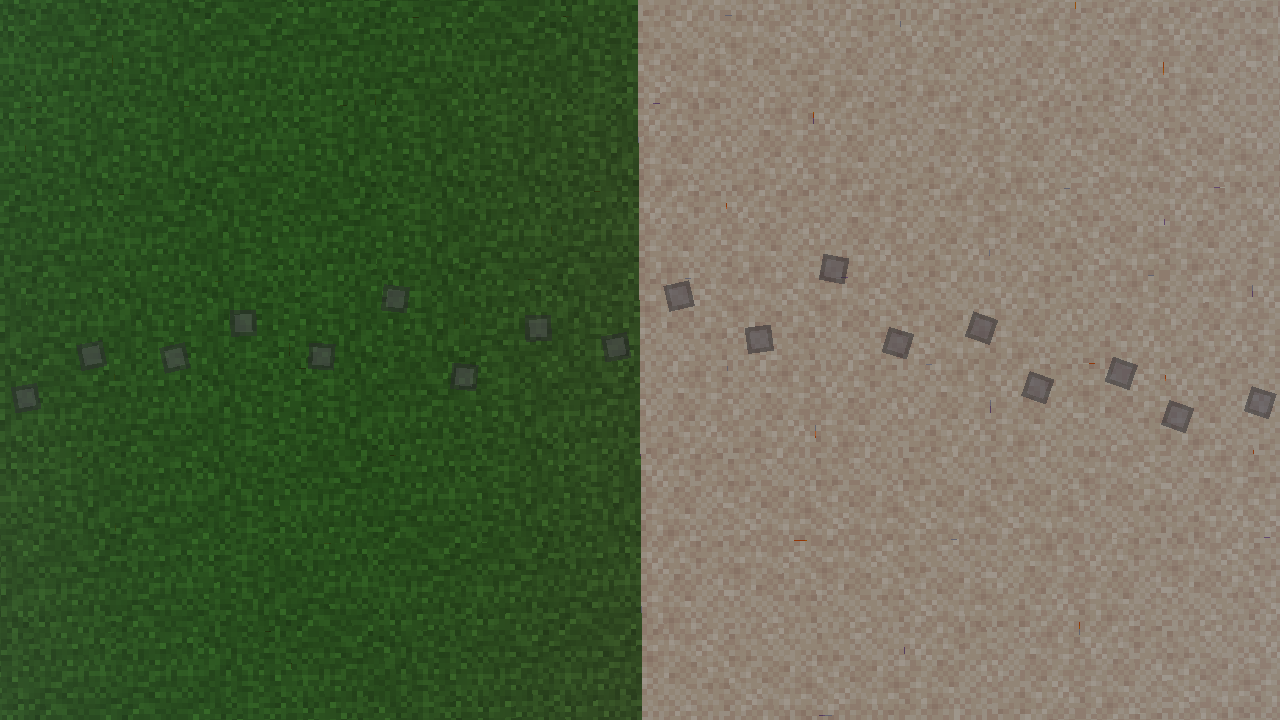
1. Create a standard resource pack. In the assets/minecraft folder, create two folders:
font
textures
2. In the /assets/minecraft/font folder, create a default.json file
An example of the contents of the default.json file:
{
    { “providers”: [
        {
            { “type”: { “bitmap”,
            { “file”: “minecraft:{your file name in the '/assets/minecraft/textures/yourfile'} folder”,
            “ascent": 9,
            “height": 11,
            “chars": [
                “ٸ” // The character to which the image will be applied
            ]
        }
    ]
}
Note: The ascent parameter should not be greater than the height value
3. In the /assets/minecraft/textures folder, add your picture
4. Pack the contents of your resource pack into a .zip archive.
Upload the archive to DropBox.
Copy the link to the archive and change the end of it:
Replace =0 with =1 in the URL
5. Insert the link to the resource-pack in the plugin config:
resource-pack: “https://www.dropbox.com/scl/fi/nxq2aefr4zk1fnk9b9b2l/Step-RP.zip?rlkey=sjqszylbl70d2tlxo0qbbrq5d&st=21t44vxx&dl=1”
Also specify the symbol used to display the step:
# Symbol from default.json
font: “✪”