Logo
MINECRAFTBIBLE
Items
Items

All game items

Blocks
Blocks

Building blocks

Mobs
Mobs

Creatures & monsters

Biomes
Biomes

World biomes

Structures
Structures

Generated structures

Recipes
Recipes

Crafting guides

Advancements
Advancements

Achievements

Loot Tables
Loot Tables

Drop rates

Tags
Tags

Item groupings

All Versions
View all data →
Capes
Cape ArchiveNEW

Browse rare Minecon capes, OptiFine capes, and custom capes from players worldwide

Browse

Player Database
Player DatabasePopular

Search any player

Skin Browser
Skin Browser

Browse & download skins

Cape Gallery
Cape GalleryNEW

Minecon & OptiFine capes

Seed Vault
Seed Vault

Curated seeds

Learn

Guides
GuidesNew

Tutorials & tips

Blog
Blog

News & updates

Community

Community Hub
Community HubHub

Posts, discussions & more

All Versions
View community →
Seed Analyzer
Seed Analyzer

World seed analysis

Loot Explorer
Loot Explorer

Drop rates

Crafting Calculator
Crafting Calculator

Material planning

Enchant Calculator
Enchant Calculator

Probability math

Redstone Lab
Redstone Lab

Signal timing

Trading Profit
Trading Profit

Villager ROI

All Versions
View all tools →
Mods
Mods

Browse all mods

Plugins
Plugins

Server plugins

Resource Packs
Resource Packs

Textures & sounds

Shaders
Shaders

Visual enhancements

Datapacks
Datapacks

World logic

Scanner
Mod Intelligence

Scan & analyze any mod

All Versions
View all mods →
Loading...
IntroductionIntroductionVersion HistoryVersion HistoryGuidesGuidesBlog & NewsBlog & News
ItemsItemsBlocksBlocksMobsMobsRecipesRecipesBiomesBiomesStructuresStructuresAdvancementsAdvancementsLoot TablesLoot TablesTagsTags
ModsModsPluginsPluginsResource PacksResource PacksShadersShadersDatapacksDatapacks

MinecraftBible

The Ultimate Wiki

Logo
MINECRAFTBIBLE

The ultimate Minecraft reference. Every item, block, mob, and recipe documented with precision.

Community

  • Skin Browser
  • Cape Gallery
  • Seed Vault
  • Blog
  • Guides

Database

  • Items
  • Blocks
  • Mobs
  • Recipes
  • Biomes
  • Structures

Tools

  • Seed Analyzer
  • Mod Intelligence
  • Crafting Calculator
  • Enchant Calculator

Mods & Packs

  • Mods
  • Plugins
  • Resource Packs
  • Shaders
  • Datapacks

Site & Legal

  • About
  • Authors
  • Editorial Policy
  • Corrections
  • Contact
  • Privacy Policy
  • Terms of Service
  • DMCA
  • Sitemap

© 2026 MinecraftBible. Not affiliated with Mojang or Microsoft.

PrivacyTermsContact
NoBuildPlus
PluginMIT

NoBuildPlus

A simple plugin to manage the rules of your worlds

636
Downloads
4
Followers
3 months ago
Updated
📦
27
Versions
managementbukkitfoliapaperpurpurspigot
Download Latestv1.6.26View on Modrinth

📖About NoBuildPlus

description
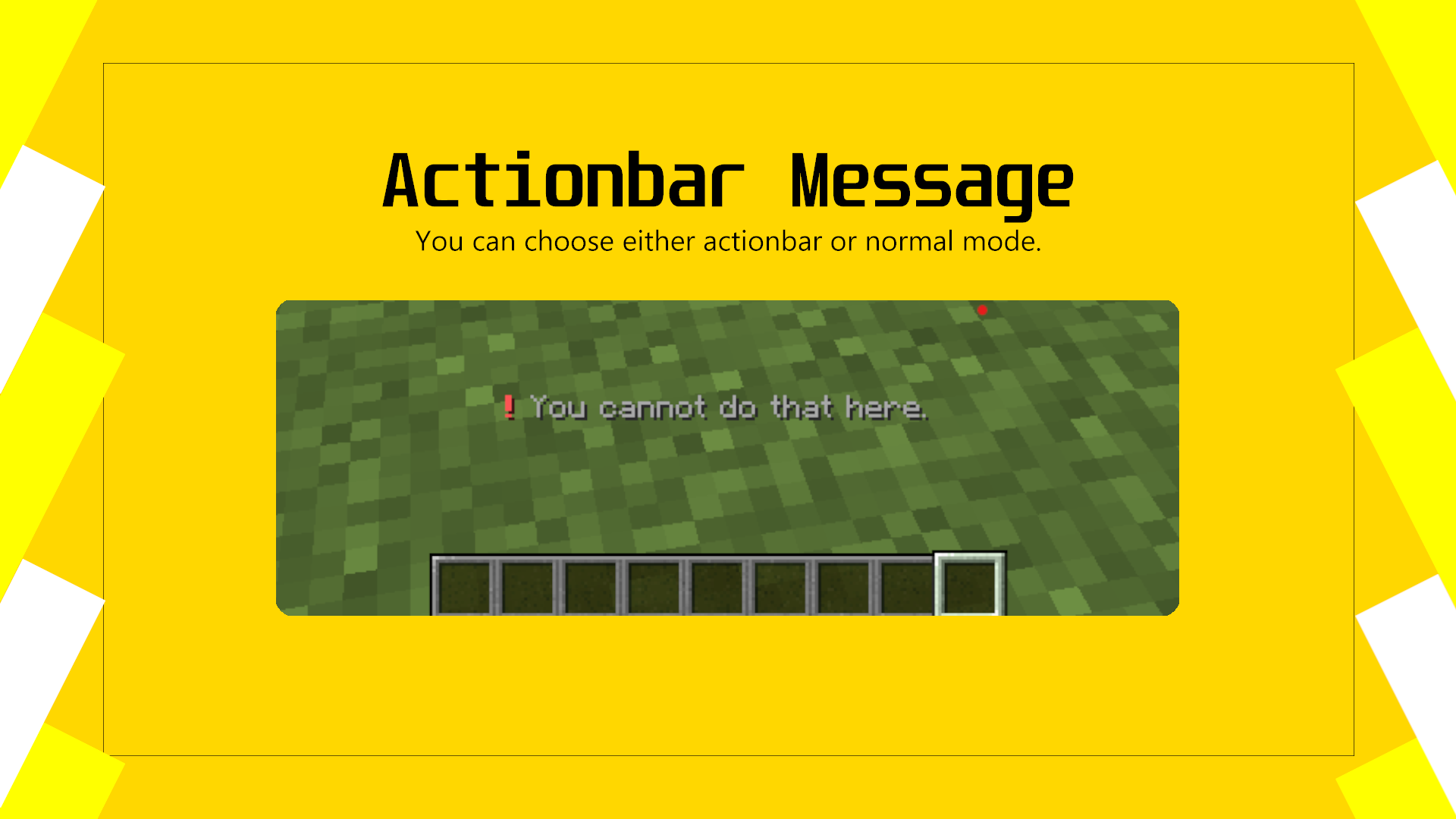
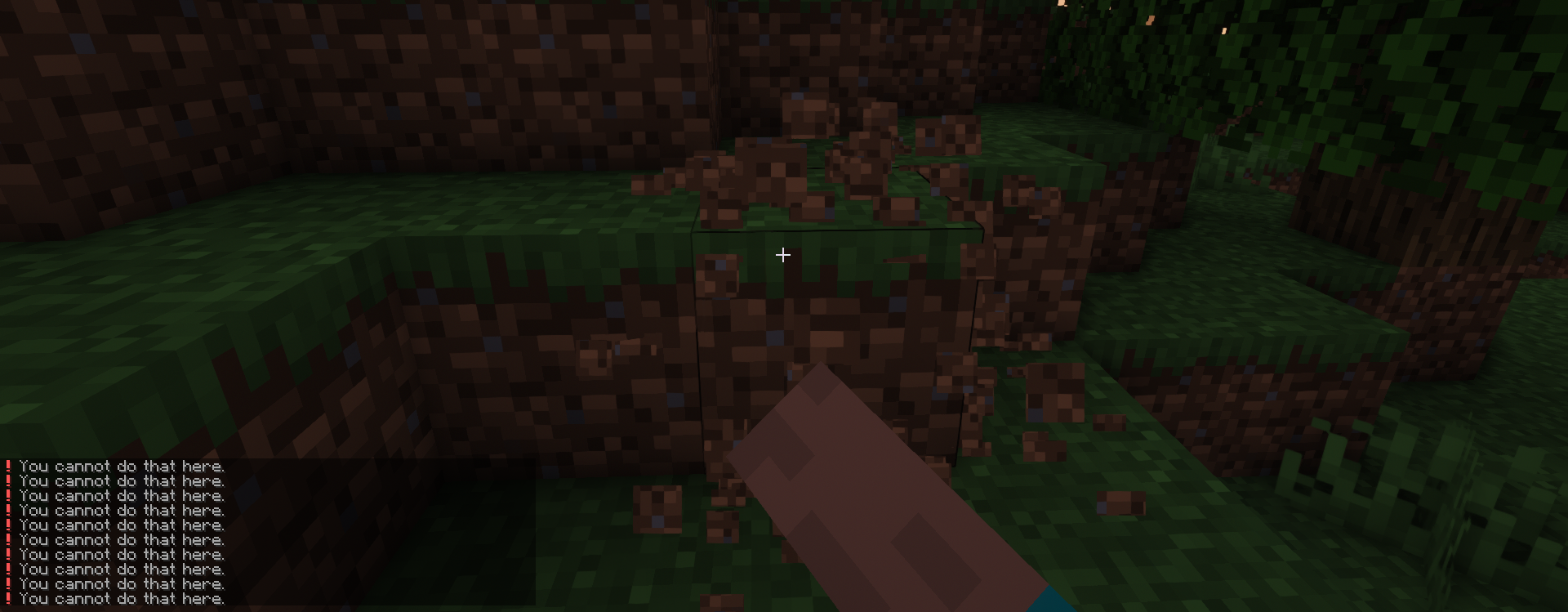
acitonbar message
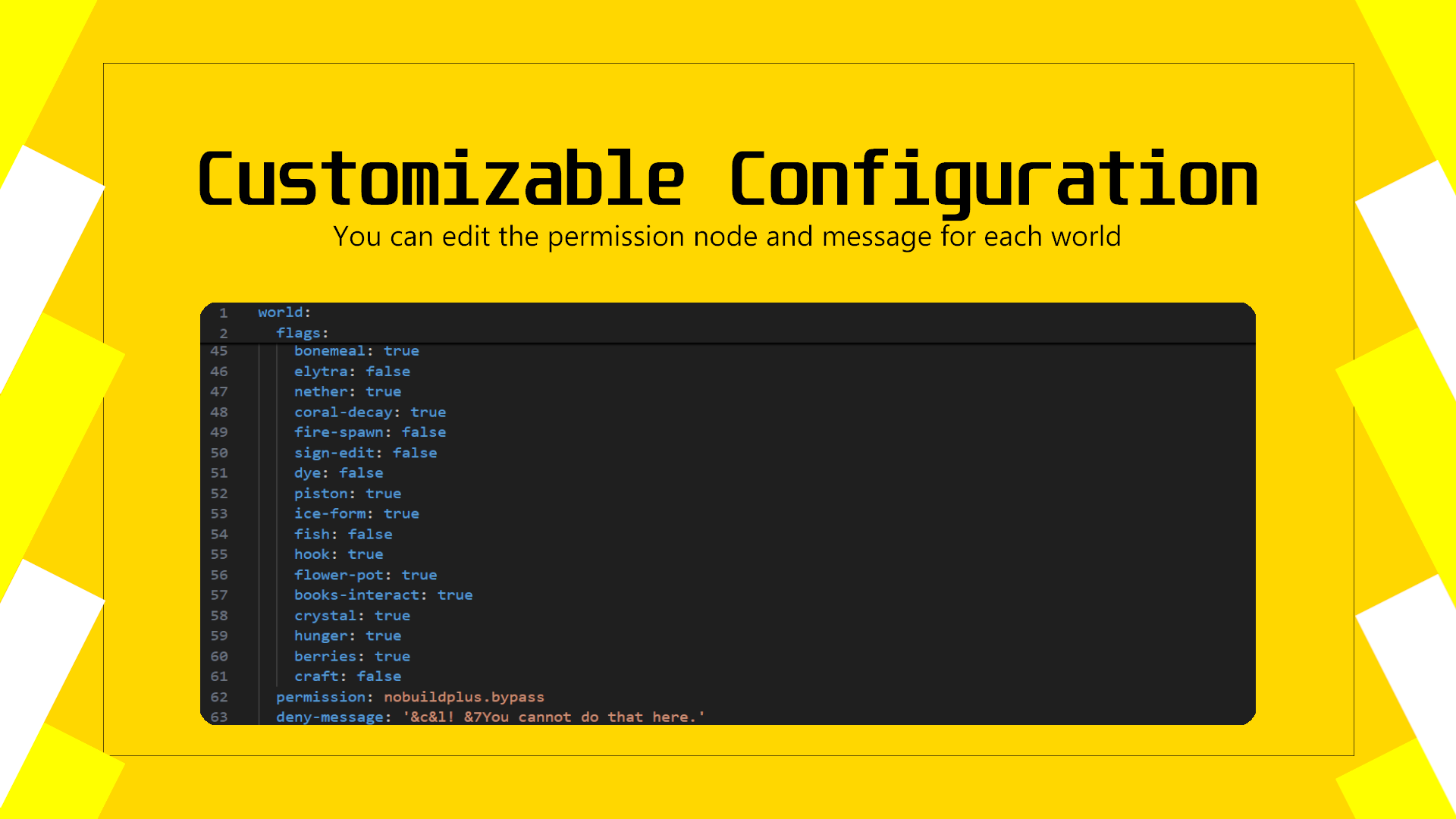
customizable configuration
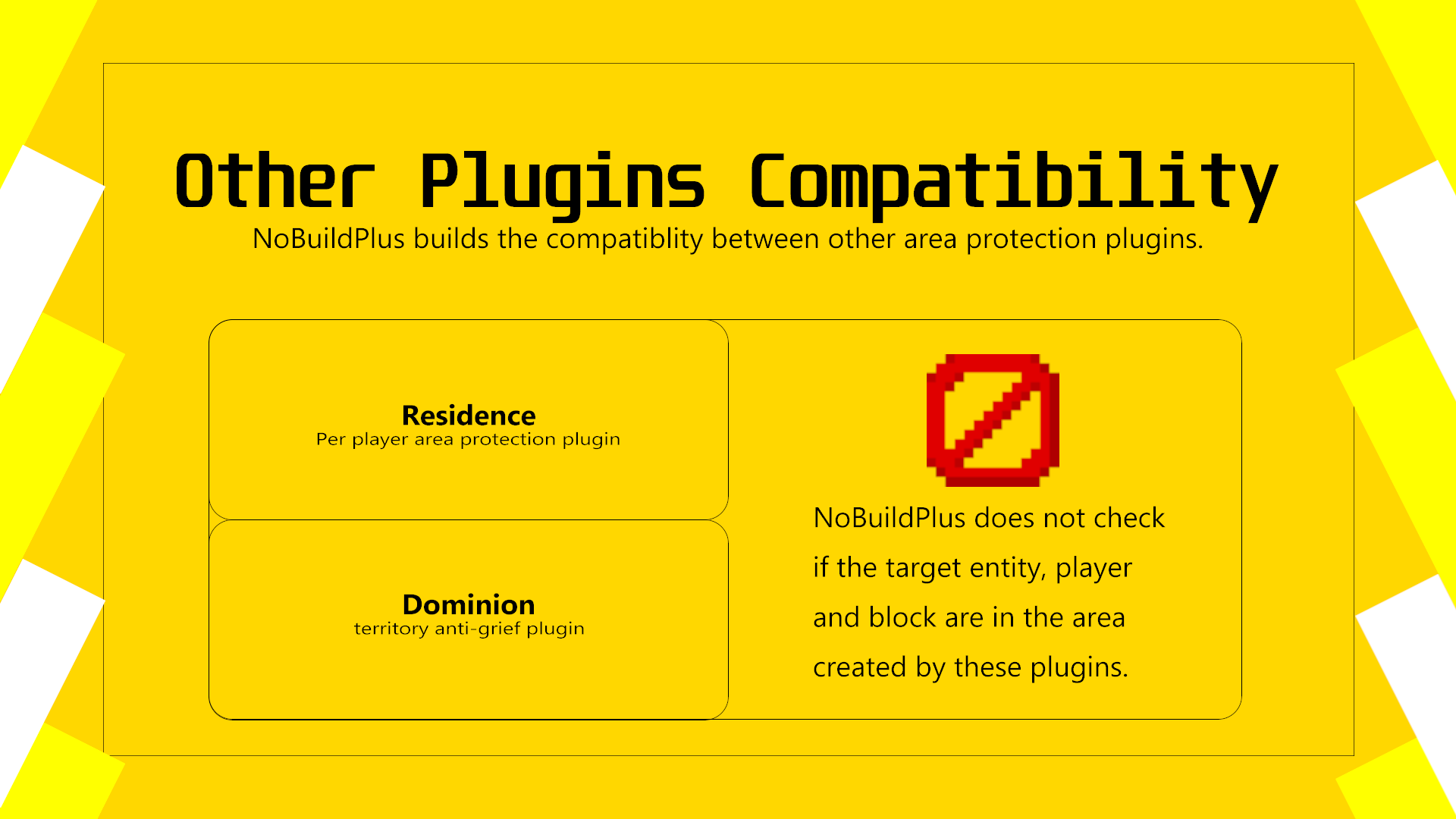
Other's plugins compatibilities

Text Introduction ![INTRODUCTION](https://s2.loli.net/2022/05/05/SZTl8Uhq349OaxP.png) This is a simple plugin to manage your worlds with flags. You can set the flags for each worlds. Flags list: ***Break, Build, Use, Container, Move(Removed at 1.2.8), Mob Damage, Mob Explode, PVP, Shoot, TNT, TNT Damage, Frame, Bed, VoidTp, Villager, Command, Leaf Decay, Chat, Melt, Fall Damage, Armor Stand, Farm Break, Ride, Painting, Bucket Place, Bucket Fill, Boat, Button, Door Interact, Lever, Trapdoor Interact, Fencegate Interact, (Player) Drop Item, Egg Throw, Snowball Throw, Water Spread, Lava Spread, Fly, (Player) Teleport, Mob Spawn, Minecart, Item Pickup, Potion, Bone Meal, Elytra, Nether, Coral Decay, Fire Spawn, Sign Edit, Dye, Piston, Ice Form, Hook, Fish, Crystal, Flower Pot, Bookshelf Interact, Hunger, Glow Berries Harvesting*** See the description of flags [here](https://github.com/Ez4p1xEL/NoBuildPlus/wiki/NoBuildPlus) Residence supports! Dominion supports! GUI supports from v1.3.6

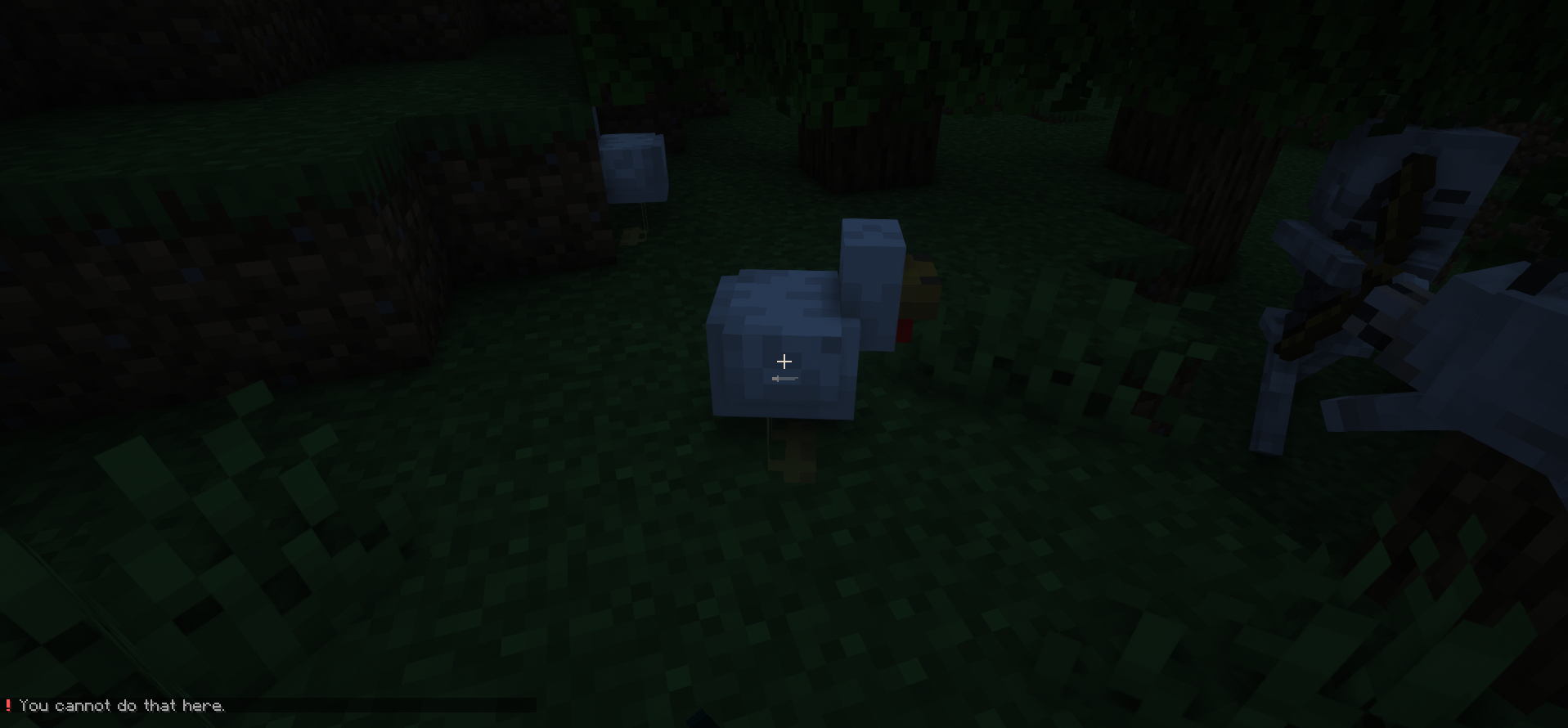
image
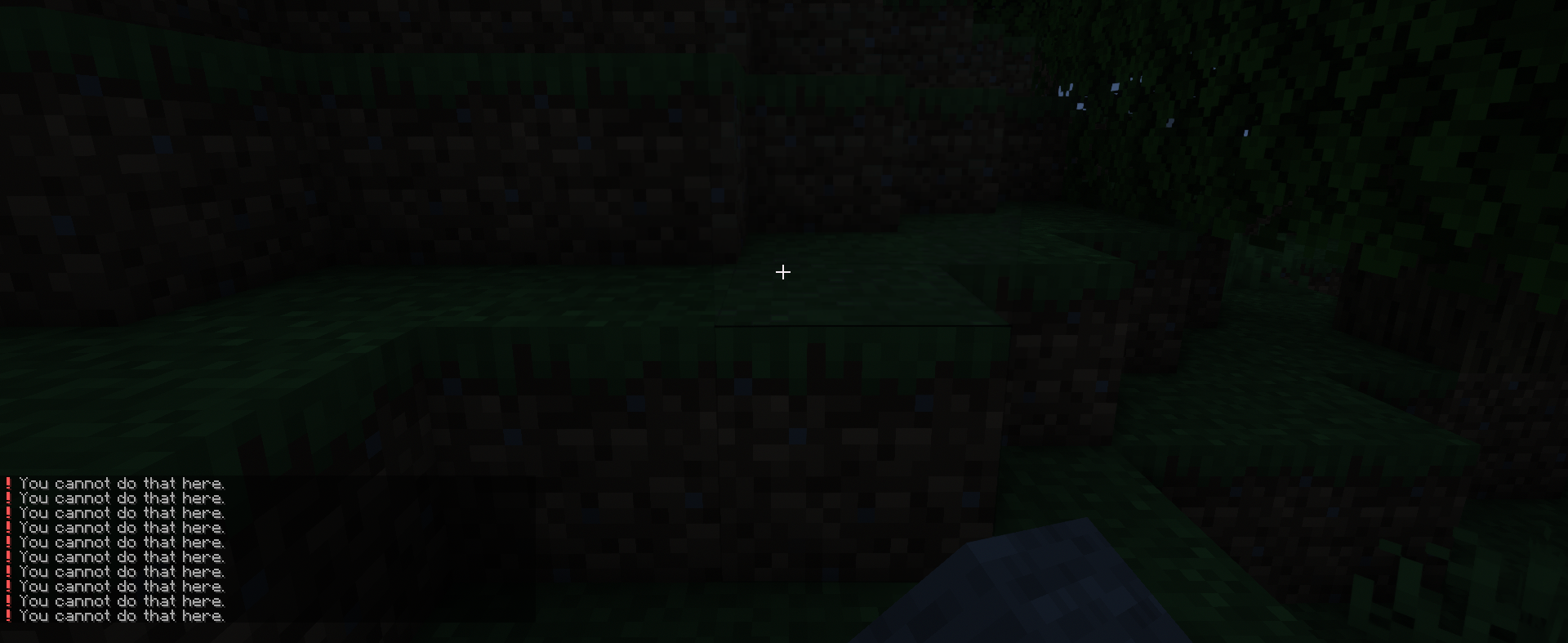
image1
img2
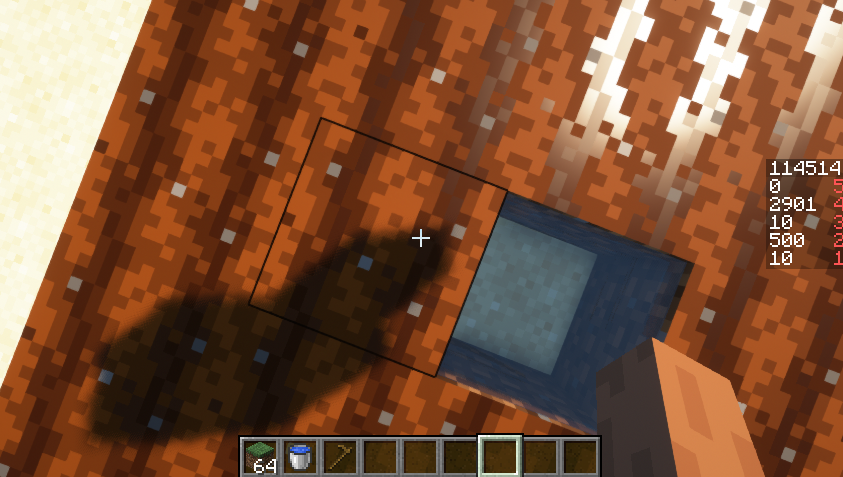
img3
img4_stepping_farmland

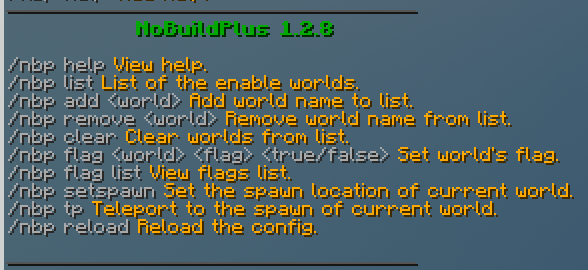
command
cmd
Tab Completer is supported from v1.2.8

permission
nobuildplus.use To use the commands
nobuildplus.bypass Bypass the flags settings (You can change it for your world)

usage
Download the jar file and put it into your plugins folder.

  1. Start the server.
  2. /nbp create Create the world for plugin.
  3. /nbp flag <true/false> modify the settings of the flags.
    3.1 You may also adjust the settings at worlds.yml. Reload the plugin after the adjustments.
    3.2 Remember that true equals to ALLOW while false equals to PREVENT
    3.3 If you want to disable deny-message, you may just delete the whole line of it OR disable it at config.yml
  4. Enjoy the plugin features!
  5. View the description of each flag here
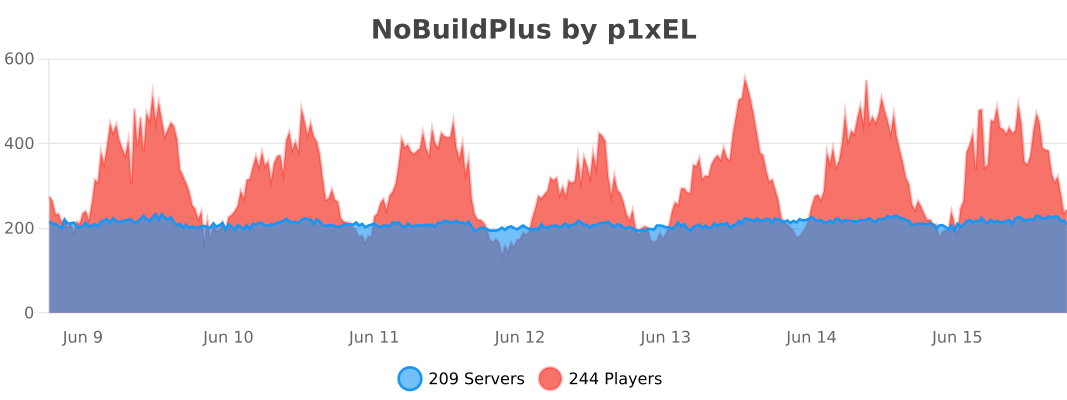
bstats

Look for support in Discord

👥 Team & Contributors

Ez4p1xEL
Ez4p1xELOwner

⚙️ Compatibility

Environment
🖥️ Server-side
Loaders
bukkitfoliapaperpurpurspigot
Minecraft Versions
1.81.8.11.8.21.8.31.8.41.8.51.8.61.8.7+62 more

🔗 Links

Modrinth Page