Logo
MINECRAFTBIBLE
Items
Items

All game items

Blocks
Blocks

Building blocks

Mobs
Mobs

Creatures & monsters

Biomes
Biomes

World biomes

Structures
Structures

Generated structures

Recipes
Recipes

Crafting guides

Advancements
Advancements

Achievements

Loot Tables
Loot Tables

Drop rates

Tags
Tags

Item groupings

All Versions
View all data →
Capes
Cape ArchiveNEW

Browse rare Minecon capes, OptiFine capes, and custom capes from players worldwide

Browse

Player Database
Player DatabasePopular

Search any player

Skin Browser
Skin Browser

Browse & download skins

Cape Gallery
Cape GalleryNEW

Minecon & OptiFine capes

Seed Vault
Seed Vault

Curated seeds

Learn

Guides
GuidesNew

Tutorials & tips

Blog
Blog

News & updates

Community

Community Hub
Community HubHub

Posts, discussions & more

All Versions
View community →
Seed Analyzer
Seed Analyzer

World seed analysis

Loot Explorer
Loot Explorer

Drop rates

Crafting Calculator
Crafting Calculator

Material planning

Enchant Calculator
Enchant Calculator

Probability math

Redstone Lab
Redstone Lab

Signal timing

Trading Profit
Trading Profit

Villager ROI

All Versions
View all tools →
Mods
Mods

Browse all mods

Plugins
Plugins

Server plugins

Resource Packs
Resource Packs

Textures & sounds

Shaders
Shaders

Visual enhancements

Datapacks
Datapacks

World logic

Scanner
Mod Intelligence

Scan & analyze any mod

All Versions
View all mods →
Loading...
IntroductionIntroductionVersion HistoryVersion HistoryGuidesGuidesBlog & NewsBlog & News
ItemsItemsBlocksBlocksMobsMobsRecipesRecipesBiomesBiomesStructuresStructuresAdvancementsAdvancementsLoot TablesLoot TablesTagsTags
ModsModsPluginsPluginsResource PacksResource PacksShadersShadersDatapacksDatapacks

MinecraftBible

The Ultimate Wiki

Logo
MINECRAFTBIBLE

The ultimate Minecraft reference. Every item, block, mob, and recipe documented with precision.

Community

  • Skin Browser
  • Cape Gallery
  • Seed Vault
  • Blog
  • Guides

Database

  • Items
  • Blocks
  • Mobs
  • Recipes
  • Biomes
  • Structures

Tools

  • Seed Analyzer
  • Mod Intelligence
  • Crafting Calculator
  • Enchant Calculator

Mods & Packs

  • Mods
  • Plugins
  • Resource Packs
  • Shaders
  • Datapacks

Site & Legal

  • About
  • Authors
  • Editorial Policy
  • Corrections
  • Contact
  • Privacy Policy
  • Terms of Service
  • DMCA
  • Sitemap

© 2026 MinecraftBible. Not affiliated with Mojang or Microsoft.

PrivacyTermsContact
MinecraftSSH
PluginMIT

MinecraftSSH

Minecraft plugin to have ssh command ingame

120
Downloads
1
Followers
5 months ago
Updated
📦
6
Versions
managementbukkitfoliapaperpurpurspigot
Download Latestv1.1.10View on Modrinth

📖About MinecraftSSH

download
discord-shield

Discord | Hangar | Modrinth | Spigot | GitHub

MinecraftSSH

Minecraft plugin to have basic ssh commands ingame.

I created this plugin to be able to copy a folder on my Minecraft server without having ssh access to the server. The normal way to copy a directory with ftp or sftp access is to download it and send it back. It's a terrible way to do it, and take ages to do with big folders.

The aims of this plugin is to provide as much file edition command as possible. If some commands are missing feel free to open a request issue or to send a pull request (both is better).

All commands have tab completion with existing files and directories when it's uefull.

Support Paper forks including Folia for version 1.18 to last. (See version compatibility in releases)
Older version than 1.18 won't be supported.
Since version 1.1.1, this plugin require Java 21. If you are on an old version before 1.20.5, you might need to update to Java 21 or use the latest version.

Use

Download last release .jar file and place it in your server directory plugins/.

Write /ssh ... ingame to see all available commands. Each command have a shortcut.

For example if you want to make a save of your world do /cp world worldSave or /zip world world.zip

Non-Goals

There will be no auto backup system as there is already great plugins for that as Backuper.
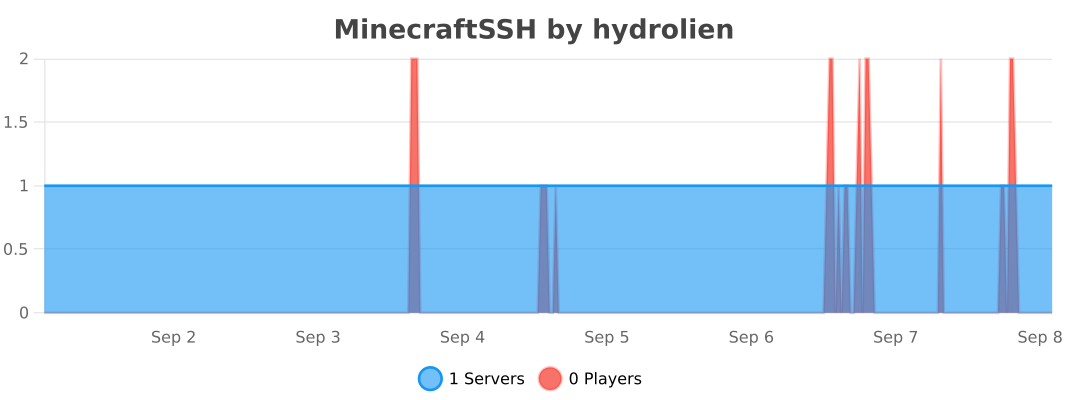
Statistics

bStats Graph Data

Build

Build with ./gradlew assemble. Plugin file will be in build/libs/.

👥 Team & Contributors

Hydrolien
HydrolienOwner

⚙️ Compatibility

Environment
🖥️ Server-side
Loaders
bukkitfoliapaperpurpurspigot
Minecraft Versions
1.181.18.11.18.21.191.19.11.19.21.19.31.19.4+19 more

🔗 Links

Modrinth Page