Logo
MINECRAFTBIBLE
Items
Items

All game items

Blocks
Blocks

Building blocks

Mobs
Mobs

Creatures & monsters

Biomes
Biomes

World biomes

Structures
Structures

Generated structures

Recipes
Recipes

Crafting guides

Advancements
Advancements

Achievements

Loot Tables
Loot Tables

Drop rates

Tags
Tags

Item groupings

All Versions
View all data →
Capes
Cape ArchiveNEW

Browse rare Minecon capes, OptiFine capes, and custom capes from players worldwide

Browse

Player Database
Player DatabasePopular

Search any player

Skin Browser
Skin Browser

Browse & download skins

Cape Gallery
Cape GalleryNEW

Minecon & OptiFine capes

Seed Vault
Seed Vault

Curated seeds

Learn

Guides
GuidesNew

Tutorials & tips

Blog
Blog

News & updates

Community

Community Hub
Community HubHub

Posts, discussions & more

All Versions
View community →
Seed Analyzer
Seed Analyzer

World seed analysis

Loot Explorer
Loot Explorer

Drop rates

Crafting Calculator
Crafting Calculator

Material planning

Enchant Calculator
Enchant Calculator

Probability math

Redstone Lab
Redstone Lab

Signal timing

Trading Profit
Trading Profit

Villager ROI

All Versions
View all tools →
Mods
Mods

Browse all mods

Plugins
Plugins

Server plugins

Resource Packs
Resource Packs

Textures & sounds

Shaders
Shaders

Visual enhancements

Datapacks
Datapacks

World logic

Scanner
Mod Intelligence

Scan & analyze any mod

All Versions
View all mods →
Loading...
IntroductionIntroductionVersion HistoryVersion HistoryGuidesGuidesBlog & NewsBlog & News
ItemsItemsBlocksBlocksMobsMobsRecipesRecipesBiomesBiomesStructuresStructuresAdvancementsAdvancementsLoot TablesLoot TablesTagsTags
ModsModsPluginsPluginsResource PacksResource PacksShadersShadersDatapacksDatapacks

MinecraftBible

The Ultimate Wiki

Logo
MINECRAFTBIBLE

The ultimate Minecraft reference. Every item, block, mob, and recipe documented with precision.

Community

  • Skin Browser
  • Cape Gallery
  • Seed Vault
  • Blog
  • Guides

Database

  • Items
  • Blocks
  • Mobs
  • Recipes
  • Biomes
  • Structures

Tools

  • Seed Analyzer
  • Mod Intelligence
  • Crafting Calculator
  • Enchant Calculator

Mods & Packs

  • Mods
  • Plugins
  • Resource Packs
  • Shaders
  • Datapacks

Site & Legal

  • About
  • Authors
  • Editorial Policy
  • Corrections
  • Contact
  • Privacy Policy
  • Terms of Service
  • DMCA
  • Sitemap

© 2026 MinecraftBible. Not affiliated with Mojang or Microsoft.

PrivacyTermsContact
Image To Painting
PluginMIT

Image To Painting

Turn Any Image into a Minecraft Masterpiece

564
Downloads
6
Followers
8 months ago
Updated
📦
2
Versions
decorationmanagementutilitybukkitpaperpurpurspigot
Download Latestv1.1View on Modrinth

📖About Image To Painting

Logo

Image-To-Painting

prisonpreview

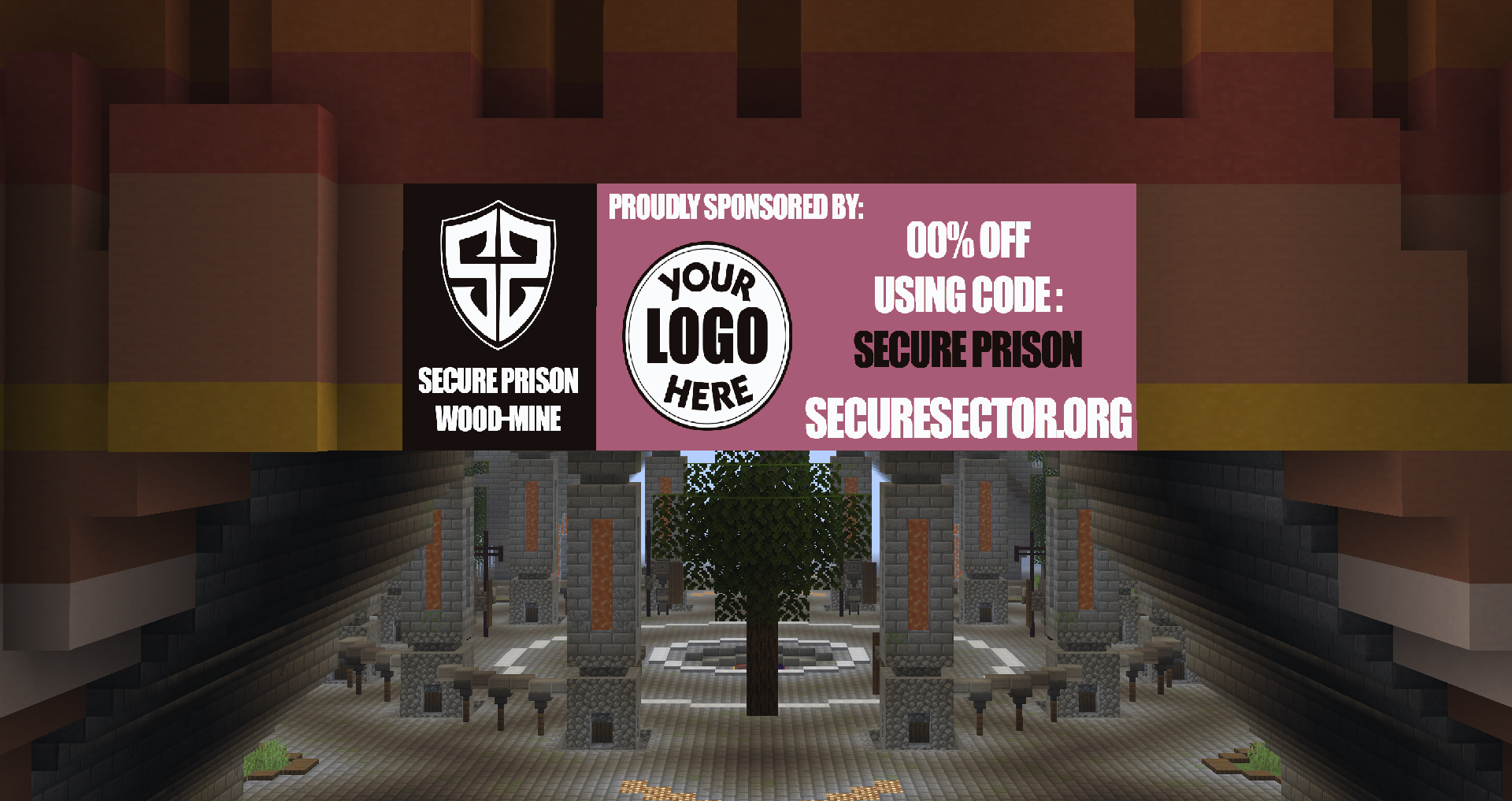
Image-To-Painting lets you transform any image (from file or URL) into a fully rendered Minecraft painting using in-game maps. Whether you want to showcase pixel art, logos, or server sponsors, this plugin makes it simple, customizable, and lag-free.

See it in action before you try on my server: Play.SecureSector.org

Do not use reviews for support!

✔️ Get support

✨ Features​

Image Upload​ — Any valid online image URL​

Economy Support — Ability to add cost of maps and currency name.

Multi-Map Support — Automatically splits large images into multiple map tiles for perfect detail.​

Inventory Overflow Handling — If your inventory is full, maps are safely dropped at your feet.​

High Performance — Optimized rendering with minimal server impact.​

Simple Commands — Easy to learn and use, even for new players.​

Custom Map IDs — Keep your artwork organized and reusable.​

Permission Nodes — Full control over who can give, paste, and delete paintings.​

⚙️ Commands​

/itp

/itp list

/itp help

/itp place

/itp delete

/itp rebuild

/itp give

/itp give

/itp render <URL/File> <Fit|Fill>

/itp frame <North|East|South|West>

/itp reload

⌨️ Permissions

imagetopainting.list

imagetopainting.place

imagetopainting.delete

imagetopainting.rebuild

imagetopainting.give

imagetopainting.render

imagetopainting.frame

imagetopainting.economy.bypass

️️**🛠️ Config Options​**

Enable/Disable price per map

Ability to change price of each map and currency name

Image type quality options including:
dither - interpolation - multistep - sharpening

Customizable width and height maxes

🌎 Usage​

Server artwork displays

Minigame arenas

In-game advertisements

Custom maps & adventures

Museum builds

🖼️ Image How To:

First, Place Item Frame on surface
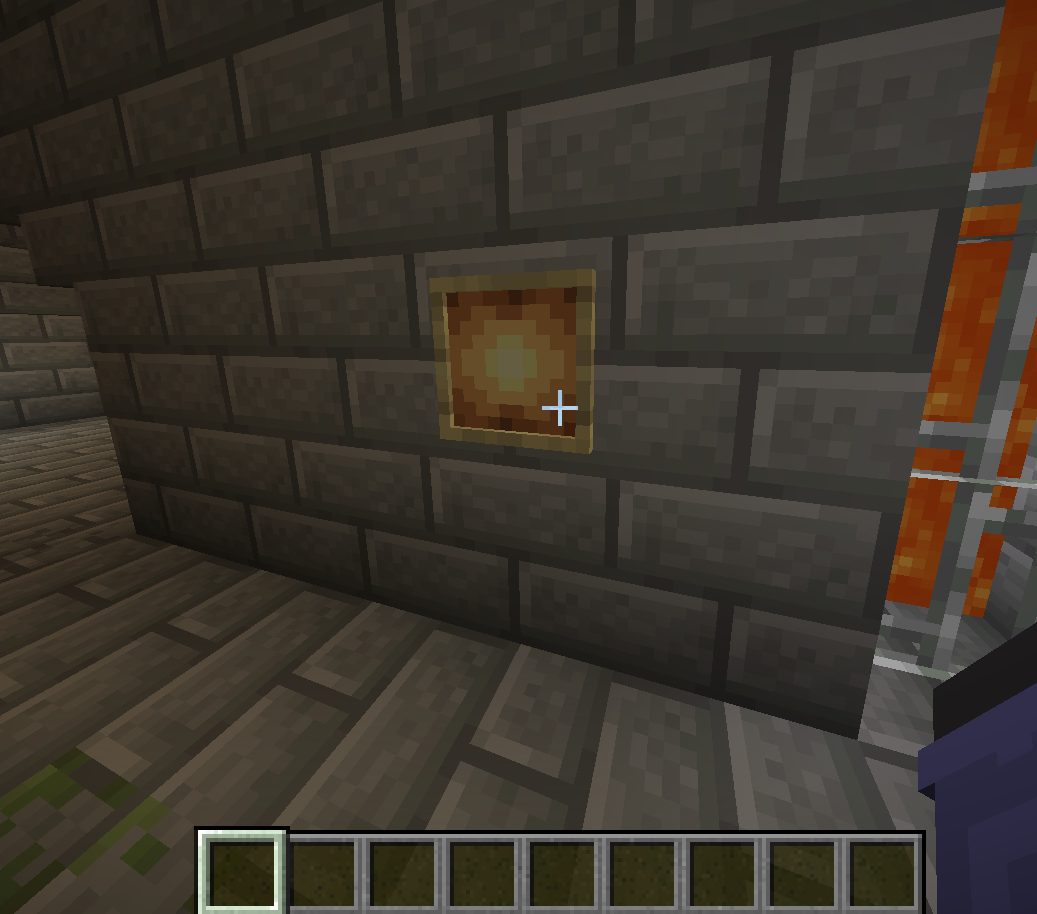
Next, Do /itp ​ <Fit|Fill> (For this it would be /itp 1 1)
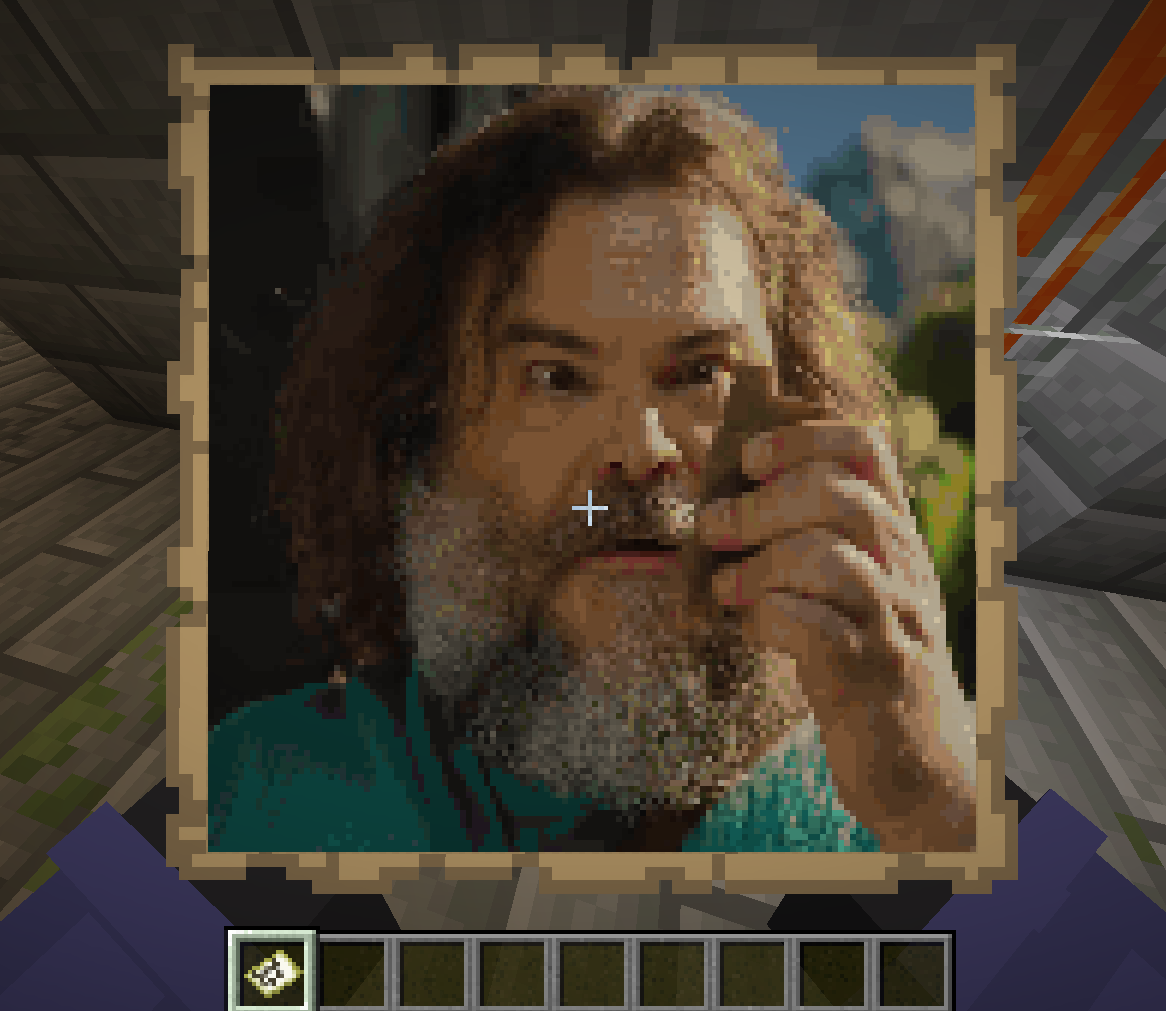
lastly, Place the map given to you in item frame
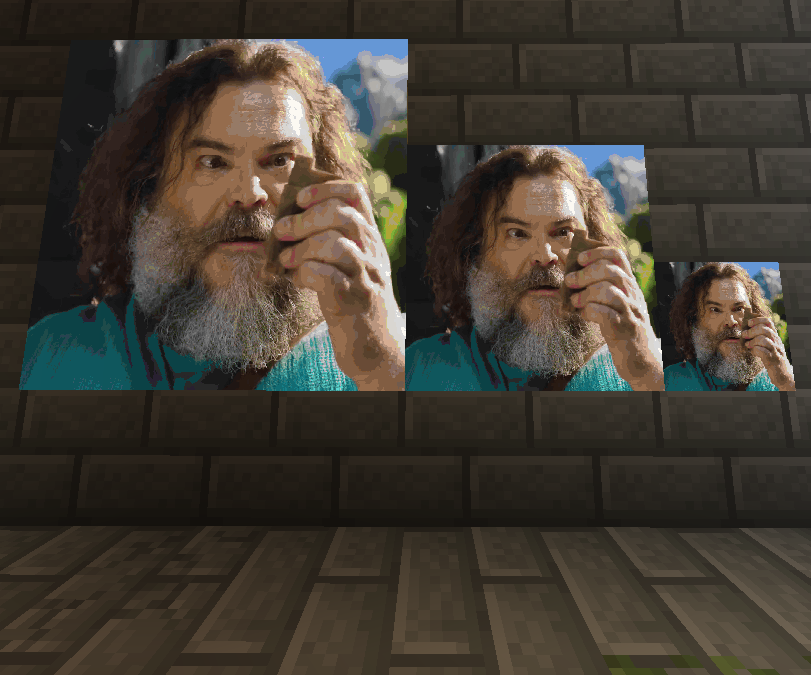
👥 Team & Contributors

daddydepletion1
daddydepletion1Owner

⚙️ Compatibility

Environment
🖥️ Server-side
Loaders
bukkitpaperpurpurspigot
Minecraft Versions
1.21.8

🔗 Links

Modrinth Page