

GUI-API
A modular, component-based GUI framework for Spigot/Paper/Folia plugins.
📖About GUI-API
🧩 GUIAPI - The Ultimate Component-Based GUI Framework
Are you tired of writing messy, repetitive, and unmaintainable inventory code for your Bukkit/Spigot/Paper plugins?
Say goodbye to manual slot calculations and spaghetti InventoryClickEvent listeners!
GUIAPI is a powerful, modern, and modular UI framework designed specifically for Minecraft developers. Build interactive, dynamic, and responsive inventory GUIs with a clean, declarative approach using reusable components.
✨ Why Choose GUIAPI?
- 🚀 Save Hundreds of Hours: Build complex UIs in minutes instead of days.
- 🧱 Component-Based Architecture: Everything is a component. Build your UI like Lego blocks using buttons, panels, text inputs, and scrollbars.
- 🎨 Nested Coordinate Systems: Group your components into
GuiPanels. Move a whole panel, and all its children move automatically! No more calculating absolute inventory slots. - 🔄 Live Updating: Built-in async updaters let you create live clocks, real-time status indicators, and animated menus that automatically clean up when the player closes the inventory.
- 📦 Flexible Distribution: Use it as a server plugin or shade it directly into your JAR — your choice!
- 🌐 Wide Version Support: Works on Minecraft 1.8 through the latest, including Folia servers.
🔥 Premium Features
- 📝 Chat Text Input (
GuiTextInput&GuiListTextInput): Prompt players to enter text in chat with built-in validation and custom error messages. - 🎒 Item Chooser (
GuiItemChooser): Let players click any item in their inventory to use as an input for your forms. - 📥 True Editable Slots (
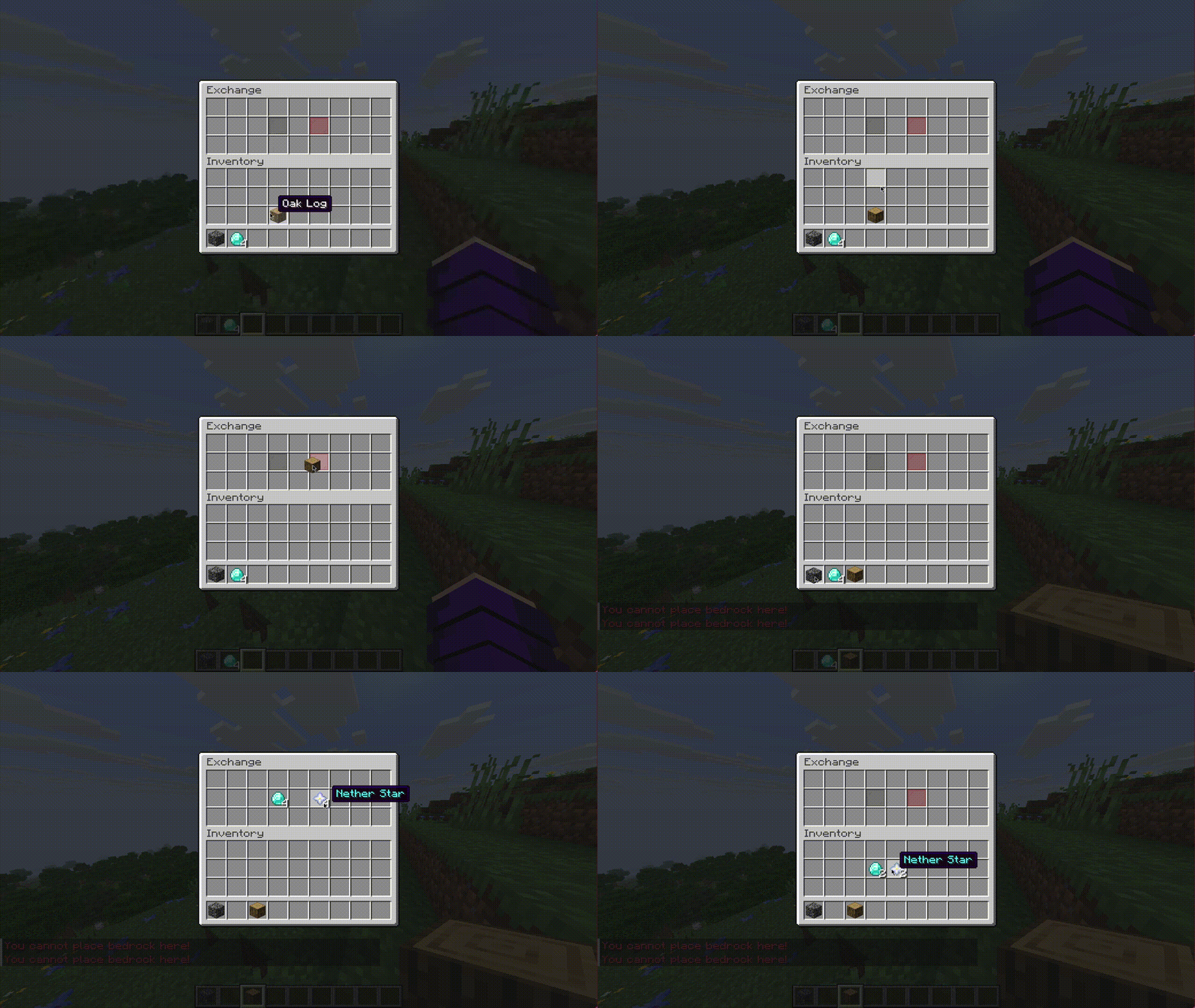
GuiEditableSlot): A slot that acts like a real inventory slot. Supports left-click, right-click, shift-click, stacking, swapping, and splitting. You have full control to accept or reject items! - 📜 Pagination & Scrolling: Instantly handle massive amounts of data with
GuiListPage,GuiScrollPane(vertical), andGuiScrollBar(horizontal) with automatic next/previous buttons. - ⚙️ Configurable Buttons (
GuiConfigurableButton): Buttons that automatically generate a sub-GUI allowing players to edit Key-Value pairs right out of the box! - 🌈 Modern Formatting: Full support for Hex colors (
&#FF0000), Gradients (<gradient:#ff0000>Text<#00ff00>), and Legacy codes. - 💾 NBT Metadata Injection: Effortlessly pass custom data to your items directly from the rendering engine without messing with raw NBT tags.
💻 Code Speaks for Itself
Look how simple it is to create a fully functioning UI:
// 1. Initialize GUILibs
GUILibs guiLibs = GUILibs.init(this);
guiLibs.register();

// 2. Create a GUI
GUI myGui = guiLibs.createGUI("<gradient:#FFD700>Premium Shop<#50C878>", 3);

// 3. Create a Button
GuiButton button = new GuiButton(myGui, "buy-item", 13);
button.setDisplayItem(guiLibs.getItemBuilder(Material.DIAMOND, 1)
    .setDisplayName("&bBuy Diamond")
    .addLore("&7Price: $100")
    .build());

// 4. Add behavior
button.addListener((id, event) -> {
    event.getWhoClicked().sendMessage("§aPurchase successful!");
    return true; // Auto-cancel the click event!
});

// 5. Register and Open
myGui.addComponent(button);
myGui.open(player);
📦 Installation
GUIAPI supports two installation methods. Choose what fits your project:
Option A: Plugin Dependency (Recommended)
Install GUIAPI as a plugin on the server and depend on it. Keeps your JAR small.
Add the JitPack repository, then add the dependency:
Maven:
<repositories>
    <repository>
        <id>jitpack.io</id>
        <url>https://jitpack.io</url>
    </repository>
</repositories>

<dependency>
    <groupId>com.github.downnfalls.guiapi</groupId>
    <artifactId>guiapi-plugin</artifactId>
    <version>VERSION</version>
    <scope>provided</scope>
</dependency>
Gradle (Groovy):
repositories {
    mavenCentral()
    maven { url 'https://jitpack.io/' }
}

dependencies {
    compileOnly 'com.github.downnfalls.guiapi:guiapi-plugin:VERSION'
}
Gradle (Kotlin DSL):
repositories {
    mavenCentral()
    maven("https://jitpack.io/")
}

dependencies {
    compileOnly("com.github.downnfalls.guiapi:guiapi-plugin:VERSION")
}
plugin.yml:
depend: [GUIAPI]
Option B: Shade (Bundle into your JAR)
Bundle GUIAPI inside your plugin. No extra server plugins needed, but you must relocate the package.
Use artifact com.github.downnfalls.guiapi:guiapi-core with compile/implementation scope and configure relocation via Maven Shade Plugin or Gradle Shadow.
See the full README for detailed shading instructions.
Replace
VERSIONwith the latest release tag from JitPack.
📋 Requirements
- Server: Spigot, Paper, Folia, or any Bukkit-compatible fork (1.8.8 — Latest)
- Java: 17+
📖 Examples & More Info
There is no steep learning curve! For full code examples and a detailed guide on how to use every single feature, please check out the README on our GitHub Repository.