Logo
MINECRAFTBIBLE
Items
Items

All game items

Blocks
Blocks

Building blocks

Mobs
Mobs

Creatures & monsters

Biomes
Biomes

World biomes

Structures
Structures

Generated structures

Recipes
Recipes

Crafting guides

Advancements
Advancements

Achievements

Loot Tables
Loot Tables

Drop rates

Tags
Tags

Item groupings

All Versions
View all data →
Capes
Cape ArchiveNEW

Browse rare Minecon capes, OptiFine capes, and custom capes from players worldwide

Browse

Player Database
Player DatabasePopular

Search any player

Skin Browser
Skin Browser

Browse & download skins

Cape Gallery
Cape GalleryNEW

Minecon & OptiFine capes

Seed Vault
Seed Vault

Curated seeds

Learn

Guides
GuidesNew

Tutorials & tips

Blog
Blog

News & updates

Community

Community Hub
Community HubHub

Posts, discussions & more

All Versions
View community →
Seed Analyzer
Seed Analyzer

World seed analysis

Loot Explorer
Loot Explorer

Drop rates

Crafting Calculator
Crafting Calculator

Material planning

Enchant Calculator
Enchant Calculator

Probability math

Redstone Lab
Redstone Lab

Signal timing

Trading Profit
Trading Profit

Villager ROI

All Versions
View all tools →
Mods
Mods

Browse all mods

Plugins
Plugins

Server plugins

Resource Packs
Resource Packs

Textures & sounds

Shaders
Shaders

Visual enhancements

Datapacks
Datapacks

World logic

Scanner
Mod Intelligence

Scan & analyze any mod

All Versions
View all mods →
Loading...
IntroductionIntroductionVersion HistoryVersion HistoryGuidesGuidesBlog & NewsBlog & News
ItemsItemsBlocksBlocksMobsMobsRecipesRecipesBiomesBiomesStructuresStructuresAdvancementsAdvancementsLoot TablesLoot TablesTagsTags
ModsModsPluginsPluginsResource PacksResource PacksShadersShadersDatapacksDatapacks

MinecraftBible

The Ultimate Wiki

Logo
MINECRAFTBIBLE

The ultimate Minecraft reference. Every item, block, mob, and recipe documented with precision.

Community

  • Skin Browser
  • Cape Gallery
  • Seed Vault
  • Blog
  • Guides

Database

  • Items
  • Blocks
  • Mobs
  • Recipes
  • Biomes
  • Structures

Tools

  • Seed Analyzer
  • Mod Intelligence
  • Crafting Calculator
  • Enchant Calculator

Mods & Packs

  • Mods
  • Plugins
  • Resource Packs
  • Shaders
  • Datapacks

Site & Legal

  • About
  • Authors
  • Editorial Policy
  • Corrections
  • Contact
  • Privacy Policy
  • Terms of Service
  • DMCA
  • Sitemap

© 2026 MinecraftBible. Not affiliated with Mojang or Microsoft.

PrivacyTermsContact
GraveLootZ
PluginLicenseRef-All-Rights-Reserved

GraveLootZ

A minecraft grave plugin which adds your loot to a chest

4.1K
Downloads
6
Followers
5 months ago
Updated
📦
14
Versions
managementoptimizationutilitybukkitpaperpurpurspigot
Download Latestv1.6View on Modrinth

📖About GraveLootZ

GraveLootZ Description

Advertisement:

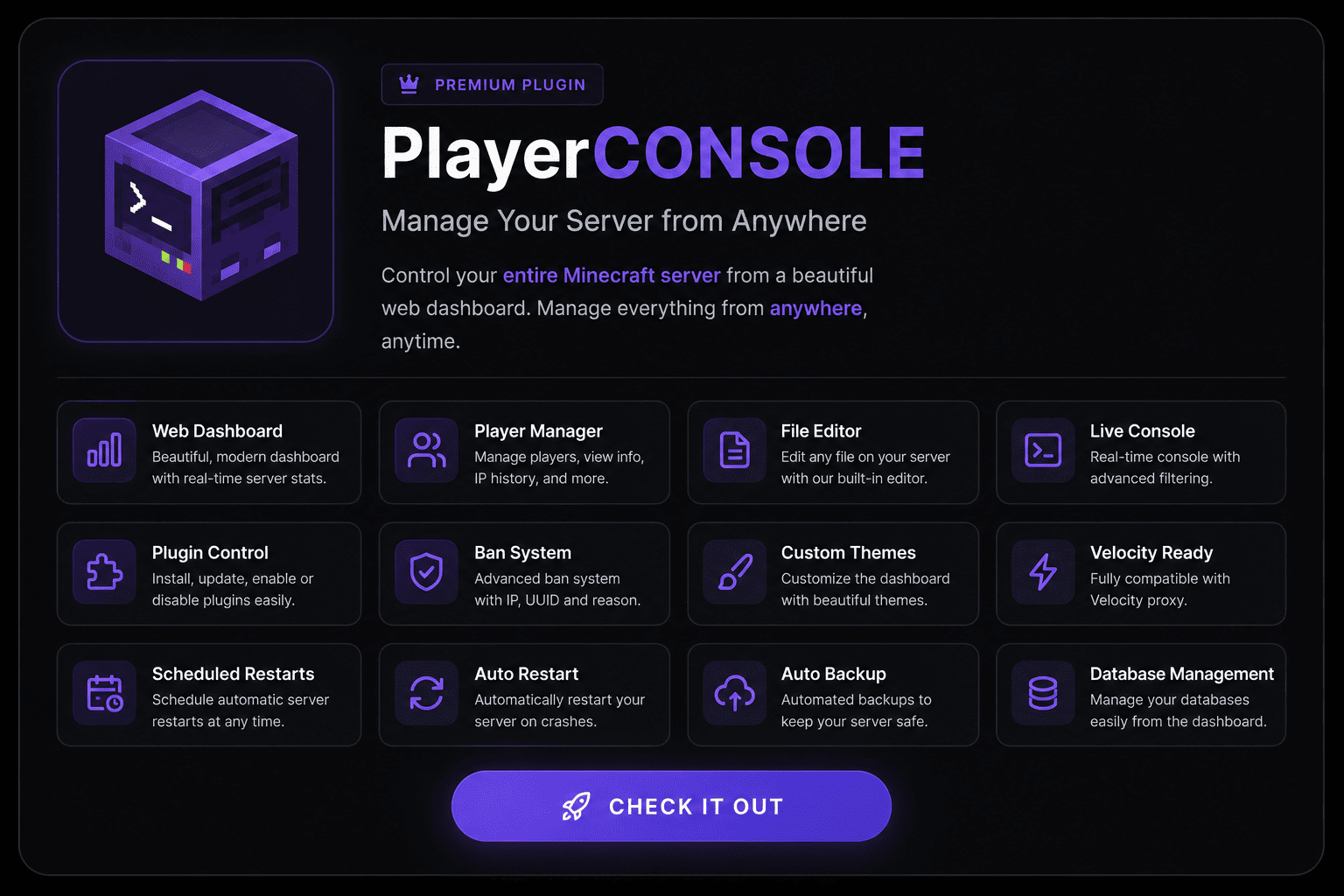
PlayerCONSOLE ad

Text Version

GraveLootZ: Secure Death Storage for Minecraft Servers

Overview

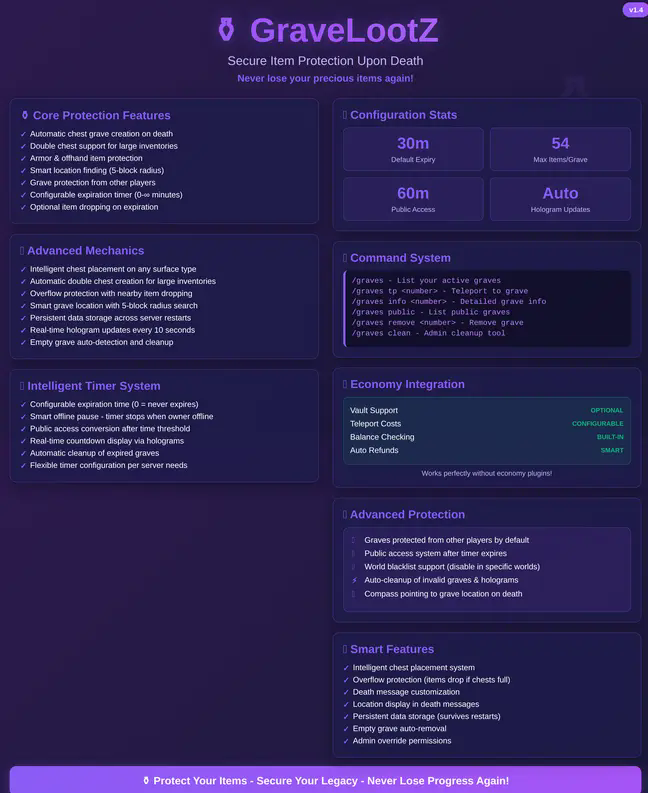
GraveLootZ transforms the frustrating experience of losing items upon death into a manageable recovery mission. When players die, their inventory items are securely stored in a chest grave at or near their death location, giving them time to return and reclaim their precious loot.

Core Features

🪦 Automatic Grave Creation

  • Items automatically stored in a chest upon death
  • Intelligent placement algorithm finds suitable locations nearby if death spot is obstructed
  • Custom grave messages showing ownership

⏱️ Expiration System

  • Configurable expiration timer for graves
  • Option to drop items or remove them when graves expire
  • Visual countdown indicators

🧭 Navigation Aids

  • Optional compass given upon death that points to most recent grave
  • Coordinates displayed in chat messages
  • Commands to list all active graves

🛡️ Protection Options

  • Graves can be protected from other players
  • Permission-based access control
  • Admin override capabilities

📋 Comprehensive Commands

  • /graves - List all your active graves
  • /graves tp <number> - Teleport to a specific grave
  • /graves help - Display command help

🌐 World Management

  • Disable grave creation in specific worlds
  • Configure different behaviors per world
  • Perfect for minigames or challenge arenas

Advanced Configuration

The plugin comes with an extensive configuration system allowing server owners to fine-tune every aspect:

  • Customize grave protection mechanics
  • Adjust expiration timers
  • Configure visual elements and messages
  • Set permission requirements
  • Enable/disable features as needed

Why Choose GraveLootZ?

Unlike simpler death chest plugins, GraveLootZ provides a complete grave management ecosystem with smart placement logic, time limitations, and navigation tools. It strikes the perfect balance between eliminating the frustration of permanent item loss and maintaining the challenge of item recovery after death.

Server owners love how it reduces player complaints about lost items while still preserving gameplay tension. Players appreciate the second chance to recover valuable gear without completely removing death consequences.

Perfect for survival servers, faction gameplay, or any environment where you want to maintain challenge without excessive punishment. GraveLootZ transforms death from a rage-quit moment into an exciting recovery mission!

👥 Team & Contributors

No authors recorded.

⚙️ Compatibility

Environment
🖥️ Server-side
Loaders
bukkitpaperpurpurspigot
Minecraft Versions
1.211.21.11.21.21.21.31.21.41.21.51.21.61.21.7+4 more

🔗 Links

Modrinth Page