


GGQOL
Quality of Life plugin for Minecraft 1.21.11. Adds instant smelting, auto replant, bulk crafting, armored elytra, inventory totem, silk touch block recovery, scrollable bundles, and 15+ more configurable QoL improvements.
📖About GGQOL
Table of Contents
- Requirements
- Feature list
- Instant smelting and processing
- Auto replant
- Bone meal max grow
- Animal changes
- Villager changes
- Bulk crafting
- Bulk villager trading
- Anvil changes
- Armored elytra
- Tool and armor break protection
- Inventory Totem of Undying
- Silk Touch block recovery
- Sea pickle fast place
- Bundle scroll
- Mud spread
- Concrete powder in water
- Piston farmland protection
- Sugar cane piston drop pinning
- Full config reference
GoofyGoober's Quality of Life (GGQOL)
GGQOL is a Paper/Folia plugin for survival servers. It removes wait time, repeated clicks, and item unpacking from common vanilla tasks. Each feature is controlled from config.yml.
Most inventory features can read from shulker boxes and bundles. Bundle searches have a depth limit so nested bundles do not run forever.
Requirements
- Paper or Folia server
- Java 21 or newer
- PacketEvents, required for bundle scrolling
- Minecraft 1.21.11 is the recommended target
There are no commands and no permissions. Install the plugin and the PacketEvents jar, then start the server once to generate config.yml.
Feature list
| Feature | Default | Main setting |
|---|---|---|
| Instant furnaces, smokers, and blast furnaces | on | instant-furnace, instant-smoker, instant-blast-furnace |
| Instant brewing stands and campfires | on | instant-brewing-stand, instant-campfire |
| Auto replant | on | auto-plant |
| Bone meal max grow | on | bonemeal-max-grow |
| Animal changes | on | instant-animals |
| Villager trade and cure changes | on | villagers-reset-trade-cooldown, villagers-instant-cure |
| Bulk crafting | on | bulk-crafting |
| Bulk villager trading | on | villagers-bulk-trading |
| Anvil XP cap removal | on | anvil-unlimited-repair-cost |
| Armored elytra | on | armored-elytra |
| Tool and armor break protection | on | prevent-tool-break, prevent-armor-break |
| Inventory totems | on | inventory-totem |
| Silk Touch block recovery | on | silk-touch-recover-blocks |
| Sea pickle fast place | on | sea-pickles-fast-place |
| Bundle scroll | on | bundle-scroll |
| Mud spread | on | mud-spread |
| Concrete powder in water | on | concrete-powder-in-water |
| Piston farmland protection | on | piston-protect-farmland |
Instant smelting and processing
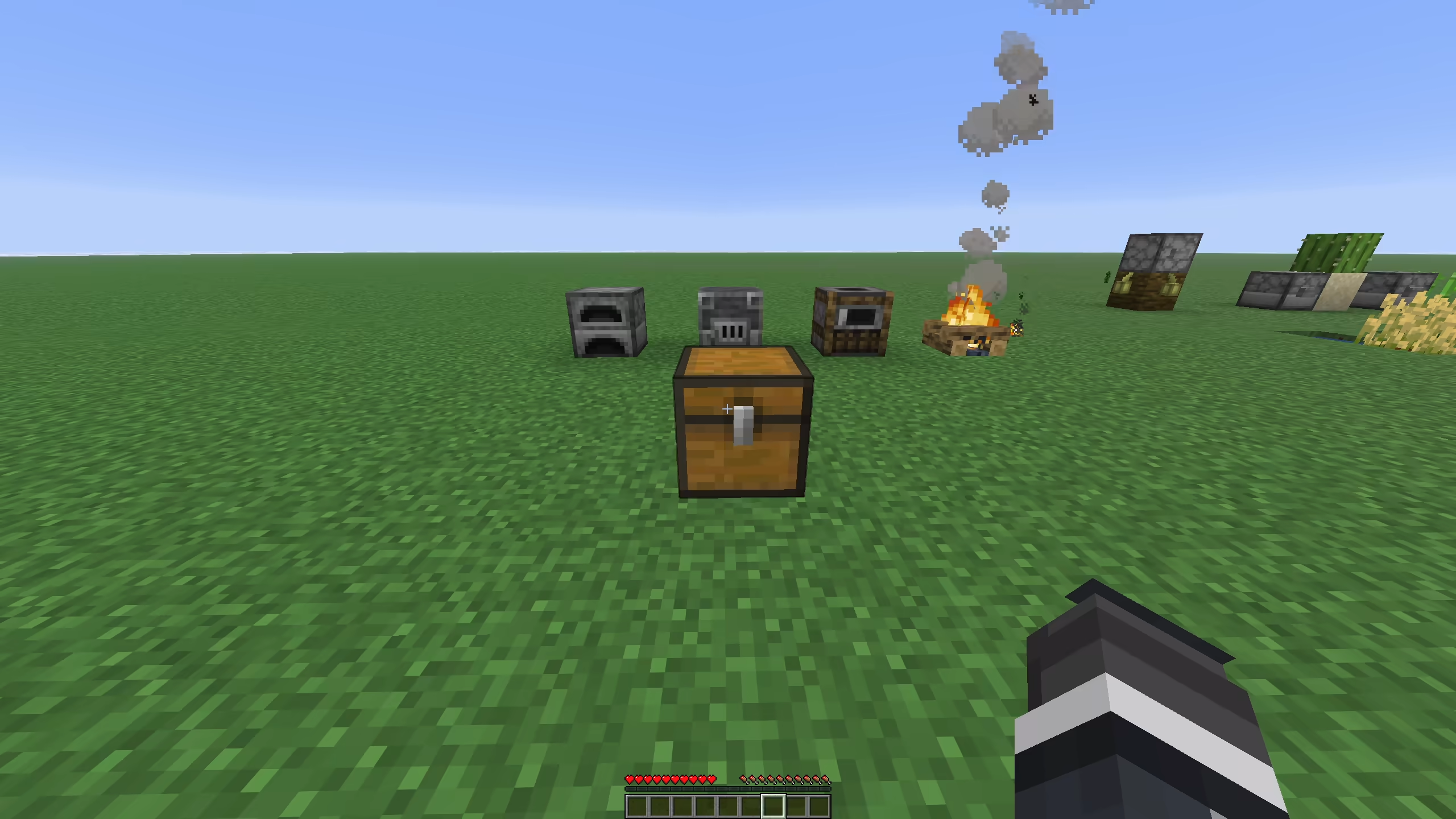
Furnaces, smokers, and blast furnaces cook all valid input they can finish with the fuel available. The plugin checks the matching Bukkit cooking recipe, the current output stack, cook progress, burn time, and output stack limit before it changes the inventory.
fuel-cost-multiplier multiplies the cook time cost before fuel is consumed. With the default value of 2.0, a recipe uses twice the normal fuel time. The plugin spends existing burn time first, then consumes fuel items from the fuel slot.
safe-fuel-mode controls unknown fuels. When it is on, the plugin only uses burn times learned from real furnace burn events. When it is off, it can guess common burn times for fuels that Bukkit has not reported yet.
Brewing stands and campfires use their server events to set brew or cook time to 1 tick.
| Setting | Default | Notes |
|---|---|---|
instant-furnace |
true |
Enables instant furnace recipes |
instant-smoker |
true |
Enables instant smoker recipes |
instant-blast-furnace |
true |
Enables instant blast furnace recipes |
instant-brewing-stand |
true |
Sets brewing time to 1 tick |
instant-campfire |
true |
Sets campfire cook time to 1 tick |
fuel-cost-multiplier |
2.0 |
Multiplies fuel time used |
safe-fuel-mode |
true |
Avoids guessed burn times |
Auto replant
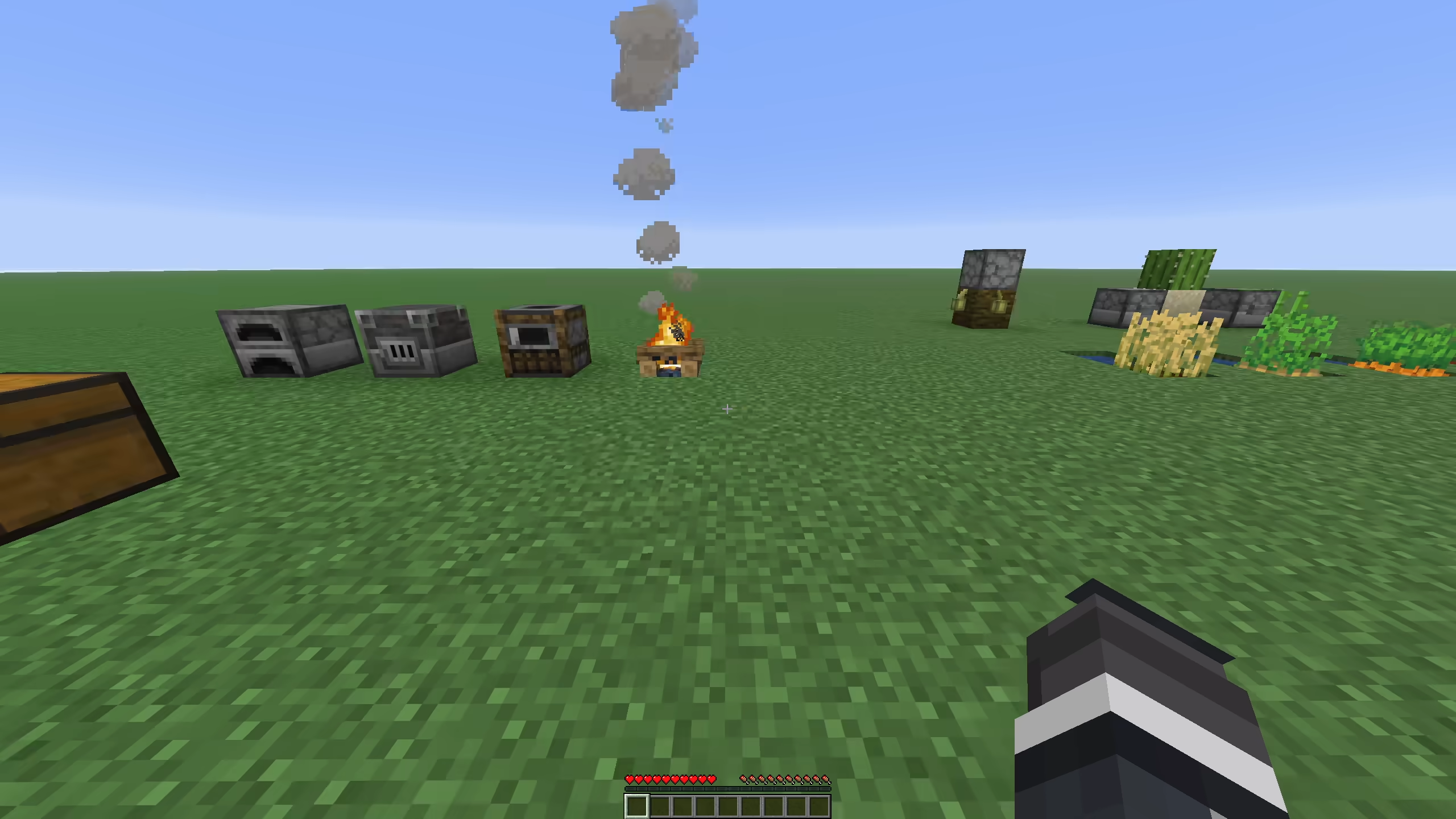
When a supported fully grown crop is broken, the plugin removes one seed or crop item, stores the harvest, and replants the crop. It uses the drops first. If the drops do not include the needed seed, it checks the player inventory, shulker boxes, and bundles based on config.
The replant task retries once per tick up to replant-tries. This helps when another plugin or server timing delay leaves the block occupied for a tick.
Supported normal crops:
- Wheat
- Carrots
- Potatoes
- Beetroot
- Nether Wart
- Torchflower crop
- Pitcher crop
- Melon stems
- Pumpkin stems
Sugar cane and cactus are handled as columns. If the broken block is the base of a multi-block column and the base can be replanted, the full column is removed and one block is replanted. Cactus flowers attached above the cactus column are removed with the cactus. Sugar cane is only replanted on valid soil next to water or a waterlogged block. Cactus is only replanted on sand or red sand with clear sides.
Harvest drops go to the player inventory first. If the inventory is full, auto plant can store leftovers in bundles and shulker boxes before dropping the rest.
| Setting | Default | Notes |
|---|---|---|
auto-plant |
true |
Enables crop and column replanting |
auto-plant-allow-creative |
false |
Allows the feature in creative mode |
auto-plant-use-shulkers |
true |
Reads seeds and stores drops in shulker boxes |
auto-plant-use-bundles |
true |
Reads seeds and stores drops in bundles |
auto-plant-bundle-max-depth |
4 |
Bundle nesting depth |
replant-tries |
120 |
Replant attempts, one per tick |
Bone meal max grow
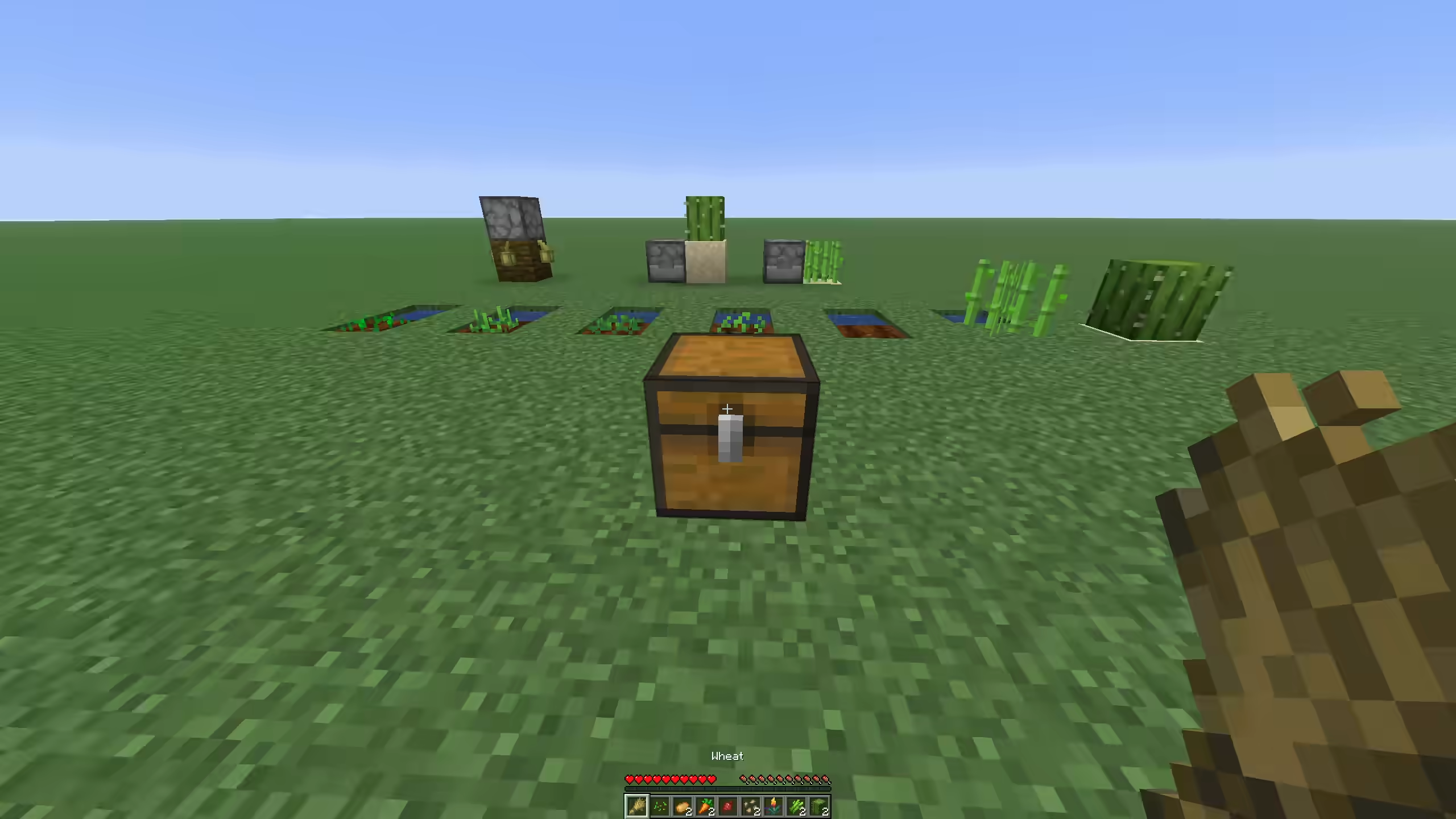
One bone meal use pushes a target to its max state if it can grow. The plugin only consumes bone meal when something changes.
Supported cases include age-based crops, torchflower crops, pitcher crops, melon stems, pumpkin stems, sugar cane, cactus, bamboo, bamboo saplings, and saplings. Saplings can grow into trees, including 2x2 trees when the saplings are placed that way.
Bone meal also works from dispensers. If a dispenser uses bone meal and nothing can grow, the bone meal item is dropped from the dispenser instead of being consumed.
You can also bone meal the block a crop is attached to in some cases. For example, bone meal on a support block can find an age-based plant, cave vine, or directional crop attached to that block. The plugin skips containers, workstations, redstone controls, beds, doors, signs, cauldrons, anvil blocks, brewing stands, furnaces, and other blocks that should keep their normal right-click behavior.
| Setting | Default | Notes |
|---|---|---|
bonemeal-max-grow |
true |
Enables one-use max grow |
bonemeal-bamboo-cap |
16 |
Max bamboo height |
bonemeal-sugar-cane-cap |
3 |
Max sugar cane height |
bonemeal-cactus-cap |
3 |
Max cactus height |
Animal changes
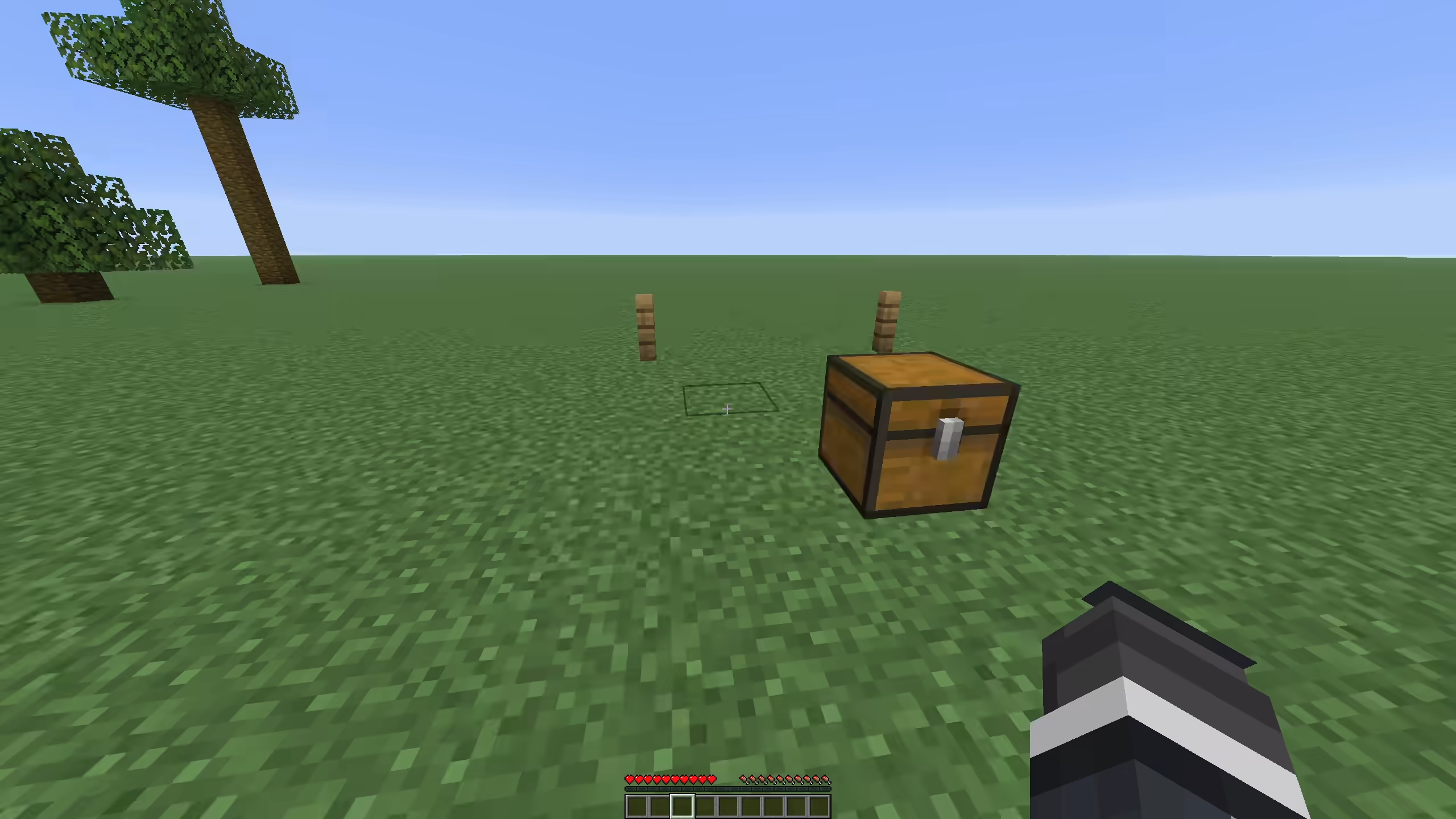
instant-animals is the master switch for animal changes.
When animals-instant-tame is on, right-clicking an untamed tameable mob sets the player as its owner and plays heart particles. The code does not require a specific taming item.
When animals-instant-grow is on, babies from breeding grow up right away. Chickens spawned from thrown eggs also grow up right away.
When animals-reset-breed-cooldown is on, the parents can breed again after a successful breed event.
Animal feeding can use more than one food item per feed action. If animals-feed-uses-multiplier is on, the food cost is ceil(fuel-cost-multiplier), clamped from 1 to 64. With the default multiplier of 2.0, breeding food costs 2 items. The extra food can come from shulker boxes and bundles.
| Setting | Default | Notes |
|---|---|---|
instant-animals |
true |
Master switch |
animals-instant-tame |
true |
Right-click tames tameable mobs |
animals-instant-grow |
true |
Babies become adults |
animals-reset-breed-cooldown |
true |
Parents can breed again after breeding |
animals-feed-uses-multiplier |
true |
Food cost follows fuel-cost-multiplier |
animals-feed-use-shulkers |
true |
Reads extra food from shulker boxes |
animals-feed-use-bundles |
true |
Reads extra food from bundles |
animals-feed-bundle-max-depth |
4 |
Bundle nesting depth |
Villager changes
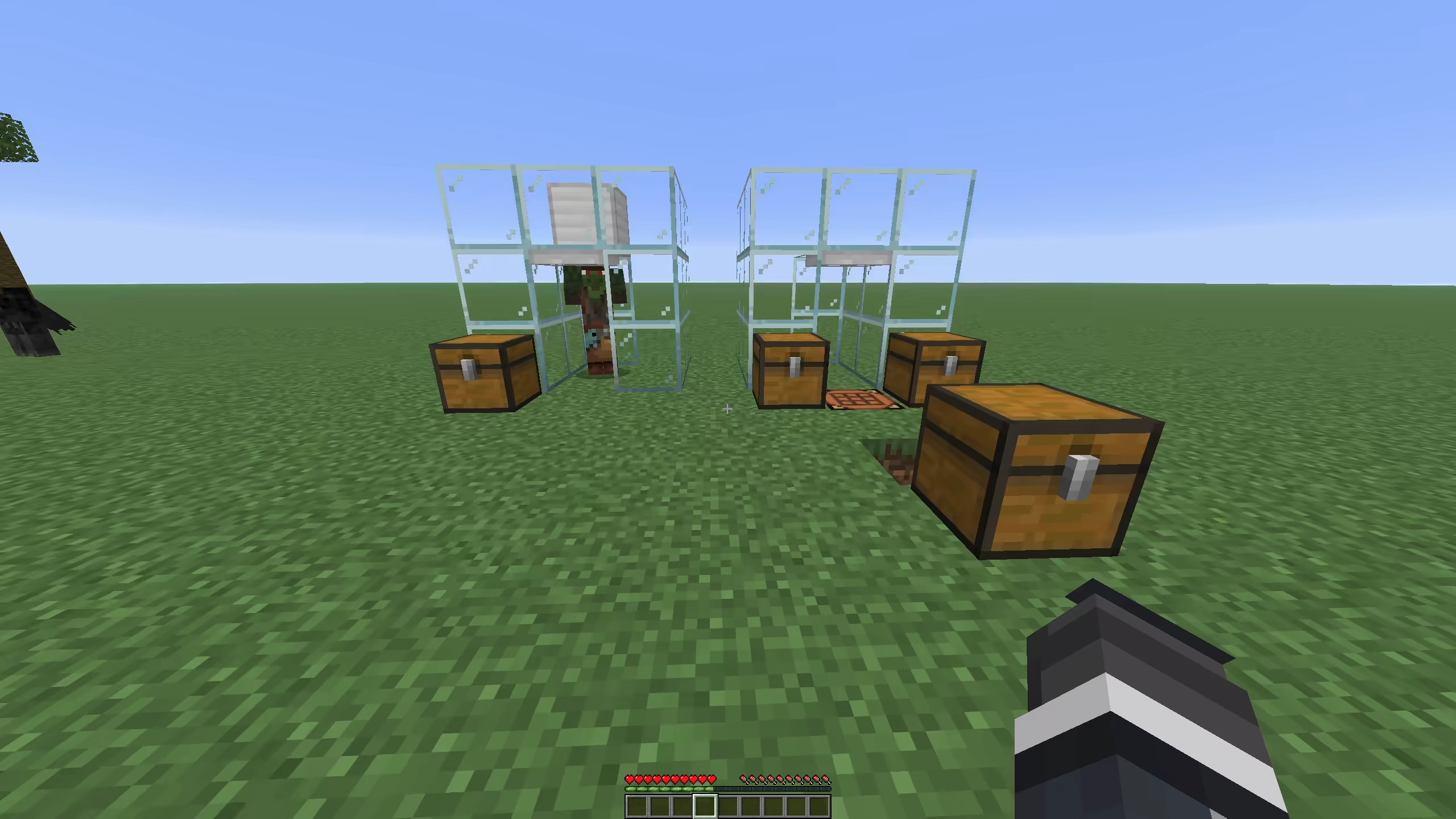
Opening or interacting with a villager clears major and minor negative reputation for that player. This removes punishment from bad gossip.
When trade reset is enabled, villager recipe uses, demand, max uses, and positive special price are reset when the trade menu opens or the villager is interacted with. This keeps trades from locking.
Zombie villagers that are already converting finish at 1 tick when loaded. If a player uses a golden apple on a weakened zombie villager, the plugin marks the player and forces conversion time to 1 tick after vanilla starts the conversion. After cure, it applies cure reputation values of 20 major positive and 25 minor positive for that player.
When a villager job site block is placed, the nearest adult unemployed villager in range gets that block as a potential job site. The default range is 1 block. Job assignment is scheduled for the next tick.
Job site blocks covered by the code are barrel, blast furnace, brewing stand, cartography table, cauldron, composter, fletching table, grindstone, lectern, loom, smithing table, smoker, and stonecutter.
| Setting | Default | Notes |
|---|---|---|
villagers-reset-trade-cooldown |
true |
Resets trade uses, demand, max uses, and positive special price |
villagers-instant-cure |
true |
Forces zombie villager conversion time to 1 tick |
villagers-instant-workbench-update |
true |
Assigns nearby unemployed villagers to new job sites |
villagers-instant-workbench-range |
1 |
Search range around the job site block |
Bulk crafting
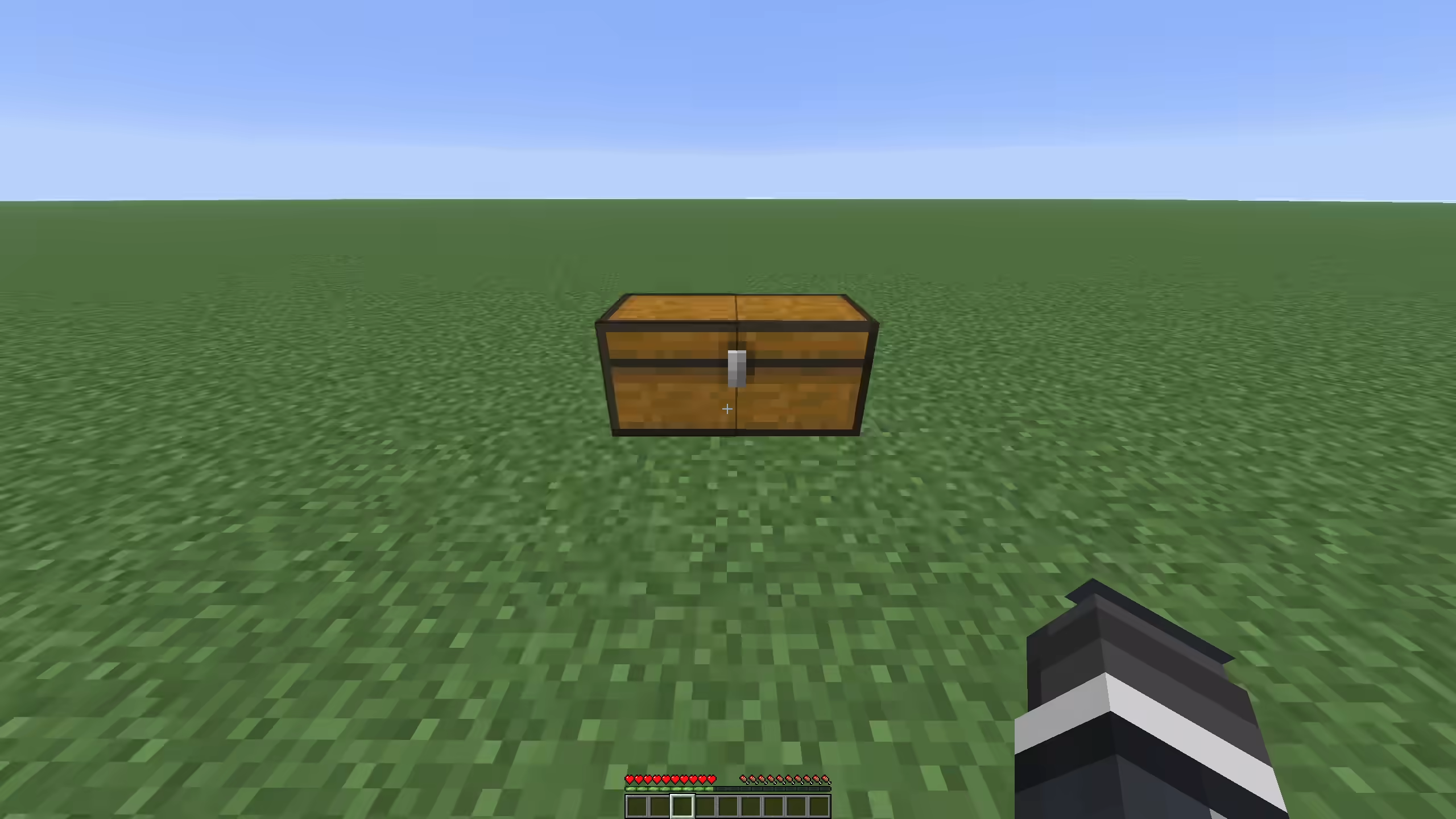
Bulk crafting uses the recipe book "make all" click in a 2x2 player crafting grid or 3x3 crafting table. It only runs when the crafting matrix has at least one full stack, the shown recipe matches the matrix, and the recipe is shaped or shapeless.
The plugin counts how many crafts can be made from the crafting matrix, player inventory, shulker boxes, and bundles. It then consumes the inputs and gives the result. Leftover container items, such as buckets from a recipe, are returned to the player or dropped at the player's feet if the inventory is full.
| Setting | Default | Notes |
|---|---|---|
bulk-crafting |
true |
Enables recipe book make-all bulk craft |
bulk-crafting-use-shulkers |
true |
Reads inputs from shulker boxes |
bulk-crafting-use-bundles |
true |
Reads inputs from bundles |
bulk-crafting-bundle-max-depth |
4 |
Bundle nesting depth |
Bulk villager trading
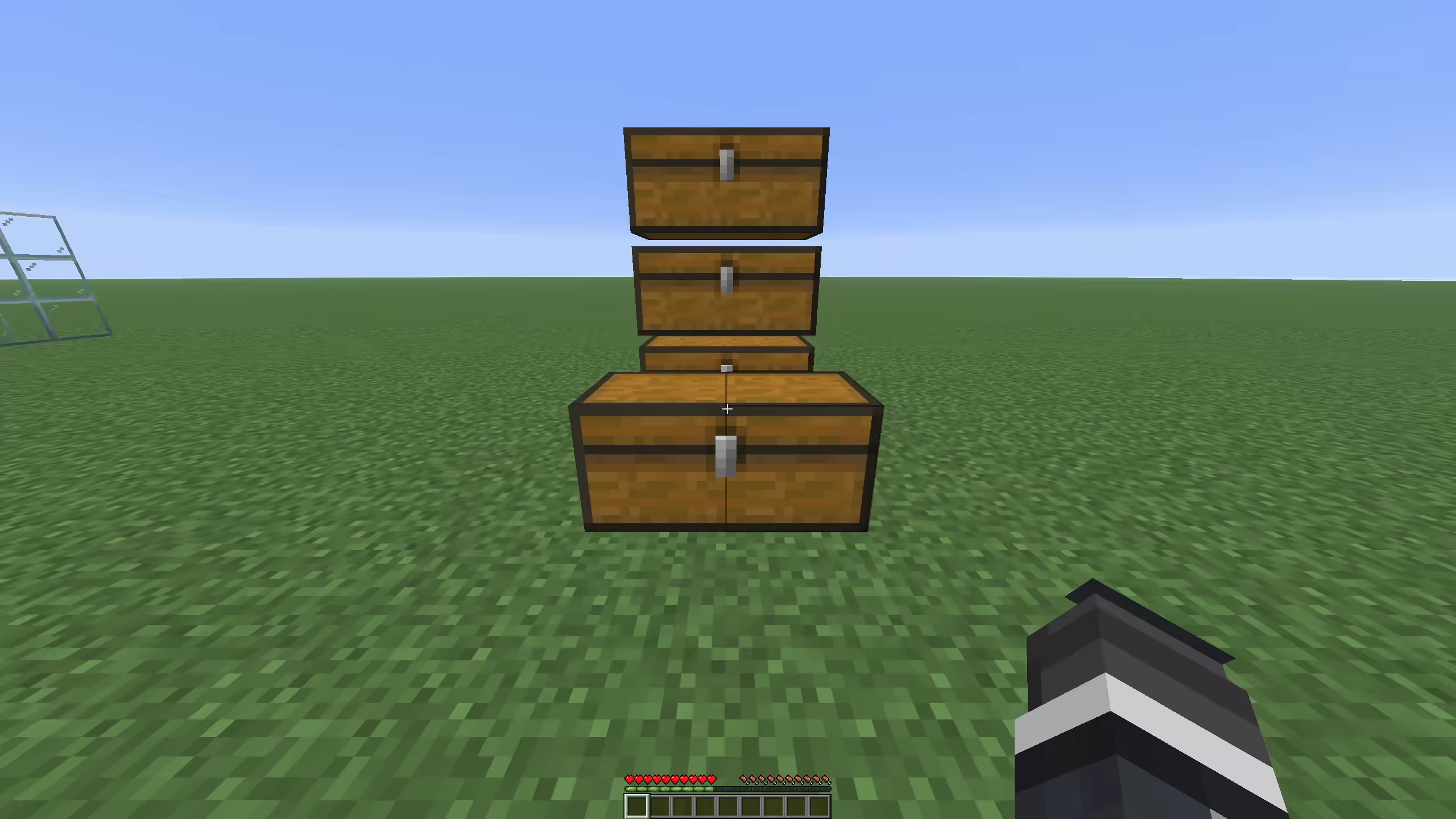
Bulk trading runs when the player selects the same villager trade twice within villagers-bulk-trading-double-click-ticks. The default is 10 ticks, which is half a second.
The plugin checks the selected trade, the merchant input slots, the player inventory, shulker boxes, and bundles. It runs as many trades as the inputs and remaining trade uses allow, then gives the result items. Villager XP and level progress are applied for the bulk trades.
If villagers-bulk-trading-drop-over-64 is true, the player keeps one max stack of the result and the rest is dropped at the player's feet. This keeps bulk trades from filling the whole inventory with one trade result.
| Setting | Default | Notes |
|---|---|---|
villagers-bulk-trading |
true |
Enables double-select bulk trading |
villagers-bulk-trading-use-shulkers |
true |
Reads inputs from shulker boxes |
villagers-bulk-trading-use-bundles |
true |
Reads inputs from bundles |
villagers-bulk-trading-bundle-max-depth |
4 |
Bundle nesting depth |
villagers-bulk-trading-drop-over-64 |
true |
Keeps one stack, drops the rest |
villagers-bulk-trading-double-click-ticks |
10 |
Double-select window |
Anvil changes
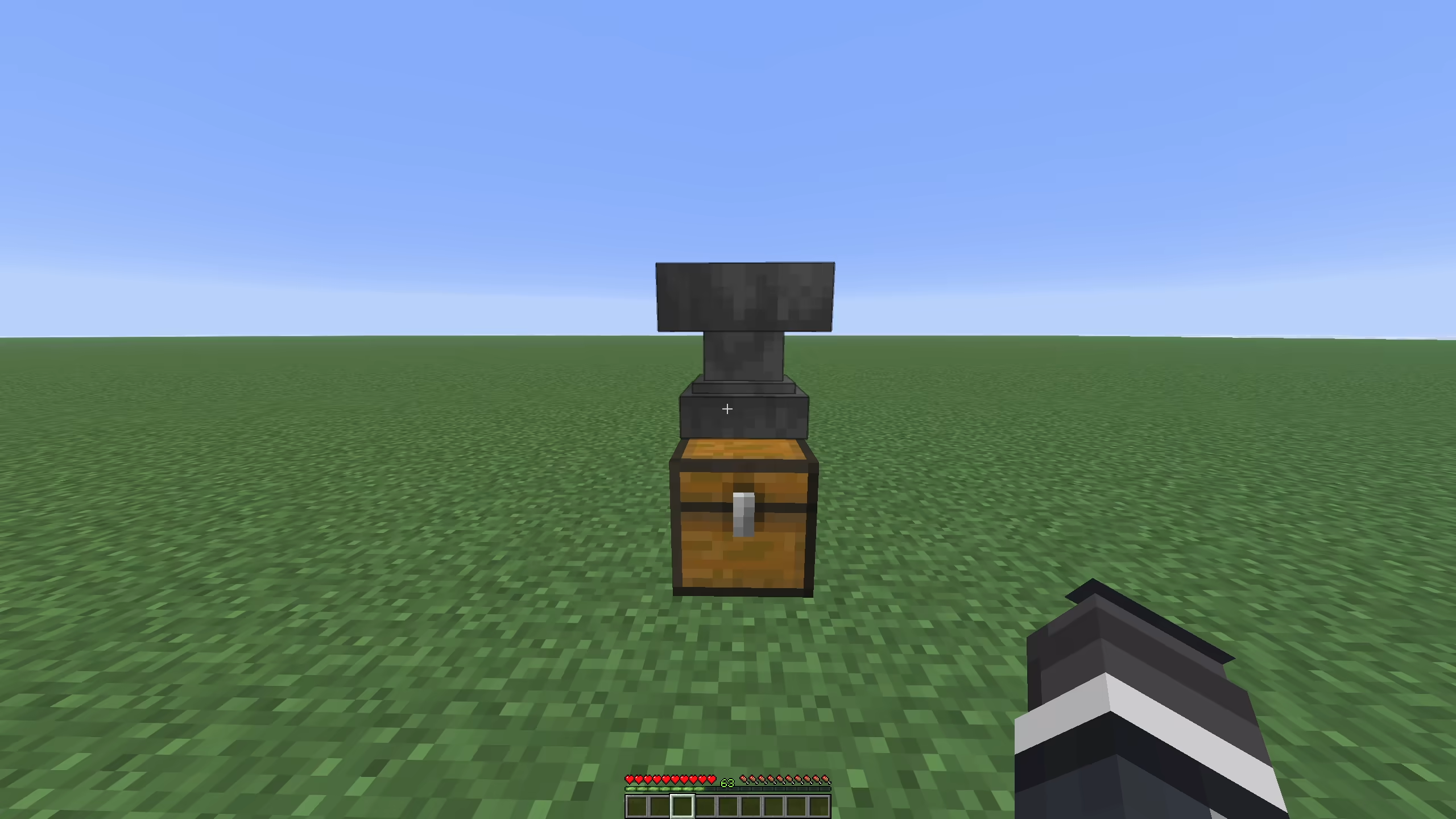
When anvil-unlimited-repair-cost is on, the plugin sets the anvil maximum repair cost from config. The default is 2147483647, which removes the practical vanilla cap.
The anvil result item gets a temporary lore line in the result slot: Cost: N levels. That line is removed when the player takes the result.
| Setting | Default | Notes |
|---|---|---|
anvil-unlimited-repair-cost |
true |
Raises the anvil max repair cost |
anvil-max-repair-cost |
2147483647 |
Max level cost allowed by the plugin |
Armored elytra
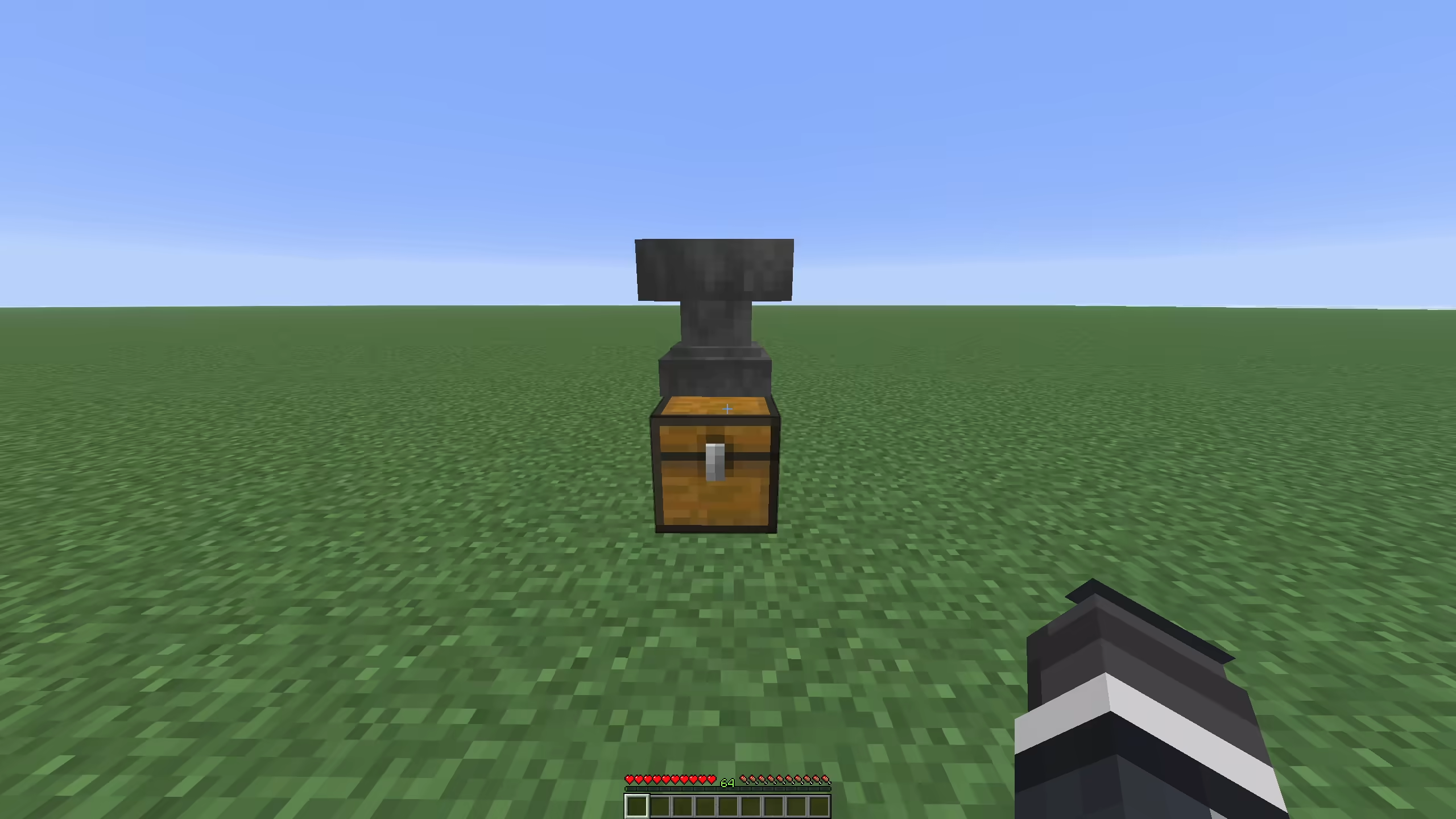
Place an elytra and a netherite chestplate in an anvil. The result is an elytra with the chestplate's armor, armor toughness, and knockback resistance attributes applied to the chest slot.
The result keeps the elytra item type and texture. It merges enchantments from both items, keeping the higher level when both items have the same enchantment. The anvil cost is set to 39 levels and one input item count.
The resulting item is tagged as an armored elytra. As an item entity, it resists lava, fire, fire tick, and hot floor damage, and combustion is canceled.
| Setting | Default | Notes |
|---|---|---|
armored-elytra |
true |
Enables elytra plus netherite chestplate anvil result |
Tool and armor break protection
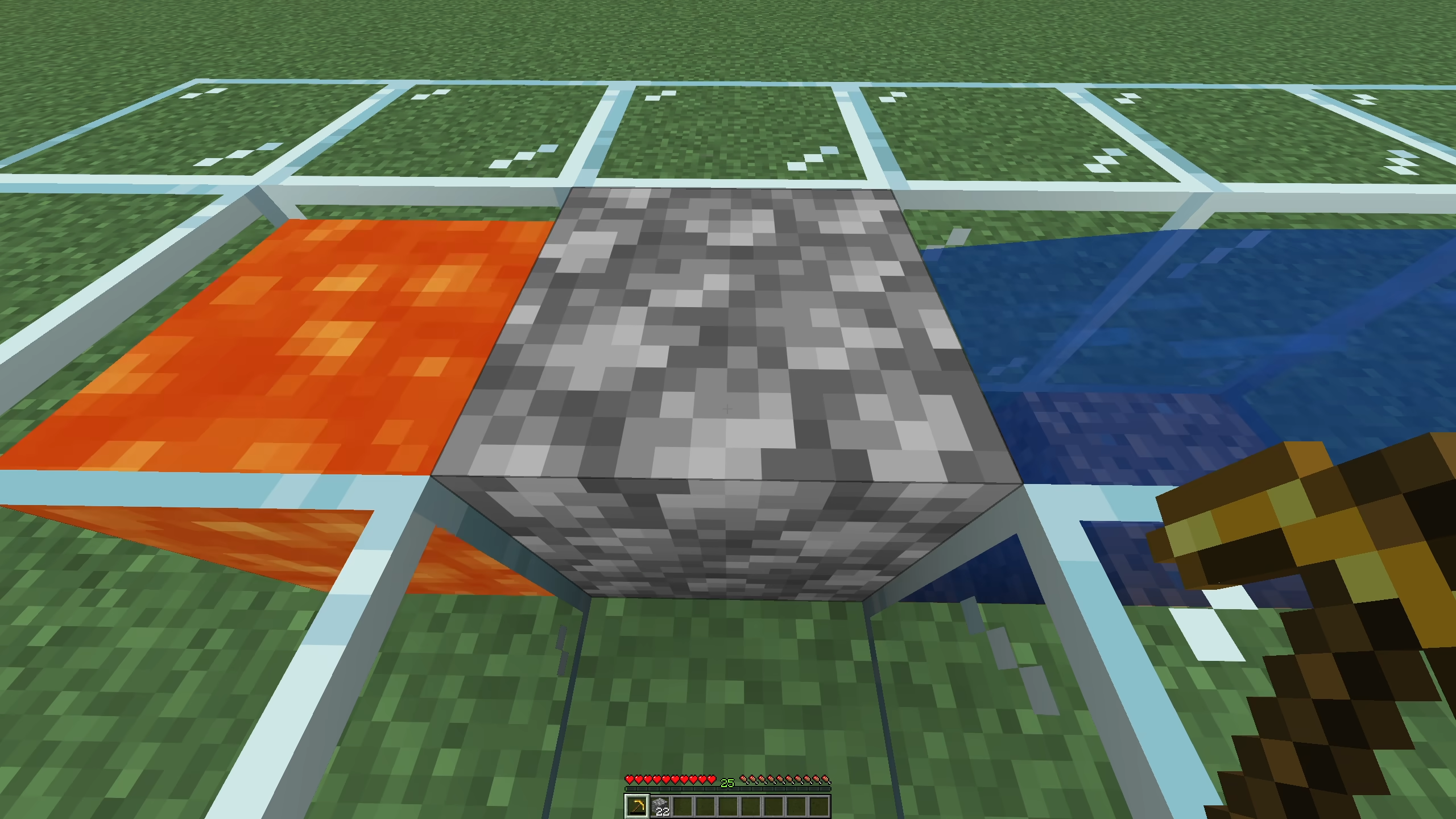
Tools are stopped at 1 durability. If a protected tool is at 1 durability, block breaking, block damage, melee attacks, and bow shooting are canceled. The player hears the item break sound with a short cooldown.
When a tool or armor piece would break from durability damage, the damage event is canceled and the item is set to 1 durability.
Armor at 1 durability does not give free protection forever. If a player takes damage while wearing near-broken armor, the plugin briefly removes the armor, applies the incoming damage, then restores the armor. The warning sound plays.
Elytra are not handled by the tool protection check. Armor protection applies to items whose material names end in _HELMET, _CHESTPLATE, _LEGGINGS, or _BOOTS.
| Setting | Default | Notes |
|---|---|---|
prevent-tool-break |
true |
Protects damageable non-armor tools and weapons |
prevent-armor-break |
true |
Protects armor pieces |
Inventory Totem of Undying
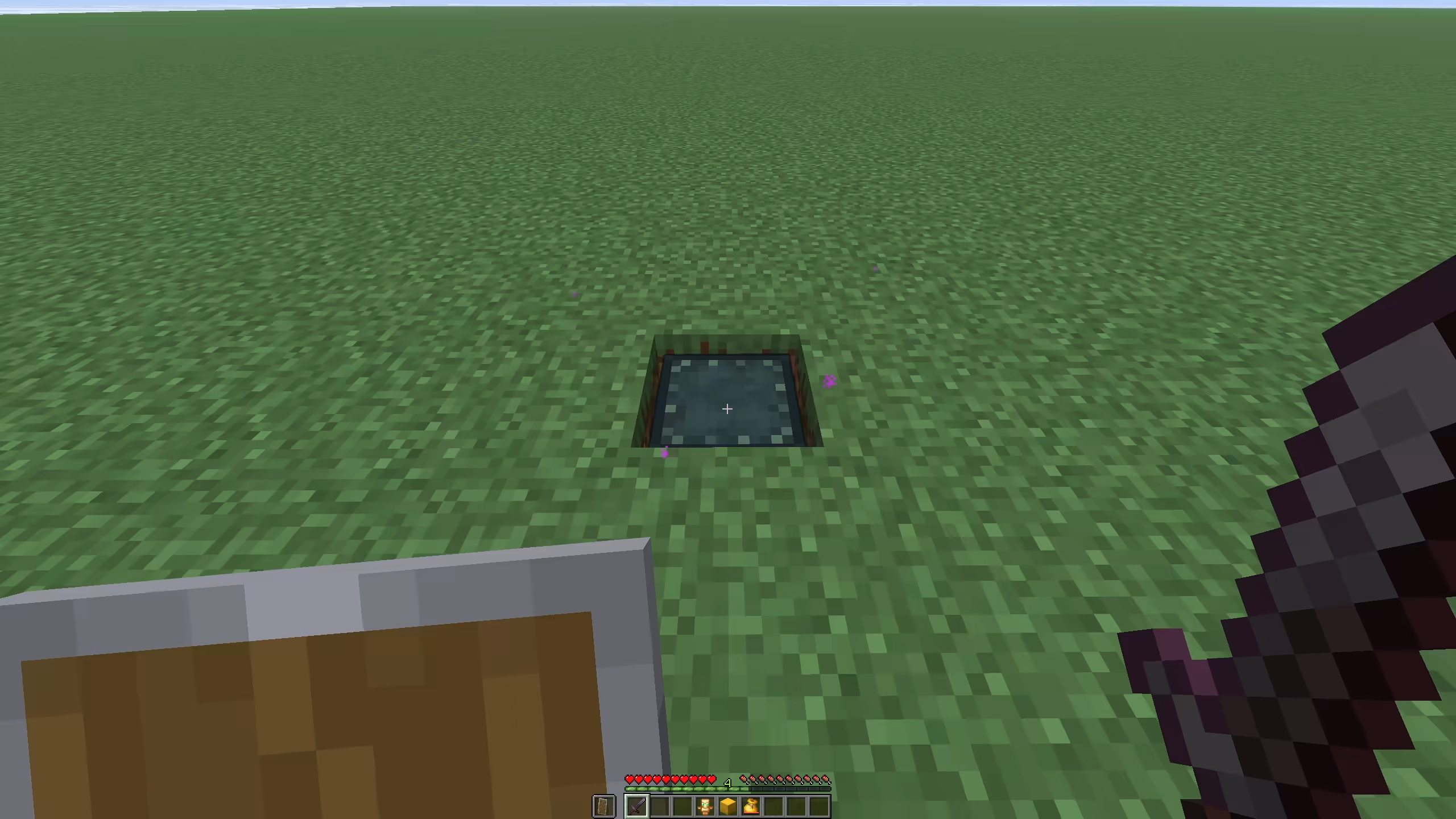
If damage would kill a player, the plugin can consume a Totem of Undying from storage instead of requiring it in the hand. The search order is player inventory first, then bundles, then shulker boxes, based on config. If ender chest search is enabled, the same search also runs there.
When inventory-totem-skip-if-held is true, the plugin does nothing if the player is already holding a totem. Vanilla handles that case.
The plugin applies the normal rescue pattern itself: health is set to 1, active potion effects are cleared, regeneration, absorption, and fire resistance are added, fall distance is reset, no-damage ticks are set, and the totem effect, sound, and particles play.
| Setting | Default | Notes |
|---|---|---|
inventory-totem |
true |
Enables inventory totem use |
inventory-totem-use-shulkers |
true |
Searches shulker boxes |
inventory-totem-use-bundles |
true |
Searches bundles |
inventory-totem-check-ender-chest |
true |
Searches the player's ender chest |
inventory-totem-skip-if-held |
true |
Lets vanilla handle held totems |
inventory-totem-bundle-max-depth |
4 |
Bundle nesting depth |
Silk Touch block recovery
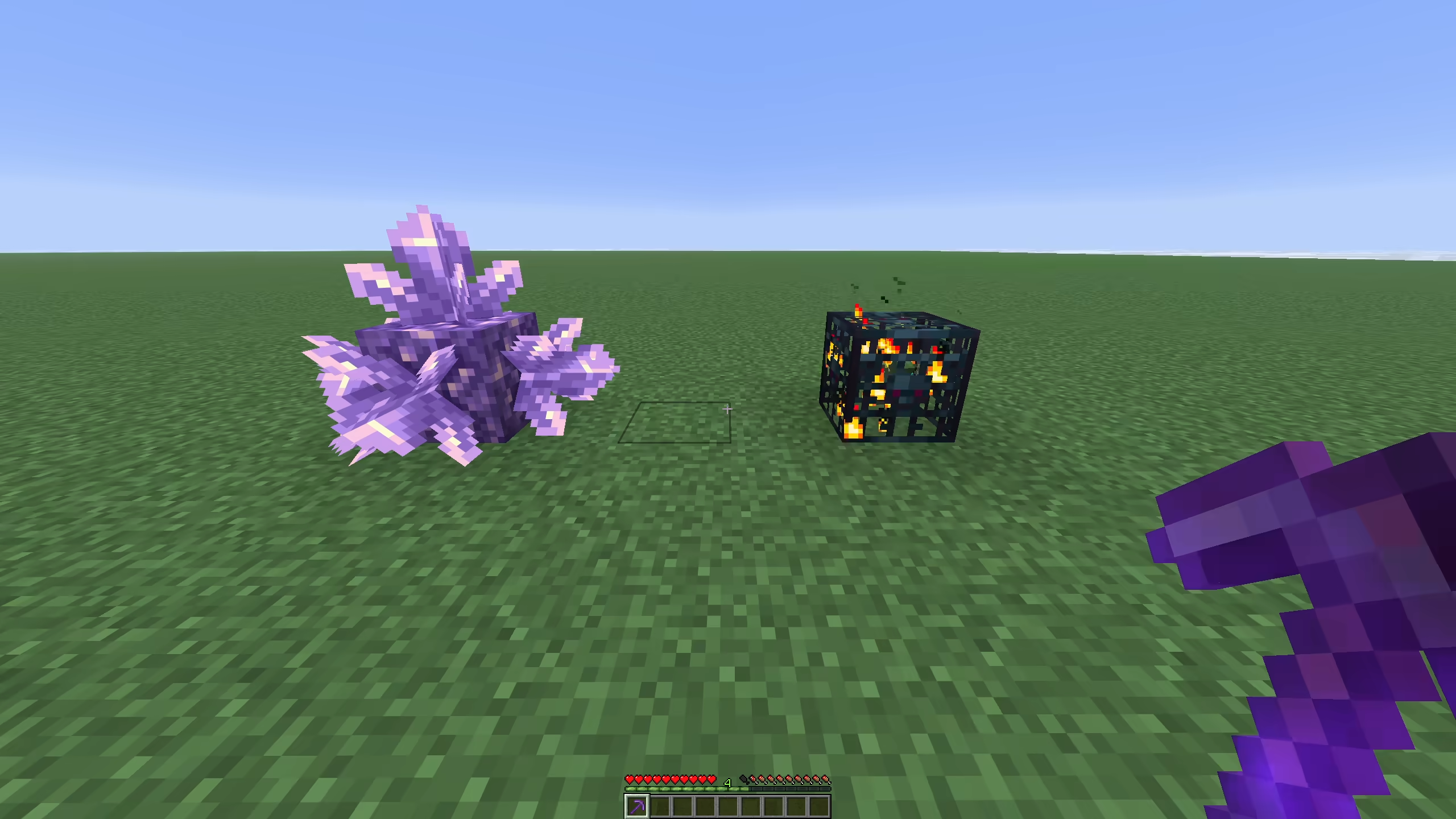
When a player breaks a block with Silk Touch, the plugin tries to give the block item and any stored contents to the player instead of letting contents scatter on the ground. Leftovers drop near the block if the player's inventory is full.
Container contents are collected from Bukkit containers. Ender chests are ignored. Shulker boxes keep their contents inside the dropped shulker item instead of having their contents extracted.
Spawners and trial spawners have special handling. They can drop the spawner block, a spawn egg for the stored entity type, or both. The spawn egg amount is configurable.
The blacklist blocks are not recovered.
| Setting | Default | Notes |
|---|---|---|
silk-touch-recover-blocks |
true |
Enables Silk Touch recovery |
silk-touch-recover-allow-creative |
false |
Allows recovery in creative mode |
silk-touch-spawner-drop-spawner |
true |
Drops spawner or trial spawner block |
silk-touch-spawner-drop-egg |
true |
Drops spawn egg when a type is known |
silk-touch-spawner-egg-amount |
1 |
Spawn eggs to drop, clamped from 0 to 64 |
silk-touch-recover-blacklist |
see config | Blocks that are never recovered |
Sea pickle fast place
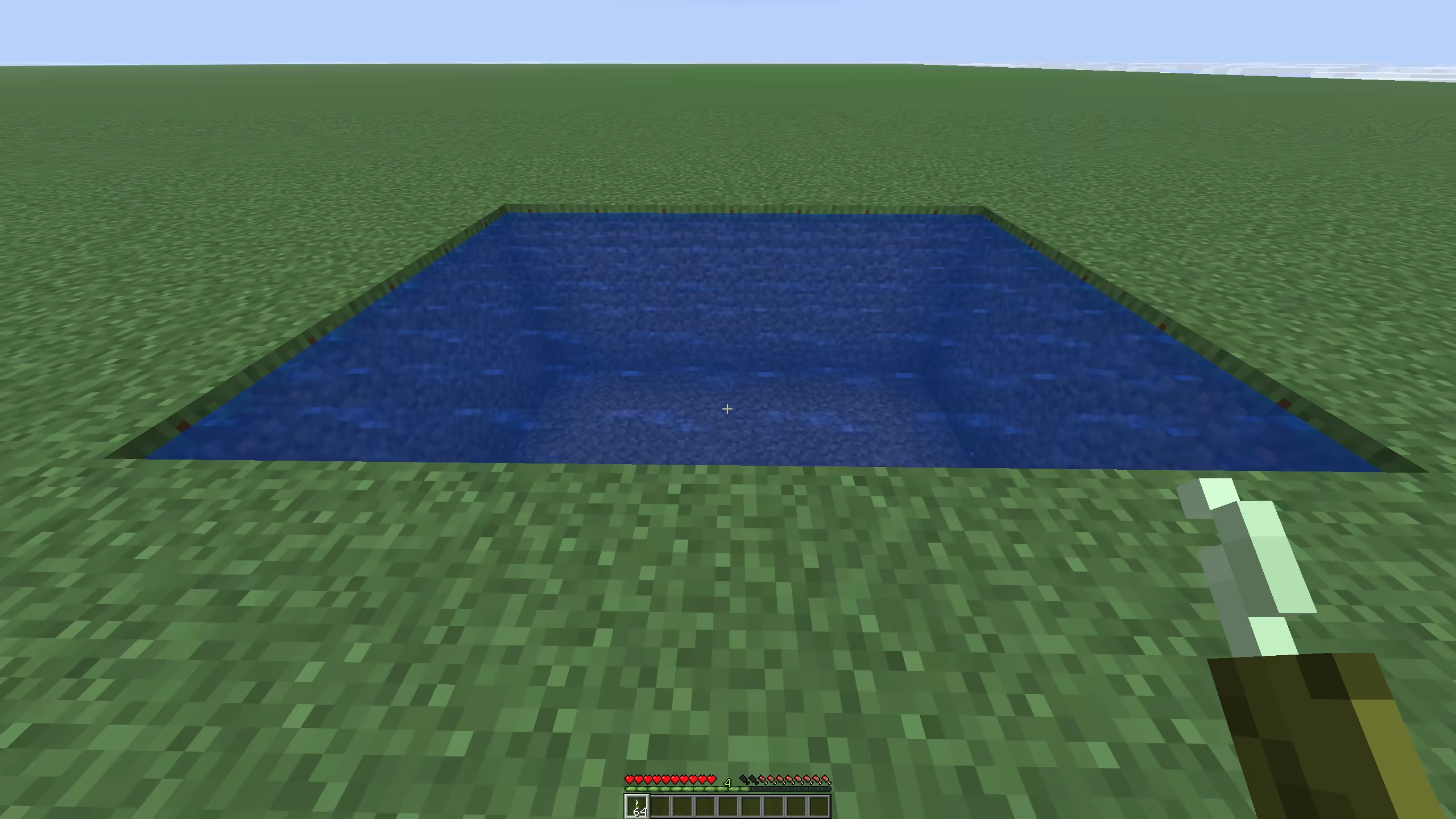
Right-clicking with sea pickles can fill a sea pickle block up to 4 pickles. The plugin can also place into water, bubble columns, seagrass, tall seagrass, kelp, kelp plants, and passable waterlogged spaces.
It checks how many sea pickles the player has in inventory, shulker boxes, and bundles, then adds as many as fit. If the target changes before the delayed placement step runs, removed pickles are refunded.
| Setting | Default | Notes |
|---|---|---|
sea-pickles-fast-place |
true |
Enables fast sea pickle filling |
sea-pickles-fast-place-use-shulkers |
true |
Reads sea pickles from shulker boxes |
sea-pickles-fast-place-use-bundles |
true |
Reads sea pickles from bundles |
sea-pickles-fast-place-bundle-max-depth |
4 |
Bundle nesting depth |
Bundle scroll
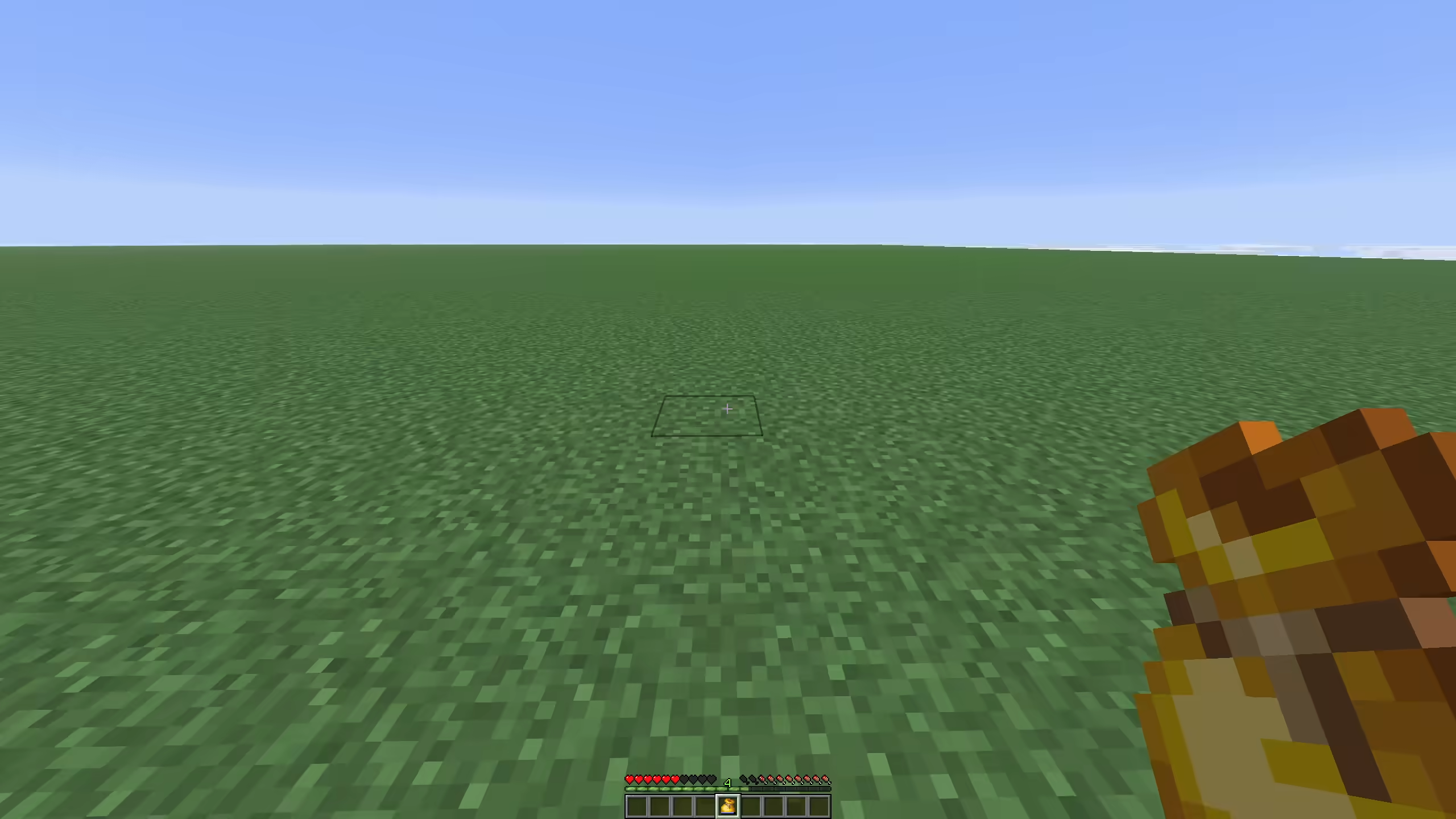
Bundle scroll uses PacketEvents to listen for the client bundle item selection packet. When a bundle has at least bundle-scroll-min-stacks item stacks, the plugin rotates the stored item order when the player wraps from the last visible bundle slot to the first, or from the first visible slot to the last.
The default visible window is 8 items. With bundle-scroll-step: 1, each wrap rotates the bundle by 8 items. bundle-scroll-cooldown-ticks stops repeated packet spam from rotating too fast.
| Setting | Default | Notes |
|---|---|---|
bundle-scroll |
true |
Enables bundle item rotation |
bundle-scroll-min-stacks |
13 |
Minimum bundle stack count before rotation |
bundle-scroll-window-size |
8 |
Visible bundle item window |
bundle-scroll-step |
1 |
Pages moved per wrap |
bundle-scroll-cooldown-ticks |
1 |
Rotation cooldown |
Mud spread
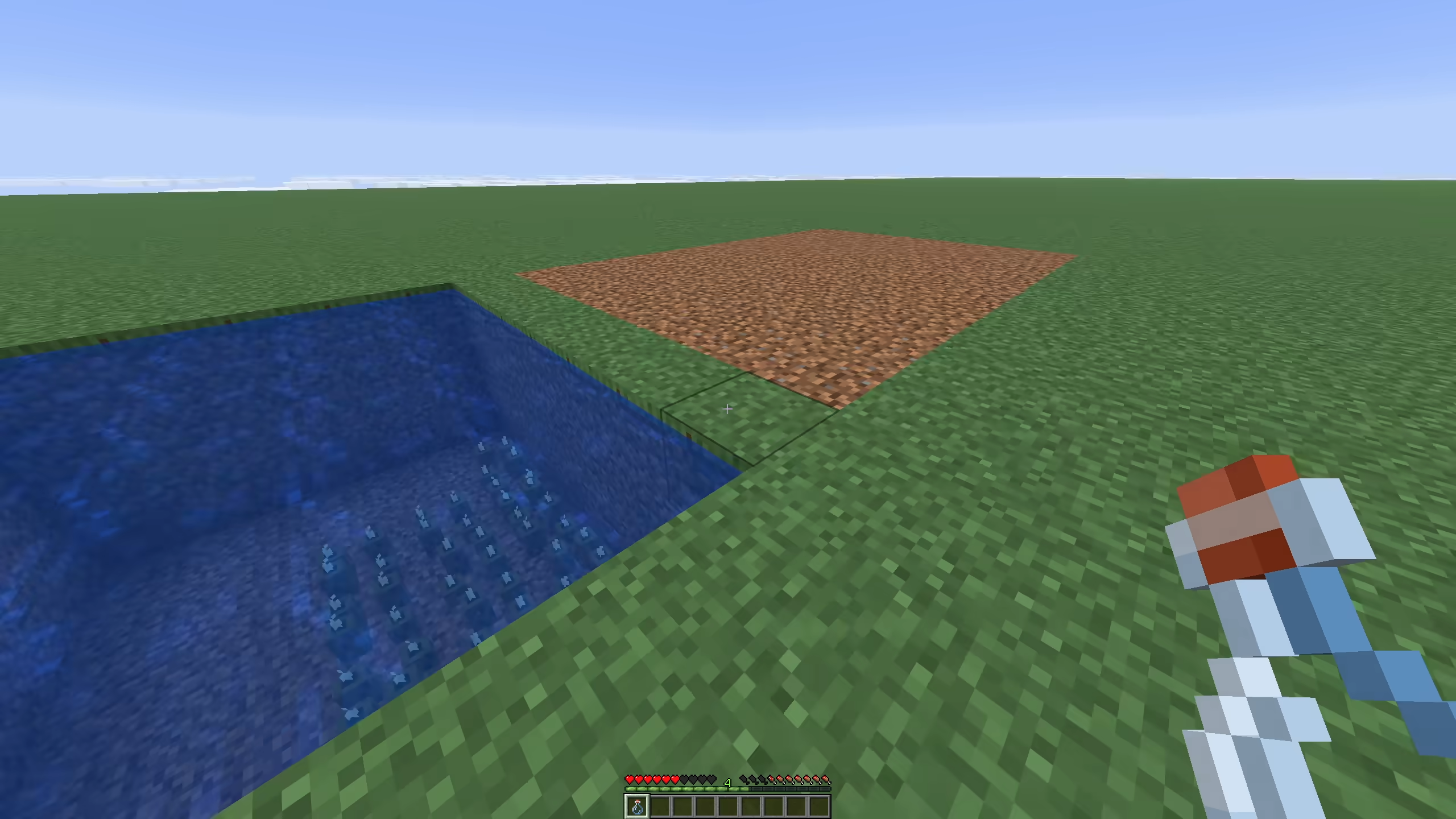
When a water bottle turns dirt into mud, the plugin waits one tick for vanilla to make the first mud block. If the clicked block is now mud, the plugin spreads from that block.
Spread only checks the four horizontal sides at the same Y level. Only DIRT is changed to MUD. Existing mud continues the spread path. The job processes mud-spread-blocks-per-step nodes each step and waits mud-spread-step-interval-ticks between steps.
| Setting | Default | Notes |
|---|---|---|
mud-spread |
true |
Enables mud spread after water bottle use |
mud-spread-range |
64 |
Max side steps from the first mud block |
mud-spread-blocks-per-step |
16 |
Queue nodes processed per step |
mud-spread-step-interval-ticks |
10 |
Delay between spread steps |
Concrete powder in water
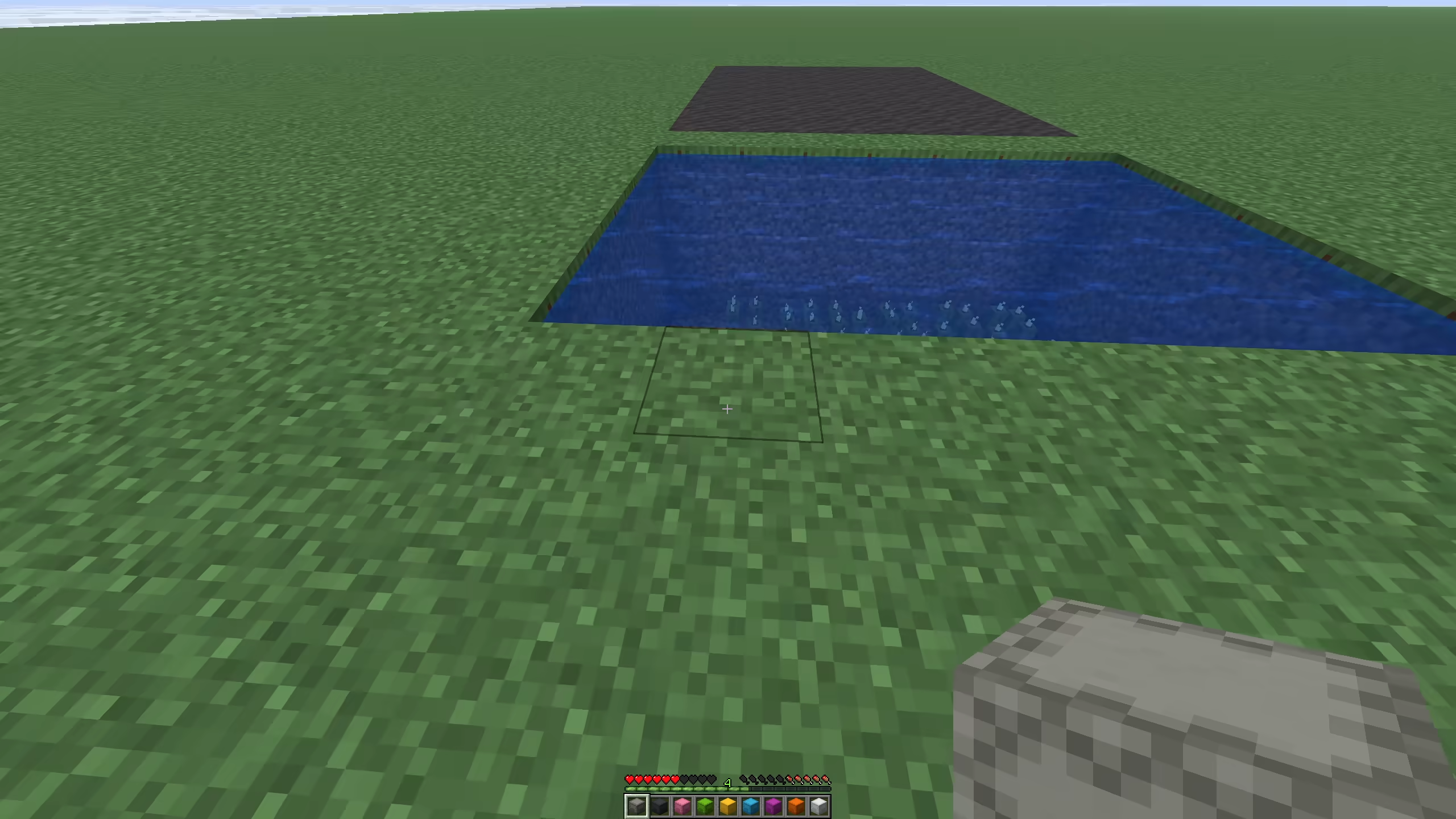
Dropped concrete powder item entities convert into concrete item entities when they are in a full water source block. The block below the item is also checked. Flowing water does not count.
The plugin polls matching item entities every 2 ticks for up to 60 ticks. This gives the item time to fall into water after being dropped.
If a dropped shulker box or bundle is sitting in source water, concrete powder inside it can be converted in place. Shulker boxes can contain bundles, and bundles can contain nested bundles or shulker boxes, based on the two storage toggles and the bundle depth setting.
All 16 concrete colors are mapped.
| Setting | Default | Notes |
|---|---|---|
concrete-powder-in-water |
true |
Enables item entity conversion |
concrete-powder-in-water-use-shulkers |
true |
Converts powder inside dropped shulker boxes |
concrete-powder-in-water-use-bundles |
true |
Converts powder inside dropped bundles |
concrete-powder-in-water-bundle-max-depth |
4 |
Bundle nesting depth |
Piston farmland protection
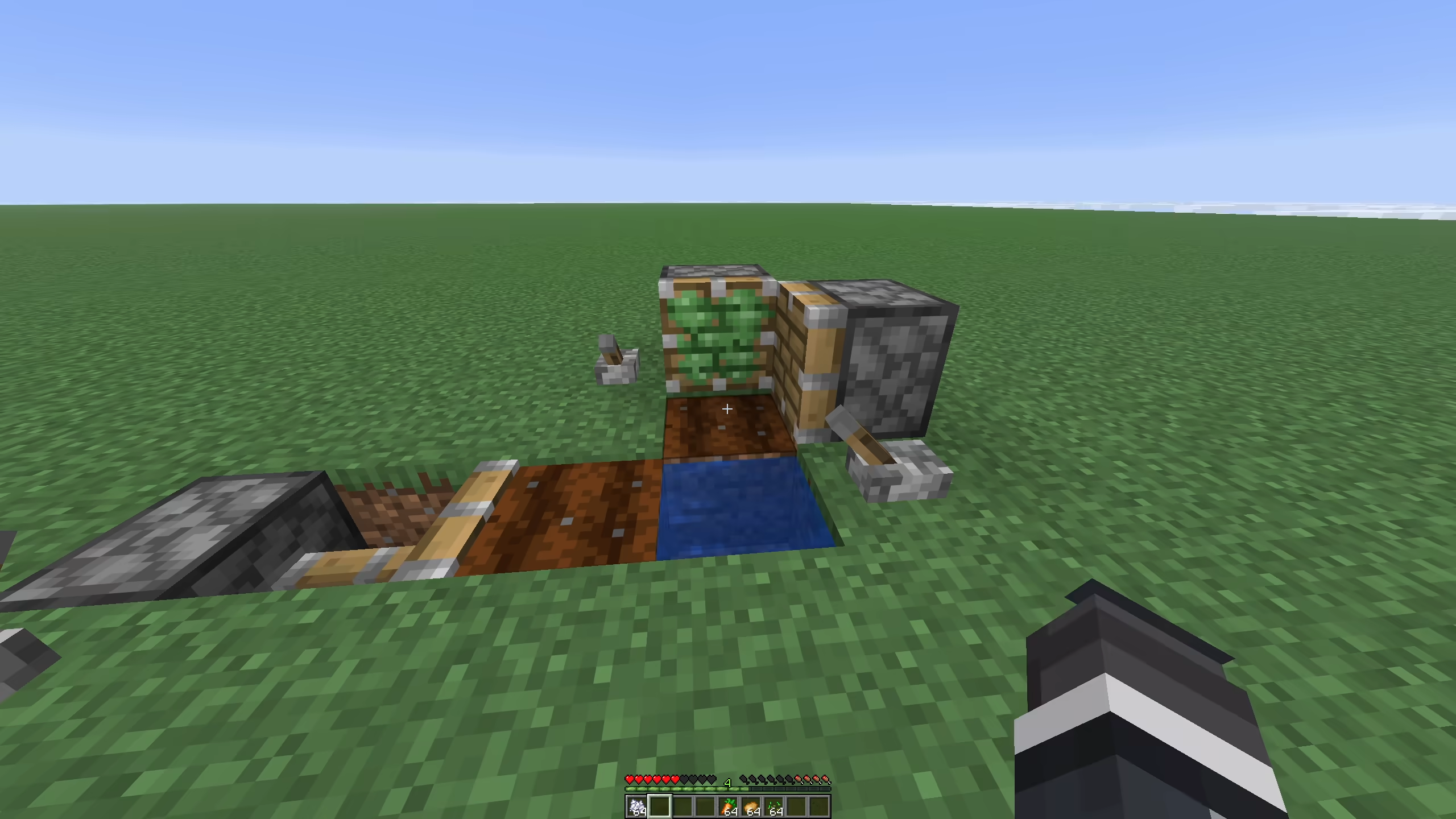
This lets piston heads move across farmland without turning it into dirt. In normal Minecraft, that breaks many automatic crop farm designs because the piston head can wipe the farmland under the crop row.
When this feature is on, farmland near water is protected while pistons move over it. The water check uses the configured radius and accepts normal water or waterlogged blocks.
Use this for farms where pistons break or move crops, but the farmland must stay in place for the next planting cycle.
| Setting | Default | Notes |
|---|---|---|
piston-protect-farmland |
true |
Keeps farmland from turning into dirt when pistons move over it |
piston-protect-farmland-water-radius |
4 |
Water search radius, clamped from 1 to 16 |
Sugar cane piston drop pinning
This behavior has no config setting. When a piston breaks sugar cane, the plugin marks the affected cane blocks for about 8 ticks. Sugar cane item drops spawned from those blocks are teleported to the base of the cane column and their velocity is set to zero. This keeps piston-harvested cane from scattering.
Full config reference
settings:

  # Instant processing
  instant-furnace: true
  instant-smoker: true
  instant-blast-furnace: true
  instant-brewing-stand: true
  instant-campfire: true
  # Fuel time cost for instant smelting.
  # 1.0 uses normal fuel time. 2.0 uses double fuel time.
  fuel-cost-multiplier: 2.0
  # Only use burn times learned from real furnace burn events.
  # If false, the plugin can guess common fuel burn times.
  safe-fuel-mode: true
  # Animals
  instant-animals: true
  animals-instant-tame: true
  animals-instant-grow: true
  animals-reset-breed-cooldown: true
  # If true, feeding cost is ceil(fuel-cost-multiplier), clamped from 1 to 64.
  animals-feed-uses-multiplier: true
  animals-feed-use-shulkers: true
  animals-feed-use-bundles: true
  animals-feed-bundle-max-depth: 4
  # Auto replant
  auto-plant: true
  auto-plant-allow-creative: false
  auto-plant-use-shulkers: true
  auto-plant-use-bundles: true
  auto-plant-bundle-max-depth: 4
  # Replant attempts after a block is broken, one attempt per tick.
  replant-tries: 120
  # Bone meal max grow
  bonemeal-max-grow: true
  bonemeal-bamboo-cap: 16
  bonemeal-sugar-cane-cap: 3
  bonemeal-cactus-cap: 3
  # Villagers
  villagers-reset-trade-cooldown: true
  villagers-instant-cure: true
  villagers-instant-workbench-update: true
  villagers-instant-workbench-range: 1
  # Bulk crafting
  bulk-crafting: true
  bulk-crafting-use-shulkers: true
  bulk-crafting-use-bundles: true
  bulk-crafting-bundle-max-depth: 4
  # Bulk villager trading
  villagers-bulk-trading: true
  villagers-bulk-trading-use-shulkers: true
  villagers-bulk-trading-use-bundles: true
  villagers-bulk-trading-bundle-max-depth: 4
  villagers-bulk-trading-drop-over-64: true
  # Double-select window in ticks. 20 ticks is 1 second.
  villagers-bulk-trading-double-click-ticks: 10
  # Sea pickle fast place
  sea-pickles-fast-place: true
  sea-pickles-fast-place-use-shulkers: true
  sea-pickles-fast-place-use-bundles: true
  sea-pickles-fast-place-bundle-max-depth: 4
  # Anvil
  anvil-unlimited-repair-cost: true
  anvil-max-repair-cost: 2147483647
  # Elytra plus netherite chestplate in an anvil.
  armored-elytra: true
  # Durability safety
  prevent-tool-break: true
  prevent-armor-break: true
  # Inventory totem
  inventory-totem: true
  inventory-totem-use-shulkers: true
  inventory-totem-use-bundles: true
  inventory-totem-check-ender-chest: true
  inventory-totem-skip-if-held: true
  inventory-totem-bundle-max-depth: 4
  # Silk Touch recovery
  silk-touch-recover-blocks: true
  silk-touch-recover-allow-creative: false
  silk-touch-spawner-drop-spawner: true
  silk-touch-spawner-drop-egg: true
  silk-touch-spawner-egg-amount: 1
  silk-touch-recover-blacklist:
    - BEDROCK
    - END_PORTAL_FRAME
    - END_PORTAL
    - NETHER_PORTAL
    - STRUCTURE_BLOCK
    - JIGSAW
    - BARRIER
    - LIGHT
  # Bundle scrolling. Requires PacketEvents.
  bundle-scroll: true
  bundle-scroll-min-stacks: 13
  bundle-scroll-window-size: 8
  bundle-scroll-step: 1
  bundle-scroll-cooldown-ticks: 1
  # Mud spread from a water bottle on dirt.
  mud-spread: true
  mud-spread-range: 64
  mud-spread-blocks-per-step: 16
  mud-spread-step-interval-ticks: 10
  # Concrete powder item conversion in source water.
  concrete-powder-in-water: true
  concrete-powder-in-water-use-shulkers: true
  concrete-powder-in-water-use-bundles: true
  concrete-powder-in-water-bundle-max-depth: 4
  # Piston farmland protection.
  piston-protect-farmland: true
  piston-protect-farmland-water-radius: 4