
MINECRAFTBIBLE
Loading...
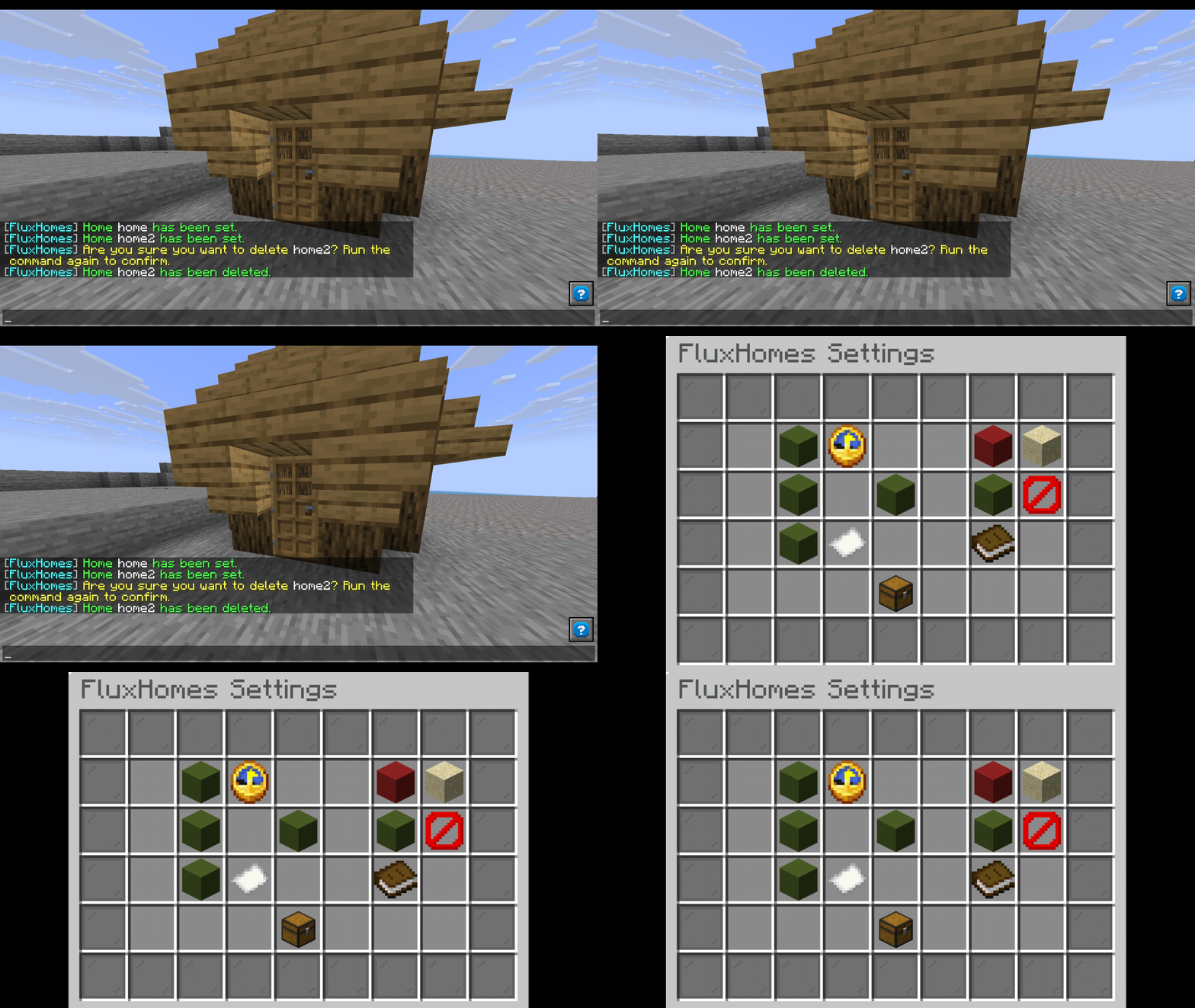

A modern, feature-rich homes plugin for Paper/Spigot/Purpur servers. Clean code, translation support, and a settings GUI included out of the box.
A clean, modern homes plugin built for Paper servers. Set named homes, teleport back with a command, and manage everything through an in-game GUI. Simple for players, powerful for admins.
Multiple Homes
Set, delete, and teleport to named homes. The default limit is configurable, and server owners can assign different limits per player group using permission nodes like fluxhomes.homes.5. Players with fluxhomes.homes.unlimited have no cap at all.
In-Game Settings GUI
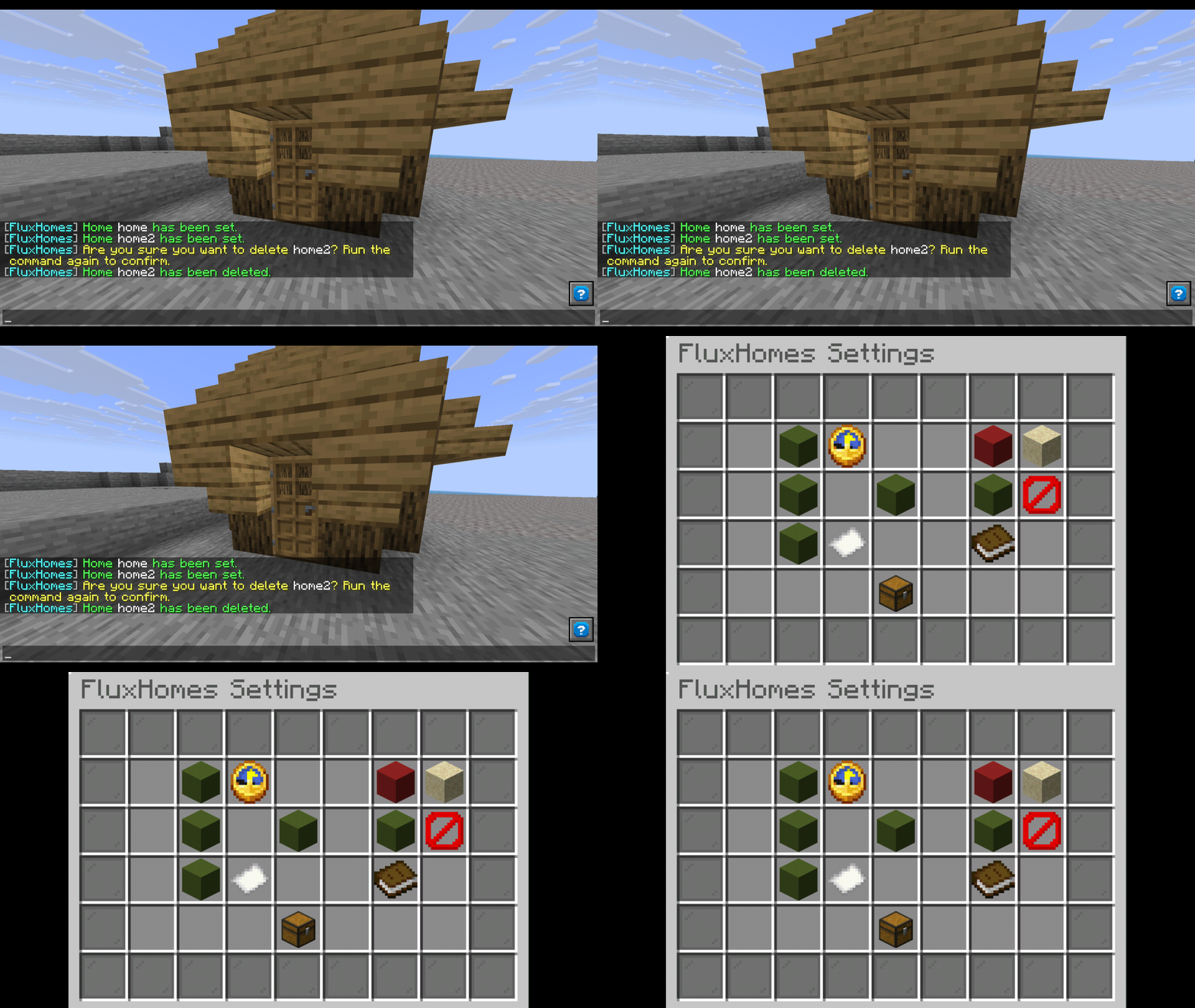
Every config option is accessible through an in-game inventory GUI. Toggle features, adjust timers, manage blocked worlds, and switch languages without editing a single file or running a reload.
Teleport Cooldown and Warmup
An optional cooldown prevents teleport spam. An optional warmup requires players to stand still before teleporting. The moment they move, the teleport cancels immediately. Both are independently toggleable and configurable.
World Blocking
Prevent players from setting homes in specific worlds like resource worlds or event arenas. Manage the blocked list directly from the settings GUI by typing world names in chat.
Translation Support
Every message is fully customizable. Ships with English and Czech out of the box. Drop any .yml file into the translations folder to add your own language. Switch languages with a command or through the GUI. Both MiniMessage tags and legacy & color codes are supported.
EssentialsX Import
Migrating from EssentialsX? Run /homesadmin import essentialsx to automatically import all existing player homes. Existing homes are never overwritten.
Flexible Storage
Uses SQLite by default with zero setup. Switch to MySQL or MariaDB for network-wide shared data by changing a single config option.
Other Toggleable Features
Player Commands
/home [name] - Teleport to a home/sethome [name] - Set a home at your location/delhome <name> - Delete a home/homes - List all your homes/homes help - Show command helpAdmin Commands
/homesadmin delhome <player> <home> - Delete a player's home/homesadmin listhomes <player> - List a player's homes/homesadmin clearhomes <player> - Clear all of a player's homes/homesadmin settings - Open the settings GUI/homesadmin language [name] - View or change the active language/homesadmin import <source> - Import homes from another plugin/homesadmin reload - Reload config and translations| Permission | Description | Default |
|---|---|---|
fluxhomes.home |
Teleport to a home | true |
fluxhomes.sethome |
Set a home | true |
fluxhomes.delhome |
Delete a home | true |
fluxhomes.homes |
List homes | true |
fluxhomes.admin |
Access admin commands | op |
fluxhomes.homes.unlimited |
Unlimited homes | op |
fluxhomes.homes.<number> |
Specific home limit, e.g. fluxhomes.homes.5 |
false |
storage-type: sqlite
language: en_us

max-homes:
  default: 3

cooldown:
  enabled: true
  seconds: 5

warmup:
  enabled: true
  seconds: 3

teleport-sound:
  enabled: true

respawn-at-home:
  enabled: false

confirm-deletion:
  enabled: true
  timeout: 30

blocked-worlds:
  enabled: false
  worlds:
    - world_example
    - resource_world

mysql:
  host: localhost
  port: 3306
  database: minecraft
  username: root
  password: ''