

EssentialsX Teleport Addon
EpicEssentialsTeleportHologram is a lightweight Minecraft plugin designed to improve the default EssentialsX teleport request system.
📖About EssentialsX Teleport Addon
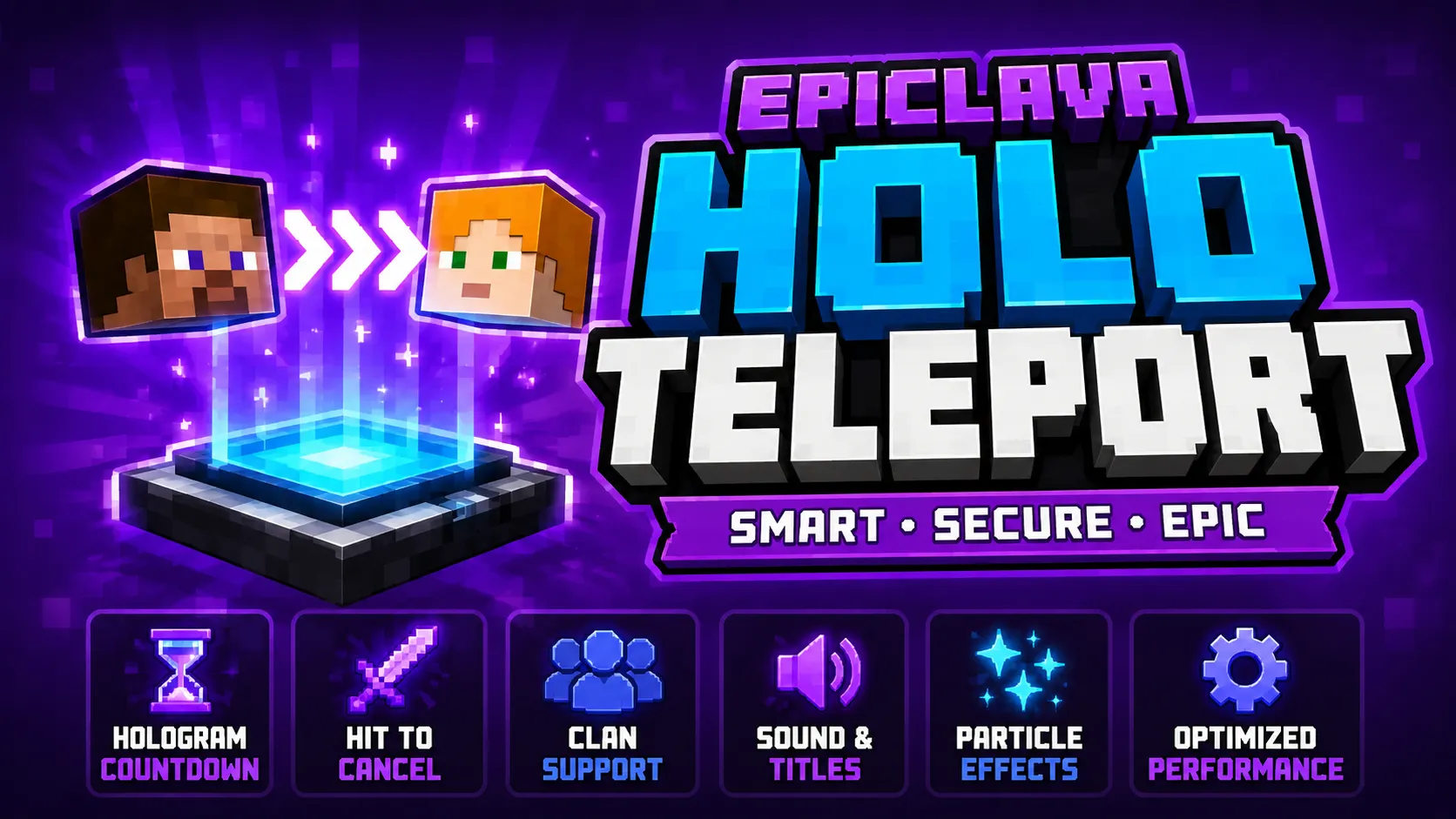
Instead of teleporting players instantly after a request is accepted, the plugin starts a visible countdown at the teleport destination. A hologram appears, players can see who is teleporting, how much time is left, and the teleport can be cancelled by hitting the hologram.
This makes teleporting more interactive, more visible, and much more balanced for survival, PvP, SMP, Towny, clan, and economy servers.
Main Features
[]Full EssentialsX teleport request support
[]Works with /tpa, /tpahere, and /tpaccept
[]Replaces instant accepted teleports with a custom countdown system
[]Creates a hologram at the teleport destination
[]Shows the teleporting player, target player, countdown time, and relation info
[]Allows players to cancel active teleports by hitting the hologram
[]Supports DecentHolograms for clean hologram visuals
[]Includes a lightweight fallback system if DecentHolograms is not installed
[]Supports UltimateClans and PlaceholderAPI for clan relation detection
[]Can display ally, enemy, and neutral teleport warnings
[]Includes title, actionbar, sound, and particle effects
[]Separate English and Turkish language files
Performance-friendly and optimized for live servers
Supported Teleport Commands
Code:
/tpa
/tpahere
/tpaccept
These commands are handled by EssentialsX. EpicEssentialsTeleportHologram hooks into accepted teleport requests and applies its custom countdown system.
Plugin Command
Code:
/etpholo reload
Reloads the plugin configuration and language files.
Permissions
Code:
etpholo.admin
Allows access to admin commands such as reload.
Code:
etpholo.bypass
Allows players to bypass the custom teleport countdown if bypass permission is enabled in the configuration.
Hologram Countdown System
When a teleport request is accepted, a hologram appears at the teleport destination and the countdown starts.
Example hologram:
Code:
TELEPORT
Steve → Alex
5s left
Hit to cancel
The hologram can display:
[]Teleporting player
[]Target player
[]Remaining seconds
[]Clan relation
Cancel warning
Hit to Cancel
Players can cancel an active teleport by hitting the hologram.
This is especially useful for PvP, survival, clan, and SMP servers where teleporting directly to another player should have some risk and visibility.
Example configuration:
YAML:
settings:
cancel-on-hologram-hit: true
cancel-on-hologram-interact: true
cancel-on-teleportee-move: false
cancel-on-damage: false
cancel-on-quit: true
DecentHolograms Support
If DecentHolograms is installed, the plugin can automatically use it for clean and professional hologram visuals.
Recommended configuration:
YAML:
hologram:
decentholograms:
enabled: true
require-for-visual: true
vertical-offset: 1.35
spawn-hitbox: true
fallback-armorstand-visual: false
If DecentHolograms is not installed, the plugin can use its lightweight fallback system.
UltimateClans and PlaceholderAPI Support
EpicEssentialsTeleportHologram can integrate with UltimateClans and PlaceholderAPI.
When a player teleports to another player, the plugin can detect clan relations and display warnings.
Supported relation examples:
[]ALLY
[]ENEMY
NEUTRAL
This helps players understand who is teleporting to them or who they are teleporting to before the teleport is completed.
Titles, Actionbar, and Sounds
During the teleport countdown, players can receive title messages, actionbar warnings, and sound effects.
Example messages:
Code:
Teleporting in 5 seconds
You are teleporting to Alex
Steve is teleporting to you
Enemy player detected
Ally player detected
Countdown sound example:
YAML:
effects:
tick-sound:
enabled: true
sound: "BLOCK_NOTE_BLOCK_PLING"
volume: 0.35
pitch: 1.6
only-last-seconds: 5
Particle Animation
A lightweight rotating particle effect can appear above the teleporting player during the countdown.
Example configuration:
YAML:
animation:
head:
enabled: true
particle: END_ROD
update-ticks: 5
radius: 0.55
height: 2.25
This makes the teleport process more noticeable without using heavy visual effects.
Language Files
Messages are stored separately from the main configuration file.
File structure:
Code:
plugins/EpicEssentialsTeleportHologram/
├─ config.yml
└─ messages/
├─ en.yml
└─ tr.yml
Supported by default:
[]English
[]Turkish
Language selection:
YAML:
language: en
messages-file: messages/en.yml
or:
YAML:
language: tr
messages-file: messages/tr.yml
Available Placeholders
You can use the following placeholders in messages and hologram lines:
Code:
%teleportee%
%target%
%seconds%
%attacker%
%relation%
%teleportee_clan%
%target_clan%
%prefix%
Example hologram lines:
YAML:
lines:
[LIST]
[]"&#ff6b00&lTELEPORT"
[]"&f%teleportee% &7→ &e%target%"
[]"&c%seconds%s &7left"
[]"&7Relation: %relation%"
[/LIST]
Example Configuration
YAML:
settings:
enabled: true
countdown-seconds: 10
hologram-location-mode: DESTINATION
cancel-on-hologram-hit: true
cancel-on-hologram-interact: true
cancel-on-teleportee-move: false
cancel-on-damage: false
cancel-on-quit: true
allow-bypass-permission: true
max-active-teleports: 25
start-cooldown-seconds: 2
hologram:
decentholograms:
enabled: true
require-for-visual: true
vertical-offset: 1.35
spawn-hitbox: true
fallback-armorstand-visual: false
ultimateclans:
enabled: true
relation-title: true
animation:
head:
enabled: true
particle: END_ROD
update-ticks: 5
radius: 0.55
height: 2.25
effects:
start-sound:
enabled: true
sound: "BLOCK_BEACON_ACTIVATE"
volume: 0.45
pitch: 1.0
tick-sound:
enabled: true
sound: "BLOCK_NOTE_BLOCK_PLING"
volume: 0.35
pitch: 1.6
only-last-seconds: 5
success-sound:
enabled: true
sound: "ENTITY_ENDERMAN_TELEPORT"
volume: 0.6
pitch: 1.0
Example Messages
YAML:
messages:
prefix: "&#ff6b00&lTeleport &8» "
started-teleportee: "%prefix%&7You are teleporting to &e%target%&7. &f%seconds%s"
started-target: "%prefix%&e%teleportee% &7is teleporting to you. Hit the hologram to cancel."
countdown-actionbar: "&#ff6b00&lTP &8| &7Teleporting in &f%seconds%s"
cancelled-hit: "%prefix%&cTeleport cancelled. &f%attacker% &7hit the hologram."
cancelled-quit: "%prefix%&cTeleport cancelled because a player left the server."
success: "%prefix%&aTeleport completed."
Installation
[]Install EssentialsX on your server.
[]Optional: Install DecentHolograms.
[]Optional: Install PlaceholderAPI and UltimateClans.
[]Place EpicEssentialsTeleportHologram.jar into your /plugins folder.
[]Restart your server.
[]Edit config.yml and language files.
Reload the plugin if needed:
Code:
/etpholo reload
Dependencies
Required
EssentialsX
Optional
[]DecentHolograms
[]PlaceholderAPI
UltimateClans
Recommended setup:
Code:
EssentialsX + DecentHolograms + PlaceholderAPI + UltimateClans
Performance Friendly
EpicEssentialsTeleportHologram is designed to be lightweight and efficient.
Optimization features:
[]Single global countdown task
[]Cached configuration values
[]Limited active teleport sessions
[]Low-frequency particle animation
[]Optional sound effects
[]No constant heavy entity scanning
[]Soft hook system for DecentHolograms
[]Fallback visual system can be disabled by default
Recommended survival settings:
YAML:
settings:
max-active-teleports: 25
cancel-on-teleportee-move: false
cancel-on-damage: false
effects:
tick-sound:
enabled: true
only-last-seconds: 5
animation:
head:
update-ticks: 5
Why Use This Plugin?
Default teleport systems are usually instant and invisible once a request is accepted. This can create unfair or confusing situations, especially on PvP, clan, Towny, and survival servers.
EpicEssentialsTeleportHologram makes teleporting more visible, more controlled, and more balanced.
Players can:
[]See who is teleporting
[]See who the player is teleporting to
[]Track the remaining countdown time
[]Cancel risky teleports by hitting the hologram
View clan relation warnings before the teleport finishes
This turns teleporting from a basic command into a more polished and interactive gameplay mechanic.
EpicEssentialsTeleportHologram makes teleporting more visible, safer, and more enjoyable for your server.