

PluginMIT
Elvenide Structures
Easily build moving elevators and sliding doors! No resource packs or mods needed!
162
Downloads
6
Followers
1 years ago
Updated
📦
1
Versions
📖About Elvenide Structures

Easily build moving, functional structures such as elevators and sliding doors in Minecraft!
Requires PaperMC.
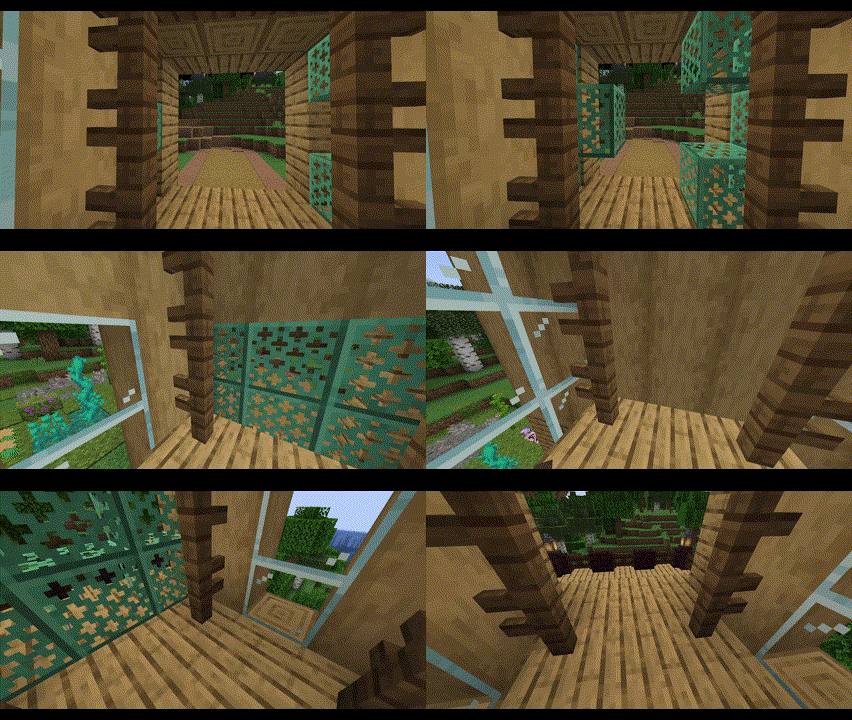
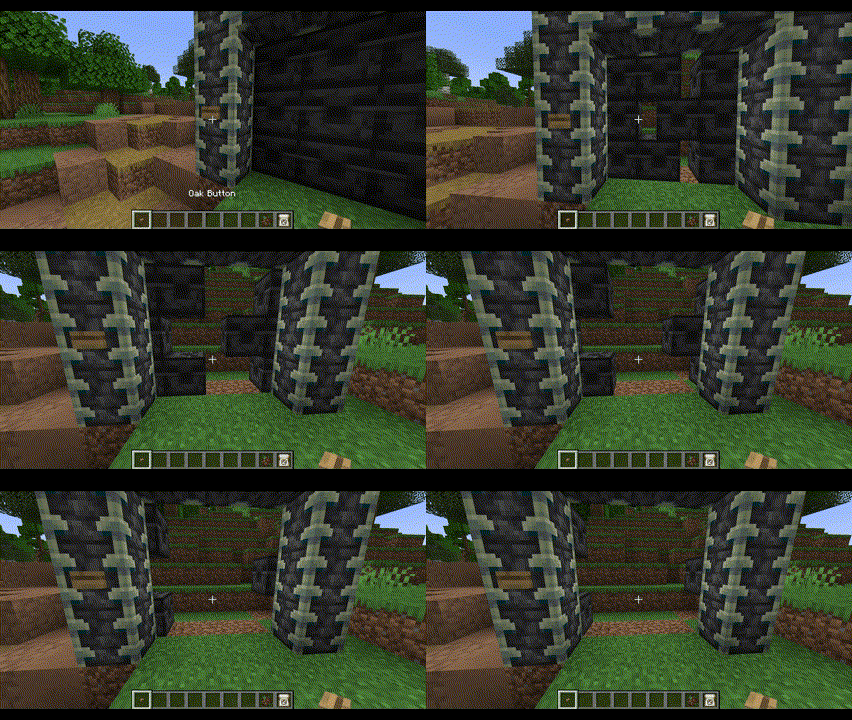
Features
- Smoothly animated elevators and sliding doors
- No resource packs or mods necessary!
- Elevators can lift several players and mobs
- Elevators support up to 2 auto-detected floors
- Elevators can be started by simply walking inside them
- Elevators can be called by any nearby buttons, levers, etc
- Doors can be opened/closed by any nearby buttons, levers, etc
- Two adjacent doors become double doors that move simultaneously
- Doors and elevators near each other can be auto-connected
- Easily setup doors and elevators using a familiar selection tool system
Get Started
- Download the plugin into your
pluginsfolder - Start your server
- Use the
/estructurescommand to create and manage your structures
Commands and Permissions
All commands can also use the alias /estruct.
/estructures door- Setup a moving door.
- Permission:
elvenidestructures.commands.door
/estructures door delete- Delete an existing door.
- Permission:
elvenidestructures.commands.door.delete
/estructures elevator create- Setup a moving elevator.
- Permission:
elvenidestructures.commands.elevator.create
/estructures elevator run- Run an existing elevator, ignoring cooldowns.
- Permission:
elvenidestructures.commands.elevator.run
/estructures elevator delete- Delete an existing elevator.
- Permission:
elvenidestructures.commands.elevator.delete
/estructures reload- Reload the configs for the world you are currently in.
- Permission:
elvenidestructures.commands.reload
Configuration
Once you setup a structure (elevators/doors), an elvenide_structures folder will appear within the world you created the structure in. Inside that folder, there is a thoroughly documented config.yml file that will allow you to configure a couple of useful properties.