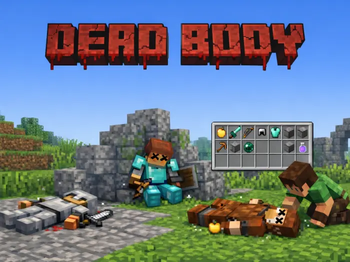
Dead Body
Supports
Minecraft 1.21+
Version 26.1.2
Real bodies. Real loot. Real consequences.
Built to work with Death+ for advanced spectating and death messages.
Dead Body transforms Minecraft death into a persistent, physical gameplay event.
Instead of items scattering across the ground, players and mobs leave behind fully lootable corpses with poses, models, nameplates, animations, and in-game configuration tools.
Designed for modern Paper / Spigot 1.21+ servers with performance, reliability, and immersion in mind.
Wiki
 FULL GUIDE & WIKI

Features
- Lootable Corpses — Items are captured at death and stored inside a corpse container.
- Multiple Render Modes — ArmorStand, ItemDisplay, PlayerModel, and Mob model rendering.
- In-Game GUI Editor — Configure behavior, visuals, permissions, and rules in-game.
- Pose Studio — Create and preview custom corpse poses directly in the world.
- Death Cause Mapping — Apply different poses depending on how an entity died.
- Animated Despawn — Corpses can sink, spin, scale down, dissolve, jitter, or vanish.
- Mob Corpses — Vanilla mobs can leave behind bodies.
- MythicMobs Support — Whitelist or blacklist custom mobs.
- Combat Logging — Optional logout-death handling for combat disconnects.
- Reliable Cleanup — Safeguards prevent orphaned entities, displays, and containers.
- Smart Placement — Corpses adjust to slabs, carpets, stairs, uneven terrain, and builds.

Showcase
ArmorStand
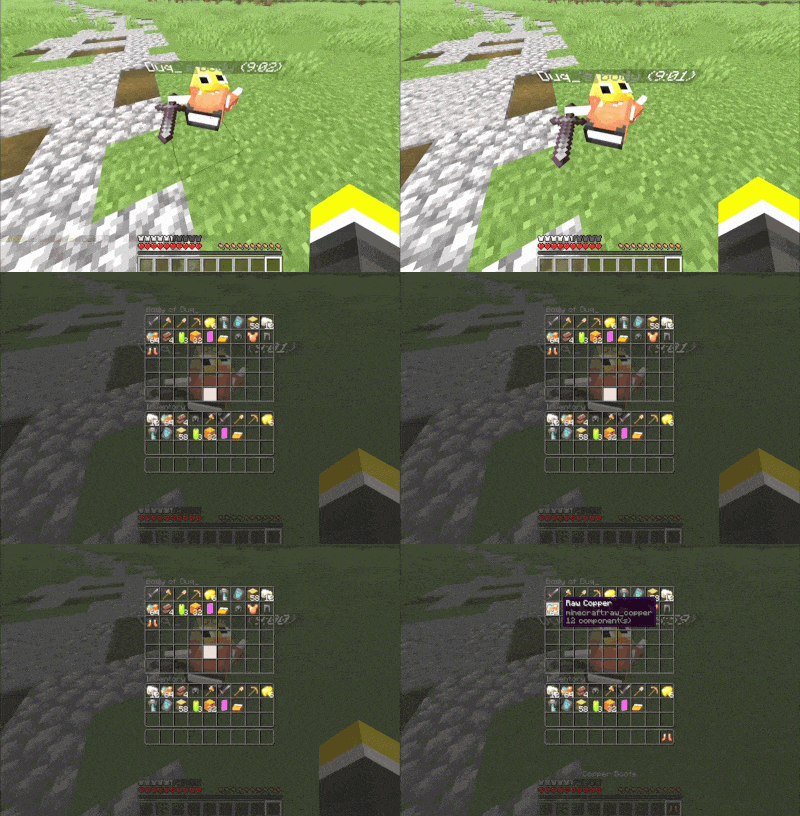
A fallen player leaves behind a physical body that stores their inventory and can be looted by others.
Player Models
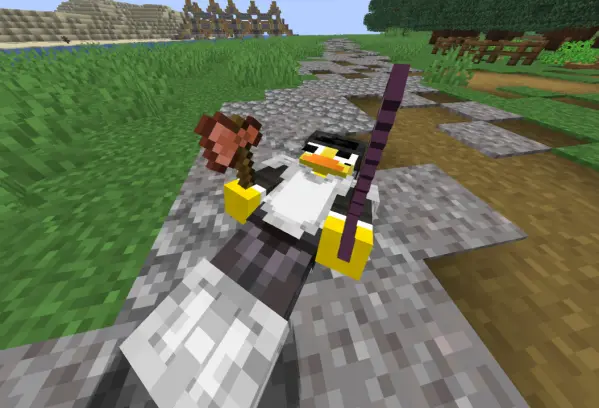
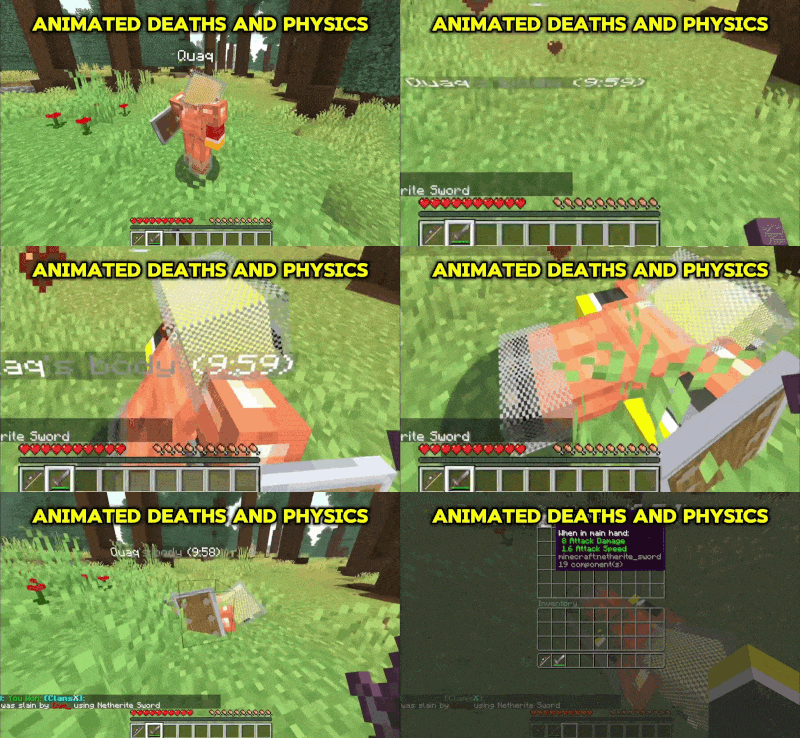
Full player models rendered on the ground with armor, held items, and custom poses applied.
Display Models
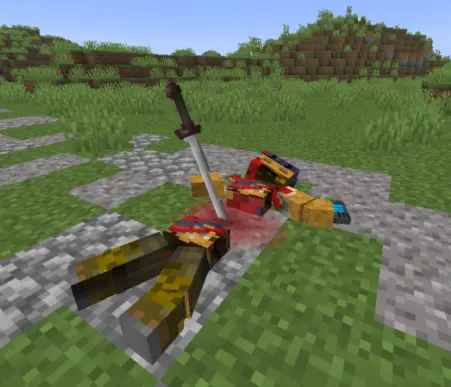
Use resource-pack models to render custom corpse visuals with modern Display entities.
Mob Corpses
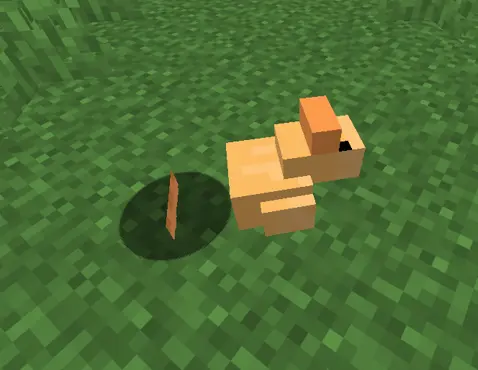
Vanilla mobs, including zombies, villagers, animals, and bosses, can leave behind corpses.
MythicMobs
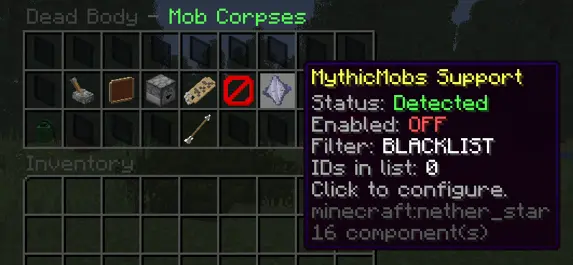
Whitelist or blacklist specific Mythic mobs to avoid conflicts with other death systems.
GUI Editor

A comprehensive GUI lets administrators configure nearly every part of the plugin in-game.
Pose Studio
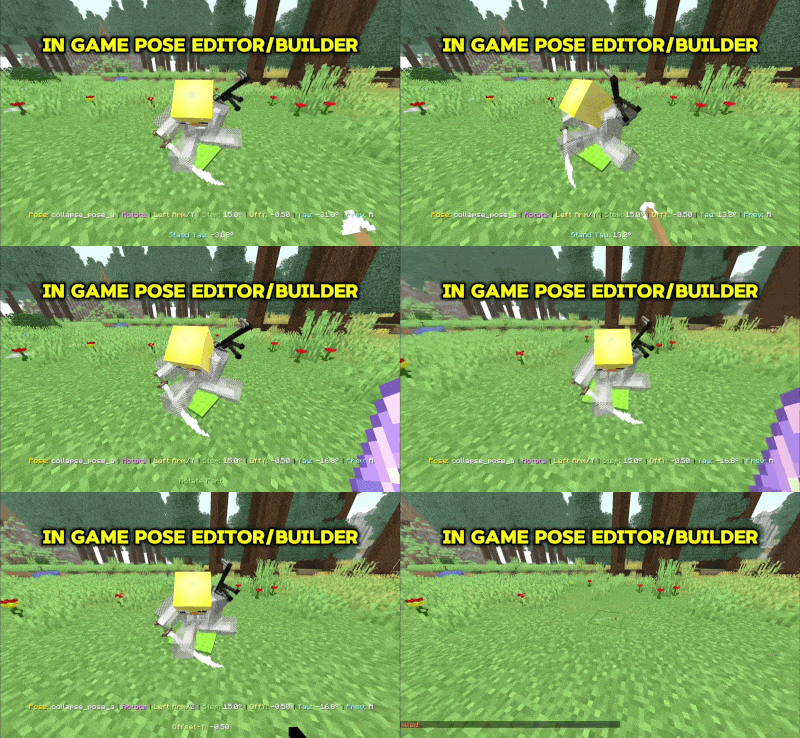
Adjust translation, rotation, and scale for custom corpse models with real-time preview tools.
Despawn
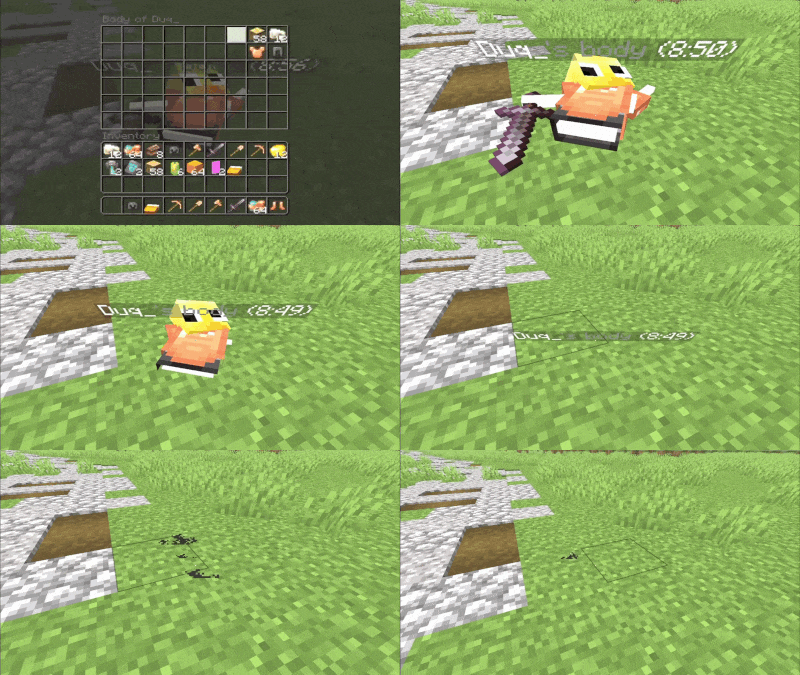
Corpses can disappear with cinematic animations like sinking, spinning, shrinking, or dissolving.
Nameplates
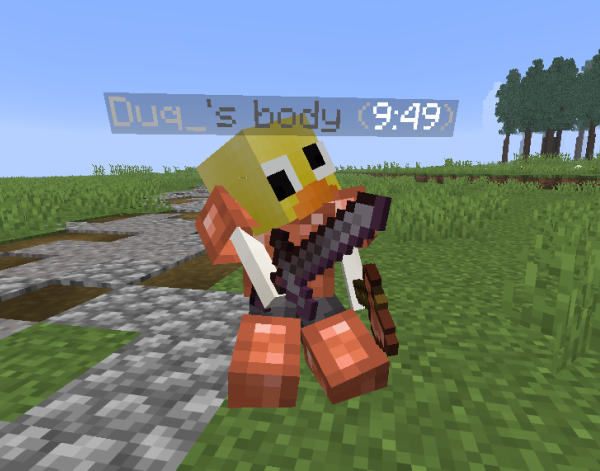
Optional nameplates can show corpse ownership and a live despawn countdown.
Death Poses
Configure different corpse poses depending on the cause of death.

Config
Dead Body gives server owners deep configuration control:
- Select corpse render type: ArmorStand, ItemDisplay, or PlayerModel
- Automatically scale corpses based on entity size
- Define loot access permissions
- Configure timed despawn or despawn-on-empty behavior
- Customize nameplate style
- Adjust corpse interaction hitboxes
- Assign custom poses per death cause
- Map Mythic mobs to special behaviors
- Use GUI configuration or YAML editing

Performance
Designed for modern Paper servers with performance and stability in mind:
- Smart entity tracking and lifecycle management
- Clean despawn and entity cleanup systems
- Optional persistence across server restarts
- No unsafe NMS dependencies
- Graceful fallback when optional dependencies are missing

Requirements
Required
Recommended
- LibsDisguises — Enables full player and mob model corpse rendering. Needed for player model corpses.
Optional
- DeathPlus — Advanced death spectating, killcams, and death messages.
- MythicMobs — Custom mob corpse filtering and integration.
- ProtocolLib — Extra compatibility for advanced rendering paths.

Use Cases
Dead Body works especially well on servers focused on immersion and persistence:
- Hardcore survival servers
- PvP factions and raiding servers
- MMORPG-style progression servers
- Roleplay worlds
- Immersive SMP servers
- Custom servers using MythicMobs or custom mobs
Example Server
MCWAR.CO

Links
Full Plugin Guide
24/7 Support Chat
Support
If something appears broken or confusing, please open a support ticket on Discord and we will help as quickly as possible.
Please include:
- Server version: Paper / Spigot + build number
- Plugin version
- Detailed issue description
- Screenshots, if applicable
- Steps to reproduce
- Console logs or error messages, preferably through Pastebin