


BoxFaller
Automatic Loot Box Spawning Plugin
📖About BoxFaller
BoxFaller - Automatic Loot Box Spawning Plugin
BoxFaller is a Paper Minecraft plugin that automatically spawns loot boxes around players. These boxes contain random items, from common to rare, and come with visual and sound effects to enhance the experience.
Main Features
✅ Automatic Loot Box Spawning Boxes appear at set intervals, with adjustable spawn radius.
✅ Configurable Spawn Timer Set spawn intervals in config.yml (minimum: 1 minute, default: 10 minutes).
✅ Spawn Effects Thunder sound on spawn. Particles (fire, portal, magic aura) around the box. Sky flash to indicate drop location.
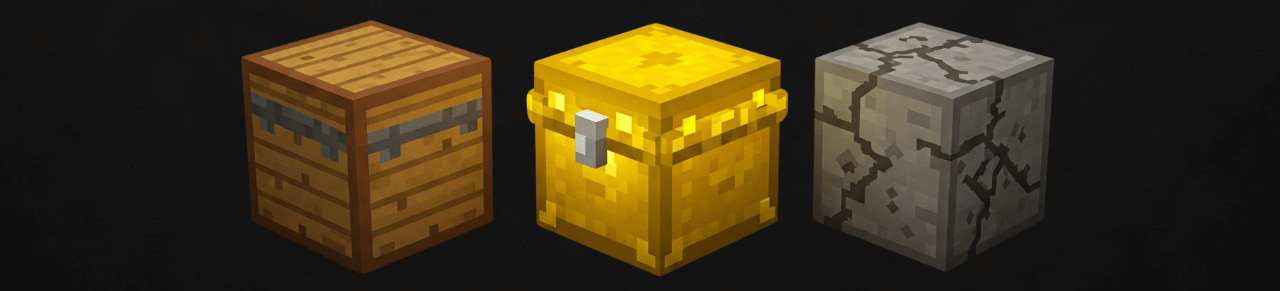
✅ Different Box Types Configurable spawn rates in config.yml: Rare – (default 5%) contains powerful items. Common – (default 30%) includes useful items. ⚫ Empty – (default 65%) contains nothing valuable.
✅ Random Loot System Common boxes – iron, gold, food, arrows, and other essentials. Rare boxes – diamond swords, enchanted gear, unique items. Empty boxes – may contain junk (rotten flesh, sticks) or be empty.
✅ Safe Spawn System Boxes avoid water, lava, and leaves. Do not spawn in unloaded chunks to prevent server issues. Spawn radius limited to 100 blocks from players.

Commands & Permissions
Available Commands
/boxfall start – starts loot box spawning process
/boxfall stop – stops loot box spawning
/boxfall reload – reloads configuration from config.yml
/boxfall spawn – spawns loot boxes manually
TEST ALL OUR PLUGINS HERE
SERVER: javarangers.falixsrv.me:22707 >
(PLEASE NOTE, server version 1.21.4)
Permissions boxfaller.admin – full control over the plugin.

Free Version Limitations (More Features in PRO Version)
- ❌No custom NBT item creation.
- ❌No spawn zone settings (biomes, worlds, coordinates).
- ❌No detailed drop rate configuration.
- ❌No GUI menu (config.yml only).
- ❌No advanced effects like fireworks and chest animations.
- ❌No cross-server sync (BungeeCord support).

Installation
Download BoxFaller.jar and place it in the plugins folder. Start the server – config.yml will be auto-generated. Adjust config.yml settings. Use /boxfall reload to apply changes. Use /boxfall start after then.
Done! Boxes will start spawning automatically.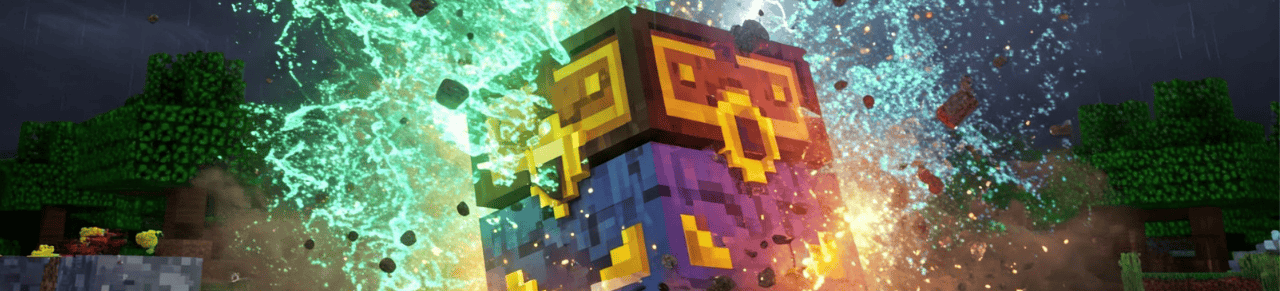
PRO Version Features
- ✅Custom NBT item settings – add unique items.
- ✅Spawn zone configuration – biomes, worlds, coordinates.
- ✅Advanced drop customization – detailed item chances.
- ✅GUI menu – user-friendly setup.
- ✅Extra effects – fireworks, chest animations.
- ✅Cross-server sync – BungeeCord support.
DONATION
Disclaimer: These images are illustrative and do not represent actual in-game graphics. The final appearance may vary based on Minecraft's visual style and server settings.