


Bell Claims
A comprehensive yet intuitive land claiming system, allowing players to protect their builds.
📖About Bell Claims
🔔 Bell Claims
Bell Claims is an intuitive and comprehensive land-claiming plugin. It allows players to claim an area for their bases and control who is allowed to interact with them in order to prevent griefing.
Here are some of the cool features you can expect:
Physically Grounded
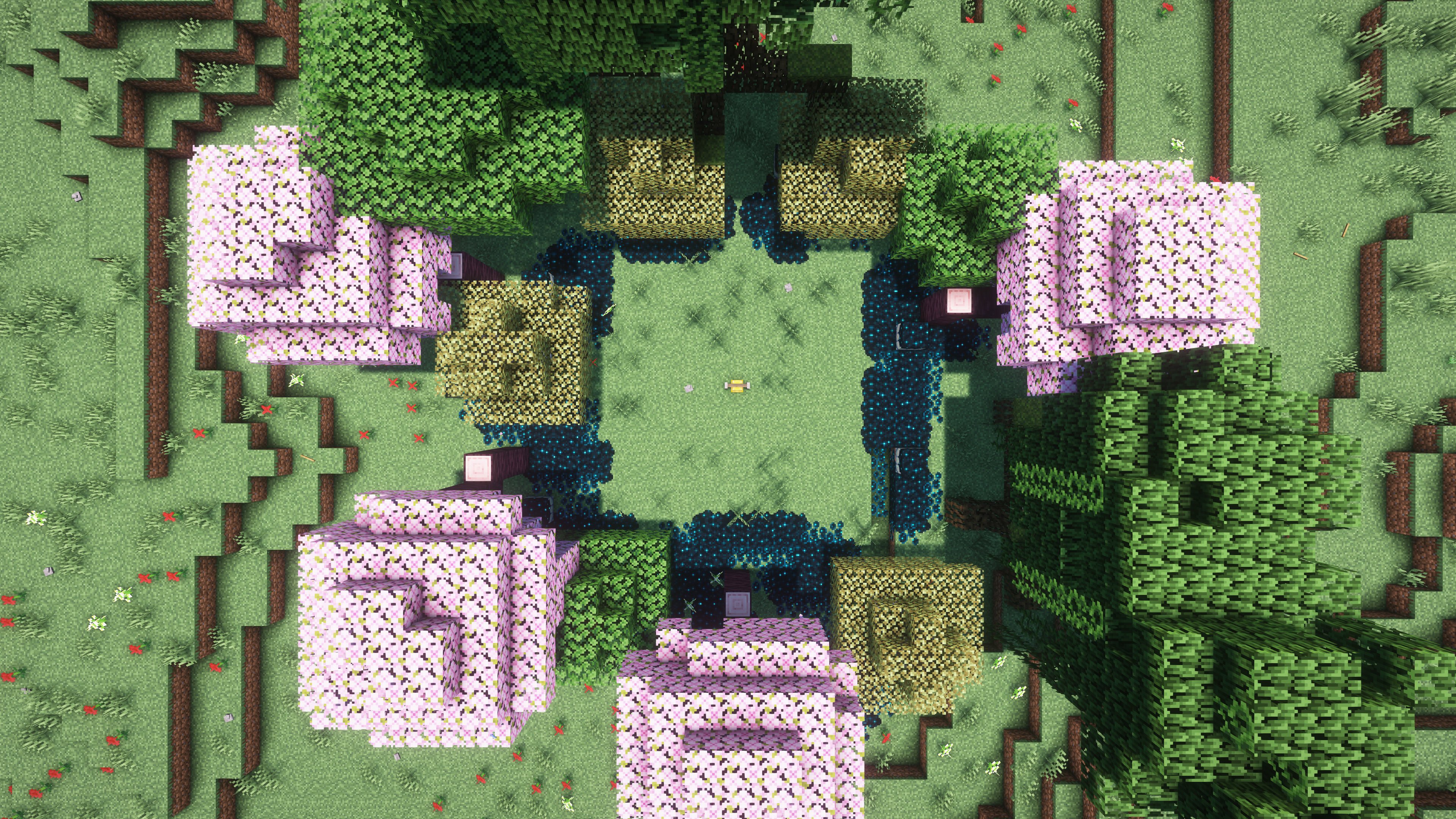
Claims are marked using Bells, yes the block. Manage your claim from here, or break it to destroy your whole claim.
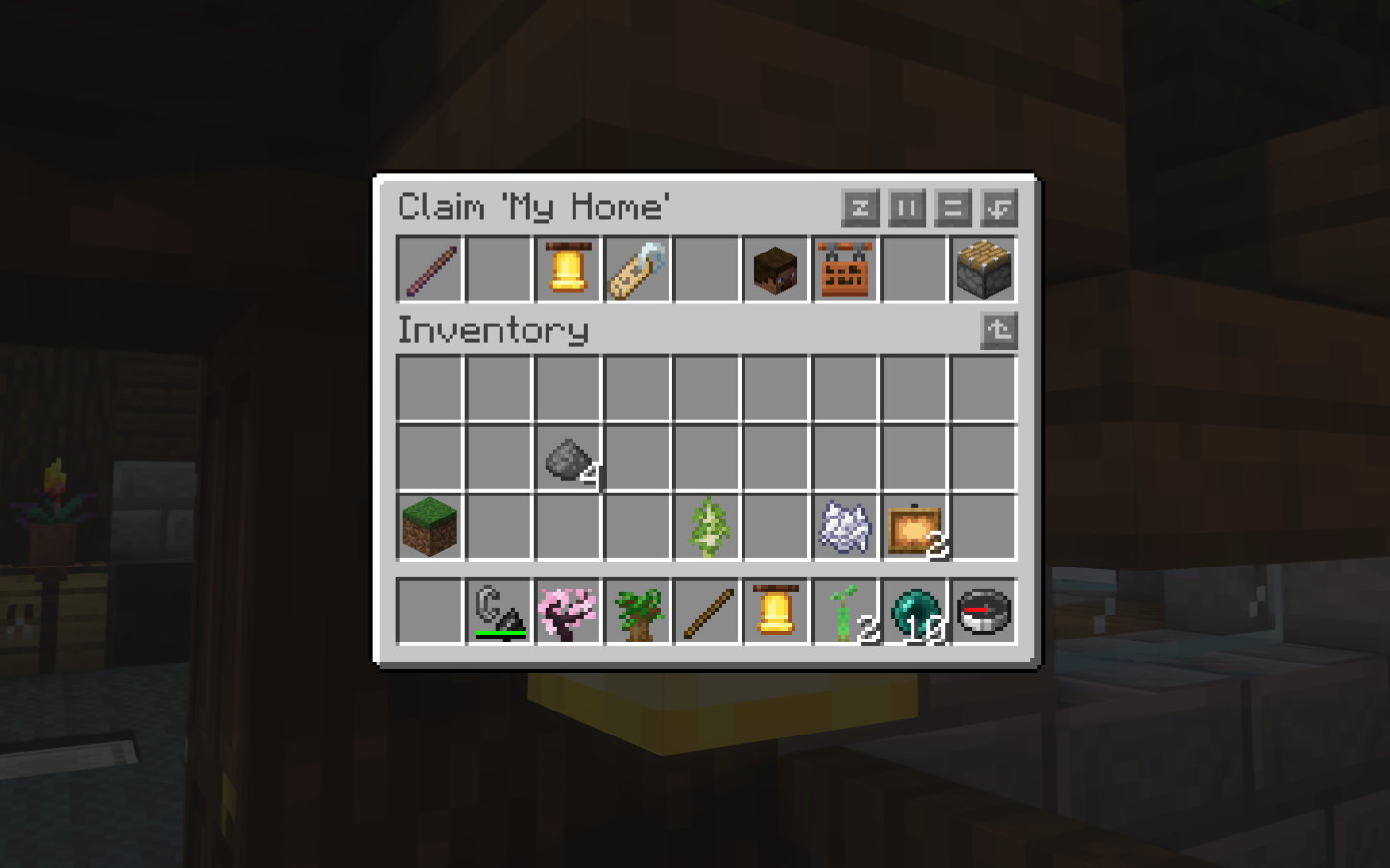
Intuitive GUI Menus
Your entire claim can be managed using click menus. Never need to type a command ever again.
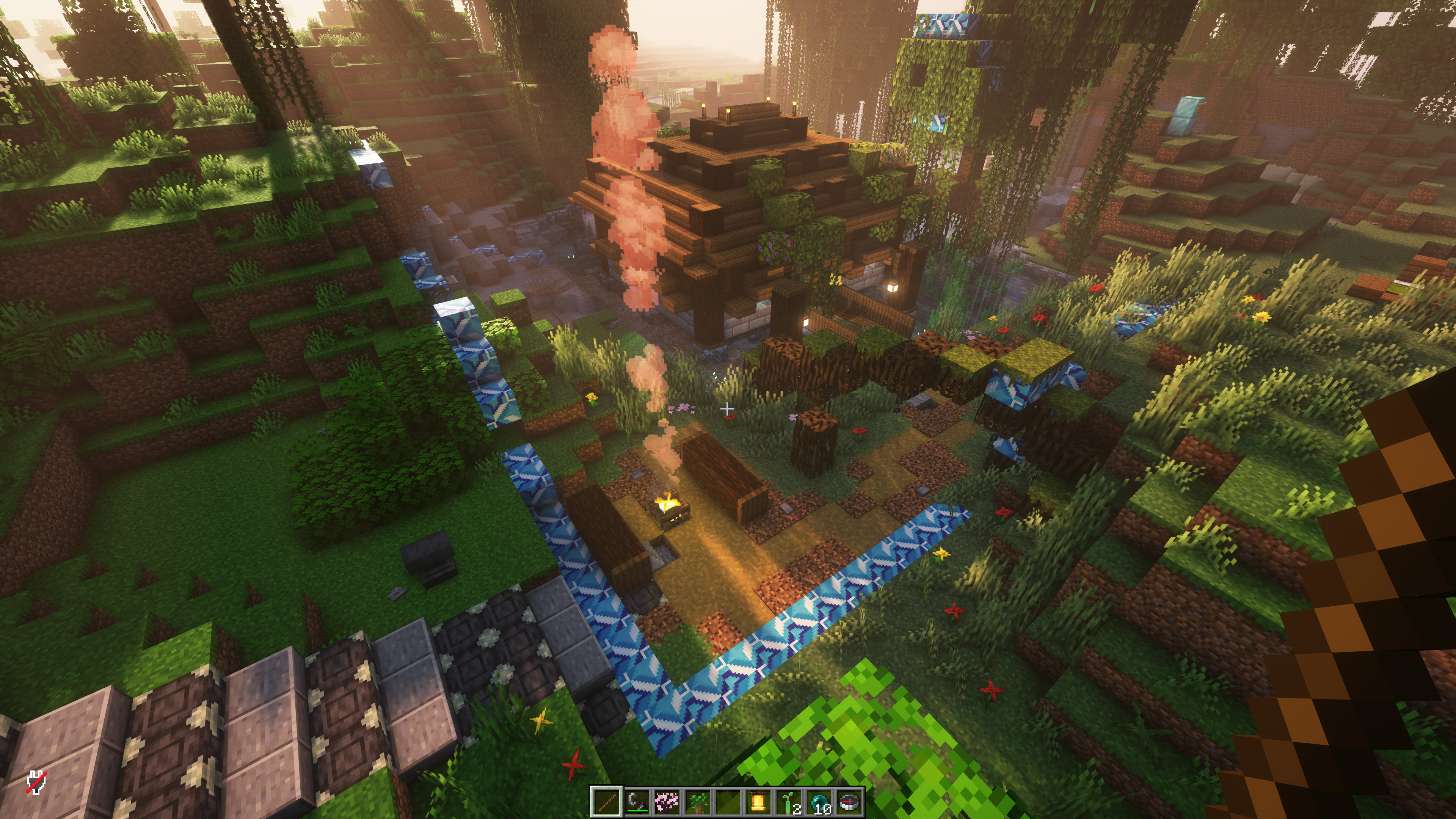
Efficient & Informative Visualisations
Never have trouble finding the borders of your own claim, as well as the claims of others.
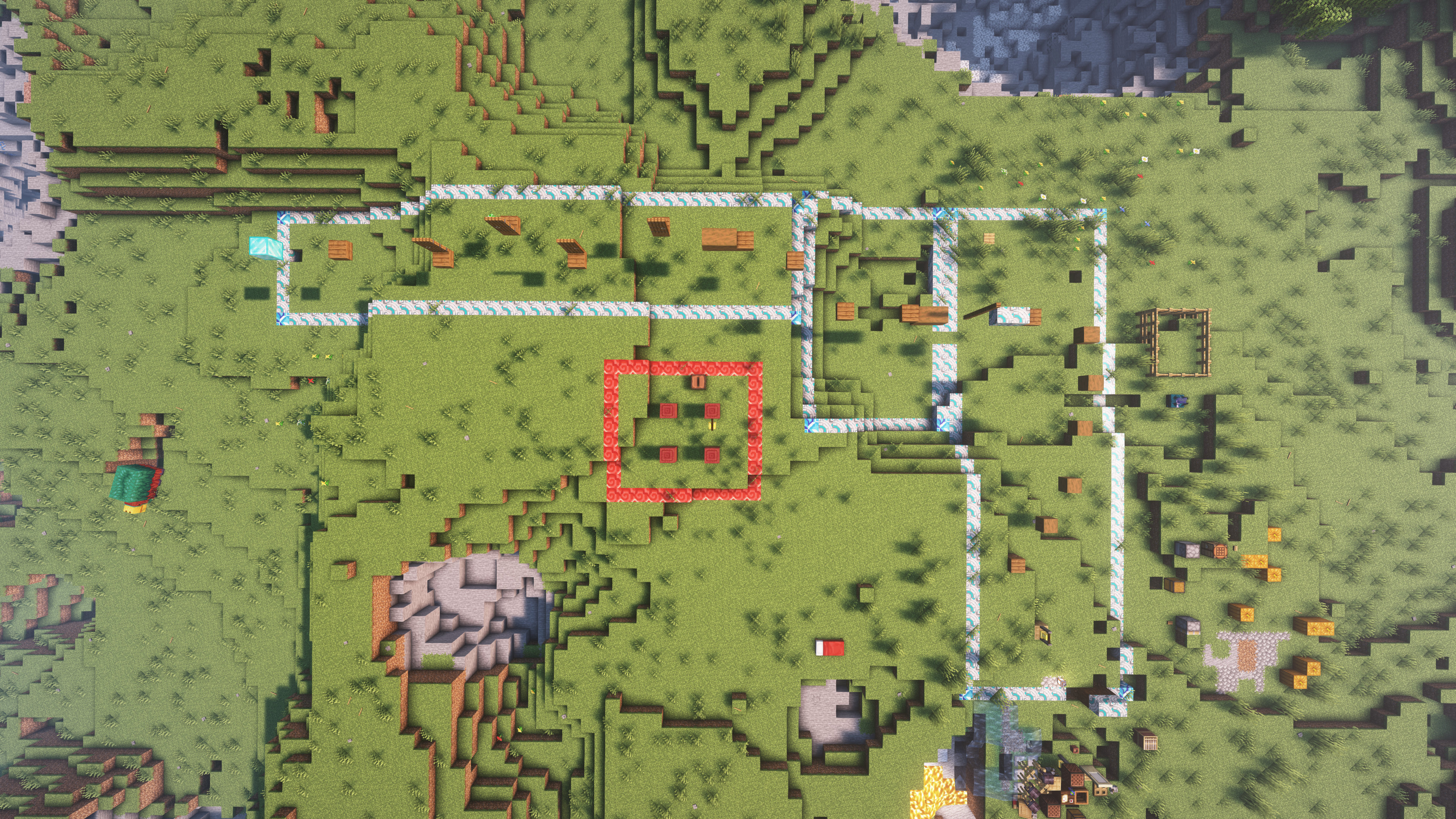
Flexible Border Creation
Claim borders aren't limited to just squares. Expand your claim whichever way you want without expending claim area limits.
🖥️ Installation
This plugin requires Vault and LuckPerms as soft dependencies for additional features such as configurable claim limits for players and groups.
Afterwards, download the latest release (.jar file) from and place it in your server's plugins folder.
📖 Getting Started
To establish a claim, place down a bell and shift right click it. This opens up a creation menu where you are able to name your claim. Once the claim is established, you will be presented with various options to do with claim management.
To resize a claim. Take a claim tool from the menu. Right click an existing corner of your claim and a new position for that corner.
To add new partitions, select a spot next to an edge of an existing claim border. Select a new spot to turn it into a partition.
Want your claim gone? Just break the bell 3 times within 10 seconds.
🛡️ Permissions
Recommended User Permissions
bellclaims.action.bell - Allows for the creation and management of claims.
bellclaims.command.claimlist - Allows use of the claimlist command to display a list of the player's existing claims.
bellclaims.command.claimmenu - Allows use of the claimmenu command to display a GUI list of the player's existing claims.
bellclaims.command.claim - Allows use of the claim command which gives the player the claim tool.
bellclaims.command.claim.info - Allows use of the claim info command to view information about the claim the player is standing in.
bellclaims.command.claim.rename - Allows use of the claim rename command to rename the current claim.
bellclaims.command.claim.description - Allows use of the claim description command to change the description of the claim.
bellclaims.command.claim.partitions - Allows use of the claim partitios command to list the partitions that make up the claim.
bellclaims.command.claim.addflag - Allows use of the claim addflag command for adding a claim flag to the current claim.
bellclaims.command.claim.removeflag - Allows use of the claim removeflag command to remove a flag from the current claim.
bellclaims.command.claim.trustlist - Allows use of the claim trustlist command to list the currently trusted players.
bellclaims.command.claim.trust - Allows use of the claim trust command to give a player a permission in the claim.
bellclaims.command.claim.untrust - Allows use of the claim untrust command to remove a permission from a player in the claim.
bellclaims.command.claim.trustall - Allows use of the claim trustall command to set a default permission in the claim.
bellclaims.command.claim.untrustall - Allows use of the claim untrustall command to unset a default permission in the claim.
bellclaims.command.claim.remove - Allows use of the claim remove command to remove a partition from the current claim.
Recommended Moderation Permissions
bellclaims.command.claimoverride - Allows use of the claimoverride command bypass claim protections.