


PluginMIT
AuthControl
Simple name-based whitelist plugin with Discord integration
929
Downloads
6
Followers
6 months ago
Updated
📦
8
Versions
📖About AuthControl
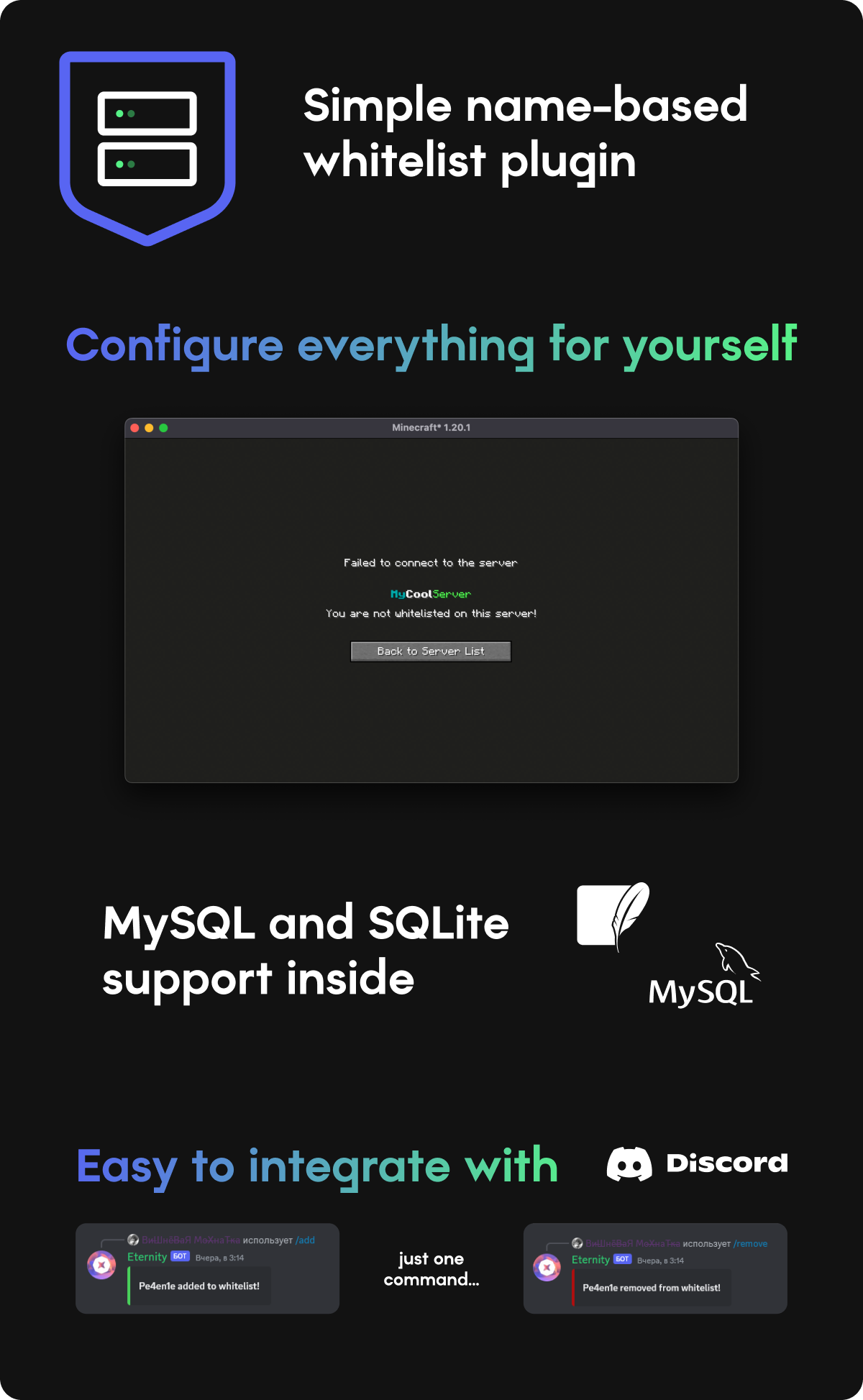
How to connect discord?
First of all you need to create Discord bot, and enable ALL intents
Paste bot token and ROLE ID (role will allow to add/remove players) into config
Commands
/ac add - Add player to whitelist
/ac remove - Remove player from whitelist
/ac list - List all whitelisted players
/ac reload - Reload config
Permissions
authcontrol.add - Add command
authcontrol.remove - Remove command
authcontrol.list - List command
authcontrol.reload - Reload command
authcontrol.* - For all commands
Config
messages: # Here you can setup plugin messages
  kickMessage: "You are not whitelisted on this server!"

serverName: "MyCoolServer" # This will be displayed on player kick

type: local # local for SQLite, mysql for MySQL

mysql: # MySQL settings
  host: localhost
  port: 3306
  username: username
  password: password
  database: default

discord: # Discord integration
  enabled: false
  token: PASTE_DISCORD_BOT_TOKEN_HERE
  admin_role_id: PASTE_DISCORD_ADMIN_ROLE_ID_HERE
  serverName: "MyCoolServer" # Will be displayed in bot status