AltDetector
Detects players' alt accounts
📖About AltDetector
Description
AltDetector detects and reports players' potential alt accounts. It keeps track of each player's IP address and reports when the same IP address has been used by multiple accounts. A notification is sent to ops if an alt is detected. No configuration is required. Just drop it in your plugins folder and restart your server. By default, player IP history is retained for 60 days.
The plugin does not punish players with alt accounts. Note that legitimate players connecting from the same IP address (e.g., siblings living at the same house) will be identified as potential alts. Some ISPs, such as Starlink, use CGNAT, which assigns the same IP address to hundreds of users in a region. The purpose of the plugin is to help administrators keep track of their players, not to punish them.

If you use the plugins SuperVanish or PremiumVanish, AltDetector will use SV's/PV's "Layered See And Use Permissions", which creates a hierarchy of vanished players, and will only show messages about the players visible to the message recipient.
Altdetector supports PlaceholderAPI expansions. This is enabled by default if you use PlaceholderAPI. The format is: %altdetector_alts_<playername>% where is case-sensitive. You can configure the separator between each alt in the config file.
Altdetector can send messages to a Discord server when alts are detected. This must be set up in the config file.
By default the plugin uses SQLite to store data, and no configuration changes are needed. If you want to use MySQL, see the section below. Note that Spigot 1.8.8 ships with a very old version of SQLite which will not work with this plugin.
Commands
/alt [player] - Lists potential alts for the specified player. If no player is specified, potential alts for all online players will be listed.

/alt delete - Deletes all records in the AltDetector data for the specified player.
A note about offline player lookups: When you issue /alt for a player who is not currently on the server, the plugin will find all the player's recent IP addresses and do a lookup based on them. If the player has used multiple IP addresses recently, or if the alt has been shared between multiple users, this may show inconsistent results. For example, A may be shown an alt of B, but B is not shown as an alt of A. This is not a bug, but is due to multiple IP addresses being used for one player.
Permissions
altdetector.alt - Allows use of the /alt command. Defaults to op.
altdetector.alt.seevanished - Allows the command issuer to see messages about vanished players. Defaults to op.
altdetector.alt.delete - Allows use of the /alt delete command. Defaults to op.
altdetector.exempt - Exempts the player from processing by the plugin. Defaults to false.
altdetector.notify - Notifies this player when an alt is detected. Defaults to op.
altdetector.notify.seevanished - Allows this player to see notices when an alt is detected for a vanished player. Defaults to op.
Configuration (optional)
expiration-time - The data expiration time in days (default 60 days). IP data older than this will be purged from the plugin's data file. Data is only purged at plugin startup. You might want to lower this if you feel your players' IP addresses change more frequently.
database-type, mysql, convert-from, sql-debug - By default the plugin uses SQLite to store data, and no configuration changes are needed. If you want to use MySQL, see the section below. Note that Spigot 1.8.8 ships with a very old version of SQLite which will not work with this plugin.
The following entries are for changing the message contents. Again, this is optional. All strings should be enclosed in double quotes ("…").
join-player-prefix, join-player, join-player-list, join-player-separator - These strings are used to construct the message output when a player joins the server.
altcmd-player, altcmd-player-list, altcmd-player-separator - These strings are used to construct the message(s) output by the /alt command.
altcmd-playernoalts, altcmd-noalts, altcmd-playernotfound, altcmd-paramerror, altcmd-noperm - These strings are used for various other responses from the /alt command.
delcmd-removedsingular, delcmd-removedplural - These strings are used for responses from the /alt delete command.
placeholder-enabled, placeholder-separator - These are used for PlaceholderAPI expansions.
discord - Configure these settings to use a Discord webhook. mc-server-name can be any string that you want to show in the Discord messages. This is used for the Discord author name.
MySQL configuration
By default, the plugin uses SQLite. If you want to use MySQL, run the plugin so the config.yml file is created, then edit config.yml and change database-type to mysql and fill out the mysql database credentials. jdbcurl-properties will be appended to the connection URL, so you can add any items that are required by your MySQL server. Then restart your server.
Switching databases
You can switch between SQLite and MySQL databases without losing data. In config.yml, change database-type to the type of database you want to convert to, and change convert-from to the type of database you're converting from. You'll need to fill out the mysql database credentials, too. When you restart your server, your data will automatically be converted. This can take some time, especially when converting to MySQL. Important: You must delete any old data in the database you're converting to. For converting to SQLite, that would mean deleting the altdetector.db file; For converting to MySQL, drop the altdetector_iptable and altdetector_playertable tables using a program such as phpMyAdmin.
Miscellaneous
If you're using the Geyser plugin, which allows Bedrock clients to join your Spigot server, you also need the Floodgate plugin in order to correctly identify Bedrock players' alts.
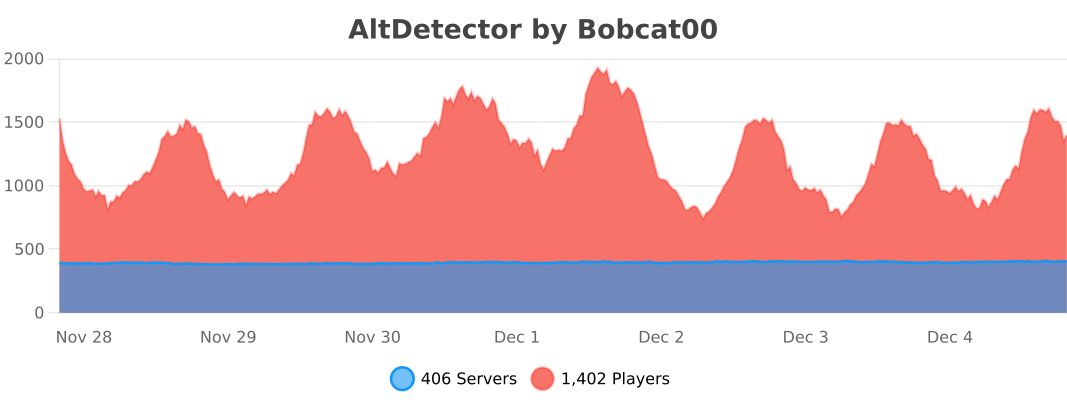
This plugin uses the bStats metrics system to provide anonymous usage data. You may opt-out globally by changing plugins/bStats/config.yml. The metrics are available at https://bstats.org/plugin/bukkit/AltDetector