
PluginGPL-3.0-or-later
AirBrush
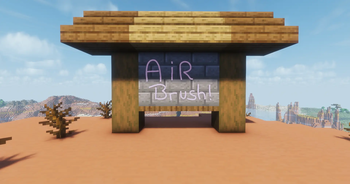
Allows you to paint whatever and wherever you want. Transform Minecraft into your unlimited canvas.
59
Downloads
6
Followers
1 months ago
Updated
📦
1
Versions
📖About AirBrush
AirBrush
A 3D pen for Paper server. Paint freehand on any surface,
pick any color, and build it together with friends.

What it does
You get three tools, a pencil, an eraser, and a palette, and you just draw.
Strokes follow whatever you're looking at, you can pick any color, change the brush size
on the fly, and undo when you inevitably mess up.
| Freehand | Color picker |
|---|---|
 |
 |
Installation
Grab your tools in-game with /drawitem:
/drawitem pencil
/drawitem eraser
/drawitem palette
Controls
Pencil
- Right-click to start drawing, right-click again to finish.
- Left-click while drawing to cancel the stroke.
- Sneak + right-click for straight lines — each click drops a point, left-click ends it.
- Sneak + scroll to change the brush thickness.
Eraser
- Right-click to start or stop erasing.
- Sneak + right-click to switch between Area and Whole stroke modes.
- Sneak + scroll to change the eraser size.
Palette
- Right-click to open the color picker.
- Click to move the selector, click again to confirm.
- Left-click to close it.
Commands
| Command | What it does | Permission |
|---|---|---|
/color <name or #RRGGBB> |
Set the pencil color directly | everyone |
/undo [amount] |
Undo your last strokes | everyone |
/drawitem <pencil | eraser | palette> |
Give yourself a tool | everyone |
/airbrush reload |
Reload the config and language files | airbrush.reload |
Support
Something broken or want to share what you made? Hop into the
Discord.