Logo
MINECRAFTBIBLE
Items
Items

All game items

Blocks
Blocks

Building blocks

Mobs
Mobs

Creatures & monsters

Biomes
Biomes

World biomes

Structures
Structures

Generated structures

Recipes
Recipes

Crafting guides

Advancements
Advancements

Achievements

Loot Tables
Loot Tables

Drop rates

Tags
Tags

Item groupings

All Versions
View all data →
Capes
Cape ArchiveNEW

Browse rare Minecon capes, OptiFine capes, and custom capes from players worldwide

Browse

Player Database
Player DatabasePopular

Search any player

Skin Browser
Skin Browser

Browse & download skins

Cape Gallery
Cape GalleryNEW

Minecon & OptiFine capes

Seed Vault
Seed Vault

Curated seeds

Learn

Guides
GuidesNew

Tutorials & tips

Blog
Blog

News & updates

Community

Community Hub
Community HubHub

Posts, discussions & more

All Versions
View community →
Seed Analyzer
Seed Analyzer

World seed analysis

Loot Explorer
Loot Explorer

Drop rates

Crafting Calculator
Crafting Calculator

Material planning

Enchant Calculator
Enchant Calculator

Probability math

Redstone Lab
Redstone Lab

Signal timing

Trading Profit
Trading Profit

Villager ROI

All Versions
View all tools →
Mods
Mods

Browse all mods

Plugins
Plugins

Server plugins

Resource Packs
Resource Packs

Textures & sounds

Shaders
Shaders

Visual enhancements

Datapacks
Datapacks

World logic

Scanner
Mod Intelligence

Scan & analyze any mod

All Versions
View all mods →
Loading...
IntroductionIntroductionVersion HistoryVersion HistoryGuidesGuidesBlog & NewsBlog & News
ItemsItemsBlocksBlocksMobsMobsRecipesRecipesBiomesBiomesStructuresStructuresAdvancementsAdvancementsLoot TablesLoot TablesTagsTags
ModsModsPluginsPluginsResource PacksResource PacksShadersShadersDatapacksDatapacks

MinecraftBible

The Ultimate Wiki

Logo
MINECRAFTBIBLE

The ultimate Minecraft reference. Every item, block, mob, and recipe documented with precision.

Community

  • Skin Browser
  • Cape Gallery
  • Seed Vault
  • Blog
  • Guides

Database

  • Items
  • Blocks
  • Mobs
  • Recipes
  • Biomes
  • Structures

Tools

  • Seed Analyzer
  • Mod Intelligence
  • Crafting Calculator
  • Enchant Calculator

Mods & Packs

  • Mods
  • Plugins
  • Resource Packs
  • Shaders
  • Datapacks

Site & Legal

  • About
  • Authors
  • Editorial Policy
  • Corrections
  • Contact
  • Privacy Policy
  • Terms of Service
  • DMCA
  • Sitemap

© 2026 MinecraftBible. Not affiliated with Mojang or Microsoft.

PrivacyTermsContact
Zoomify
ModLGPL-3.0-only

Zoomify

A zoom mod with infinite customizability.

37.6M
Downloads
8,344
Followers
3 months ago
Updated
📦
30
Versions
utilityfabricquilt
Download Latestv2.15.2+1.21.9View on Modrinth

📖About Zoomify

logo

Zoomify

Mod Loader
Enviroment
Discord

Modrinth
CurseForge

Ko-fi

A zoom mod with infinite customizability.

Zoomify aims to provide the easiest, most configurable and most sexy looking zoom mod you will ever find.


Zoom Example

How to use

Keybind

Initially, Minecraft has a keybind that overrides Zoomify by default.
Go to the controls menu and make sure the Zoomify keybind (default C)
isn't conflicting (goes red).

Open settings menu

You can access the settings menu with two ways.

  • The client command /zoomify
  • Mod Menu settings button

Features

Scroll Zoom

You can zoom in further using your scroll wheel.
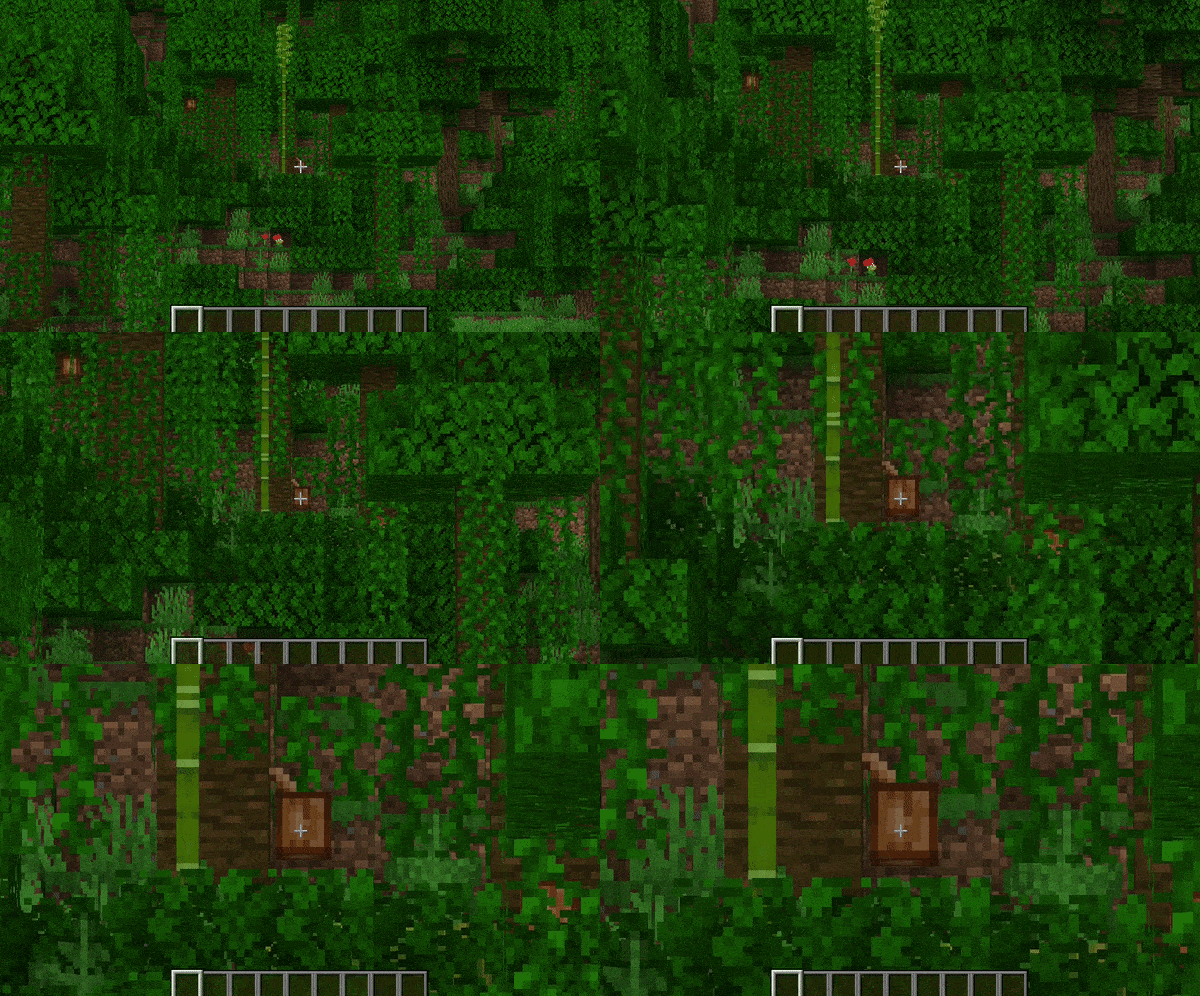
Scroll Zoom Example

Spyglass Integration

You can configure Zoomify to only be able to zoom in when you are holding or carrying a spyglass.
Or even just override the spyglass zoom with Zoomify!

Show the spyglass overlay and play spyglass sound effects when using Zoomify.
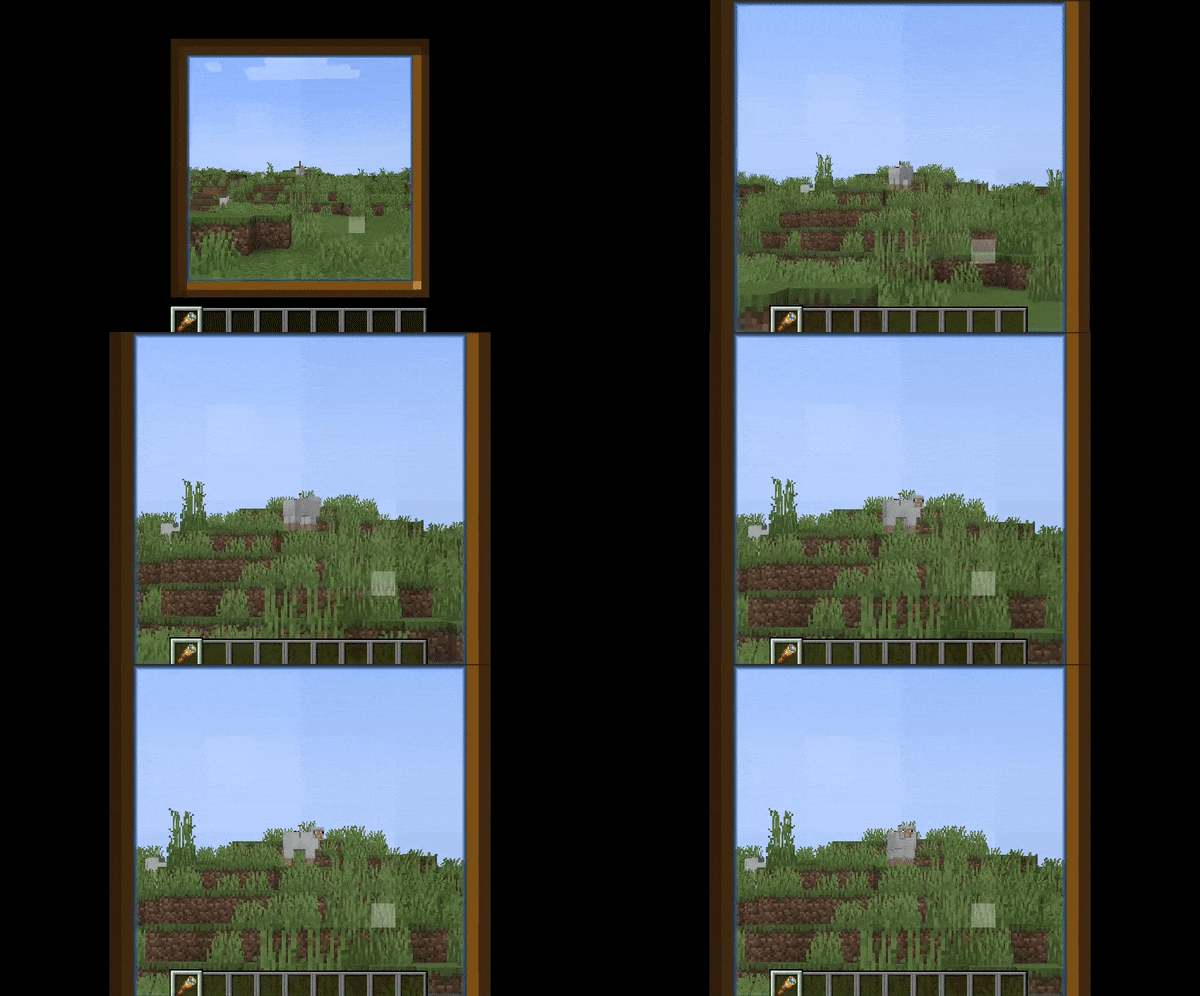
Spyglass Integration Example

Transitions

14 different transitions to choose from!

  • Instant
  • Linear
  • Ease in Sine
  • Ease out Sine
  • Ease in/out Sine
  • Ease in Quad
  • Ease out Quad
  • Ease in/out Quad
  • Ease in Cubic
  • Ease out Cubic
  • Ease in/out Cubic
  • Ease in Exponential
  • Ease out Exponential
  • Ease in/out Exponential

You can even pick what transition you would like for zooming in and out individually!
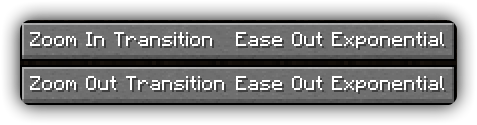
Individual Transition Config

Relative Sensitivity

Reduce your mouse sensitivity based on the amount of zoom,
so you have fine control over your player.
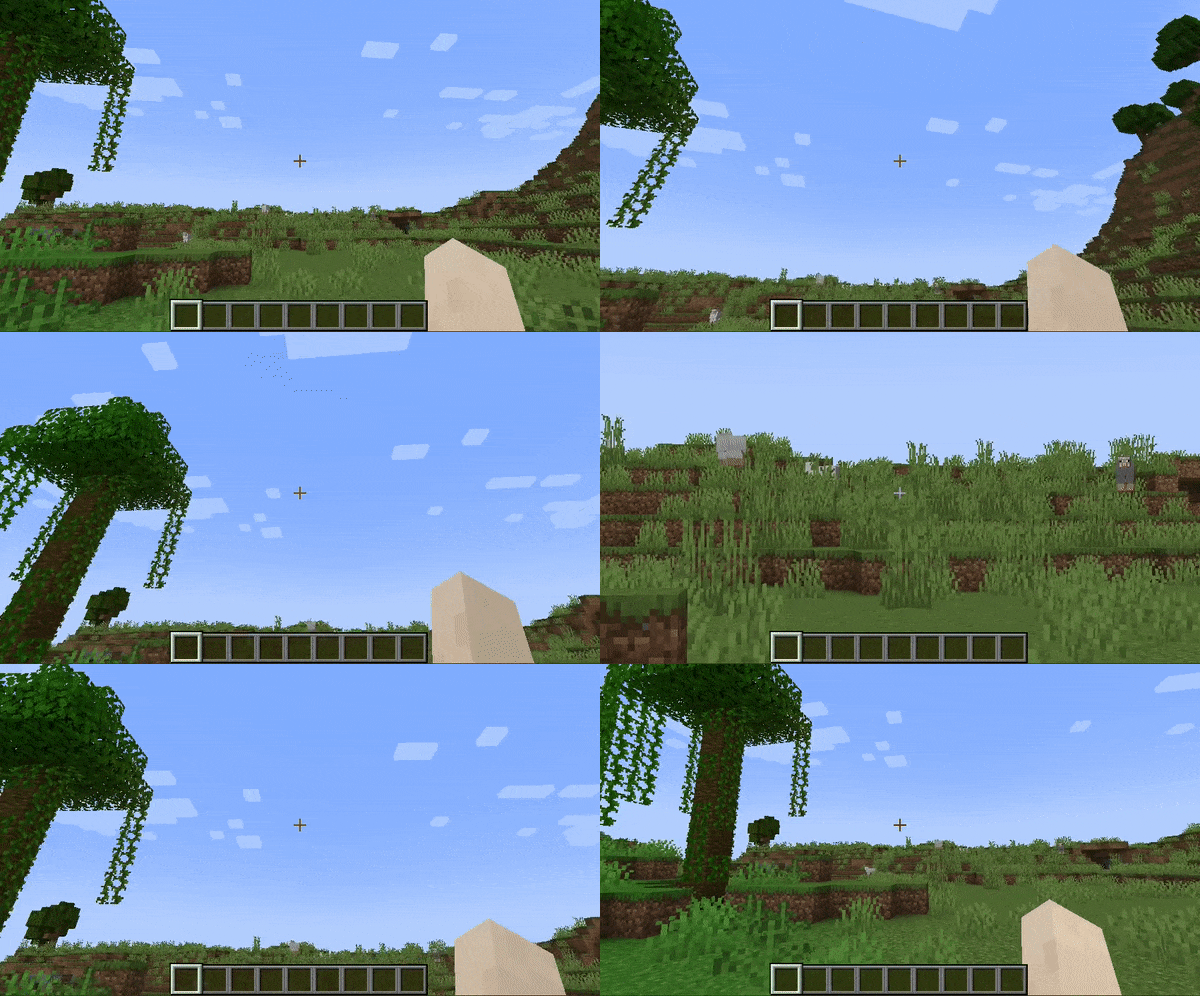
Relative Sensitivity Example

Relative View Bobbing

Reduce the view bobbing effect based on the amount of zoom,
so you can walk and zoom at the same time!
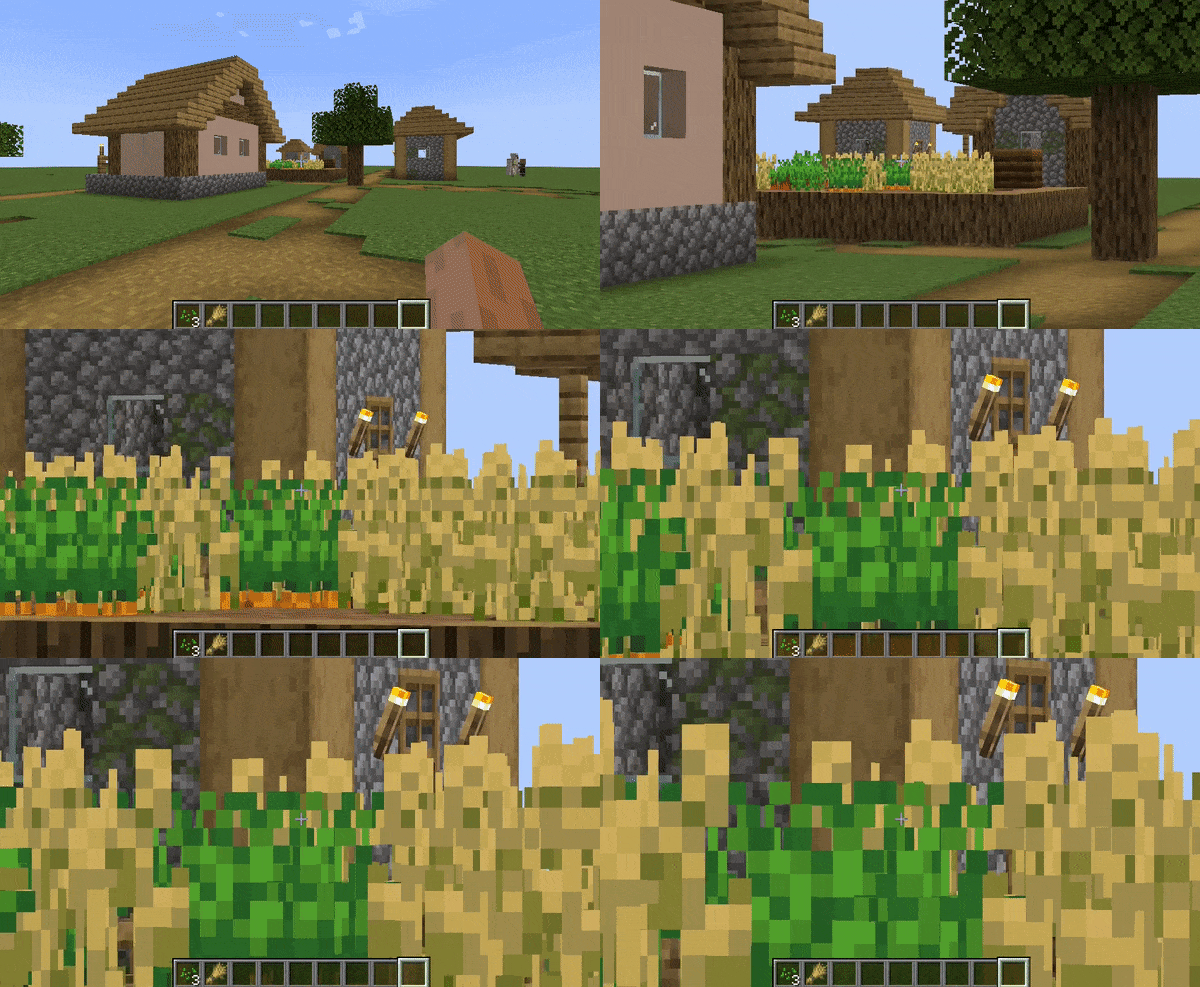
Relative View Bobbing Example

Cinematic Camera

Make the mouse/camera smooth, like the zoom in OptiFine.
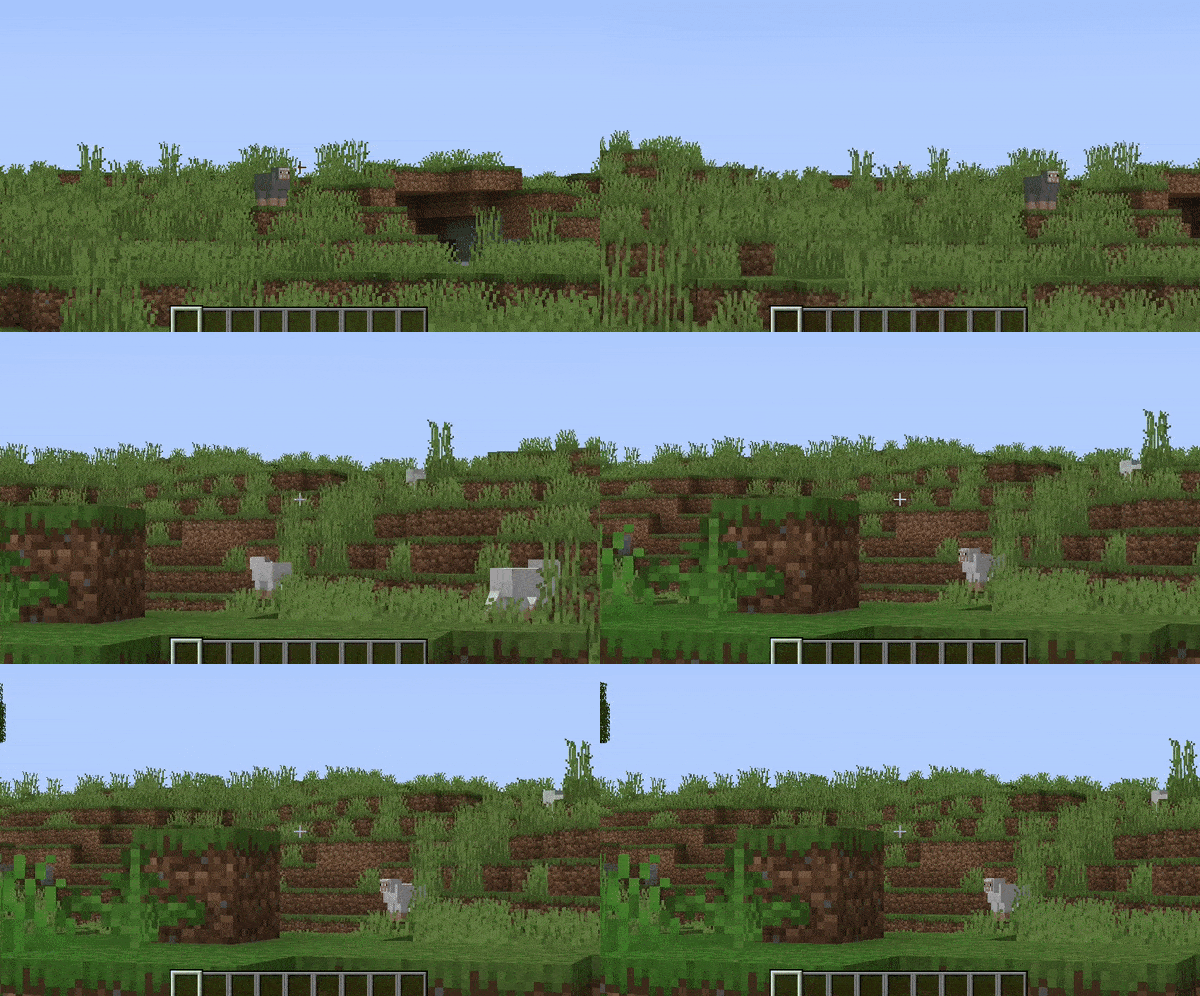
Cinematic Cam Example

Affect Hand FOV

Turn off this setting to prevent your hand from also being zoomed in!
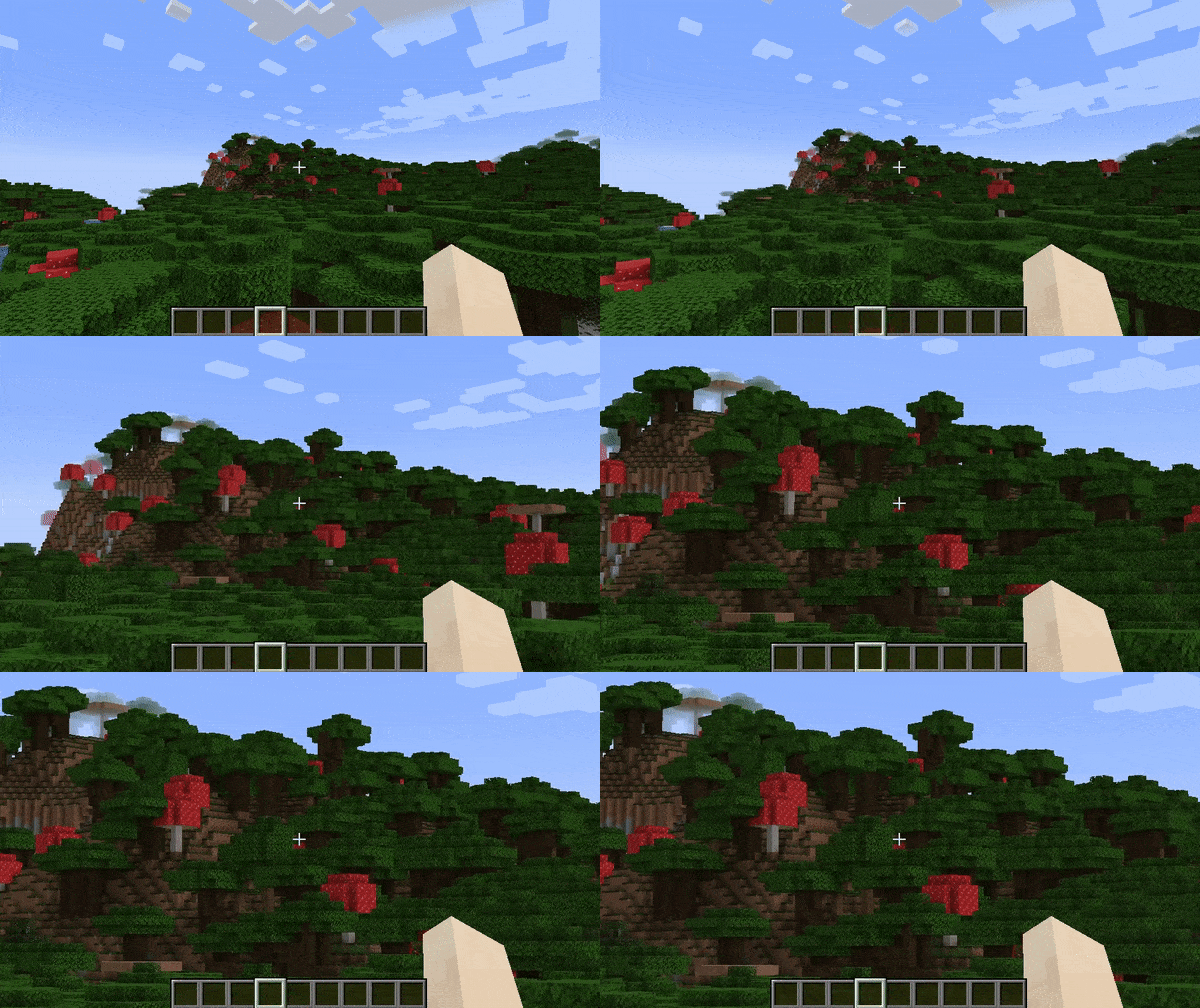
Affect Hand FOV Turned Off Example

Secondary Zoom

Completely separate zoom from normal Zoomify.
Aimed for content creators, features Hide HUD While Zooming option and longer zoom in times.
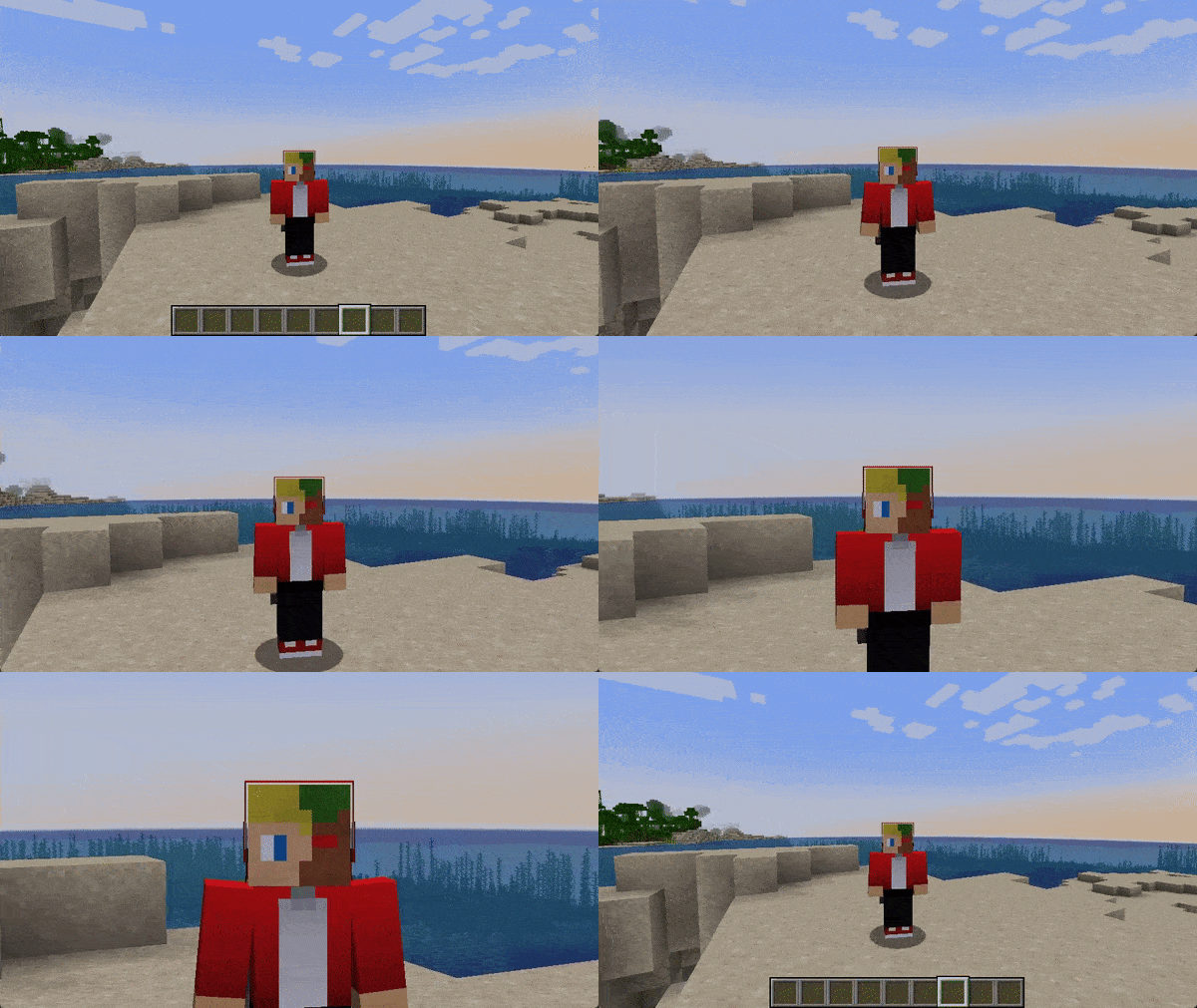
Secondary Zoom Example

Presets

You can reset to default, make Zoomify behave like OptiFine and others!

Smart Keybinding Detection

On first launch, if a keybinding is conflicting with Zoomify's zoom, a notification will appear notifying them of this.
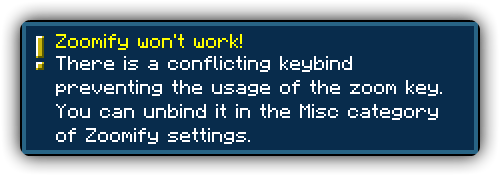
Keybinding Conflict Detection

Highly configurable

Absolutely NO hard-coded values. Everything about your zoom is configurable!

Control the zoom speed with seconds

Instead of some stupid arbitrary value such as zoom speed, you can pick
the exact amount of seconds it will take to zoom in, with a separate setting for zooming out.

Credits

  • Xander - Developer
  • MoonTidez - Logo designer

Translators

Languages in alphabetical order

  • 神枪968 - 简体中文 / Chinese (Simplified)
  • Xander - English (United Kingdom)
  • Madis0 - eesti keel / Estonian
  • co-91 - 日本語 / Japanese
  • Rodrigo Appelt - Português / Portuguese
  • SyberiaK - Русский / Russian
  • Felix14-v2 - Русский / Russian
  • Zetsphiron - Español (mexicano) / Spanish (Mexico)
  • Zetsphiron - Español (españa) / Spanish (Spain)
  • localfossa - Türkçe / Turkish
  • Im Vietnam - Tiếng Việt / Vietnamese

👥 Team & Contributors

isxander
isxanderOwner

⚙️ Compatibility

Environment
💻 Client-side
Loaders
fabricquilt
Minecraft Versions
1.21.91.21.10

🔗 Links

Modrinth Page