
MINECRAFTBIBLE
Loading...

A mod have configurable keystrokes
This mod allows you to display the button you are currently clicking on the screen.
You also can customize it by the editor, and the editor can be accessed by clicking the shortcut key (default is "]").
By default, the mod displays the WASD four keys in the upper left corner of the screen.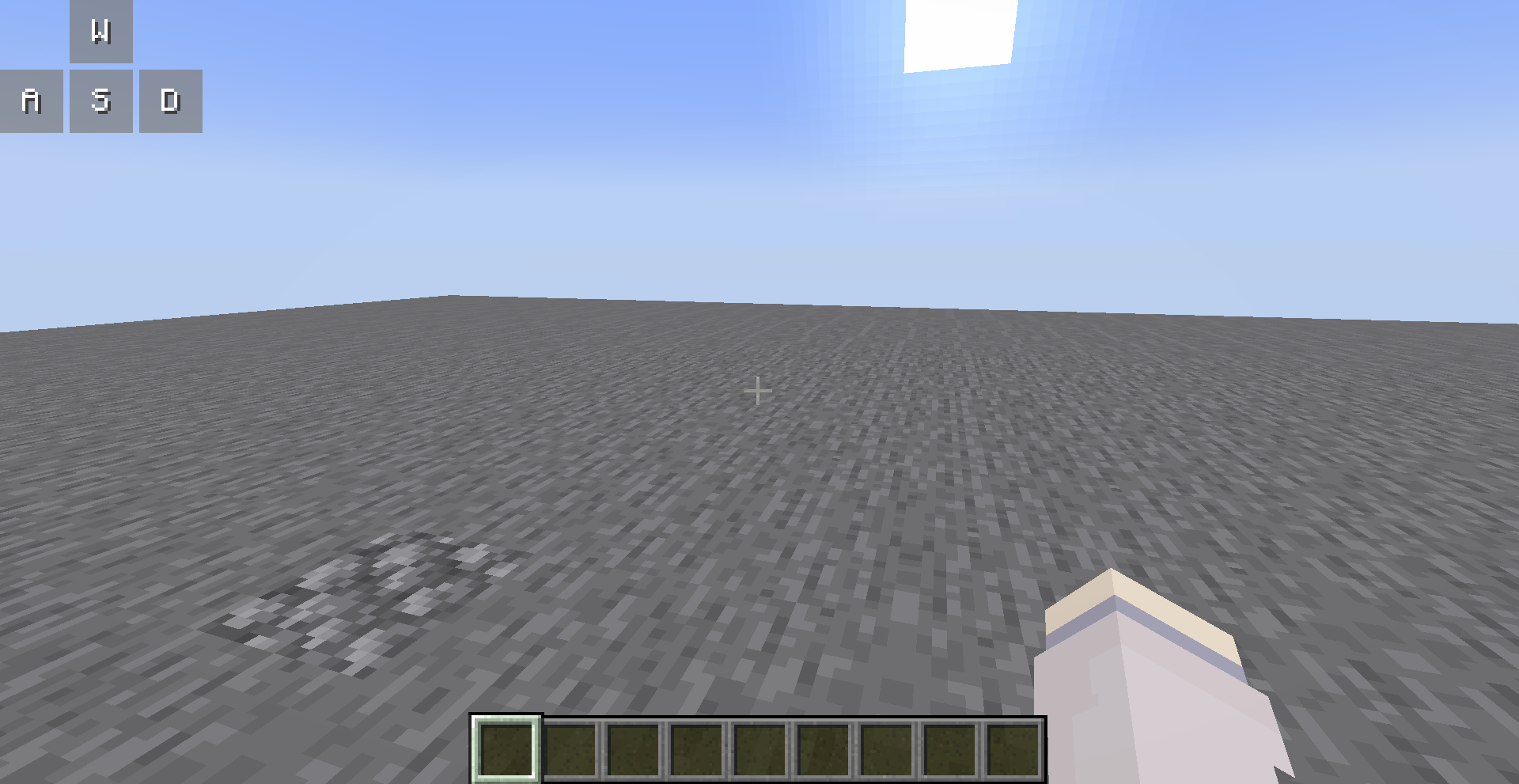
You can open the editor to customize them, all your changes are saved automatically.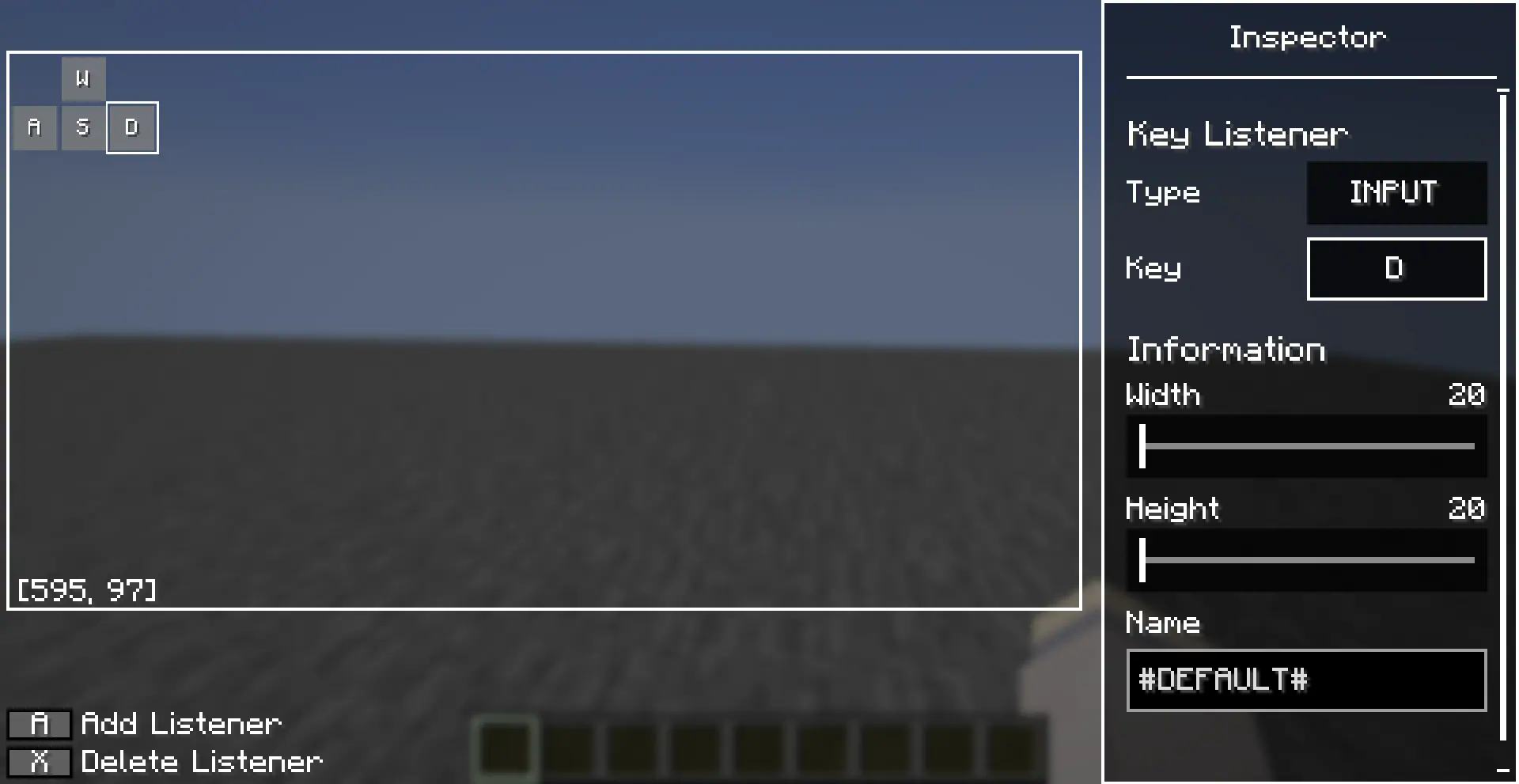
You can use the left mouse button to select a key listener in the editor, and long press the left mouse button to drag it.
There are also many operations allowed in the editor, which you can perform with the following key combinations:
Inspector also supports copy-paste operations, after you selected a entries (left clicked or right clicked), you can use [Ctrl + C] to copy it and [Ctrl + V] to paste it.