Undead Nights - Zombie Horde Nights
This Mod adds Horde Nights to the game, with hordes of Zombies hunting the player in a Zombie Apocalypse.
📖About Undead Nights - Zombie Horde Nights


.svg)


This mod adds Horde Nights to Minecraft.
Please report any problems you find under: issues
Configuration
How to configure the UndeadNights Mod
IMPORTANT:
With version 2.0.0 and the addition of a difficulty system the whole config system went through some significant changes. Please make sure to backup your old setup before updating and carefully read the Wiki (especially the part about the difficulty config).
Note: if you are using horde config variant 2 you need to update you horde config when switching to mod version 1.2.0!
News
Version 2.0.0
- new difficulty system added
- cave spawning added (needs to be enabled in the config)
- horde spawn system reworked (spawning is now asynchronus, to minimize impact on tps)
- compatibilty to comforts mod (sleeping bags) added
- config option to extend horde nights to full horde days added
- lure horde effect now searches asynchronous for horde mobs, to reduce impact on tps
- strong lure horde effect added (will always spawn a horde, needs to be crafted, for multiplayer fun)
- config option to set the number of players that get a horde per horde event added
- config option to ignore gamerule doMobSpawning added
- possibility to add custom target entities to hordeMobConfig added
Version 1.3.0
- the way horde mobs climb on each other was improved
- vanilla zombies in hordes can be configured to float, break blocks and not burn in the sun
- horde zombies can now break all blocks (incl. obsidian), set block breaking tier to 4
- config option to increase horde mob movement speed on water added
- config option to enable spawn proving with lights (e.g. with torches) added (note: sky light is ignored)
- config option for a grace period before first horde night added
- config option for max hordes per horde night (set to 0 for no limit) added
- config option for the possibility of a random horde on non horde nights added
- config option to disable "a horde has spawned" message and the horde sound
- new "horde lure" effect added (with the chance that the player gets this effect, when killing horde mobs)
- the horde lure effect can be configured to spawn a horde, when they player gets it
- all three types of horde zombies added by this mod will now spawn naturally at night (can be disabled)
Version 1.2.0 changes
- horde config variant 2 can now have several hordes
- horde zombies can break blocks (disabled per default)
3 block breaking tiers:
1 - glass and dirt
2 - stone
3 - iron bars and doors - demolition zombies will now throw the tnt
- updated commands to enable/disable block breaking, set default horde...
- Forge - The config file is stored per world:
minecraft/saves/[NAME_OF_YOUR_WORLD]/serverconfig/undeadnights-server.toml - NeoForge - The config file is stored per Minecraft installation / instance:
minecraft/config/undeadnights-server.toml - Fabric - The config file is stored per Minecraft installation / instance:
minecraft/config/undeadnights.json5
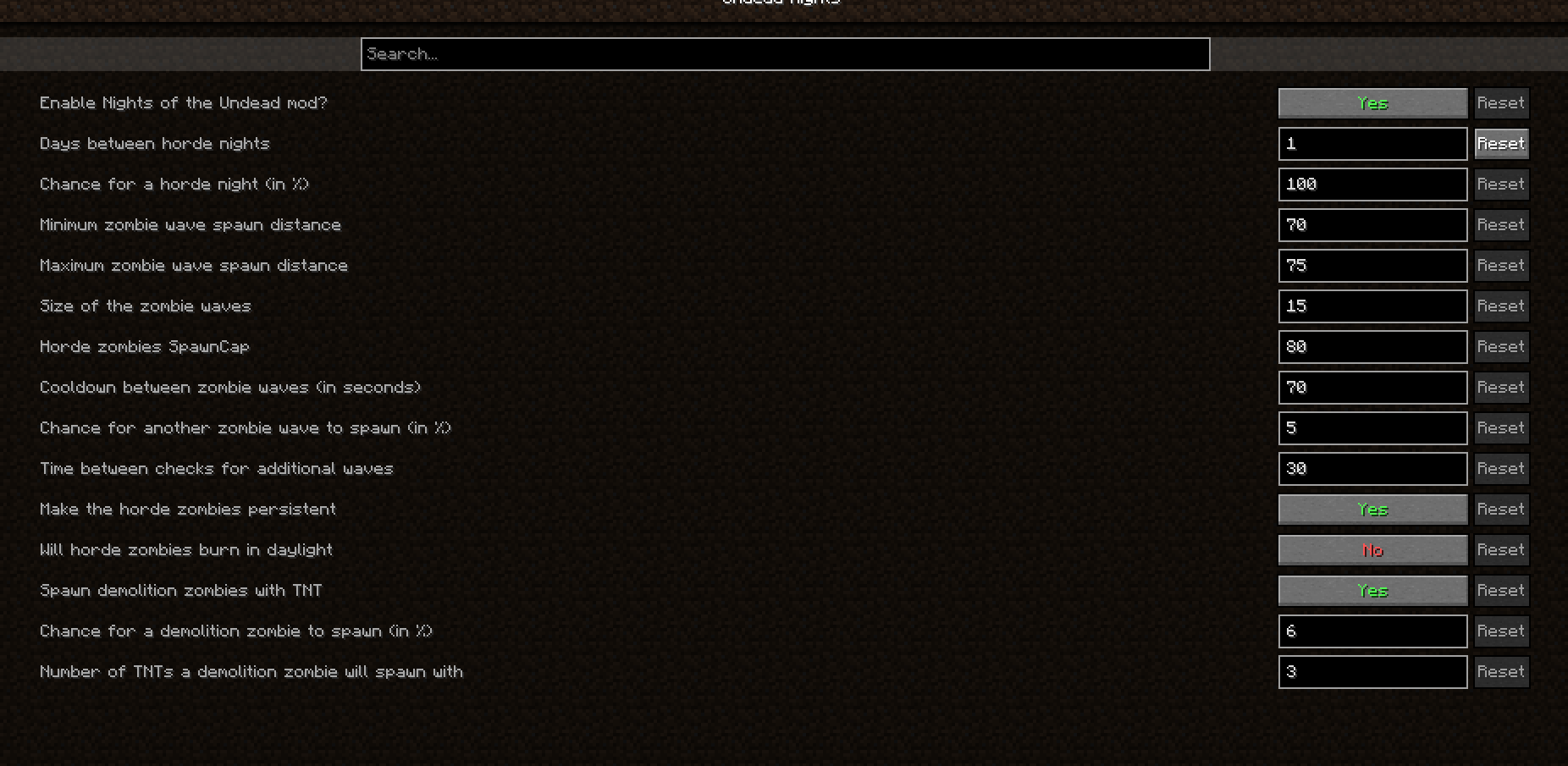
exclusive on Fabric in singleplayer: you can install the mod "mod menu" and access the config screen
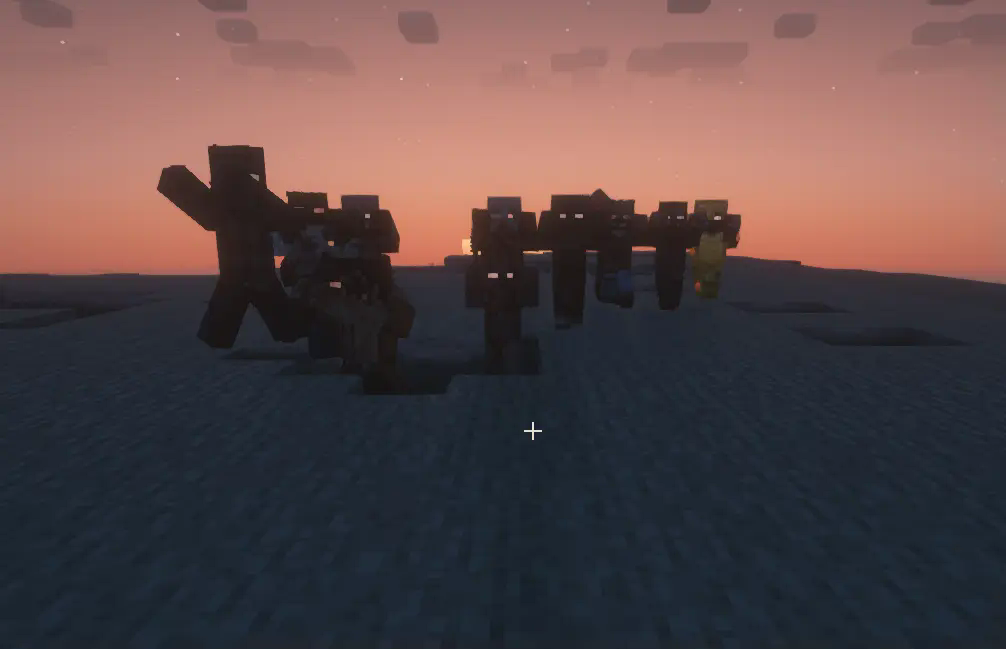
Horde Zombies
- are faster, deal more damage and have more health
- have a large tracking range, to hunt down the player
- will not burn in the sun and will not despawn
- will climb on top of each other to reach the Player
- will "swim" (float) on the water and not sink
- will not turn to drowned
The Frequency of Horde Nights can be configured
The Horde size can be configured (incl. a total spawn cap)
Spezial Horde zombies:
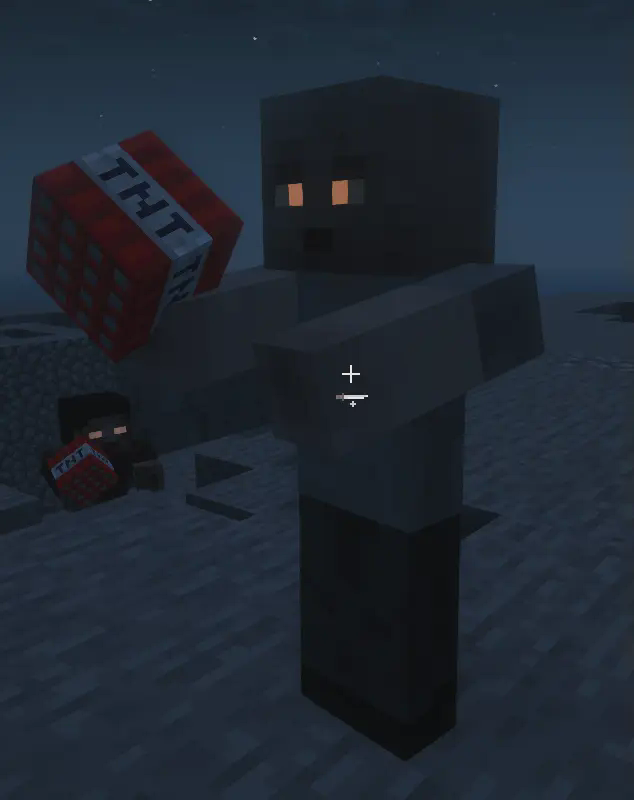
Demolition Zombies - carry TNT, that they will try to ignite when close to the player
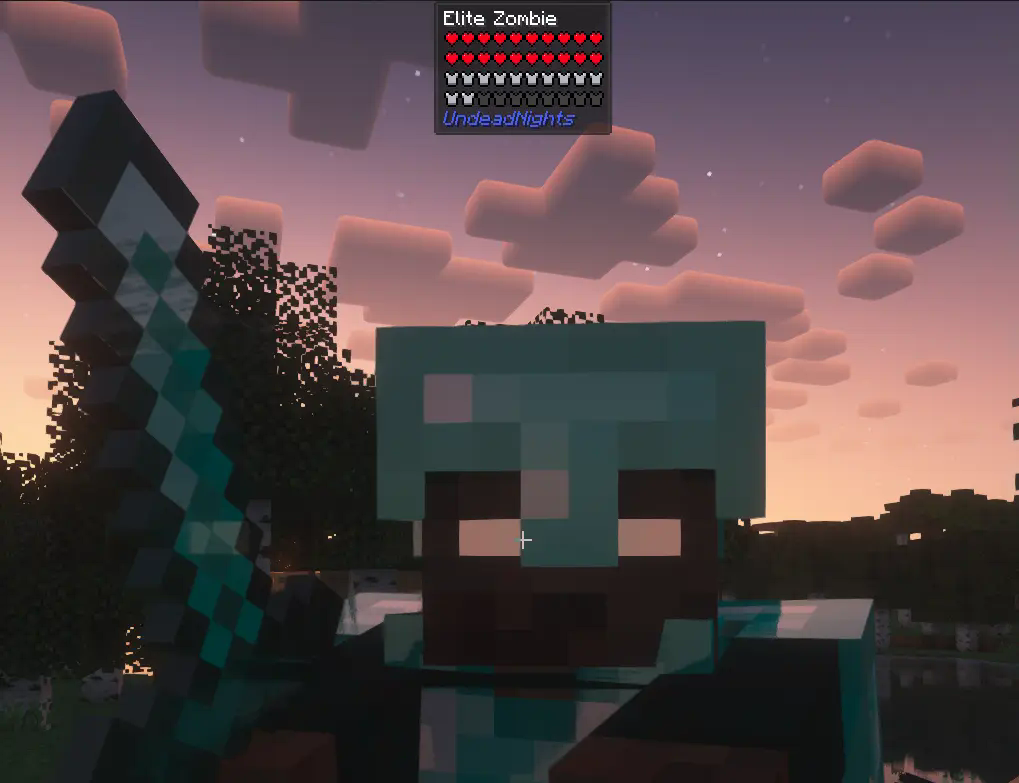
Elite Zombies - much stronger than the normal Horde Zombies
Swimming / floating Horde Zombies: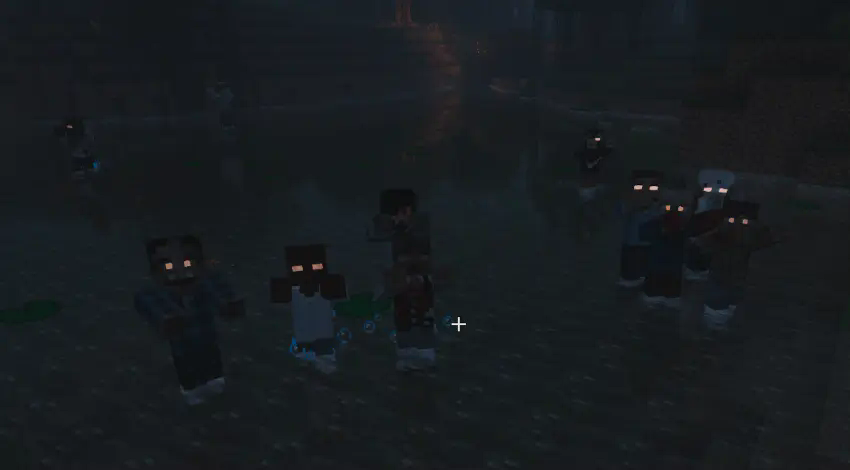
Config Screen (only on Fabric with the mod "Mod Menu" installed):