Logo
MINECRAFTBIBLE
Items
Items

All game items

Blocks
Blocks

Building blocks

Mobs
Mobs

Creatures & monsters

Biomes
Biomes

World biomes

Structures
Structures

Generated structures

Recipes
Recipes

Crafting guides

Advancements
Advancements

Achievements

Loot Tables
Loot Tables

Drop rates

Tags
Tags

Item groupings

All Versions
View all data →
Capes
Cape ArchiveNEW

Browse rare Minecon capes, OptiFine capes, and custom capes from players worldwide

Browse

Player Database
Player DatabasePopular

Search any player

Skin Browser
Skin Browser

Browse & download skins

Cape Gallery
Cape GalleryNEW

Minecon & OptiFine capes

Seed Vault
Seed Vault

Curated seeds

Learn

Guides
GuidesNew

Tutorials & tips

Blog
Blog

News & updates

Community

Community Hub
Community HubHub

Posts, discussions & more

All Versions
View community →
Seed Analyzer
Seed Analyzer

World seed analysis

Loot Explorer
Loot Explorer

Drop rates

Crafting Calculator
Crafting Calculator

Material planning

Enchant Calculator
Enchant Calculator

Probability math

Redstone Lab
Redstone Lab

Signal timing

Trading Profit
Trading Profit

Villager ROI

All Versions
View all tools →
Mods
Mods

Browse all mods

Plugins
Plugins

Server plugins

Resource Packs
Resource Packs

Textures & sounds

Shaders
Shaders

Visual enhancements

Datapacks
Datapacks

World logic

Scanner
Mod Intelligence

Scan & analyze any mod

All Versions
View all mods →
Loading...
IntroductionIntroductionVersion HistoryVersion HistoryGuidesGuidesBlog & NewsBlog & News
ItemsItemsBlocksBlocksMobsMobsRecipesRecipesBiomesBiomesStructuresStructuresAdvancementsAdvancementsLoot TablesLoot TablesTagsTags
ModsModsPluginsPluginsResource PacksResource PacksShadersShadersDatapacksDatapacks

MinecraftBible

The Ultimate Wiki

Logo
MINECRAFTBIBLE

The ultimate Minecraft reference. Every item, block, mob, and recipe documented with precision.

Community

  • Skin Browser
  • Cape Gallery
  • Seed Vault
  • Blog
  • Guides

Database

  • Items
  • Blocks
  • Mobs
  • Recipes
  • Biomes
  • Structures

Tools

  • Seed Analyzer
  • Mod Intelligence
  • Crafting Calculator
  • Enchant Calculator

Mods & Packs

  • Mods
  • Plugins
  • Resource Packs
  • Shaders
  • Datapacks

Site & Legal

  • About
  • Authors
  • Editorial Policy
  • Corrections
  • Contact
  • Privacy Policy
  • Terms of Service
  • DMCA
  • Sitemap

© 2026 MinecraftBible. Not affiliated with Mojang or Microsoft.

PrivacyTermsContact
Squat Grow
ModLicenseRef-All-Rights-Reserved

Squat Grow

Squat for growth (Shift / Twerk to grow plants)

214.4K
Downloads
48
Followers
3 months ago
Updated
📦
30
Versions
game-mechanicsutilityfabricforgeneoforge
Download Latestv21.11.0View on Modrinth

📖About Squat Grow

What is Squat Grow?

Feeling weak in Minecraft and not getting enough gains? Well throw away your bonemeal and start squatting!

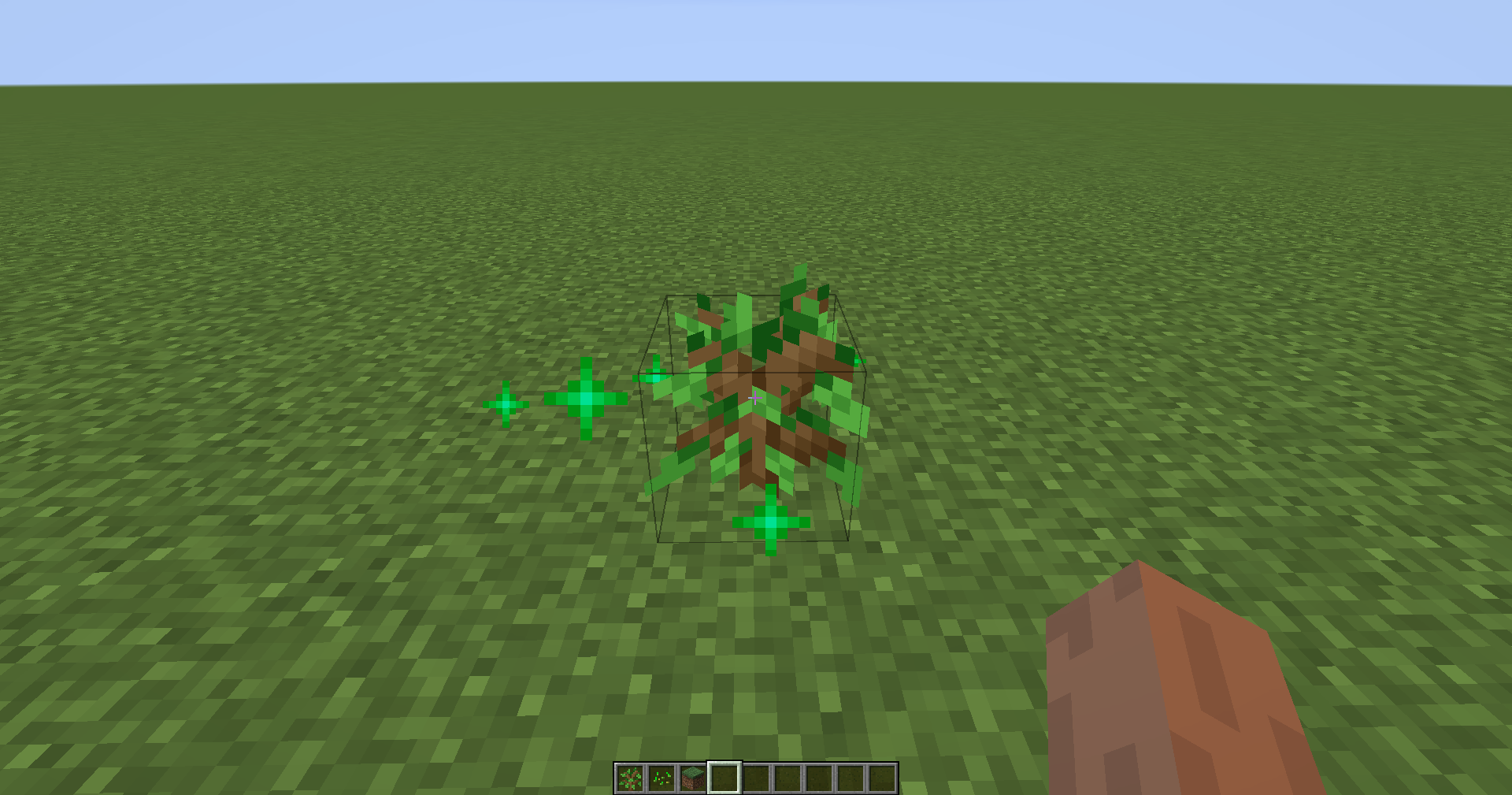
With Squat Grow your plant will grow twice as fast and feel the gains!

All you need to do is press your sneak key until you are happy with the growth of your plant.

You can configure the plants affected using the registry name of the plant or using tags, there is also an option to use a blacklist or a whitelist along with changing the effect range

How do I use it?

Simply install the mod, then press your sneak key repeatedly until your plant has grown!
Features

  • Crouch (squat/twerk) to grow your crops/trees or anything else that's growable
  • Configurable effect range (up to 16 blocks)
  • Configurable effect chance
  • Whitelist or blacklist blocks that can be affected
  • OPMode, you only need to hold shift and all valid blocks within range will be affected by the mod. (This was more of an accident than an intended feature but decided to add a config to enable it)

All Rights Reserved unless stated otherwise. Distribution permission is given to FeedTheBeast and CurseForge for use in modpacks

twerking crouching twerk crouch

👥 Team & Contributors

Nanite
Nanite
Member
Gaz492
Gaz492Owner

⚙️ Compatibility

Environment
✅ Client & Server
Loaders
fabricforgeneoforge
Minecraft Versions
1.21.71.21.81.21.11

🔗 Links

Modrinth Page