
MINECRAFTBIBLE
Loading...


SortCraft is a multi-chest item sorter without the redstone. Label chests with signs like [ores], right-click your input chest, and items instantly sort!


SortCraft is a multi-chest item sorter without the redstone. Label chests with signs like [ores] or [tools], right-click your input chest, and items instantly sort themselves. Categories live in simple YAML files you control.
Visually build and organize your categories using our companion webapp CategoryCraft! You can even load mod jar files to see your modded items!
View our quickstart video or jump to the 5-Minute Quick Start section below for concise instructions.
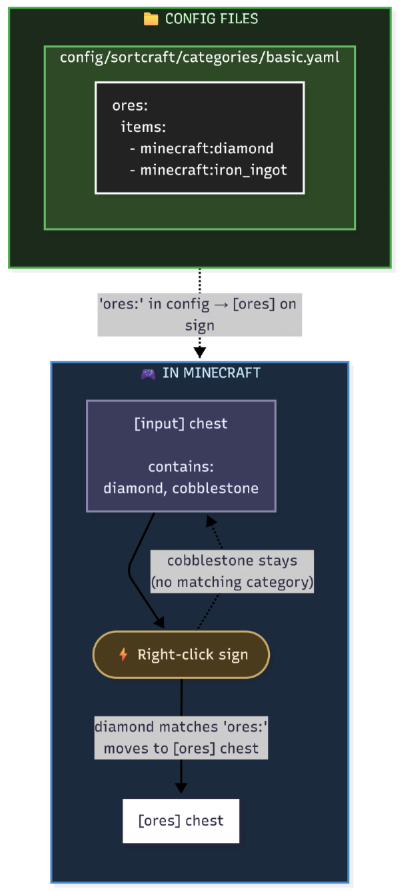
You define categories in YAML config files. Sign text must match your category names. That's it!
| Input Chest | Destination Chest |
|---|---|
 |
 |
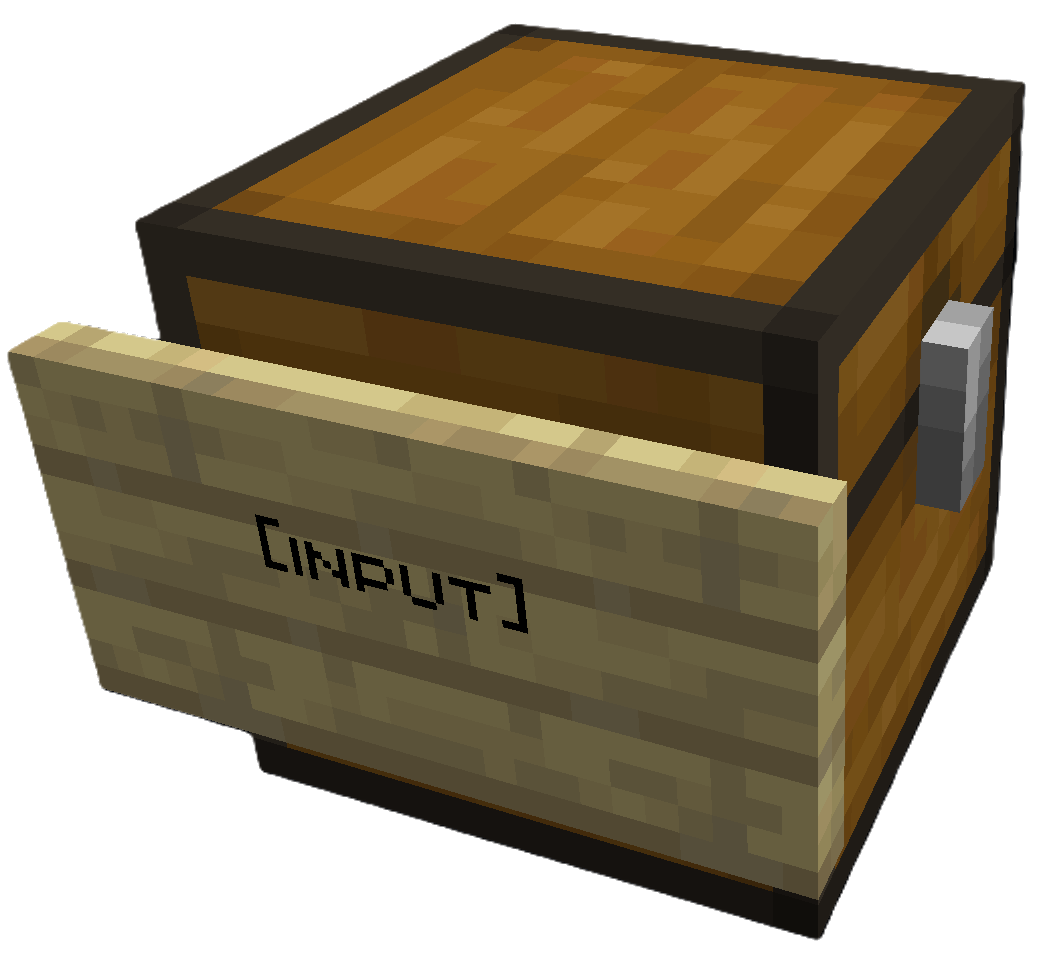
Place [input] sign on your source chest |
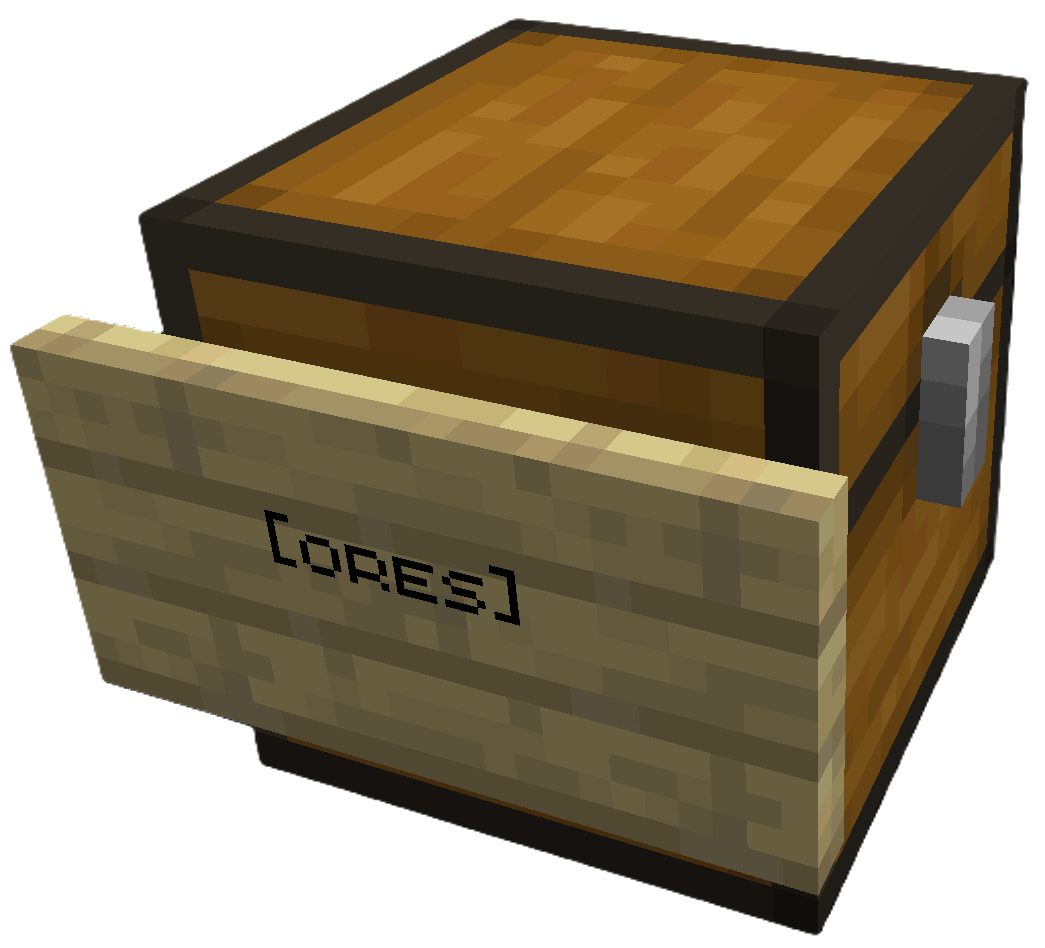
Place [ores] sign (or any category) on destination |
Right click the [input] sign to sort. All destination chests must be within a configurable search radius of the input chest (default 64 blocks).
Create config/sortcraft/categories/basic.yaml:
ores:
  items:
    - minecraft:diamond
    - minecraft:iron_ingot
    - minecraft:gold_ingot
    - minecraft:copper_ingot
OR use CategoryCraft to build your categories visually.
OR look at the following examples:
[input] on any line[ores] on any linePut diamonds, iron, gold, or copper in the input chest, then right-click the [input] sign. Items matching your ores: category move to the [ores] chest.
| Guide | Description |
|---|---|
| Commands | All /sort commands |
| Configuration | YAML syntax, priorities, includes, item tags |
| ↳ Concise Example | Quick reference |
| ↳ Full Example | What I use on my server |
| Filters | Sort by enchantments, durability, custom names |
| Regex Patterns | Match items with patterns like /.*:.*_sword/ |
| Core Concepts | Priority system, category inheritance, stacking |
| Troubleshooting | Common issues and solutions |
| Audit Logging | Server admin logging features |


