Logo
MINECRAFTBIBLE
Items
Items

All game items

Blocks
Blocks

Building blocks

Mobs
Mobs

Creatures & monsters

Biomes
Biomes

World biomes

Structures
Structures

Generated structures

Recipes
Recipes

Crafting guides

Advancements
Advancements

Achievements

Loot Tables
Loot Tables

Drop rates

Tags
Tags

Item groupings

All Versions
View all data →
Capes
Cape ArchiveNEW

Browse rare Minecon capes, OptiFine capes, and custom capes from players worldwide

Browse

Player Database
Player DatabasePopular

Search any player

Skin Browser
Skin Browser

Browse & download skins

Cape Gallery
Cape GalleryNEW

Minecon & OptiFine capes

Seed Vault
Seed Vault

Curated seeds

Learn

Guides
GuidesNew

Tutorials & tips

Blog
Blog

News & updates

Community

Community Hub
Community HubHub

Posts, discussions & more

All Versions
View community →
Seed Analyzer
Seed Analyzer

World seed analysis

Loot Explorer
Loot Explorer

Drop rates

Crafting Calculator
Crafting Calculator

Material planning

Enchant Calculator
Enchant Calculator

Probability math

Redstone Lab
Redstone Lab

Signal timing

Trading Profit
Trading Profit

Villager ROI

All Versions
View all tools →
Mods
Mods

Browse all mods

Plugins
Plugins

Server plugins

Resource Packs
Resource Packs

Textures & sounds

Shaders
Shaders

Visual enhancements

Datapacks
Datapacks

World logic

Scanner
Mod Intelligence

Scan & analyze any mod

All Versions
View all mods →
Loading...
IntroductionIntroductionVersion HistoryVersion HistoryGuidesGuidesBlog & NewsBlog & News
ItemsItemsBlocksBlocksMobsMobsRecipesRecipesBiomesBiomesStructuresStructuresAdvancementsAdvancementsLoot TablesLoot TablesTagsTags
ModsModsPluginsPluginsResource PacksResource PacksShadersShadersDatapacksDatapacks

MinecraftBible

The Ultimate Wiki

Logo
MINECRAFTBIBLE

The ultimate Minecraft reference. Every item, block, mob, and recipe documented with precision.

Community

  • Skin Browser
  • Cape Gallery
  • Seed Vault
  • Blog
  • Guides

Database

  • Items
  • Blocks
  • Mobs
  • Recipes
  • Biomes
  • Structures

Tools

  • Seed Analyzer
  • Mod Intelligence
  • Crafting Calculator
  • Enchant Calculator

Mods & Packs

  • Mods
  • Plugins
  • Resource Packs
  • Shaders
  • Datapacks

Site & Legal

  • About
  • Authors
  • Editorial Policy
  • Corrections
  • Contact
  • Privacy Policy
  • Terms of Service
  • DMCA
  • Sitemap

© 2026 MinecraftBible. Not affiliated with Mojang or Microsoft.

PrivacyTermsContact
Random Mob Sizes
ModMIT

Random Mob Sizes

Random all the mob sizes in your world. (You can configure it as you want) [Optimized + Compatibility]

14.0K
Downloads
66
Followers
4 months ago
Updated
📦
30
Versions
adventurecursedmobsdatapackfabricforgeneoforgequilt
Download Latestv1.3.2+quiltView on Modrinth

📖About Random Mob Sizes

Random Mob Sizes

GitHub
Smithed
Modrinth
PMC
Discord
StewBeet

This datapack provides a funny game experience by randomizing every mob sizes in your world! 🎲 🎮

The default scale is 0.75-1.25 but can be configured as you want with the command /function random_mob_sizes:config ⚙️

The datapack is optimized, meaning it do not add any lag to your world/server! ⚡️

You can also configure per-mob behavior to fine‑tune size ranges and health scaling for specific entities. 🎯

Configuration ⚙️

Run the helper command to configure the pack:

  • ▶️ Execute /function random_mob_sizes:config
  • 💬 This prints clickable messages in chat that prefill commands you can edit and send.

What you can configure (from the in-game helper):

  • 📏 Value range for sizes: 0.0625 – 16.0
  • 🌐 Default global range: min_size = 0.75, max_size = 1.25
  • ❤️ Health scaling toggle: whether mob health scales with their size (enabled by default)
  • 🏃 Speed scaling toggle: whether mob movement speed scales with their size (disabled by default)
  • ⚔️ Damage scaling toggle: whether mob attack damage scales with their size (disabled by default)

Global settings examples 🛠️:

  • ➖📏 Set minimum size
    • /data modify storage random_mob_sizes:config min_size set value 0.75
  • ➕📏 Set maximum size
    • /data modify storage random_mob_sizes:config max_size set value 1.25
  • 🔁❤️ Enable/disable health scaling
    • /data modify storage random_mob_sizes:config health_scale set value false
    • Use true to enable, false to disable.
  • 🔁🏃 Enable/disable speed scaling
    • /data modify storage random_mob_sizes:config speed_scale set value true
    • Use true to enable, false to disable.
  • 🔁⚔️ Enable/disable damage scaling
    • /data modify storage random_mob_sizes:config damage_scale set value true
    • Use true to enable, false to disable.

Per-mob overrides (optional) 🐾:

  • 🧬 You can override the global settings for a specific mob type. Provide any subset of keys; omitted keys fall back to the global values.
  • 🐔 Example for chickens:
    • /data modify storage random_mob_sizes:config mobs."minecraft:chicken" set value {min_size:0.75,max_size:1.25,health_scale:true,speed_scale:false,damage_scale:false}
  • 🔁 Replace minecraft:chicken with the desired entity ID (e.g., minecraft:zombie).

💡 Tip: You can re-run /function random_mob_sizes:config at any time to show the clickable helpers again.

Technical / Compatibility 🔧

Mobs concerned by the datapack are:

  • mobs with a "Brain" NBT 🧠
  • not players 👤
  • not armor stands 🛡️
  • not entities having the following Tags: random_mob_sizes.checked, smithed.entity, smithed.strict, global.ignore 🏷️

Meaning modded mobs can be concerned! 🎯

If you want to revert all loaded entities to their original size, you can type /execute as @e run attribute @s scale base reset.
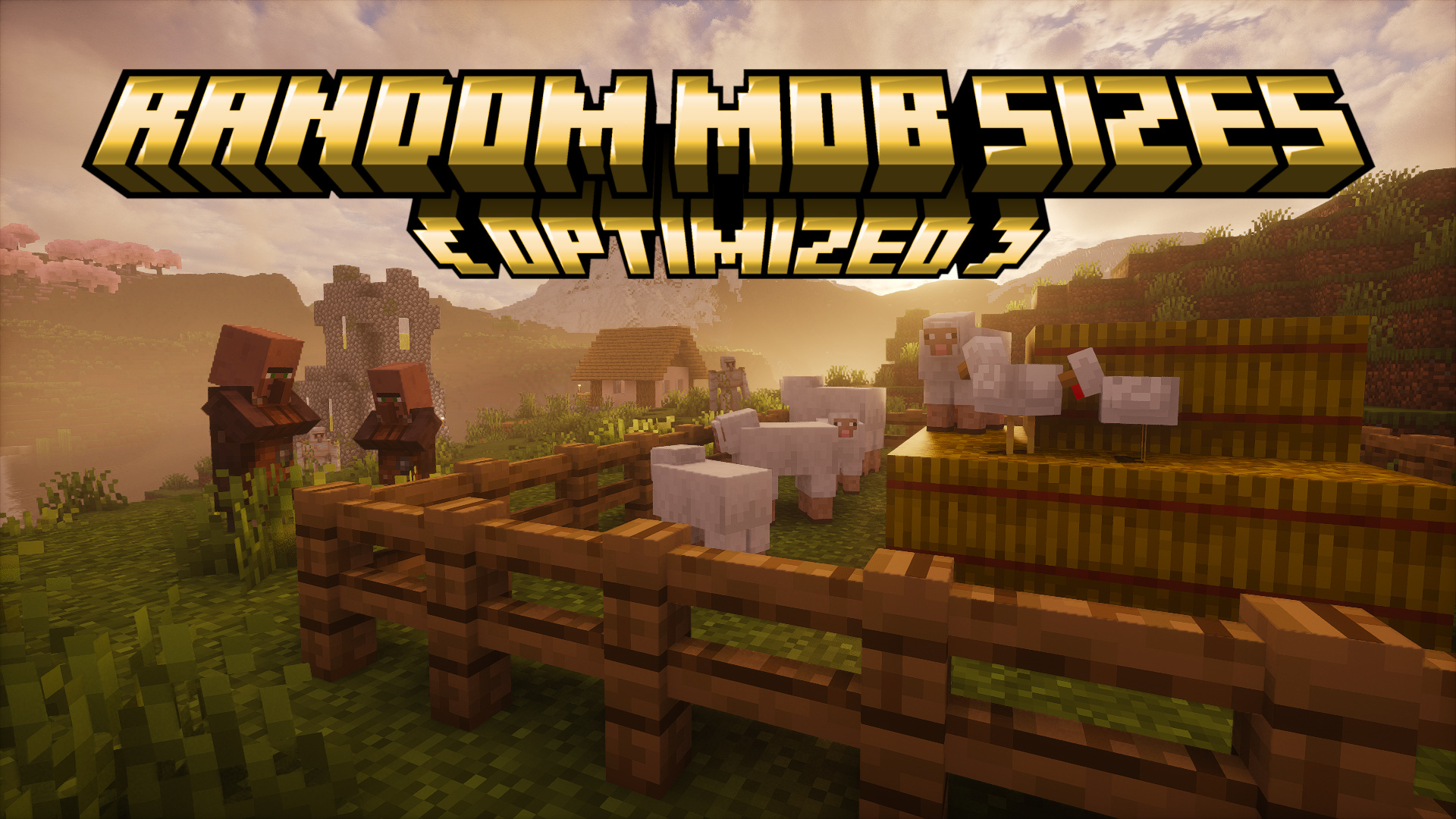
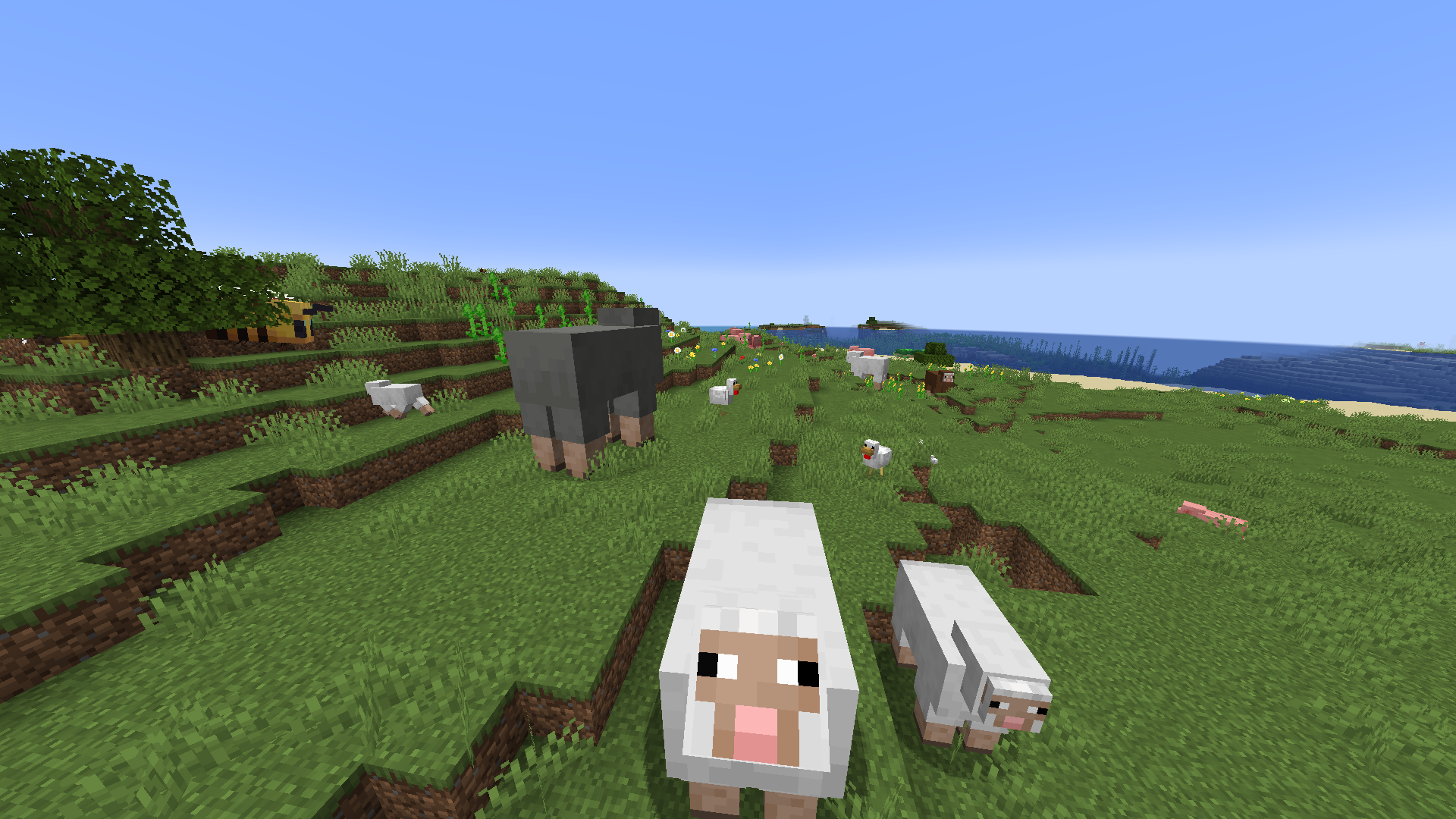
Promotional image

Random Mob Sizes Image

⭐ Star History

Star History Chart

👥 Team & Contributors

Stoupy51
Stoupy51Owner

⚙️ Compatibility

Environment
🖥️ Server-side
Loaders
datapackfabricforgeneoforgequilt
Minecraft Versions
1.21.21.21.31.21.41.21.51.21.61.21.71.21.81.21.9+2 more

🔗 Links

Modrinth Page



