


Numismatics Calculator
A client-side utility mod that adds a calculation menu for coin items from the mod "Create: Numismatics"
📖About Numismatics Calculator
Numismatics Calculator
What This Does
This is a client-side forge mod that adds some calculator functionality to coin items from the mod "Create: Numismatics" by IThundxr.
This is useful because those coins have values like 1, 8, 16, 64, 512 and those are VERY hard to calculate for random sums like "75" if you have those coins as the main economy on an SMP and you trade everything for those.
With the calculator you won't need to struggle with your system calculator, since this one is built into your game and has a lot of functionality specifically for this purpose.
Usage And Functionality
Video Showcase:
Total Slot Value

By holding down SHIFT (can be configured) you can see the total value of every single slot with a coin.
Remember, that you can check if you have the right sum available to pay someone with the Selection feature from the Summation Tab in the Main Overlay.
Control Panel
When opening your inventory, you'll see the mod's Control Panel.

It lets you toggle the visibility of the Main Overlay and open mod's settings
You can even disable the Control Panel, because both actions are available as keybindings too:

With those you can always toggle the Main Overlay with a key right from your inventory, even without the Control Panel visible.
Additionally you can open the mod's Config Screen with a key too.
The Main Overlay contains two tabs visible on the top:
Summation Tab

In the first tab you have a text displaying your total coins in the inventory, and coins in the selected area.
You can toggle selection mode with the "Select button".
It even works in CHESTS and all other containers:

Conversion Tab

In the second tab you can enter an amount of ¤ to actual coins. By default, it'll tell you a general coin composition as if you had infinite coins.
Since the original mod has a coin type for 1 ¤, there is never expected any sum in return.
And there is a second mode accessible with the Only available checkbox:

This mode will only work with coins in your inventory and tell you if you don't have enough.
"Only Available" mode will take into account the cases when you have to OVERPAY or you DON'T HAVE ENOUGH:


Mod's Config Screen
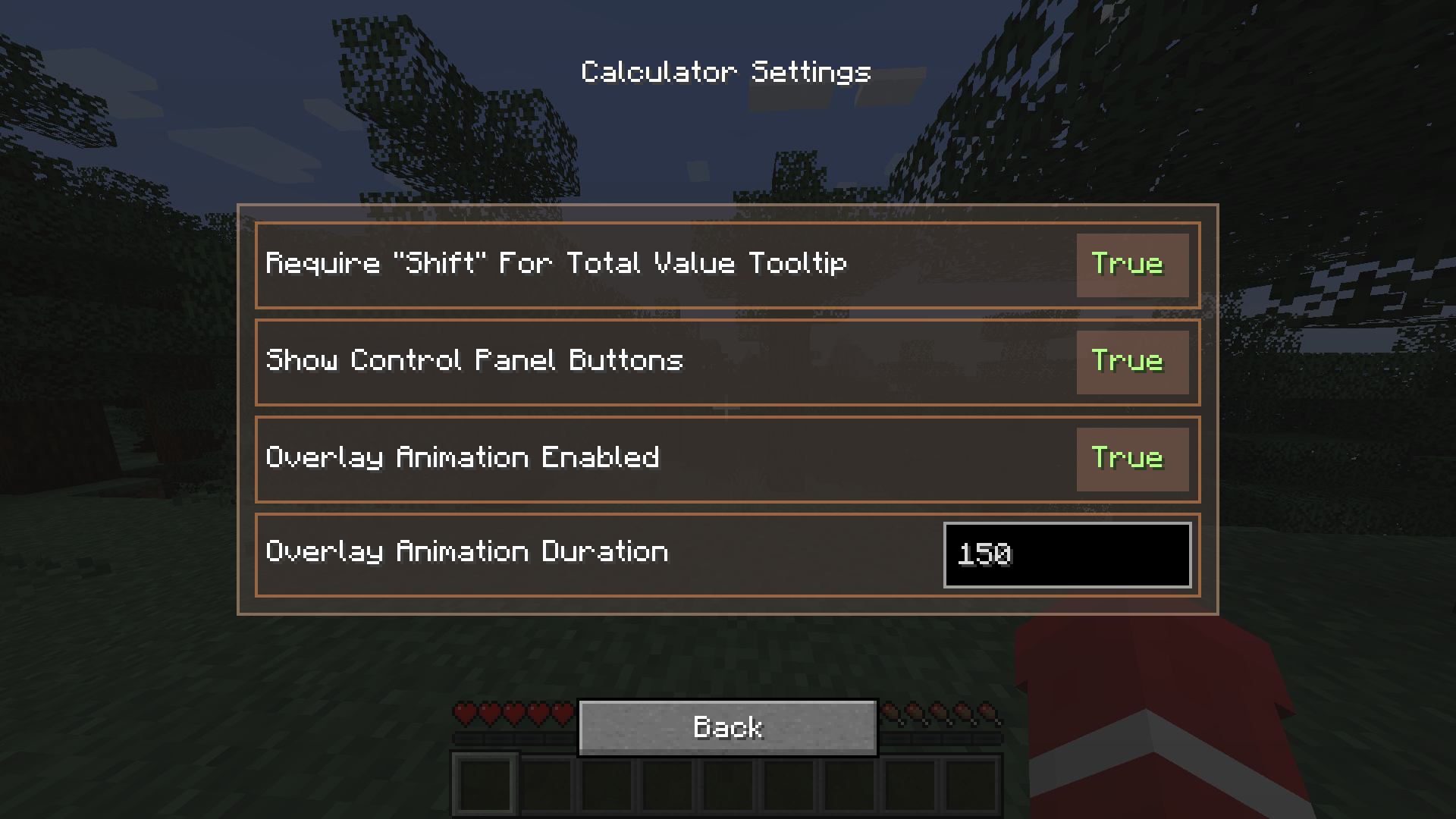
By pressing the second button in your Control Panel or just by pressing a configured keybind, you can open the mod's Config Screen. Here you can toggle features on and off.
Notes
Current known bugs:
- None! :D
Supported Versions
- 1.20.1: Forge, Fabric (+Quilt)
- 1.21.1: NeoForge
Notes:
Currently only Fabric 1.20.1 has patch version 1.2.1 with some fixes, becuase only fabric had the core issue
Building From Source Code
Check the Github repository for these instructions :D