


NovoAtlas
A data-driven image based world generator for Minecraft.
📖About NovoAtlas
NovoAtlas
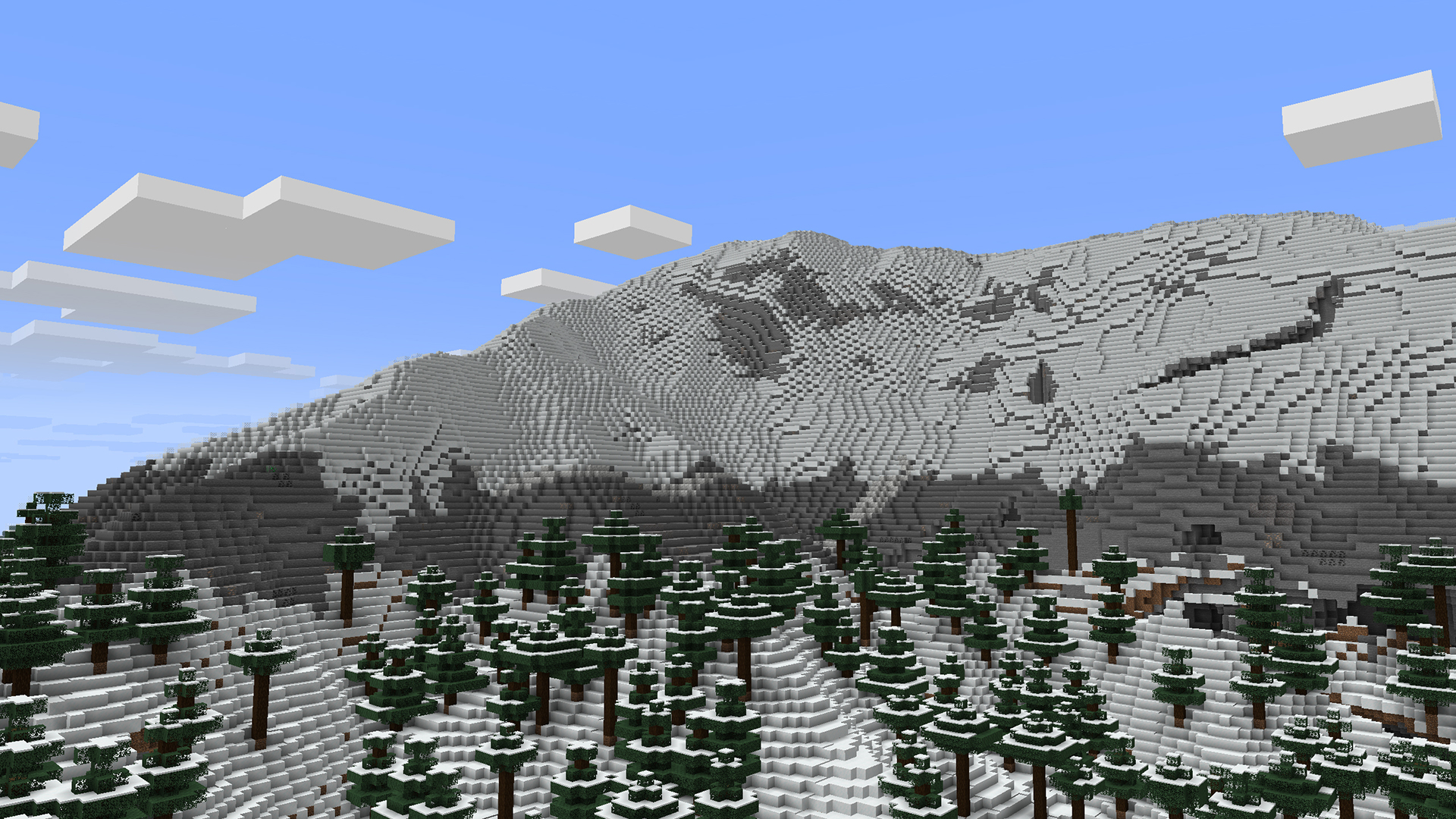
A data-driven image based world generator for Minecraft. This mod allows you to paint a world's height map and biome map, and then import that to a datapack and allow the Minecraft world generator to fill in the rest of the details!
NovoAtlas is based on Atlas by itsmiir, used under its CC0 license and with permission from the original author. It features several improvements including: Updated for 1.21+, NeoForge support, improved structure-terrain blending, improved underwater cave generation, cave biome maps, and a few other minor tweaks and additions.
How to Use
The repository wiki describes in detail how to use this mod to create your own worlds/dimensions. But, heres the quick rundown:
- Create or find a grayscale
.pngheight map. To create maps, I would highly recommend using WorldPainter, as it is purpose-built for Minecraft map making and has an option to export a height map. You can also get heightmaps of Earth from a variety of websites, here's a few that I've found (though not tested with NovoAtlas): - Create a copy of the map and paint over it with whatever colours you like. Each colour corresponds to a different biome. Do not mix or blend the colours. Save this image as a
.pngwith 8-bit RGBA encoding. For cave biomes, you can create separate maps for each "layer" of the world. - Create a datapack and add these images to it, you can either copy the example datapack or make one from scratch yourself.
Example datapacks are builtin with the mod, but can also be downloaded separately from the releases page.
Compatibility
NovoAtlas supports the use of custom biomes in its generated dimensions.
This mod will not affect dimensions that are not created using the NovoAtlas generator. However, some world generation features utilized by other mods may not be fully compatible with NovoAtlas dimensions. By nature, NovoAtlas replaces the terrain shape and biome placement logic of the world generator with its own image-supplied logic. Most biomes decorations (including structures, features, and surface rules) should work with NovoAtlas dimensions without any problem, though some noise features, like custom terrain and cave shapes, may not.
Specific mod compatibility notes from mods that I have tested:
- Terrablender: NovoAtlas has a builtin patch to work with for Terrablender surface rules to work with NovoAtlas dimensions, however biome placement features will be disabled.
- Lithostitched: Surface rule modifiers Lithostitched work with NovoAtlas dimensions.
- Terralith: All features except some related to noise work with NovoAtlas dimensions.
- Tectonic: Most of what this mod does is noise related, and, as far as I can tell, does not work with NovoAtlas dimensions.
- Geophilic: All features work with NovoAtlas dimensions.
- Biomes O'Plenty: Biomes may be used in NovoAtlas dimensions and should generate appropriately.
Help and Support
If you're having trouble with the mod, you can join my Discord and make a post in the #help-and-support forum.
Looking for 1.19 or 1.20?
I do not have time or capacity to develop new features or fix issues for old versions myself; any backports of the mod will only be supported by community contribution. If you want a feature or fix backported, please submit a PR on GitHub (or create a fork). You can also get 1.19 and 1.20.1 versions of the original Atlas mod by itsmiir (Fabric only).