

Mob Health Indicators
A client side fabric mod that displays a health bar above mobs and players
📖About Mob Health Indicators
MobHealthIndicators Mod
This mod renders a health bar on top of all mobs and players. It works fully client-side, with options to enable blacklist, whitelist, light level-based rendering (renders the health bar at the same light level as the mob) and more. The mod can also be fully disabled using the settings accessible via the /MobHealthIndicators in-game command, configuration screen or keybind.
This mod is fully client-side, even on servers; however, installing it on the server will not have any effect. aside from this, it is also compatible with resource packs, meaning it will use the heart texture from your resource pack for consistency.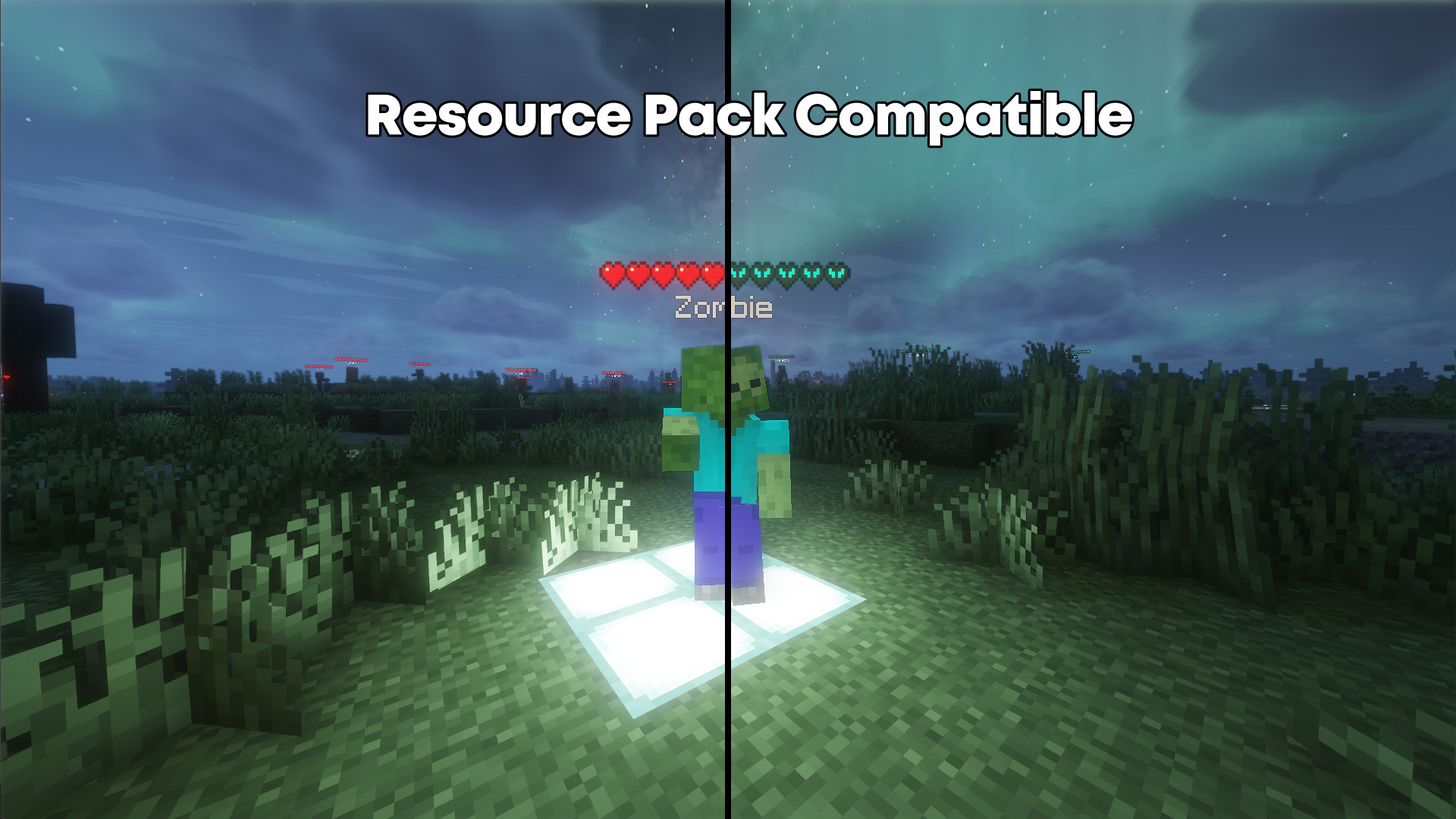
MobHealthIndicators Configuration Commands
Use /MobHealthIndicators or /mhi for short to list all settings and their current values. Typing a command without the suffix shows the current value.
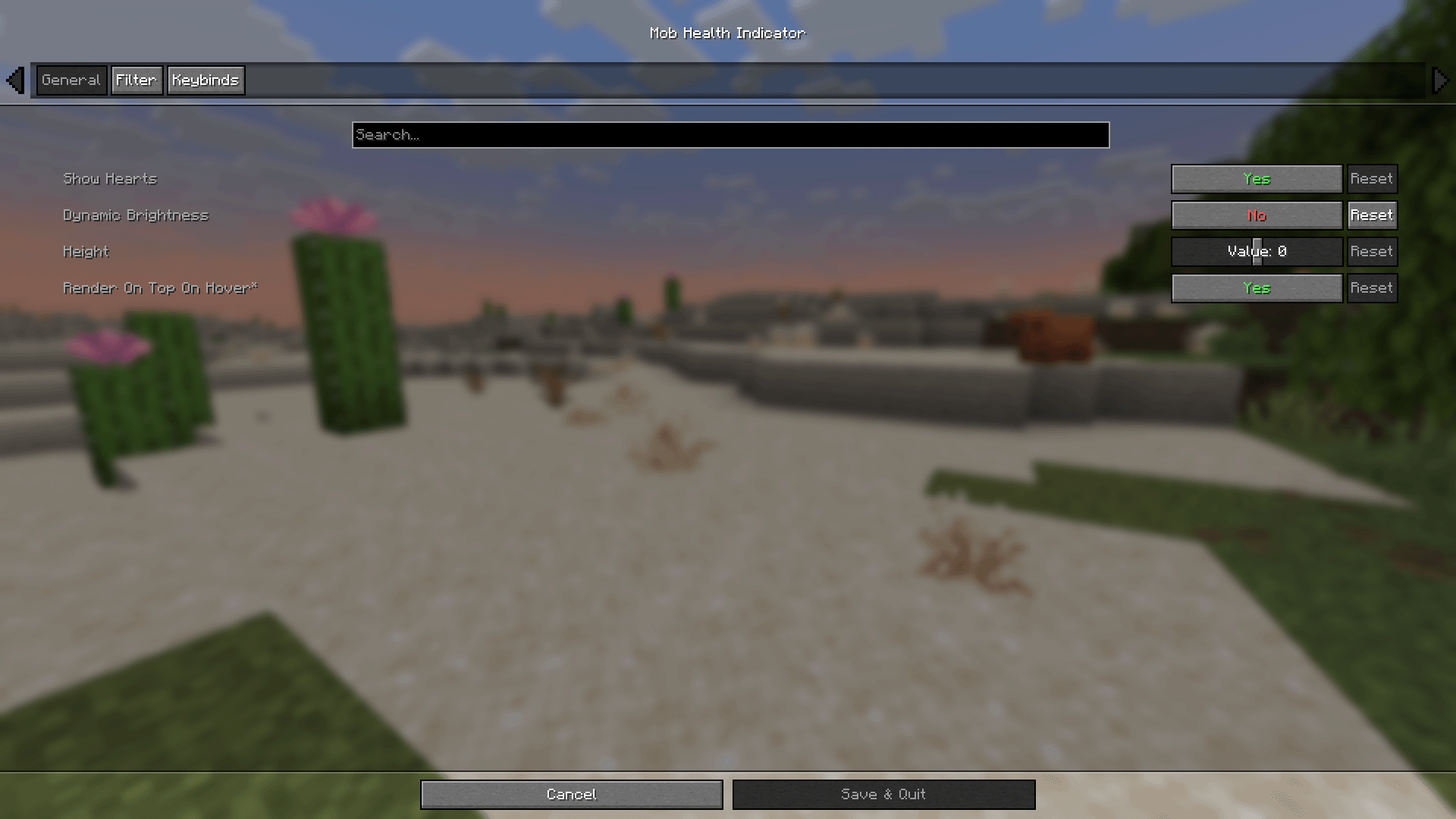 showHearts [true/false]
Toggles whether the healthbar is rendered.
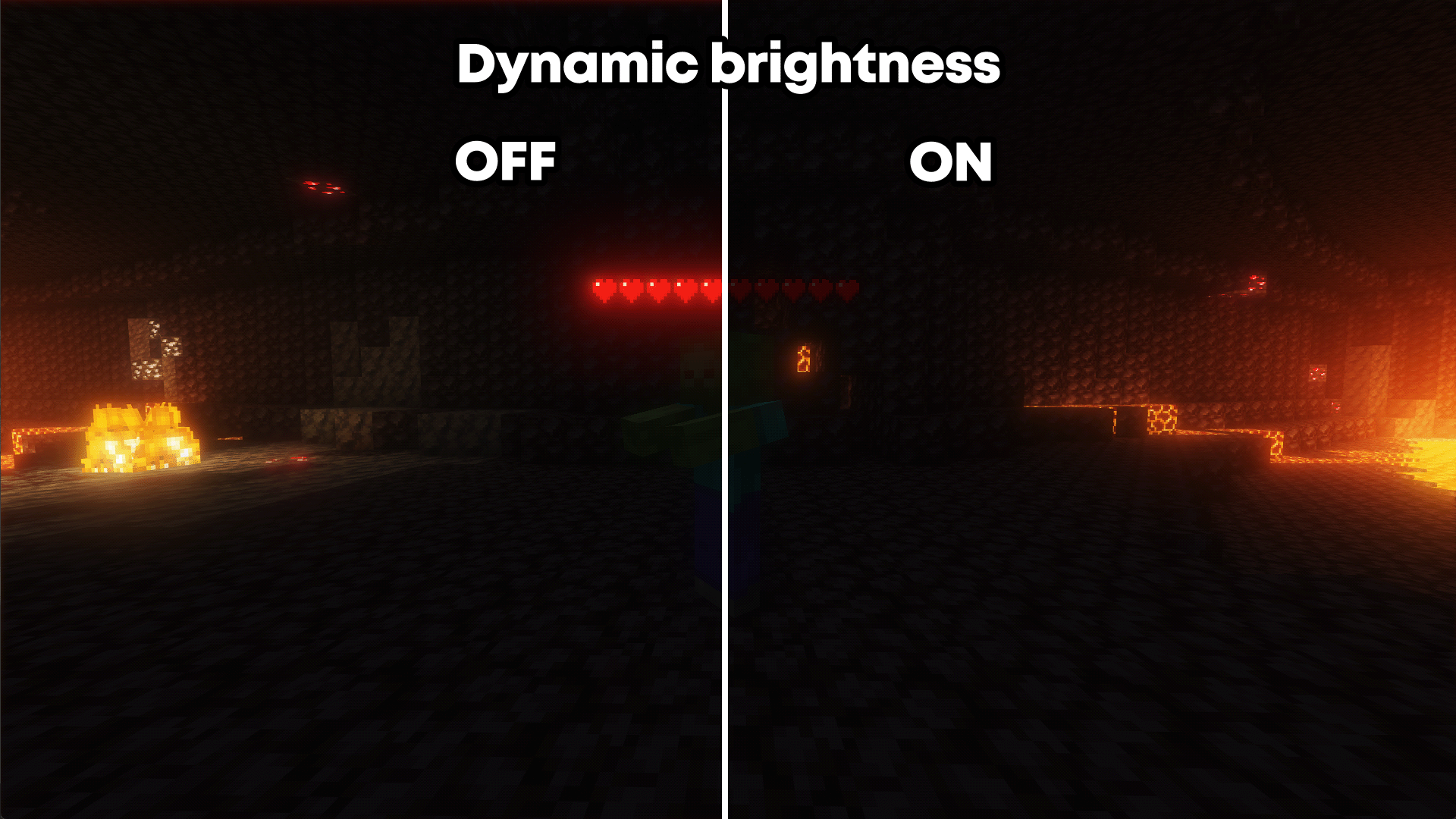
dynamicBrightness [true/false]
Controls if health bar brightness matches mob's brightness.
showHearts [true/false]
Toggles whether the healthbar is rendered.
dynamicBrightness [true/false]
Controls if health bar brightness matches mob's brightness.
 height [number]
Adjusts the vertical position of the health bar above mobs.
renderOnTopOnHover [true/false]
Makes the healthbar render over obtrusions if the entity is aimed at and within reach.
infiniteHoverRange [true/false]
Extends hover range from 3–4 blocks to unlimited.
blackList [enable/disable]
Toggles blacklist filtering of entities.
blackList add/remove [entity type]
Adds or removes an entity from the blacklist.
whiteList [enable/disable]
Toggles whitelist filtering of entities.
whiteList add/remove [entity type]
Adds or removes an entity from the whitelist.
showHostile [true/false]
Toggles health bar visibility for hostile mobs.
showPassive [true/false]
Toggles health bar visibility for passive mobs.
showSelf [true/false]
Toggles whether your own health bar is shown.
onlyShowDamaged [true/false]
Only shows health bars for damaged entities.
onlyShowOnHover [true/false]
Only displays healthbar when the mob is hovered over.
height [number]
Adjusts the vertical position of the health bar above mobs.
renderOnTopOnHover [true/false]
Makes the healthbar render over obtrusions if the entity is aimed at and within reach.
infiniteHoverRange [true/false]
Extends hover range from 3–4 blocks to unlimited.
blackList [enable/disable]
Toggles blacklist filtering of entities.
blackList add/remove [entity type]
Adds or removes an entity from the blacklist.
whiteList [enable/disable]
Toggles whitelist filtering of entities.
whiteList add/remove [entity type]
Adds or removes an entity from the whitelist.
showHostile [true/false]
Toggles health bar visibility for hostile mobs.
showPassive [true/false]
Toggles health bar visibility for passive mobs.
showSelf [true/false]
Toggles whether your own health bar is shown.
onlyShowDamaged [true/false]
Only shows health bars for damaged entities.
onlyShowOnHover [true/false]
Only displays healthbar when the mob is hovered over.