Logo
MINECRAFTBIBLE
Items
Items

All game items

Blocks
Blocks

Building blocks

Mobs
Mobs

Creatures & monsters

Biomes
Biomes

World biomes

Structures
Structures

Generated structures

Recipes
Recipes

Crafting guides

Advancements
Advancements

Achievements

Loot Tables
Loot Tables

Drop rates

Tags
Tags

Item groupings

All Versions
View all data →
Capes
Cape ArchiveNEW

Browse rare Minecon capes, OptiFine capes, and custom capes from players worldwide

Browse

Player Database
Player DatabasePopular

Search any player

Skin Browser
Skin Browser

Browse & download skins

Cape Gallery
Cape GalleryNEW

Minecon & OptiFine capes

Seed Vault
Seed Vault

Curated seeds

Learn

Guides
GuidesNew

Tutorials & tips

Blog
Blog

News & updates

Community

Community Hub
Community HubHub

Posts, discussions & more

All Versions
View community →
Seed Analyzer
Seed Analyzer

World seed analysis

Loot Explorer
Loot Explorer

Drop rates

Crafting Calculator
Crafting Calculator

Material planning

Enchant Calculator
Enchant Calculator

Probability math

Redstone Lab
Redstone Lab

Signal timing

Trading Profit
Trading Profit

Villager ROI

All Versions
View all tools →
Mods
Mods

Browse all mods

Plugins
Plugins

Server plugins

Resource Packs
Resource Packs

Textures & sounds

Shaders
Shaders

Visual enhancements

Datapacks
Datapacks

World logic

Scanner
Mod Intelligence

Scan & analyze any mod

All Versions
View all mods →
Loading...
IntroductionIntroductionVersion HistoryVersion HistoryGuidesGuidesBlog & NewsBlog & News
ItemsItemsBlocksBlocksMobsMobsRecipesRecipesBiomesBiomesStructuresStructuresAdvancementsAdvancementsLoot TablesLoot TablesTagsTags
ModsModsPluginsPluginsResource PacksResource PacksShadersShadersDatapacksDatapacks

MinecraftBible

The Ultimate Wiki

Logo
MINECRAFTBIBLE

The ultimate Minecraft reference. Every item, block, mob, and recipe documented with precision.

Community

  • Skin Browser
  • Cape Gallery
  • Seed Vault
  • Blog
  • Guides

Database

  • Items
  • Blocks
  • Mobs
  • Recipes
  • Biomes
  • Structures

Tools

  • Seed Analyzer
  • Mod Intelligence
  • Crafting Calculator
  • Enchant Calculator

Mods & Packs

  • Mods
  • Plugins
  • Resource Packs
  • Shaders
  • Datapacks

Site & Legal

  • About
  • Authors
  • Editorial Policy
  • Corrections
  • Contact
  • Privacy Policy
  • Terms of Service
  • DMCA
  • Sitemap

© 2026 MinecraftBible. Not affiliated with Mojang or Microsoft.

PrivacyTermsContact
Just Zoom
ModLicenseRef-DSMSLv2

Just Zoom

Zoom by pressing a hotkey and adjust the zoom factor with your mouse wheel!

5.2M
Downloads
631
Followers
6 months ago
Updated
📦
30
Versions
utilityfabricforgeneoforge
Download Latestv2.1.3-1.21.11-neoforgeView on Modrinth

📖About Just Zoom


Just Zoom allows you to zoom by pressing a hotkey (Z or Y by default, depending on your keyboard, and customizable in Minecraft's Controls settings) and adjust the zoom with your mouse wheel!
It feels similar to zooming with the spyglass, but you can zoom in further and don't have the black bars and spyglass overlay blocking your view!

For support, tips, and to connect with other users, join the official Discord server.

If you experience crashes or other issues, please write a bug report on GitHub!

Features

Just Zoom has some great features to improve the zoom experience!

Zoom

Just Zoom lets you zoom by pressing a hotkey and adjust the zoom factor with your mouse wheel.

By default, Just Zoom will also zoom in/out smootly, just like the spyglass, but you can disable that in its options.
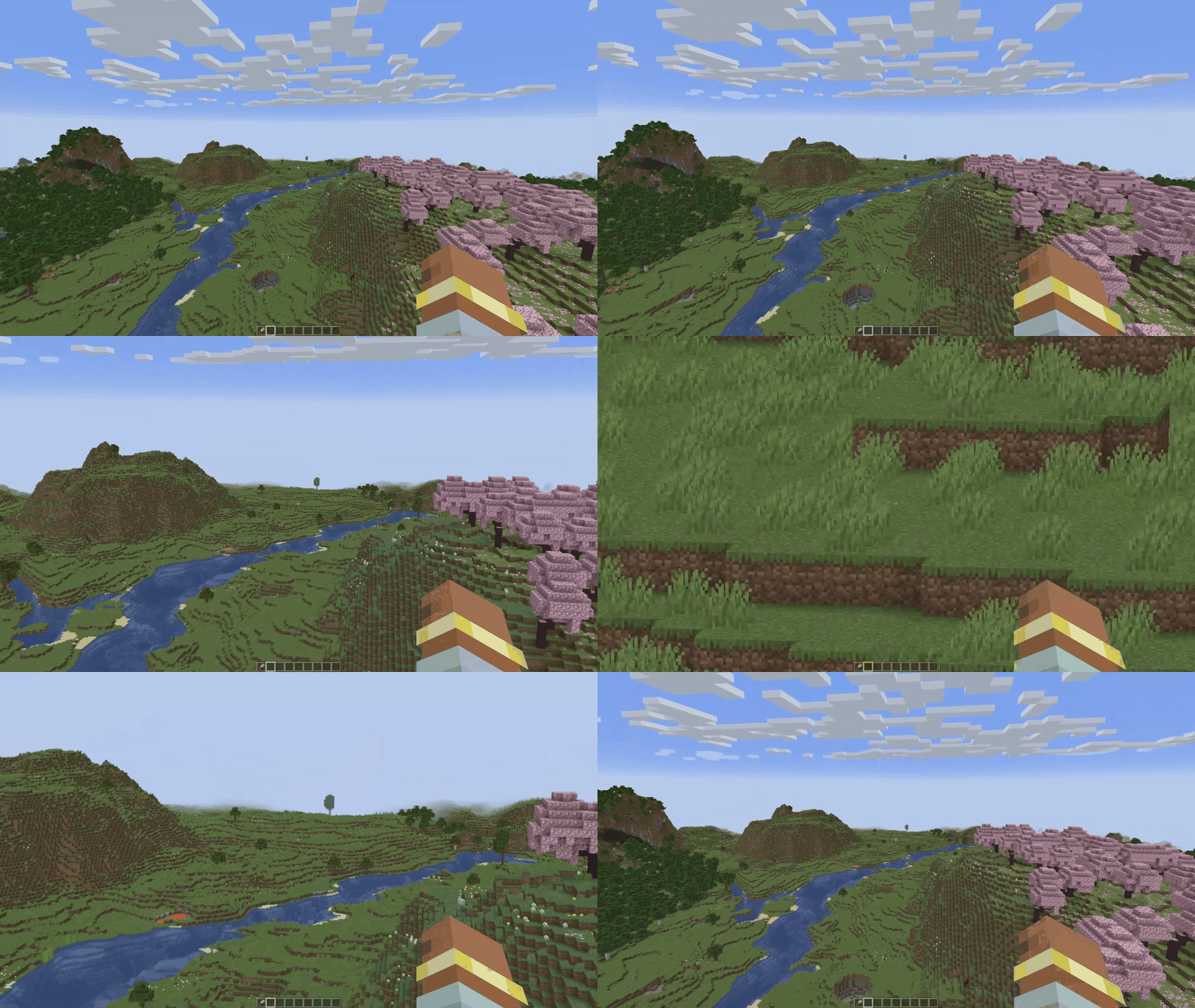

Normalized Mouse Sensitivity

Just Zoom normalizes your mouse sensitivity when zooming, so it doesn't feel like the mouse is moving too fast.
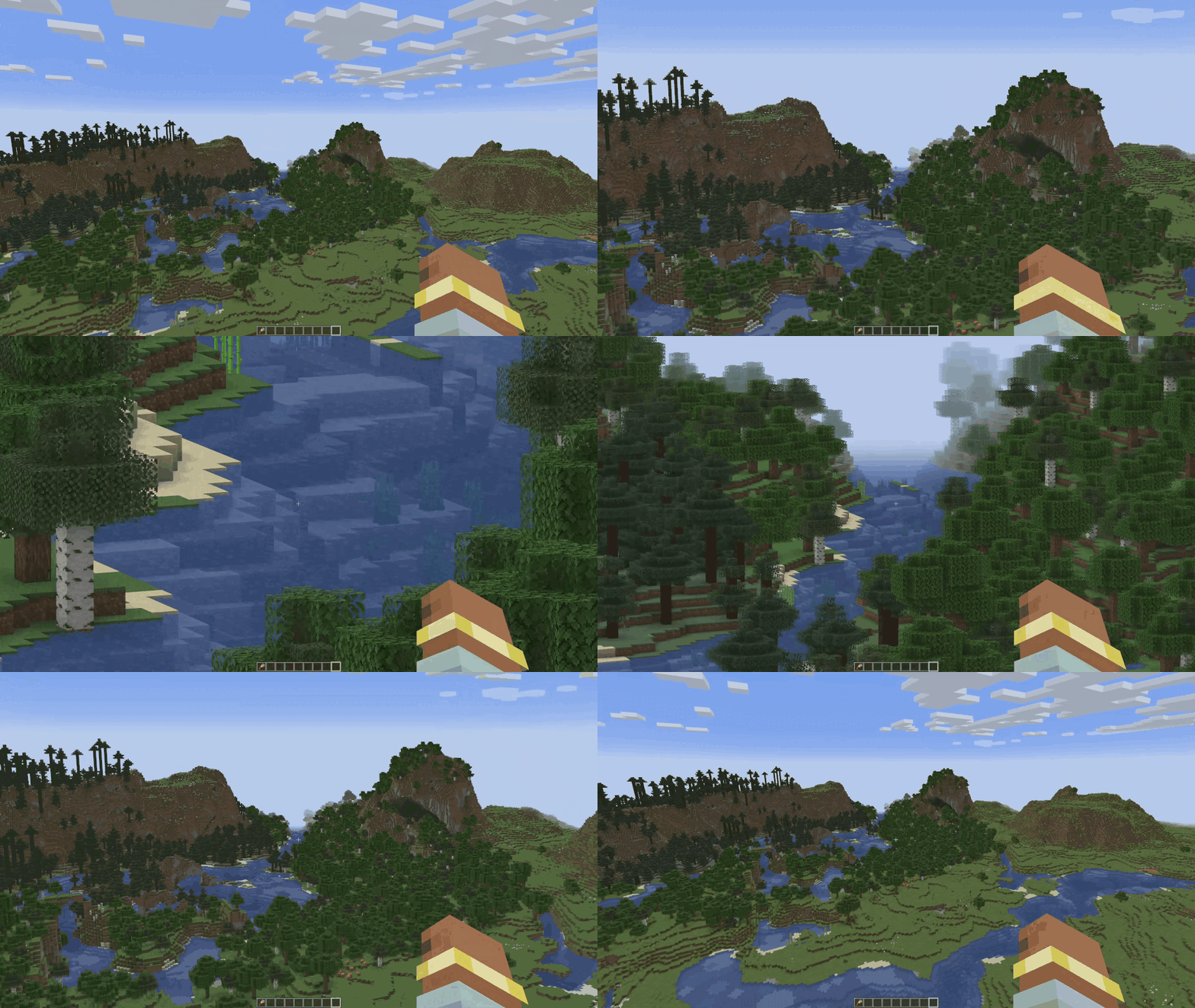

Maximum Zoom

Just Zoom can zoom in further than the spyglass.
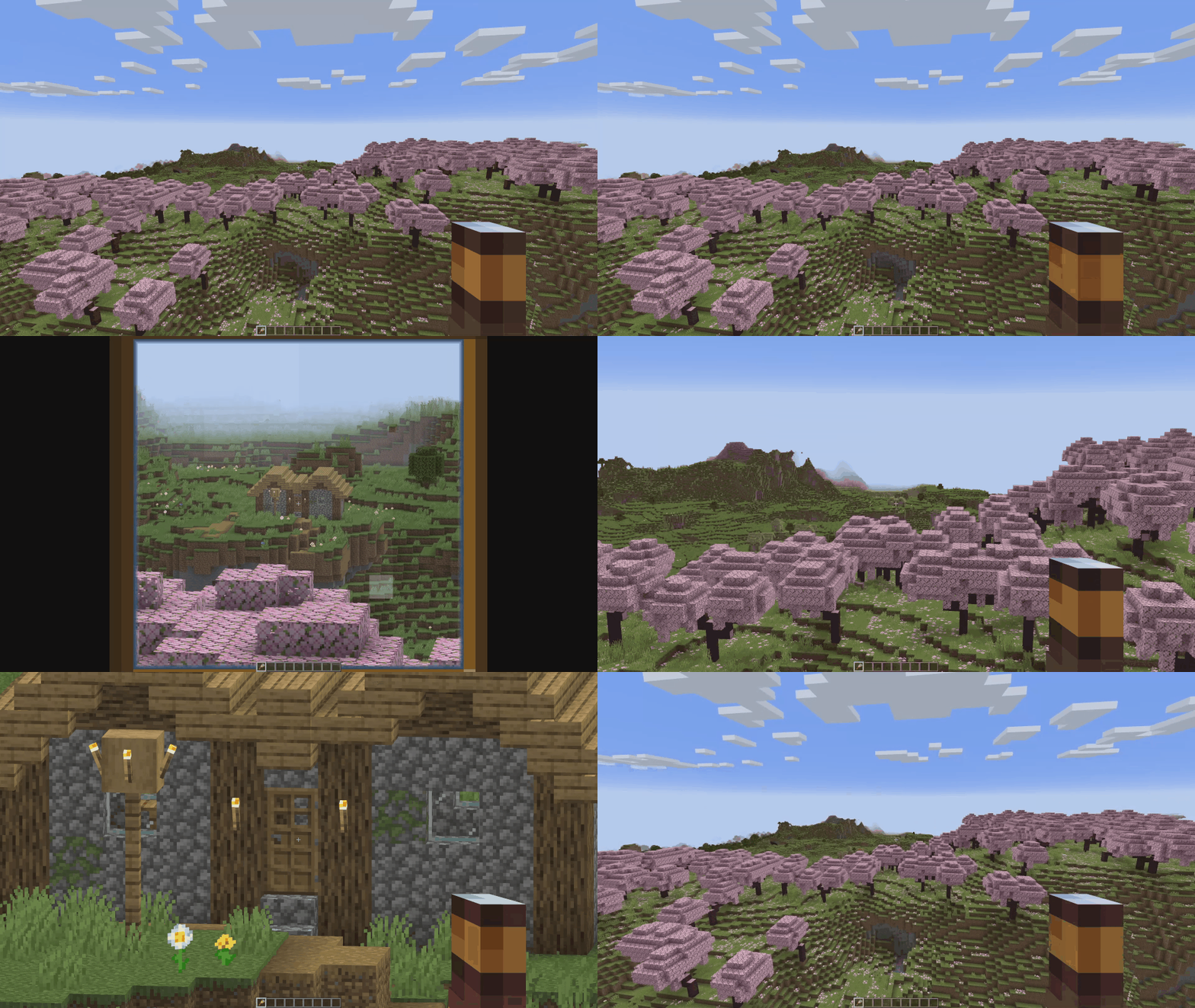

Configuration

Just Zoom has in-game options, so you can easily configure it by pressing the little spyglass button in the bottom-left side of the Pause Screen!

To customize the zoom hotkey, use Minecraft's Controls settings.

spyglass_button

just_zoom_options

Copyright

Just Zoom Copyright © 2021-2025 Keksuccino.

Just Zoom is licensed under DSMSLv2 (DON'T SNATCH MA STUFF LICENSE V2.0).

See LICENSE.md for more information about the license.

Server Needed?

Looking to play Minecraft with friends but setting up a server is just too time-consuming?

No worries! Simply rent a pre-configured server and start playing in a snap.

Just click the image below and use code keksuccino to enjoy a 25% discount on your first month!


👥 Team & Contributors

Keksuccino
KeksuccinoOwner

⚙️ Compatibility

Environment
💻 Client-side
Loaders
fabricforgeneoforge
Minecraft Versions
1.21.11

🔗 Links

Modrinth Page


