

Integrated Tunnels
Transfer other stuff over Integrated Dynamics networks
📖About Integrated Tunnels
This requires the Cyclops Core library and Integrated Dynamics!
Come talk to us in #integratedmods on the Cyclops Discord server!
Transfer items, fluids and energy over your Integrated Dynamics networks.
You can use ID logic to configure filters, which can be as complex as you desire. "I want to send 3 enchantable pickaxes with a damage value less than 10 to this chest every tick" or "I want to fill this tank until it has 1000mB of oil, but only when my machine is working and if I have less than 10 iron ingots in this chest" No problem! Integrated Tunnels can do that for you, and it will do it efficiently as well!
Enable autocrafting in your network with the Integrated Crafting addon!
(this makes it possible to use the "craft" setting on exporters)
Overview and control your network using Integrated Terminals!
Spotlight by Direwolf20:
This mod provides in-game documentation and tutorials through the 'On the Dynamics of Integration' book from Integrated Dynamics.
This mod adds 3 part types for the different transport types, namely Importers, Exporters and Interfaces.
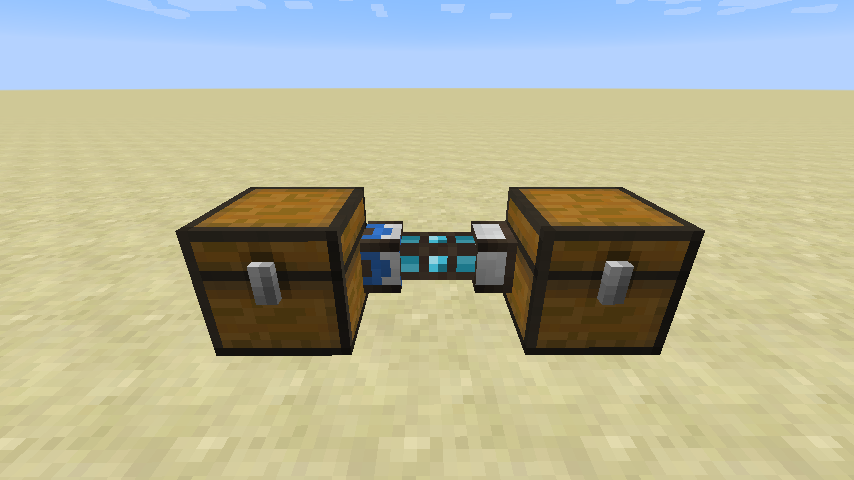
Importers (blue) always try to pull from a target, to Interfaces (white) in the same network.
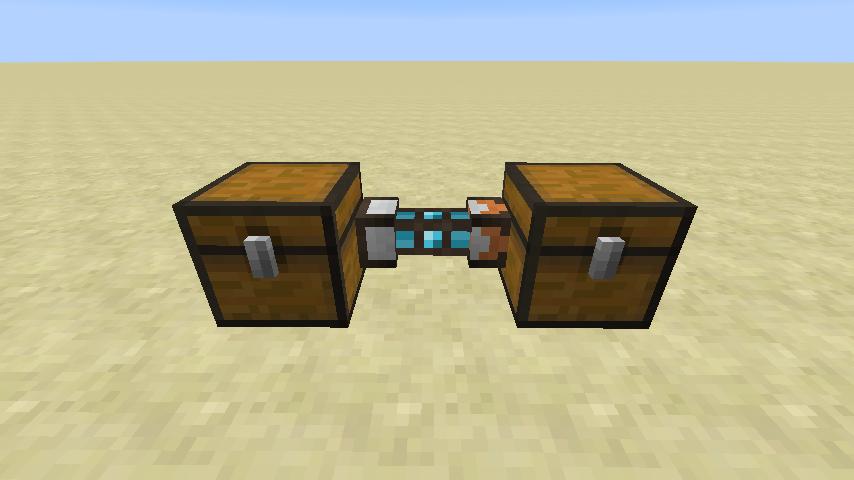
Exporters (orange) always try to push to a target, from Interfaces (white) in the same network.
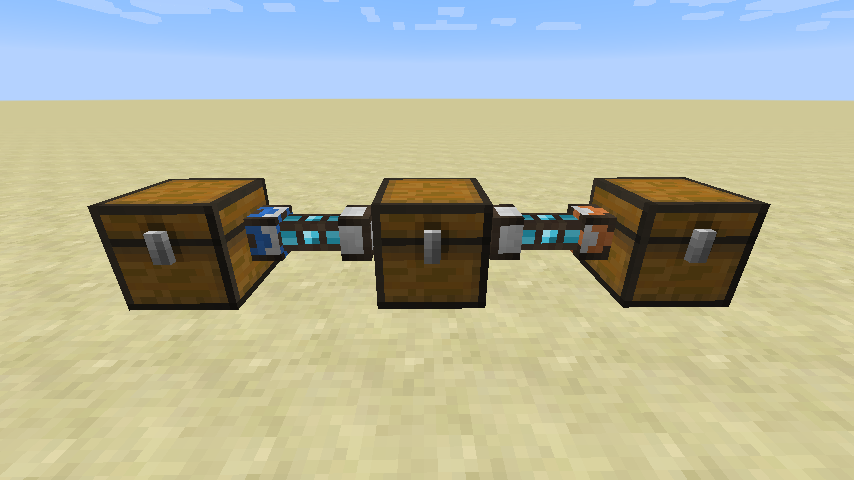
Items in this case will always transfer from left to right.
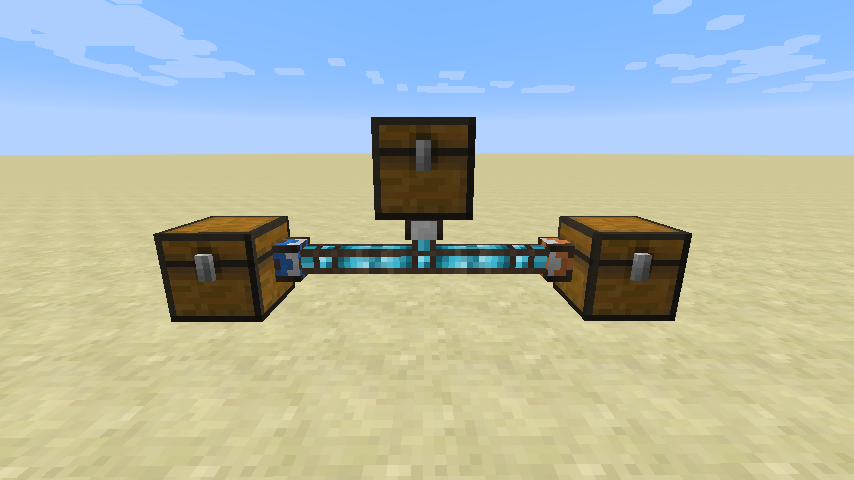
This is an equivalent way to transfer items in a single network. The Importer moves everything from the left chest to the center chest, and the Exporter takes everything from the center chest and outputs it to the right chest.
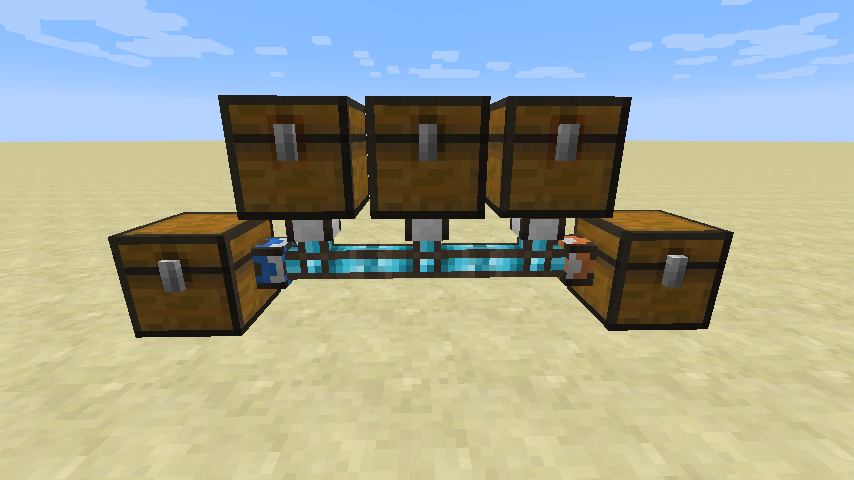
You could add multiple interfaces to your network, and assign priorities to specify which should be filled/emptied first.
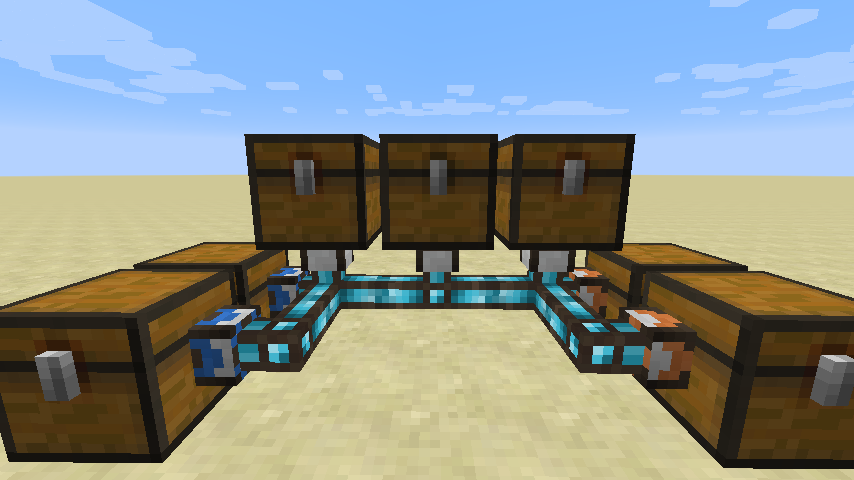
Furthermore, you can also add multiple Importers and Exporter, again with relative priorities.
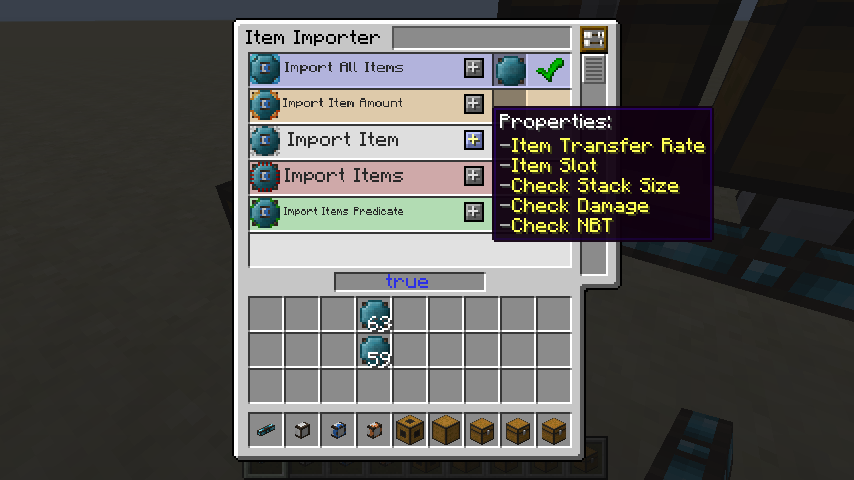
Using Integrated Dynamics variables, you have to specify what items should be moved. If you want to keep it simple, and just move everything, simply use a blank Variable Card.
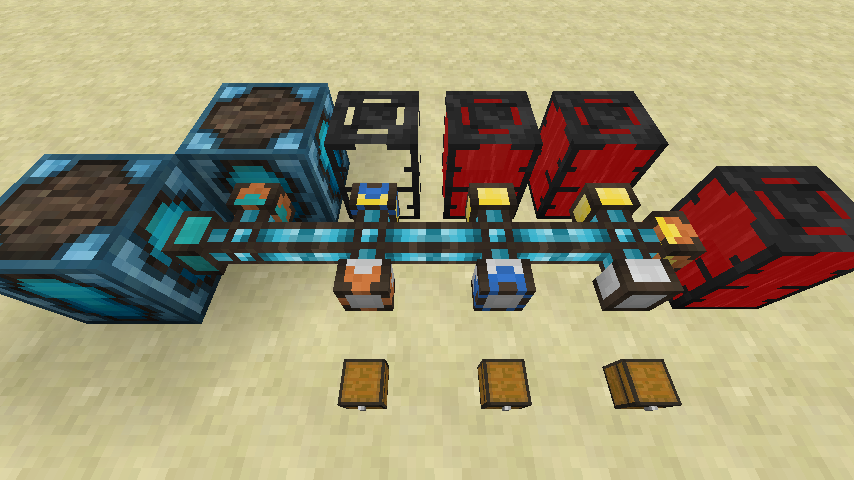
This system does not only work for items, but also for fluids and energy. As a bonus, they can even exist within the same (Integrated Dynamics) network!
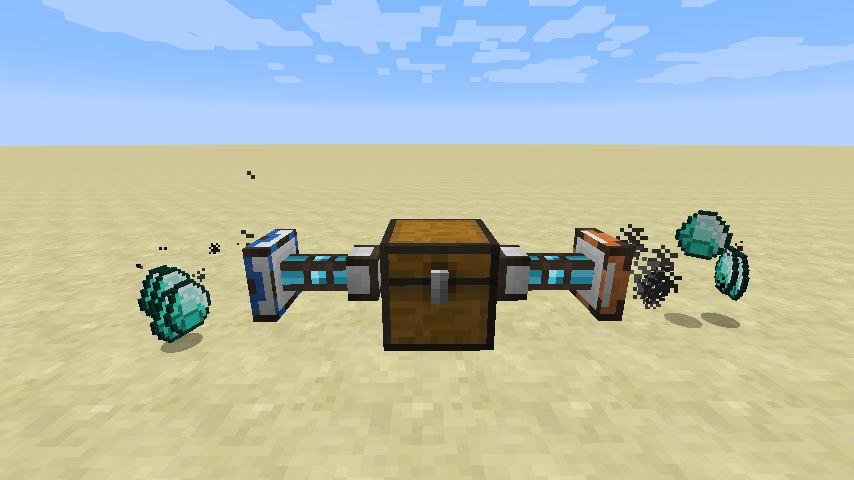
Pickup items/fluids or place them in the world, with various configurable properties such as velocity and angles.
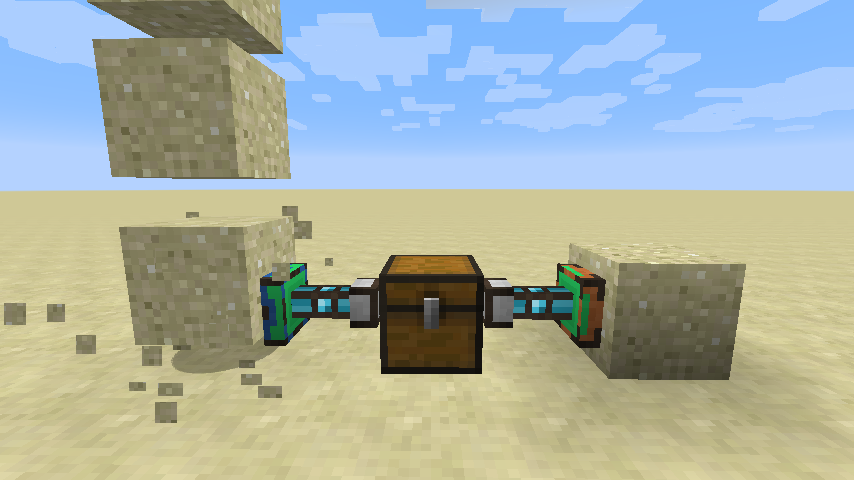
Break blocks and place them in the world, with a lot of configuration options such as silk touching.
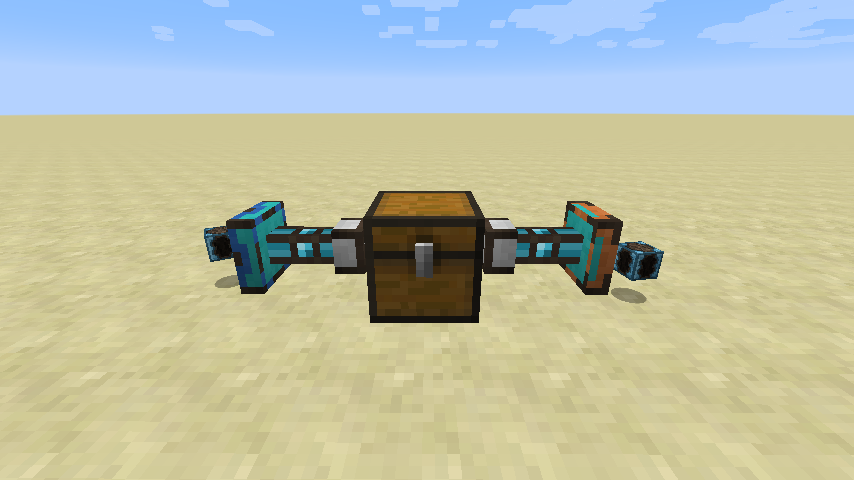
Interact with dropped items or items in item frames, for extracting or ingesting energy, items or fluids.
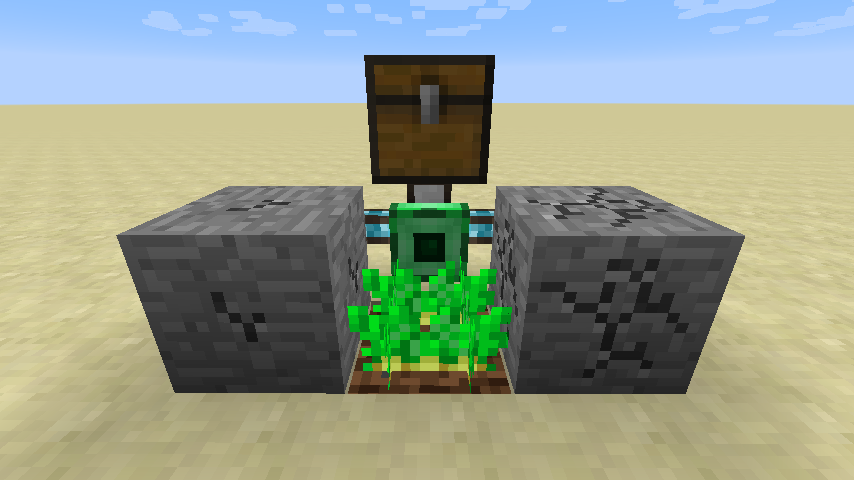
Highly configurable player simulation, for left/right clicking, with or without specific items in any hand.
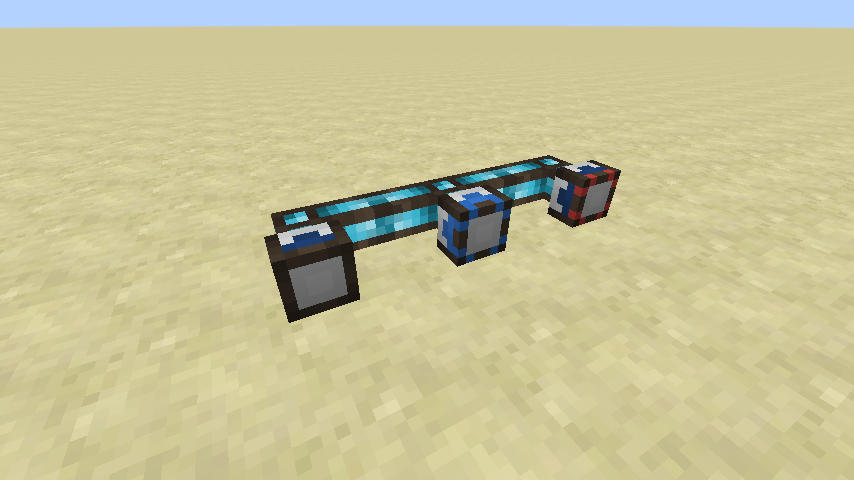
Parts always indicate their current state. From left to right: inactive, active, errored.
Like Integrated Dynamics, this mod is fully compatible with MCMultiPart.
Regarding energy, it can transfer Forge Energy, Tesla and RF.
This mod collects anonymized startup data, this can be disabled in the config file and adheres to Minecraft's snooper settings.

Support us via the referral code cyclops when renting a Bisect Hosting server, and get 25% off!

If you like this mod, consider supporting me on Patreon!