

Integrated Crafting
Craft stuff in Integrated Dynamics networks
📖About Integrated Crafting
 This requires the Cyclops Core library and Integrated Dynamics + Integrated Tunnels!
Come talk to us in #integratedmods on the Cyclops Discord server!
This requires the Cyclops Core library and Integrated Dynamics + Integrated Tunnels!
Come talk to us in #integratedmods on the Cyclops Discord server!
Automatically craft items, fluids and energy in your Integrated Dynamics networks.
Using the highly flexible Integrated Dynamics logic, you can set up auto-crafting systems. By interfacing with external machines, you can let them automatically craft things with any combination of items, fluids and energy. This allows you to build triggers such as "as long as it is raining, craft buckets", or "if I have less than 64 planks, craft planks using the Sawmill, otherwise craft it in the Crafting Table".
This mod provides in-game documentation and tutorials through the 'On the Dynamics of Integration' book from Integrated Dynamics.
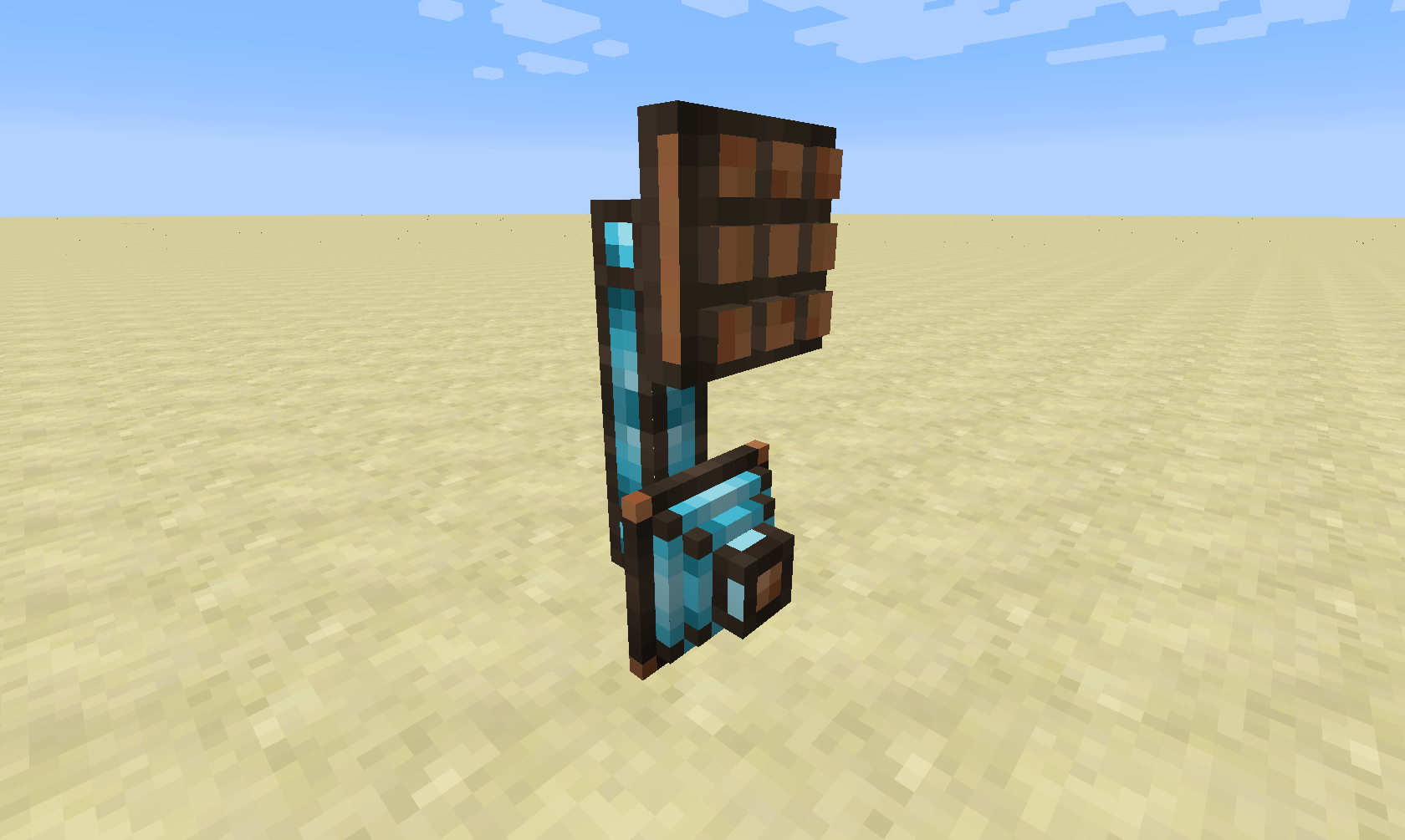
This mods adds two new part types: the Crafting Interface and the Crafting Writer.
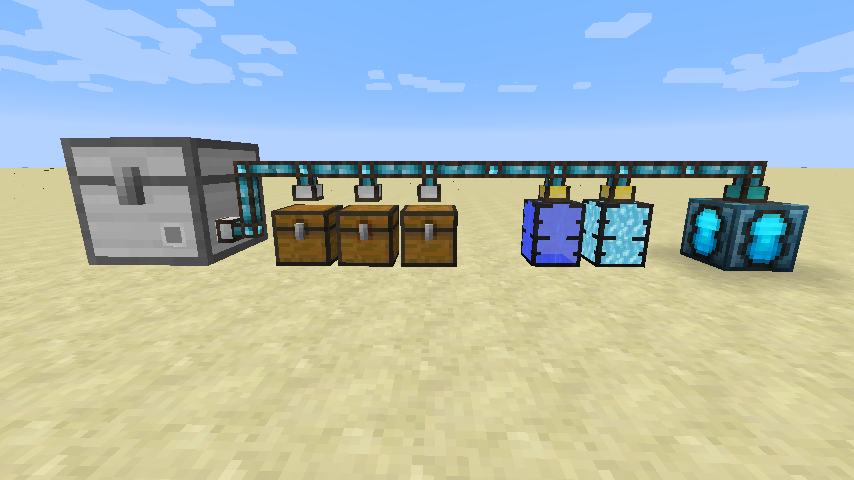
For handling recipe inputs and outputs during autocrafting, you'll need a storage network. This can be achieved using Integrated Tunnels Interfaces.
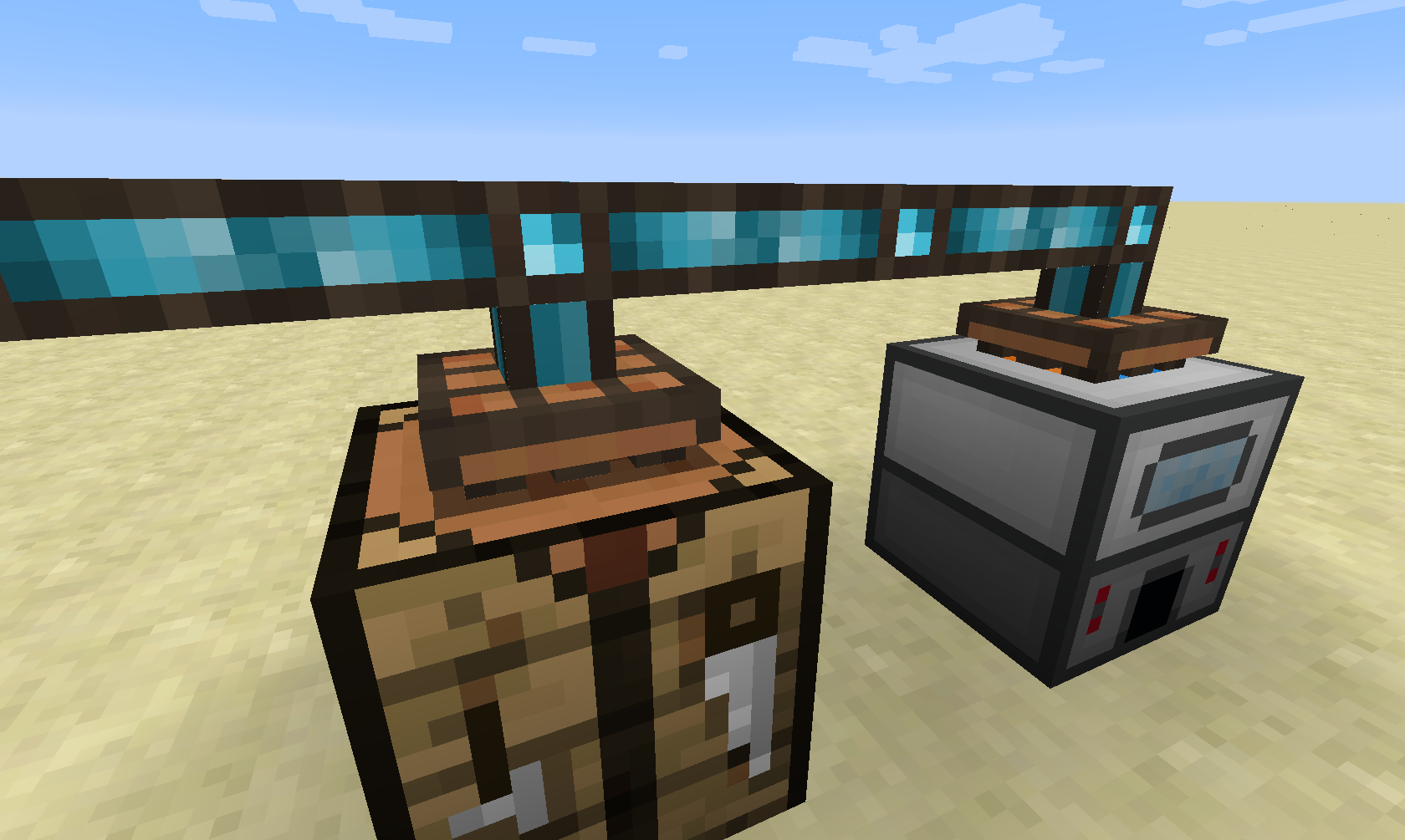
The next step is to bind machines to your network by attaching a Crafting Interface onto them.
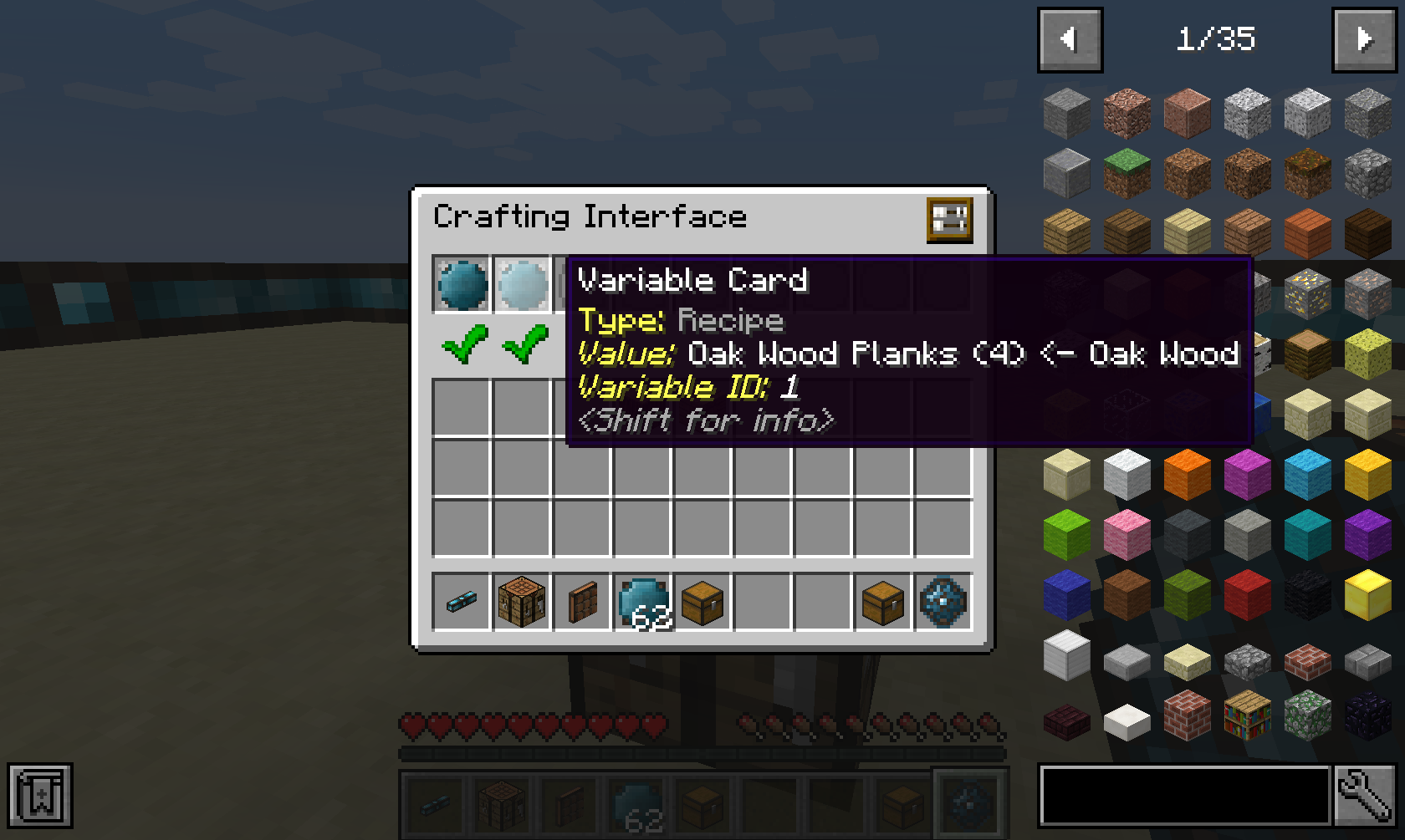
To tell the Crafting Interface what it is able to craft, you have to insert Recipes into it, which are stored in Integrated Dynamics Variable Cards.
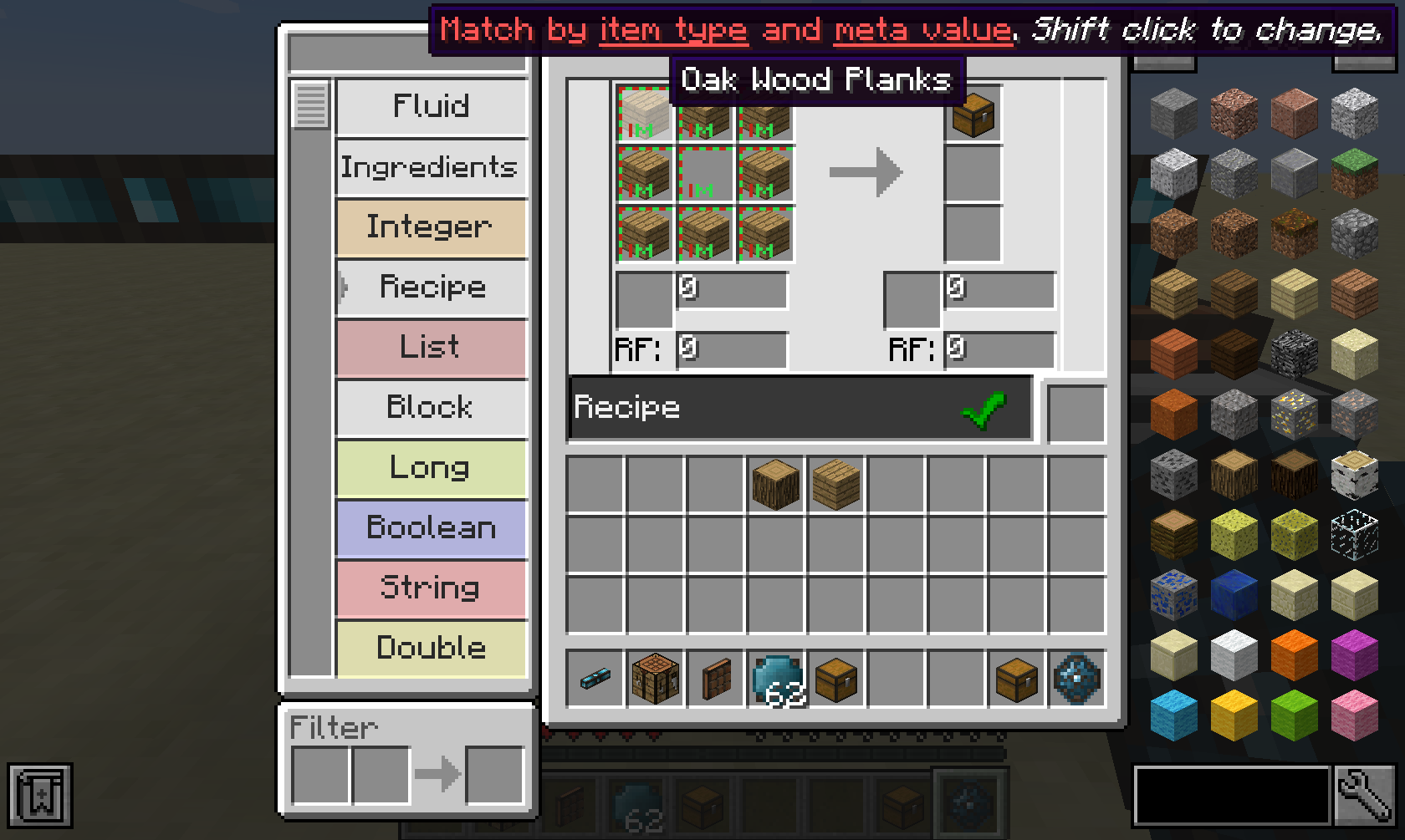
Such recipes can be created in the Integrated Dynamics Logic Programmer. You can not only insert items in the recipe, but also fluids and energy. It even comes with full JEI support!

Now that you have your recipes configured, you need a way to actually start crafting jobs. This can for example be achieved using the Crafting Writer.
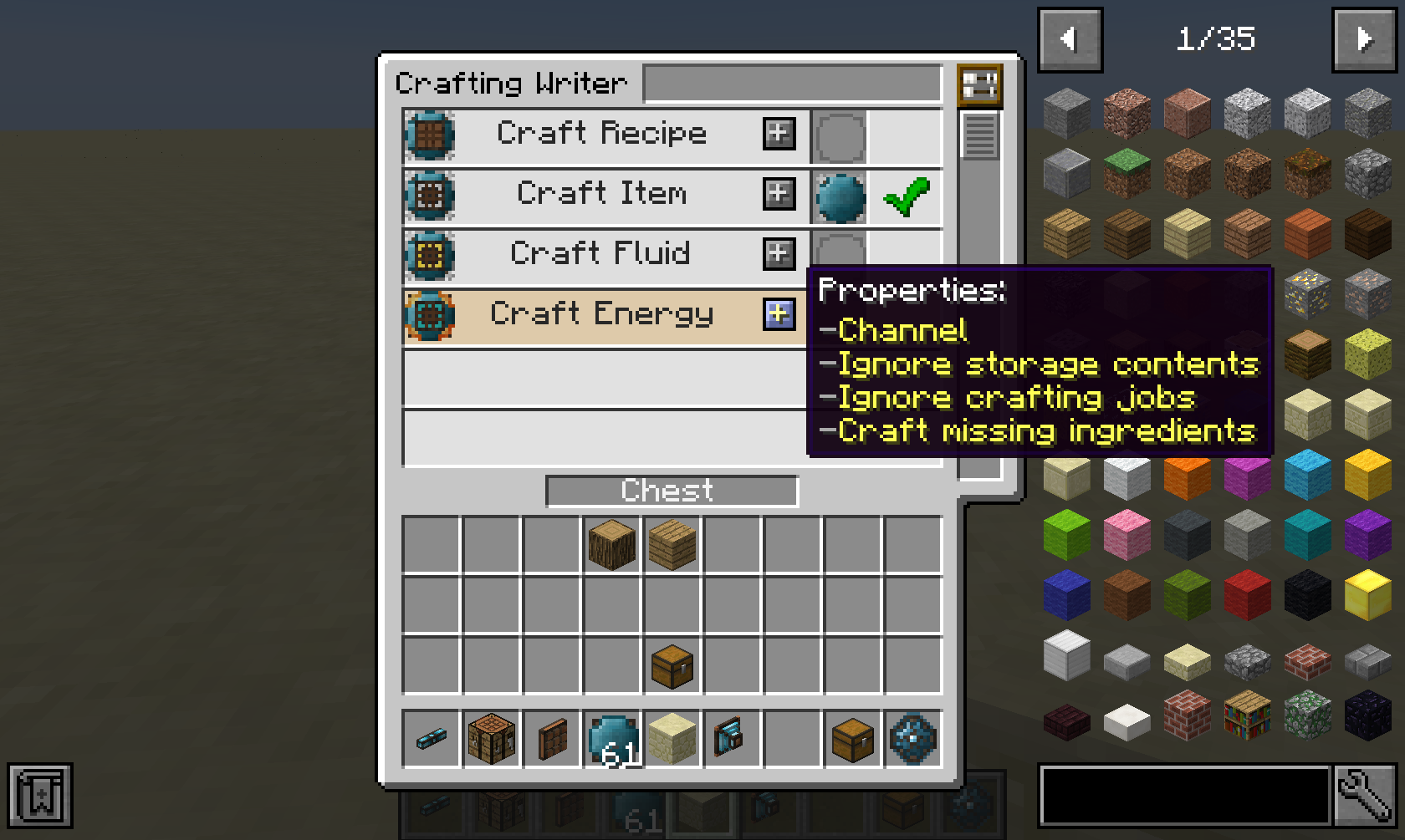
The Crafting Writer offers several aspects, with which you can craft items, fluids, energy, or a given recipe. (An empty value means that nothing should be crafted)
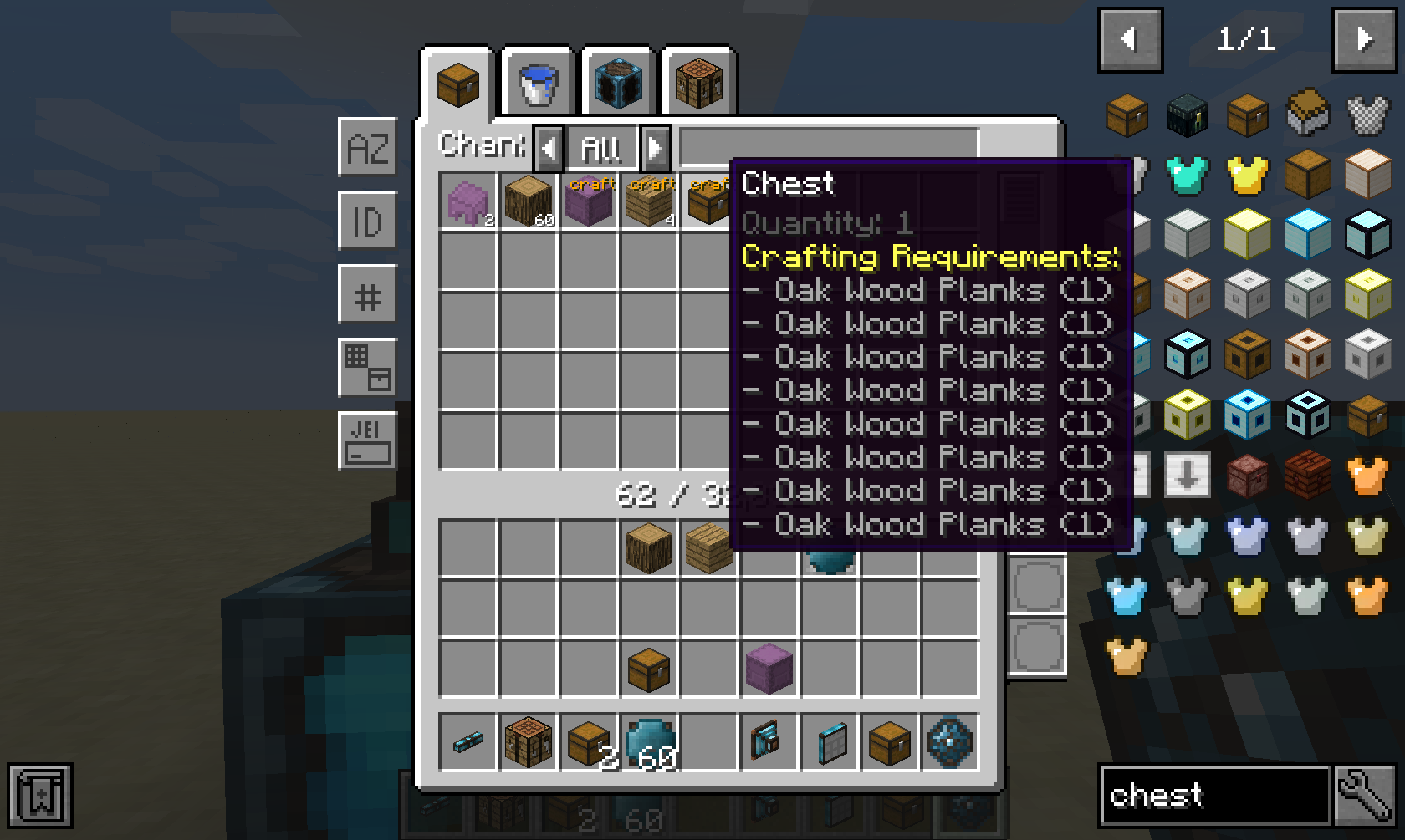
If you have the Integrated Terminals mod installed, and prefer manually starting jobs instead of automatically, you can start jobs directly from within a Storage Terminal.
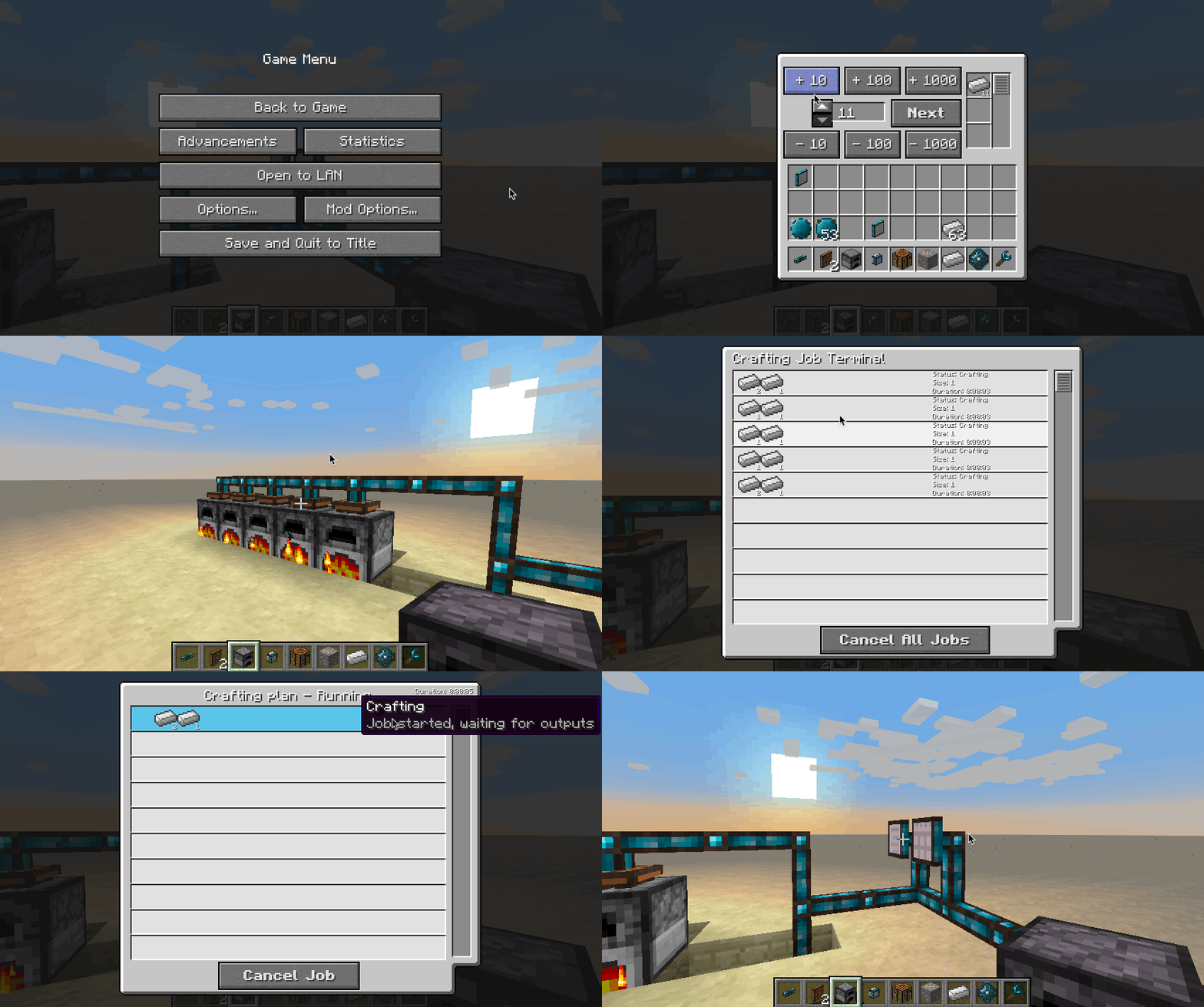
So if you're less of a programming-minded person, have a look at Integrated Terminals, where managing autocrafting becomes a breeze.
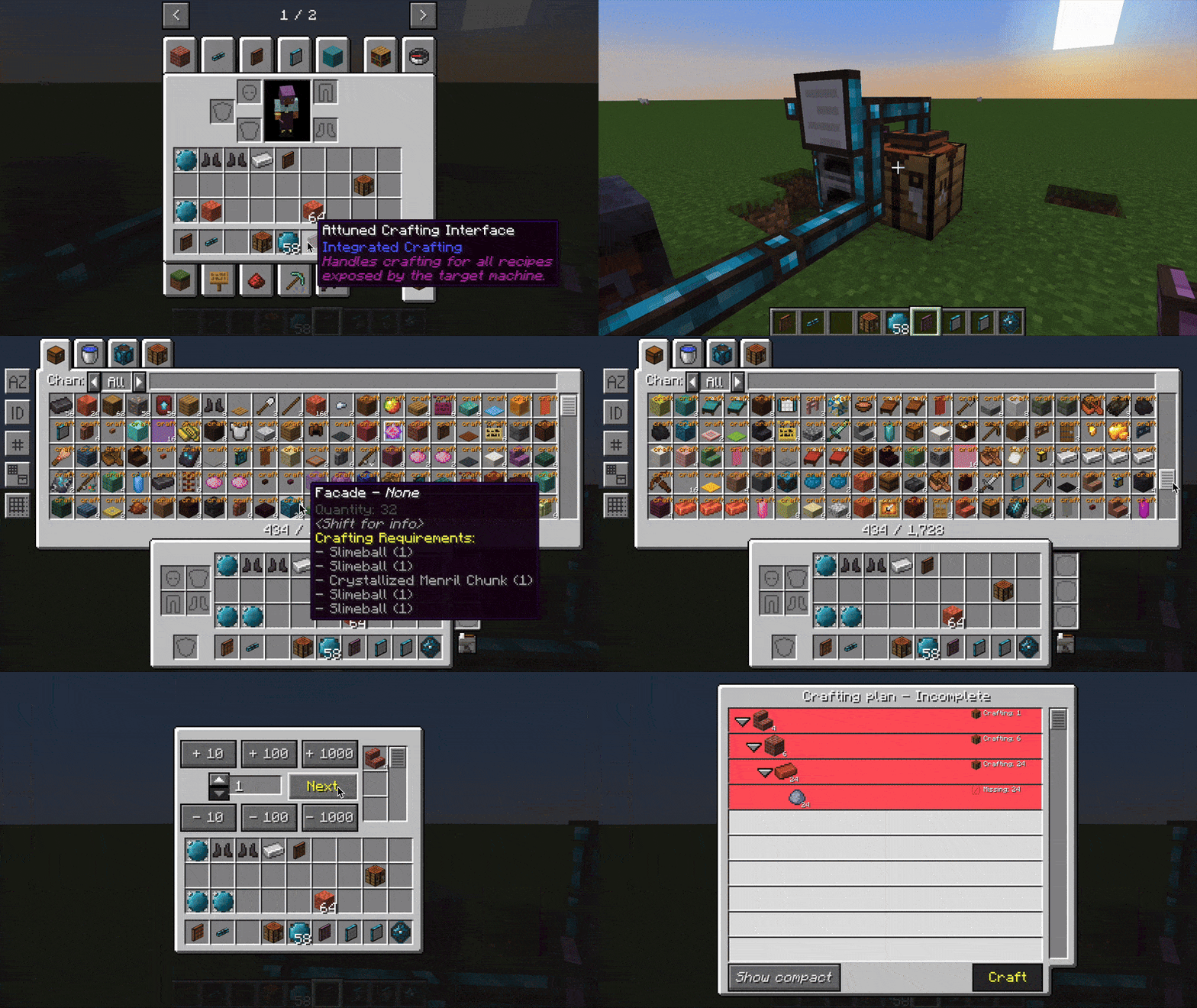
The Attuned Crafting Interface automatically exposes all available recipes from the machine it targets. This requires that machines support CommonCapabilities' IRecipeHandler.
This mod collects anonymized startup data, this can be disabled in the config file and adheres to Minecraft's snooper settings.

Support us via the referral code cyclops when renting a server at Bisect Hosting, and get 25% off your first month!

If you like this mod, consider supporting me on Patreon!