


ModLicenseRef-All-Rights-Reserved
Image Overlay
A mod for rendering images or GIFs on screen!
3.4K
Downloads
20
Followers
7 months ago
Updated
📦
30
Versions
📖About Image Overlay
Image Overlay Mod
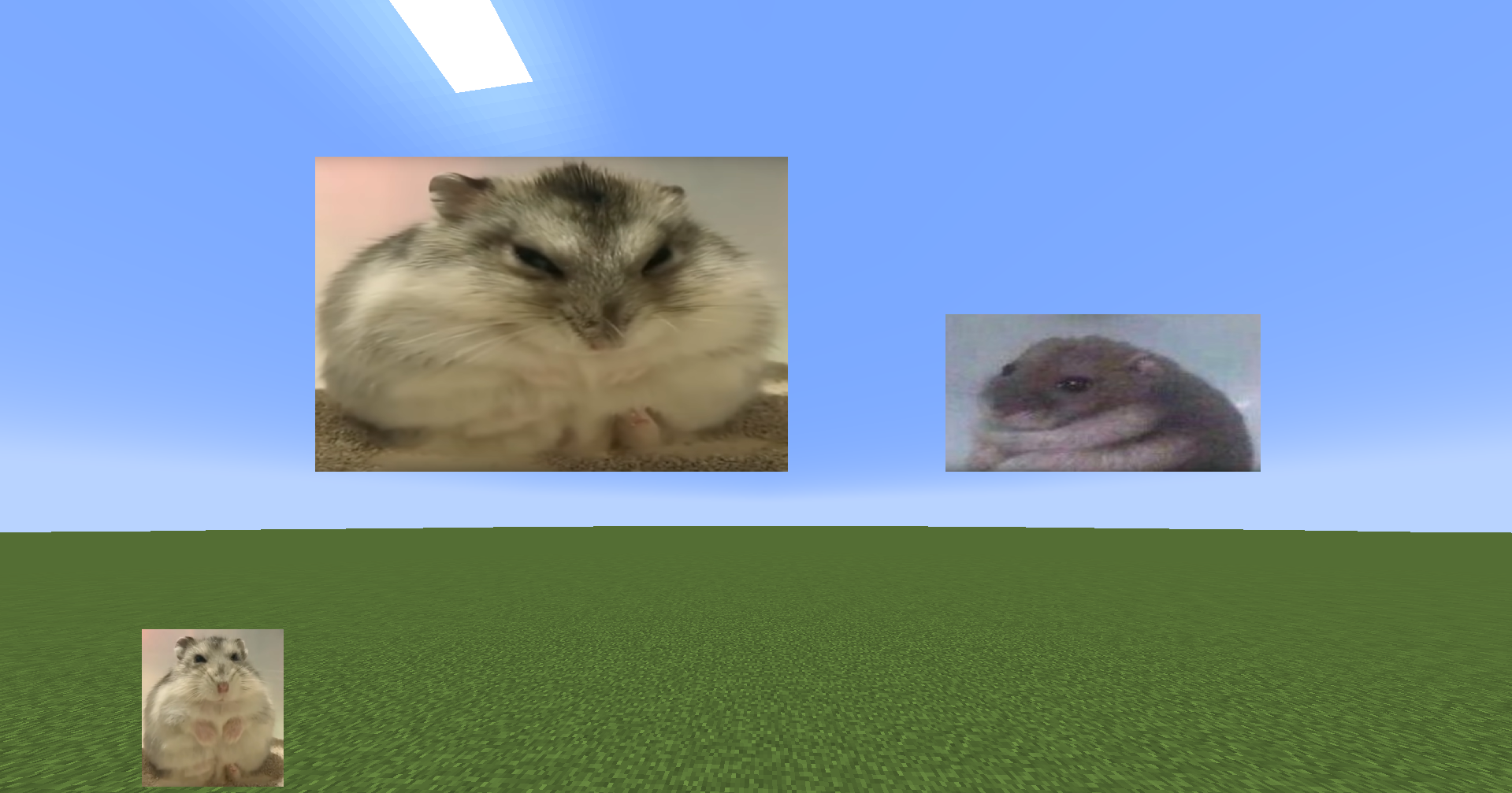
Render images and GIFs directly on your screen!
Features
- Render static images and animated GIFs
- Dynamic positioning and resizing
- Transparency and rotation controls
- GUI
- Slideshows
- Overlays: render images at fullscren that automatically adapt to your resolution
- Image rendering via URL (Imgur)
- Rendering order: Lets you render images/GIFs behind or in front of GUI elements (Hotbar, scoreboard...) Using the GUI, hold "Alt + right click" on an image/GIF to open a context menu and select the preferred option ONLY WORKS IN 1.21.4 ONWARDS. *Other features are also in the menu
Commands
| Command | Description |
|---|---|
/image help |
List all available commands |
/image list |
Show all images/GIFs in your imageoverlay folder |
/image render <name> <x> <y> |
Display an image/GIF at specified coordinates |
/image move <name> <x> <y> |
Move said image/GIF |
/image resize <name> <x> <y> |
Modify image/GIF |
/image url <name> <width> <size> |
Render image/GIF using an IMGUR URL |
/image stop <name> |
Stop rendering an image/GIF |
IN ORDER TO RENDER IMAGES/GIFs USING URLS YOU NEED TO PUT THEM BETWEEN ""
E.g: /image url "https://i.imgur.com/funnymeme.jpeg" 100 100

GUI
- Drag & drop images/GIFs around your screen
- Resize by using the border and corner indicators
- Right-click an image/GIF to toggle the transparency slider
- Hold Alt + corner to rotate images
- Slideshows (SLIDES button):
- Set display duration per image
- Cycle manually with J/K keys (toggle auto-mode) – keys can be changed in settings
- Overlays (OVERLAY button):
- Render images/GIFs in full-screen
- Automatically scale to your resolution
- Create overlay slides to have multiples overlays and cycle through them
- URL lets you render images directly using an IMGUR URL. E.g: https://i.imgur.com/funnymeme.jpeg
Folder Location
- All images/GIFs are located in the
imageoverlayfolder in the .minecraft directory. - Overlays are located in the
imageoverlay/overlaysfolder
❤️ Support & Feedback
- Join my Discord Discord
- Report issues or leave suggestions on GitHub Issues
- Support me on Ko-fi