Graduated Cylinders
Take away the pain of manual fluid management and give finer control over moving fluids between tanks
📖About Graduated Cylinders
Graduated Cylinders
Take away the pain of manual fluid management and give finer control over moving fluids between tanks.
Overview
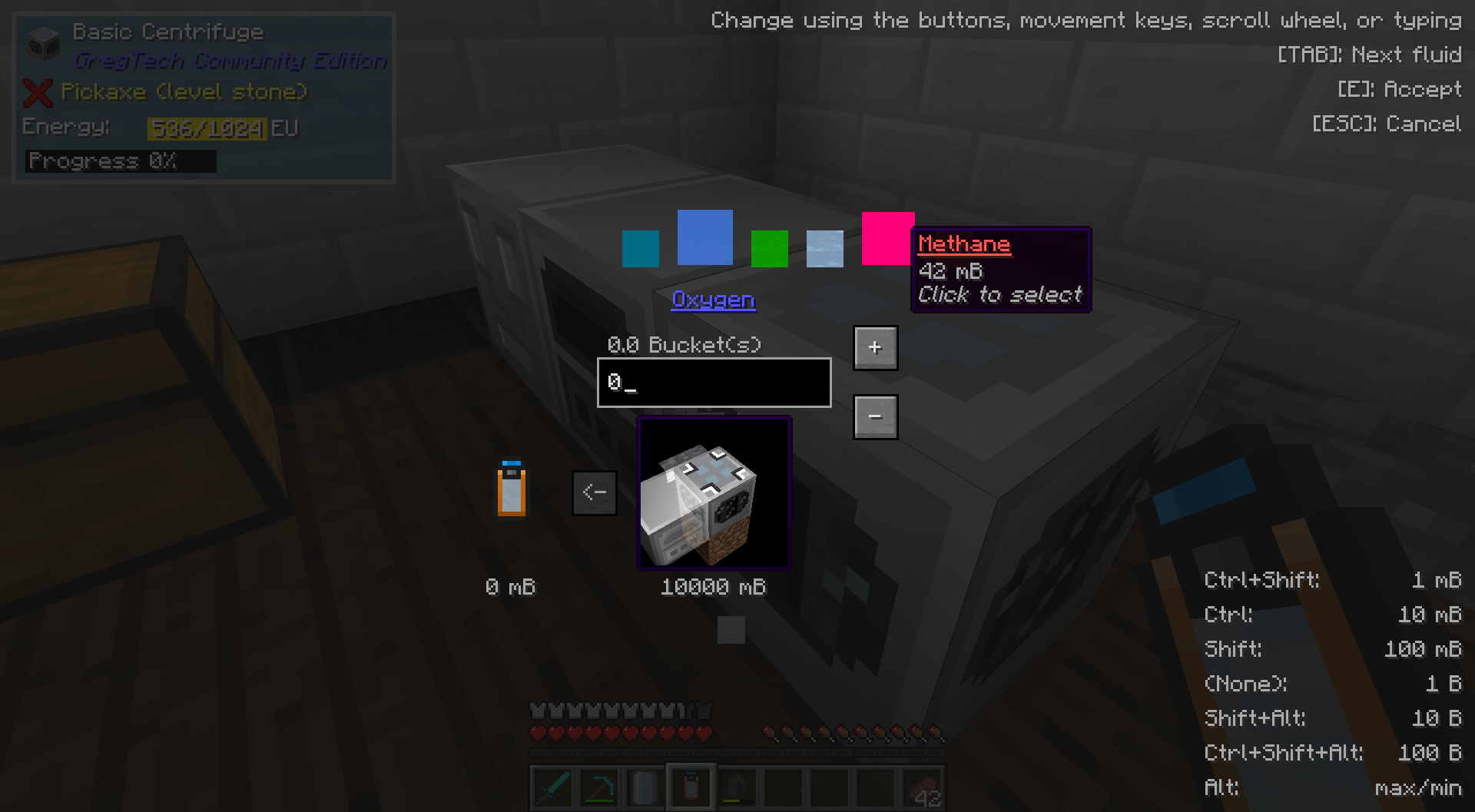
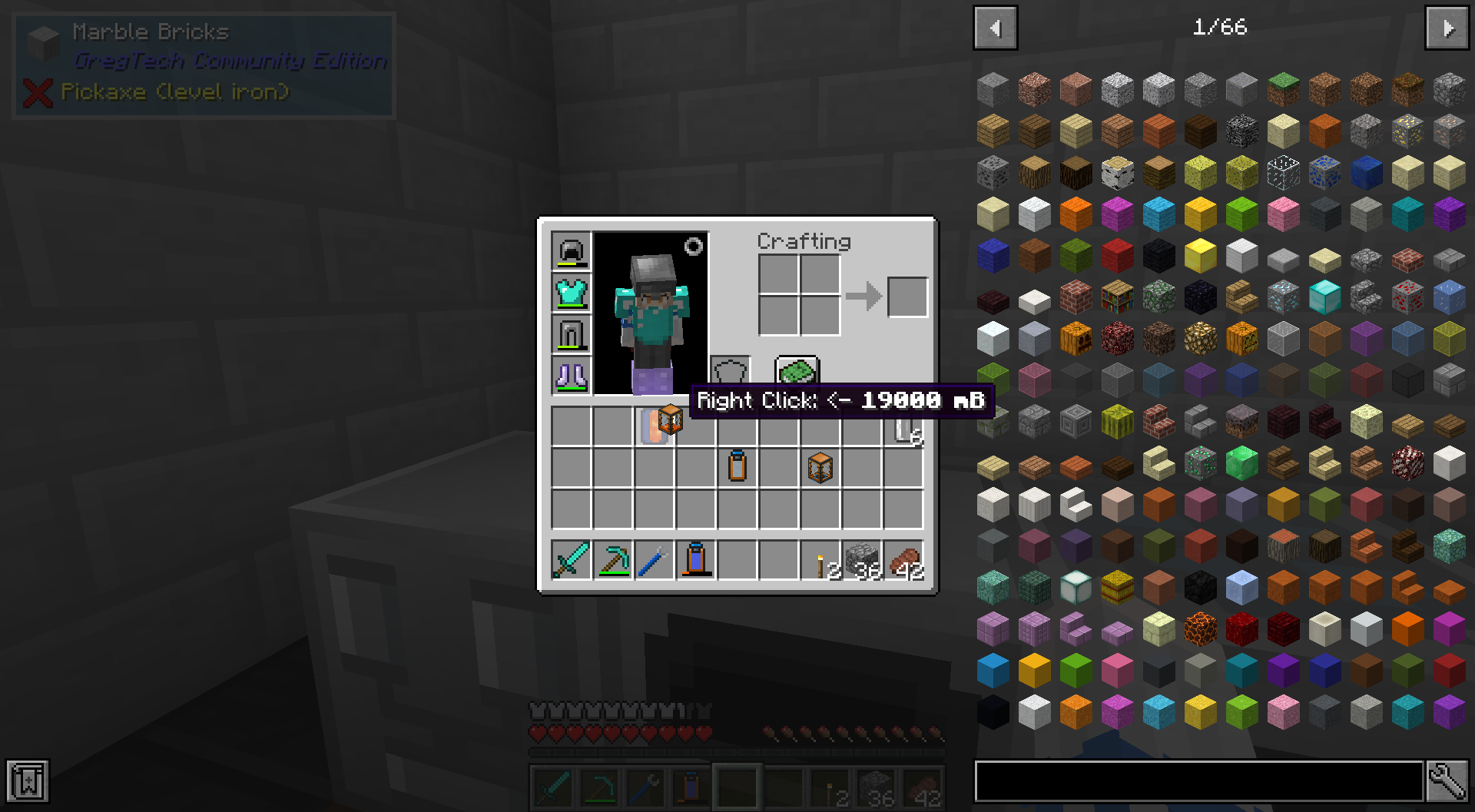
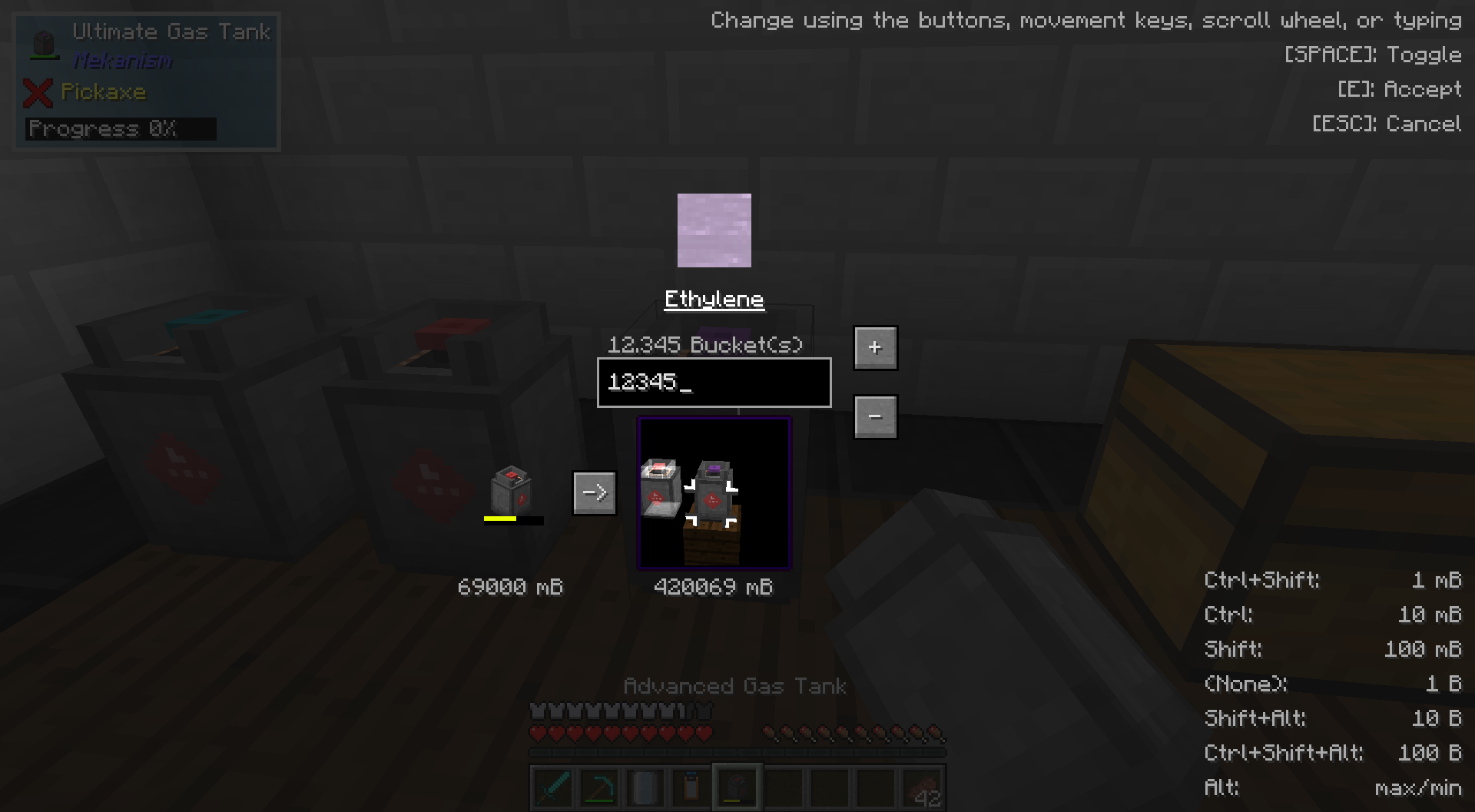
While holding any item which can contain fluids in your main hand (i.e. a bucket, Thermal Expansions' reservoir, a Mekanism tank, etc.), punch any placed block which can also hold fluids (i.e. a Tinkers' Construct seared tank, Extra Utilities 2 drum, GregTech machines, etc.) to open the transfer GUI. Here, you can choose the amount in milibuckets to transfer and the direction. You can also transfer fluids between two items, by right-clicking one on top of the other in an inventory.
Also supports the Mekanism Gas API! Do manual chemistry a bit easier now without worrying about voiding precious gasses in machines.
All keybinds and shortcuts, for reference:
Jump: Toggle fluid transfer direction
Shift+Jump: Toggle ingot mode
Tab: Select next fluid
Shift+Tab: Select previous fluid
Inventory Open/Close: Do transfer
Escape: Cancel transfer
Scroll Wheel: Change transfer amount
Move forward/back: ^^
Up/down arrow keys: ^^
Move left/right: Shift text cursor
left/right arrow keys: ^^
Right click text box: Clear text and set transfer amount to 0
Click fluid: Select fluid
Right click fluid: Select fluid and set transfer amount to fluid amount
Click+drag: Rotate 3D scene
Right click side of block (in 3D scene): Select side of block to interact with
Middle click: Toggle rendering of neighboring blocks in 3D scene
Crouch (when opening the GUI): Flips the default transfer direction
Sprint (when opening the GUI): Immediately enters ingot mode