Glance
GUI Tweaks for Minecraft
📖About Glance
Glance: GUI Tweaks for Minecraft
Features
Health BarWhen the health exceeds 20, the additional health is displayed as an overlapping bar in a different color rather than stacking up as new lines.
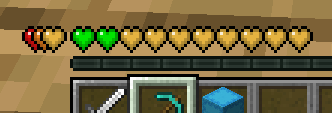
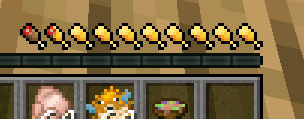
Displays the saturation level alongside the hunger bar.
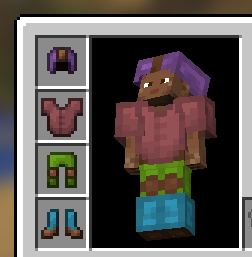
When the armor value exceeds 20, the extra armor is stacked on the left. The armor icon texture changes based on the equipped armor.
Armor icon texture variant
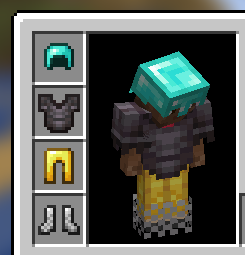
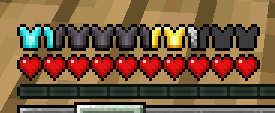
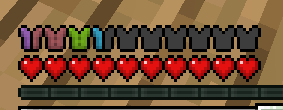
When armor exceeds 20
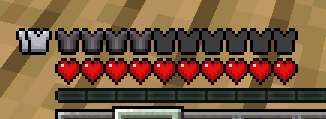
Appears during melee and critical attacks.
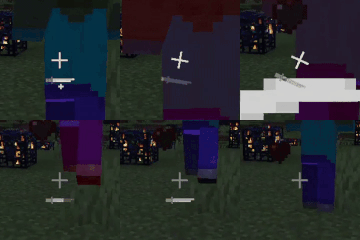
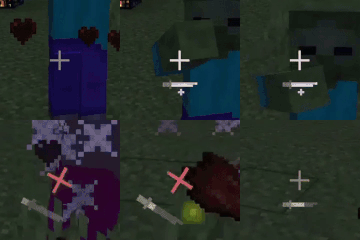
Activates while charging a bow, crossbow, or trident.

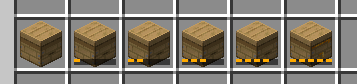
Shows overlays for beehives based on their honey level.
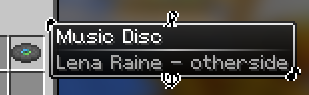
Changes tooltip appearances based on disc, enchanted book, and rarity.
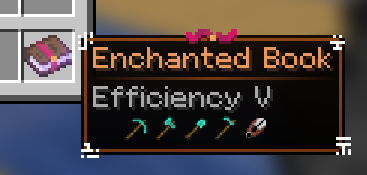
Simplifies and makes tooltips more intuitive by using icons.
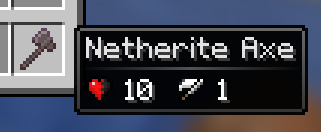
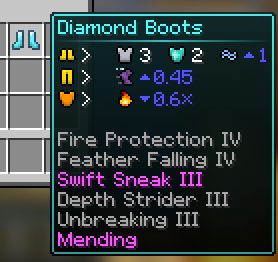
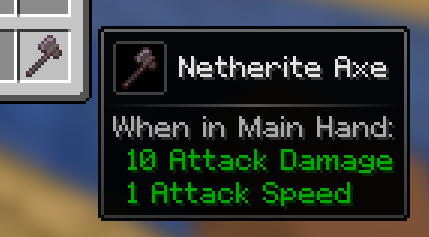
Displays detailed text tooltips when holding Shift.
For armor, holding Shift shows a 3D model.
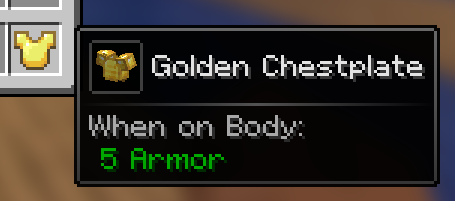
Previews the inventory of items like bundle, shulker box, and any items with internal inventory stored via NBT when hovering over them with the cursor.
Scroll with the mouse to access the inventory.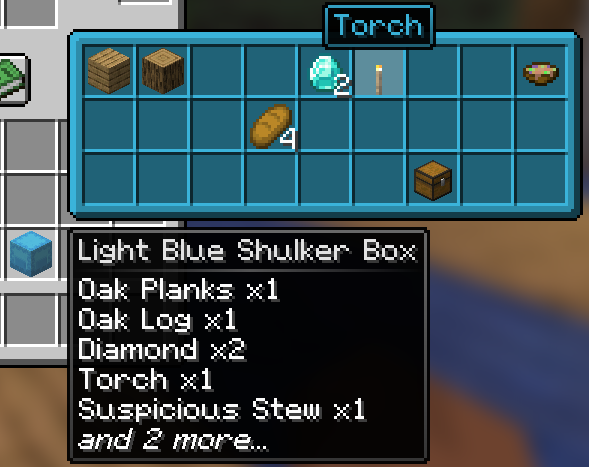
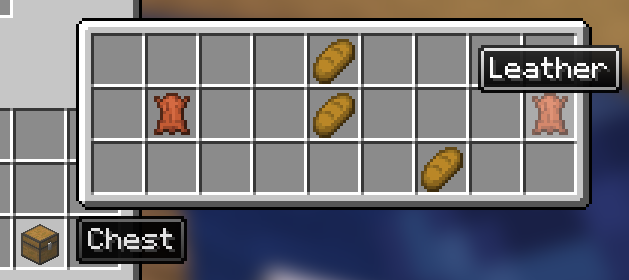
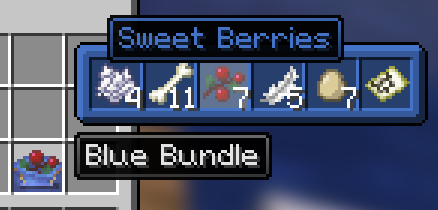
Displays durability tooltips for tools in anvil and grindstone.
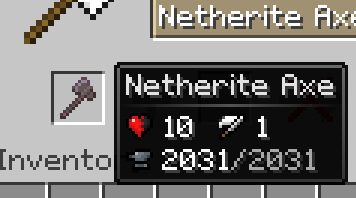
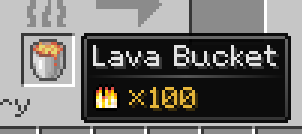
Shows the burn time of items usable as fuel in smoker, blast furnace, and furnace.
Indicates the compatibility of each enchantment on enchanted books with specific items.
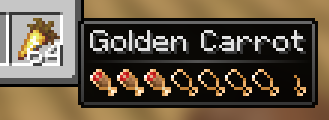
Shows the hunger and saturation values restored by food when consumed.
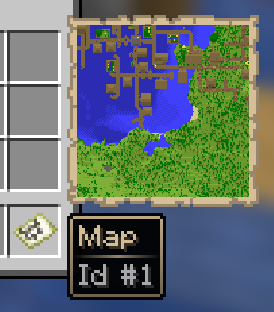
Allows map previewing by hovering the cursor over it.