Logo
MINECRAFTBIBLE
Items
Items

All game items

Blocks
Blocks

Building blocks

Mobs
Mobs

Creatures & monsters

Biomes
Biomes

World biomes

Structures
Structures

Generated structures

Recipes
Recipes

Crafting guides

Advancements
Advancements

Achievements

Loot Tables
Loot Tables

Drop rates

Tags
Tags

Item groupings

All Versions
View all data →
Capes
Cape ArchiveNEW

Browse rare Minecon capes, OptiFine capes, and custom capes from players worldwide

Browse

Player Database
Player DatabasePopular

Search any player

Skin Browser
Skin Browser

Browse & download skins

Cape Gallery
Cape GalleryNEW

Minecon & OptiFine capes

Seed Vault
Seed Vault

Curated seeds

Learn

Guides
GuidesNew

Tutorials & tips

Blog
Blog

News & updates

Community

Community Hub
Community HubHub

Posts, discussions & more

All Versions
View community →
Seed Analyzer
Seed Analyzer

World seed analysis

Loot Explorer
Loot Explorer

Drop rates

Crafting Calculator
Crafting Calculator

Material planning

Enchant Calculator
Enchant Calculator

Probability math

Redstone Lab
Redstone Lab

Signal timing

Trading Profit
Trading Profit

Villager ROI

All Versions
View all tools →
Mods
Mods

Browse all mods

Plugins
Plugins

Server plugins

Resource Packs
Resource Packs

Textures & sounds

Shaders
Shaders

Visual enhancements

Datapacks
Datapacks

World logic

Scanner
Mod Intelligence

Scan & analyze any mod

All Versions
View all mods →
Loading...
IntroductionIntroductionVersion HistoryVersion HistoryGuidesGuidesBlog & NewsBlog & News
ItemsItemsBlocksBlocksMobsMobsRecipesRecipesBiomesBiomesStructuresStructuresAdvancementsAdvancementsLoot TablesLoot TablesTagsTags
ModsModsPluginsPluginsResource PacksResource PacksShadersShadersDatapacksDatapacks

MinecraftBible

The Ultimate Wiki

Logo
MINECRAFTBIBLE

The ultimate Minecraft reference. Every item, block, mob, and recipe documented with precision.

Community

  • Player Database
  • Skin Browser
  • Cape Gallery
  • Community Hub
  • Seed Vault

Database

  • Items
  • Blocks
  • Mobs
  • Recipes
  • Biomes
  • Structures

Tools

  • Seed Analyzer
  • Mod Intelligence
  • Crafting Calculator
  • Enchant Calculator

Mods & Packs

  • Mods
  • Plugins
  • Resource Packs
  • Shaders
  • Datapacks

© 2026 MinecraftBible. Not affiliated with Mojang or Microsoft.

PrivacyTermsContact
Entropy: Chaos Mod
ModLGPL-3.0-only

Entropy: Chaos Mod

Entropy is a Chaos Mod where random events happens every 30 seconds. This mod allows twitch chat voting integration!

24.3K
Downloads
106
Followers
3 months ago
Updated
📦
30
Versions
cursedgame-mechanicsminigamefabricquilt
Download Latestv1.15+mc1.21.11View on Modrinth

📖About Entropy: Chaos Mod

Entropy: Chaos Mod

Entropy is a Chaos Mod where random events happen every 30 seconds. The events are selected randomly from a pool of close to 150 (and growing) events that can be anything from meteor rain, physics changes and much more.

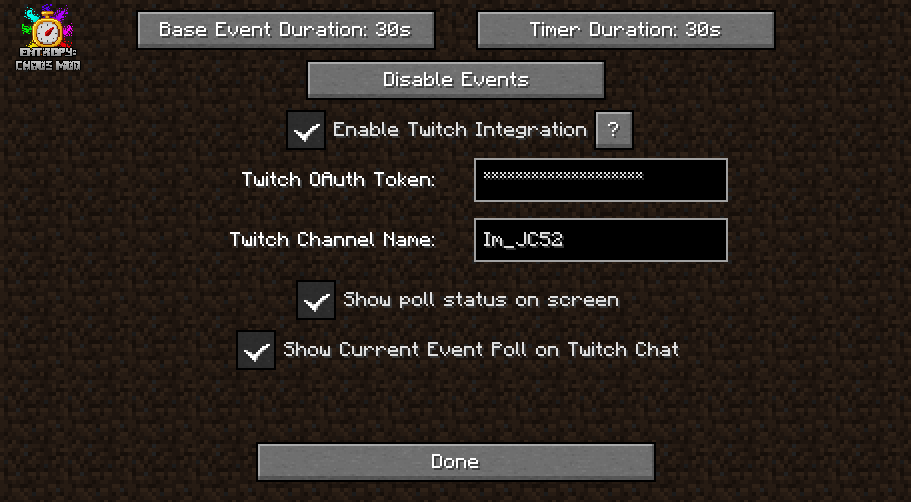
Event and timer duration can be configured from the Settings menu!

Entropy was heavily inspired on the excellent work of pongo1231's Chaos Mod V for Grand Theft Auto V!

Multiplayer:

Play Entropy with friends! Each random event happens around each player. Each connected client can configure Twitch Integrations independently and will send poll results to the server.

Twitch Integration:

Entropy includes integration with Twitch! Viewers of a streamer can vote the next event using the stream chat!

To enable Twitch Integration you'll need a Twitch OAuth Access token, you can generate using this tool (or any other OAuth token generator tool).
Write your OAuth Access Token and your channel name in Entropy Settings.

YouTube Integration:

In a similar fashion to the twitch integration, Entropy also includes the ability for YouTube streamers to connect with their YouTube Live Chat for event voting.

It requires the creation of a Google Cloud Platform project and some configuration. Click here for a video tutorial, there's also a written guide in that video's description.

NOTICE: YouTube implements a daily limit of requests limiting the amount of time the mod can be played with YouTube integration. In order to increase the playable time, YouTube integration votes will be counted less often, making the vote bars look laggy. Usually the quota is reached after around 3 hours. You can change the delay between each check in the YouTube integration settings.

Discord Integration:

Users of a discord server can vote the next event by using the Entropy Discord integration. TUTORIAL: https://www.youtube.com/watch?v=waj82ownAKw

Showcases

Screenshots
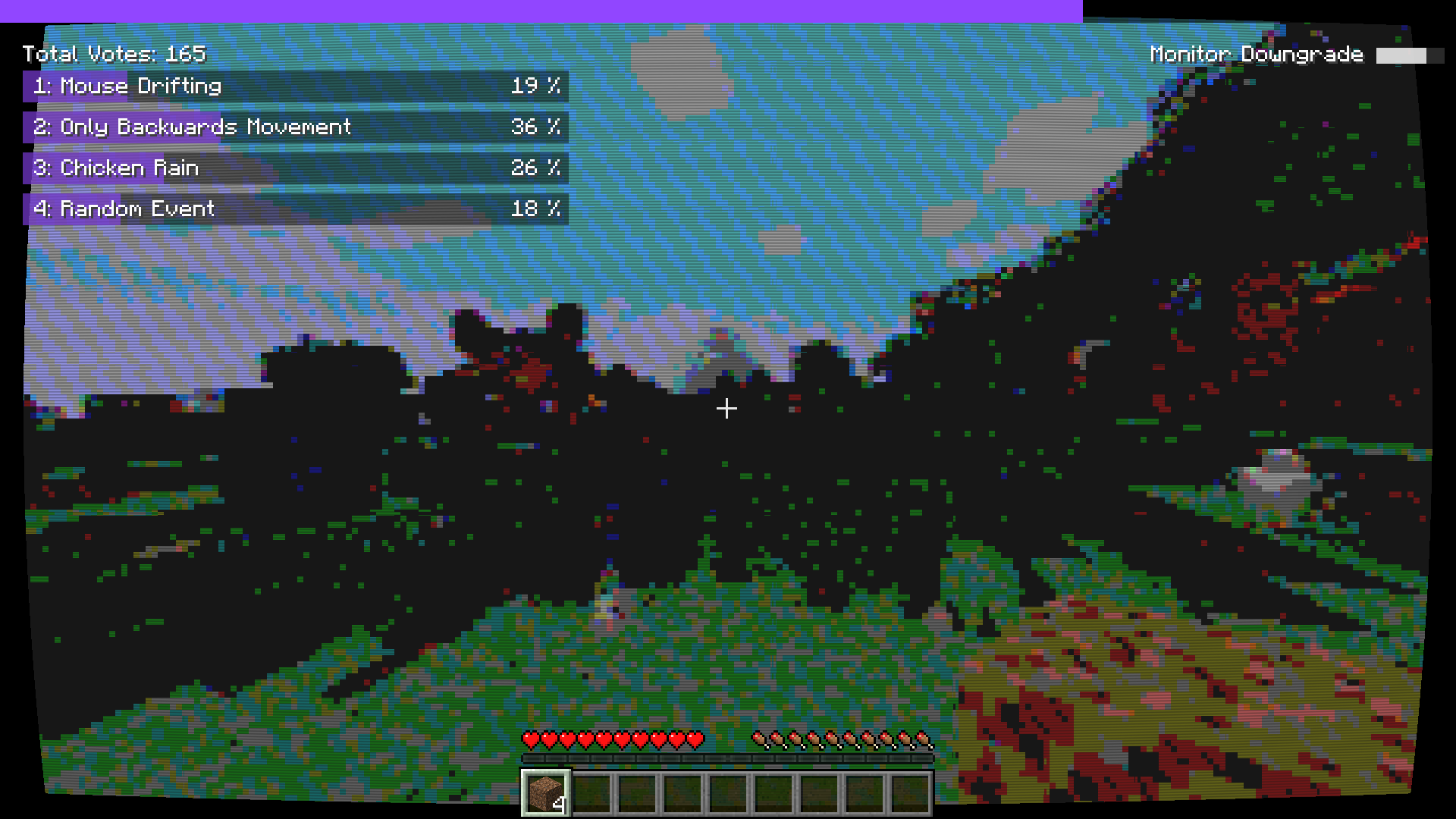
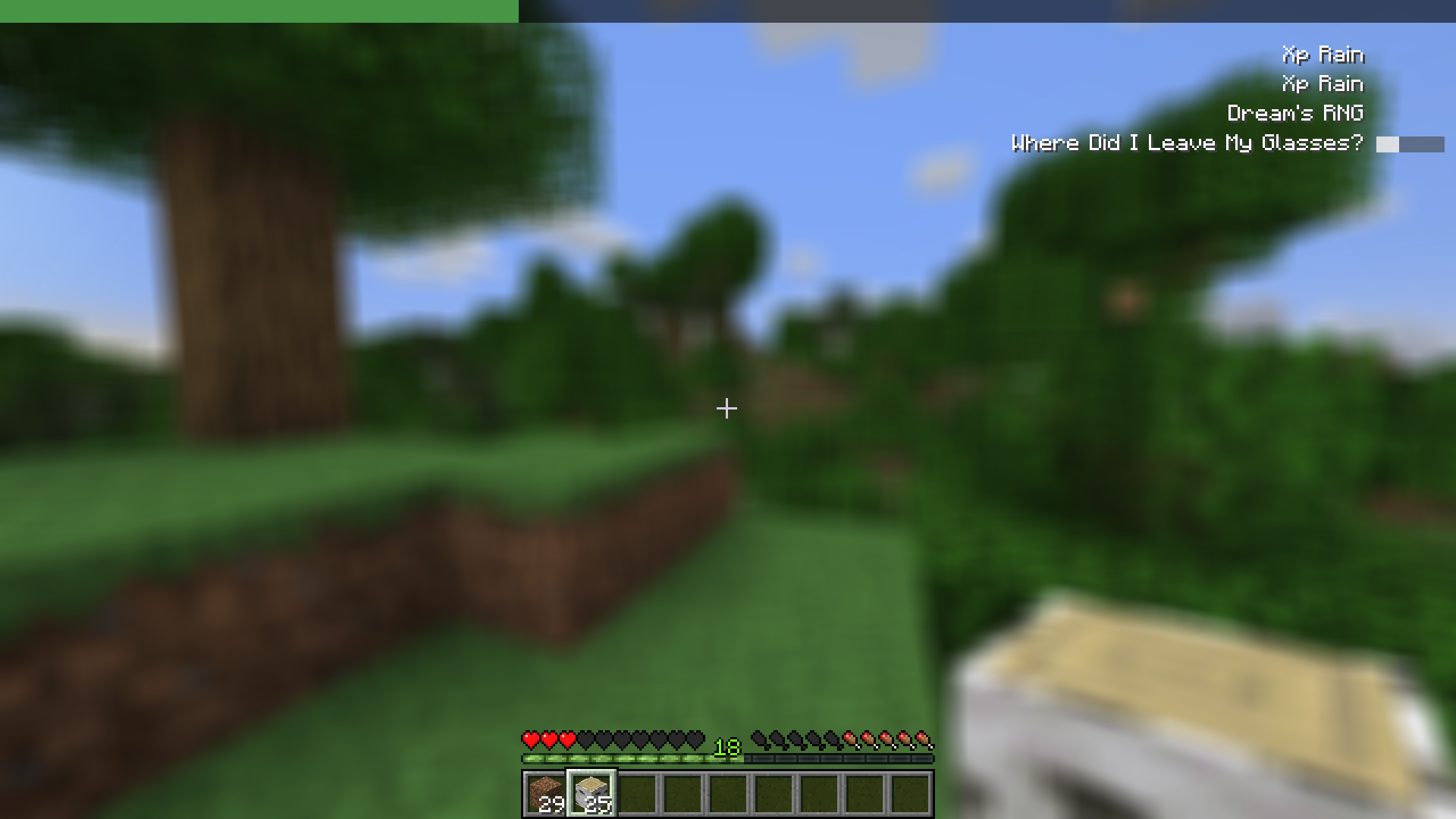
Demo 1 - Twitch Chat Integration
Demo 2 - Blur
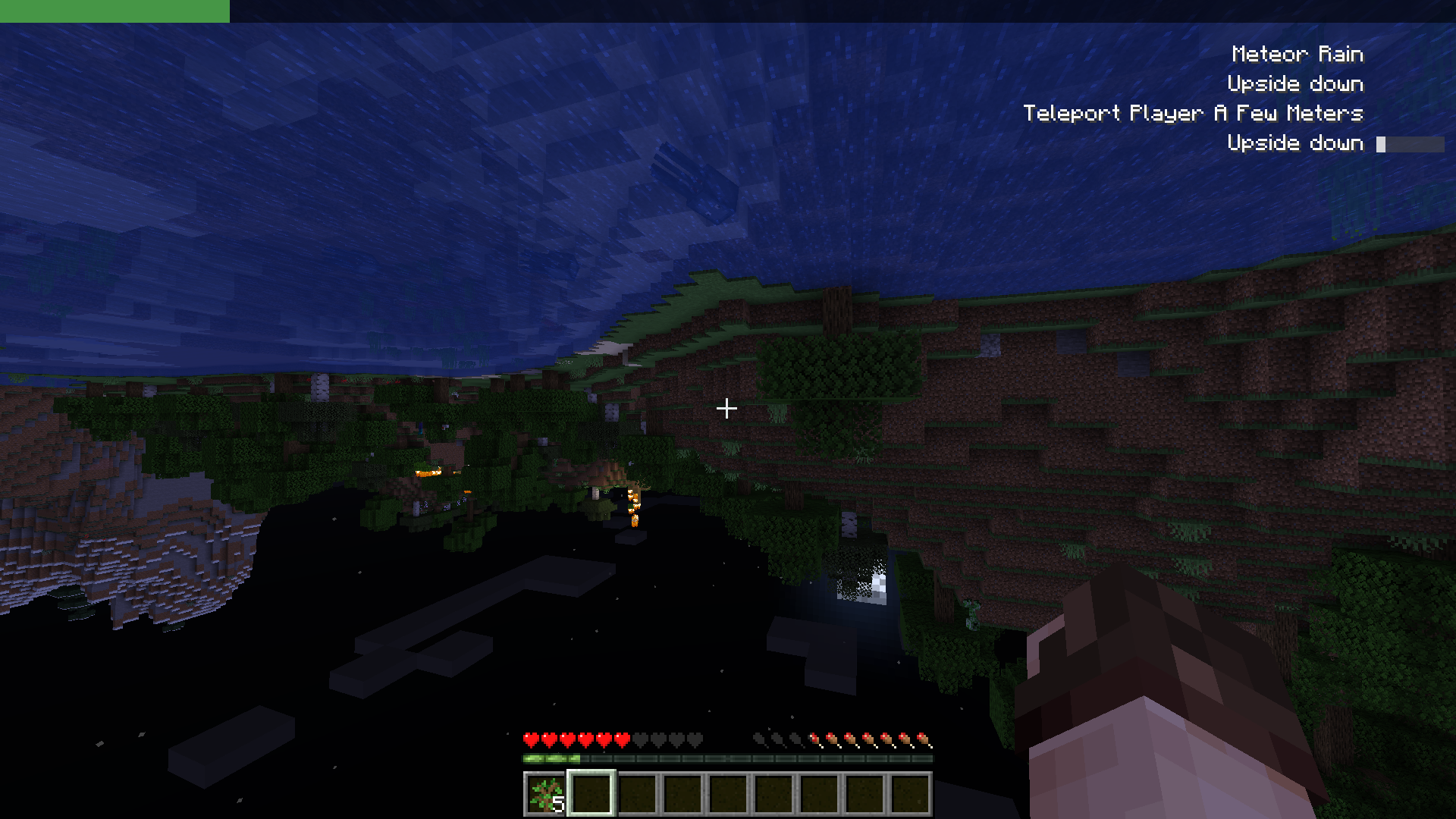
Demo 3 - Upside Down
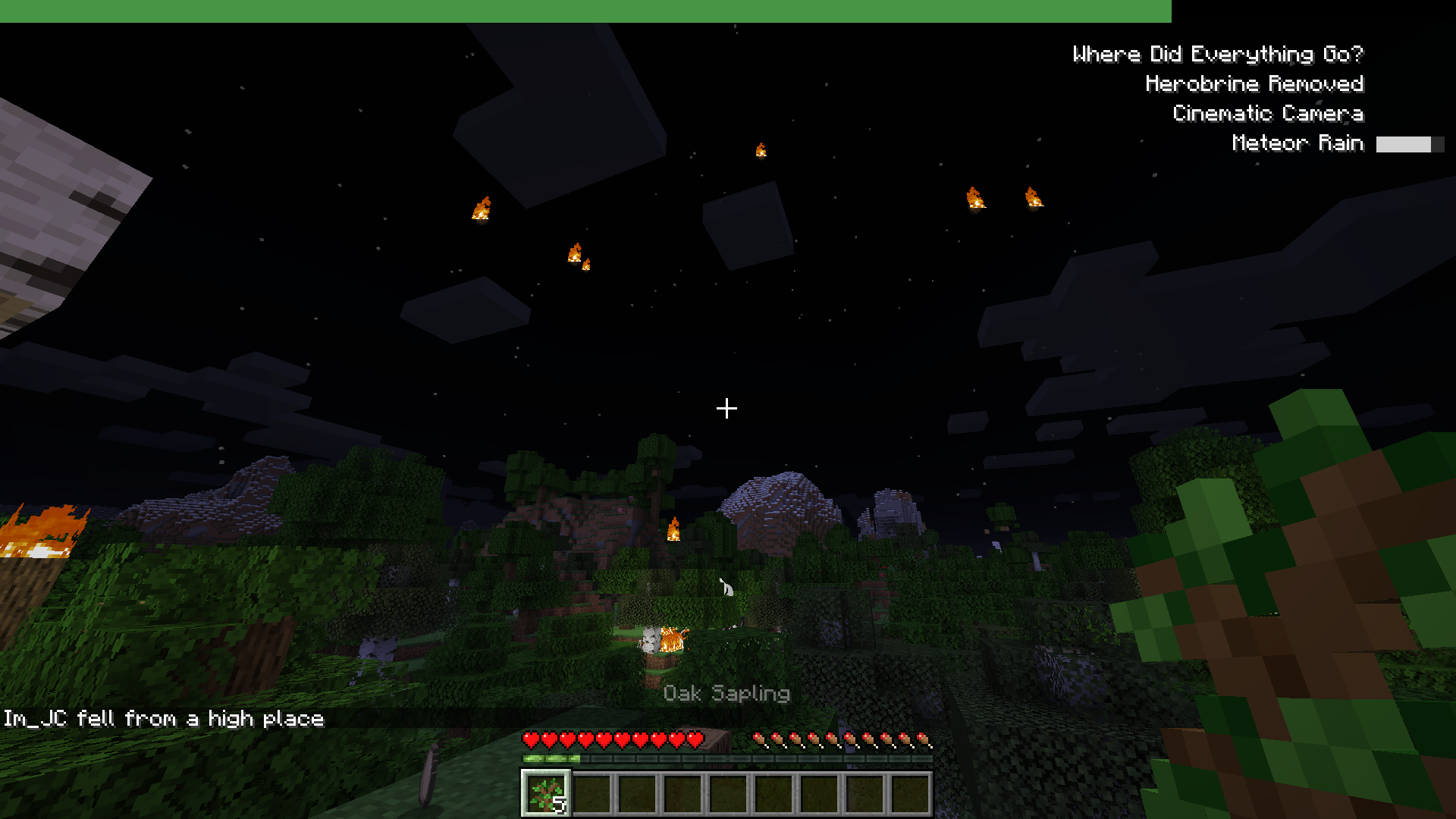
Demo 4 - Meteor Rain
Demo 5 - Settings

Installation:

This mod requires Fabric and Fabric API. You can download Entropy from this page, the releases tab in github or through the CurseForge Page.
Drop Entropy and Fabric API JARs inside the mods folder.

License

Entropy is released under the free and open-source GPL-3.0 License.

👥 Team & Contributors

bl4ckscor3
bl4ckscor3
Contributor
slicedlime
slicedlime
Contributor
juancarloscp52
juancarloscp52Owner
Kanawanagasaki
Kanawanagasaki
Contributor

⚙️ Compatibility

Environment
✅ Client & Server
Loaders
fabricquilt
Minecraft Versions
1.21.11

🔗 Links

Modrinth Page