
MINECRAFTBIBLE
Loading...


If you only want to have the EarthBlade Sounds Dungeons and Structures, along with their Loot Tables and Vanilla advancements, compatibility with 1.20 to 1.21.11
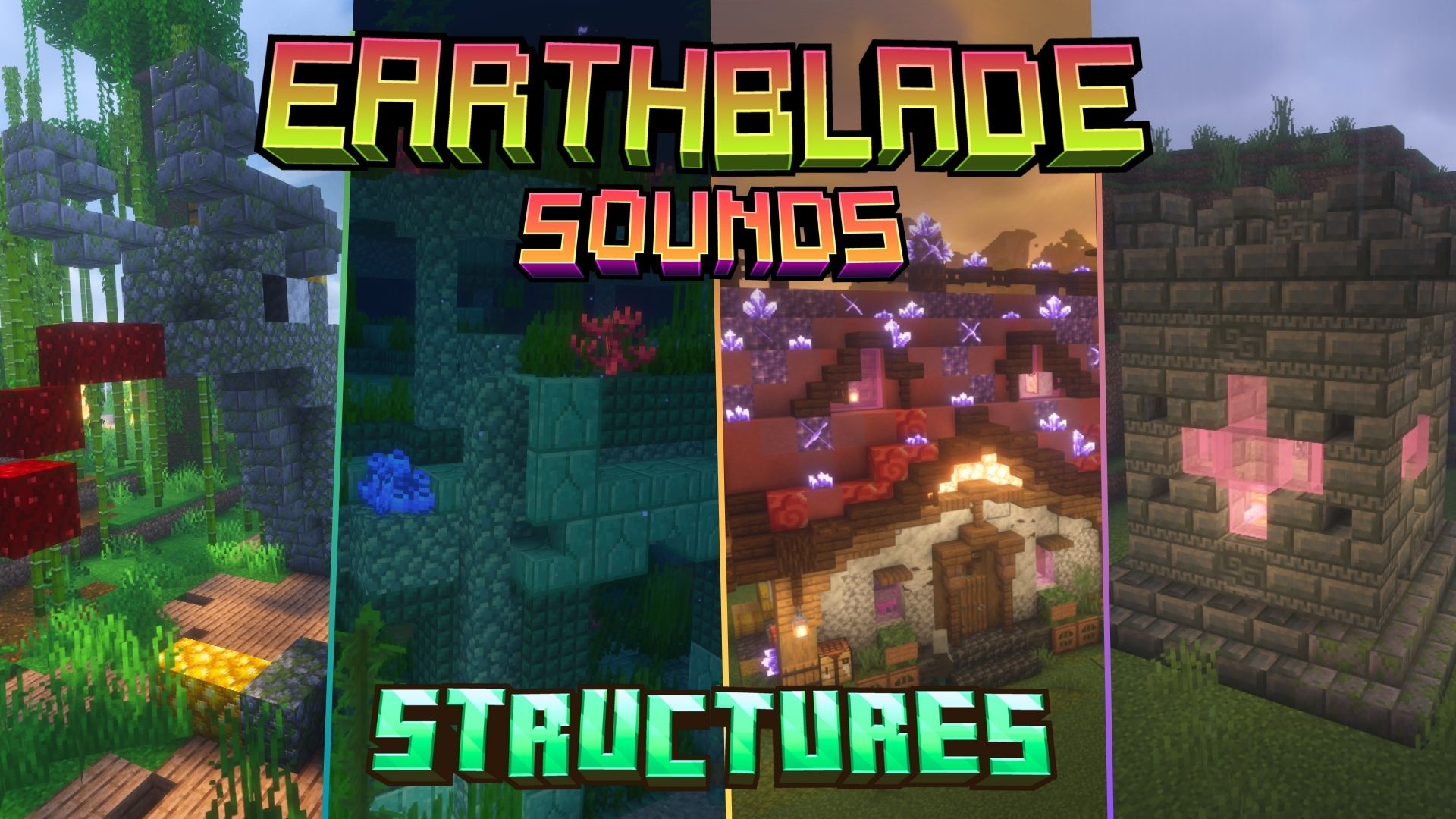
This Datapack adds all the structures included in the EarthBlade Sounds Mod, as well as some small extras!
LuisterCorp © - 2025
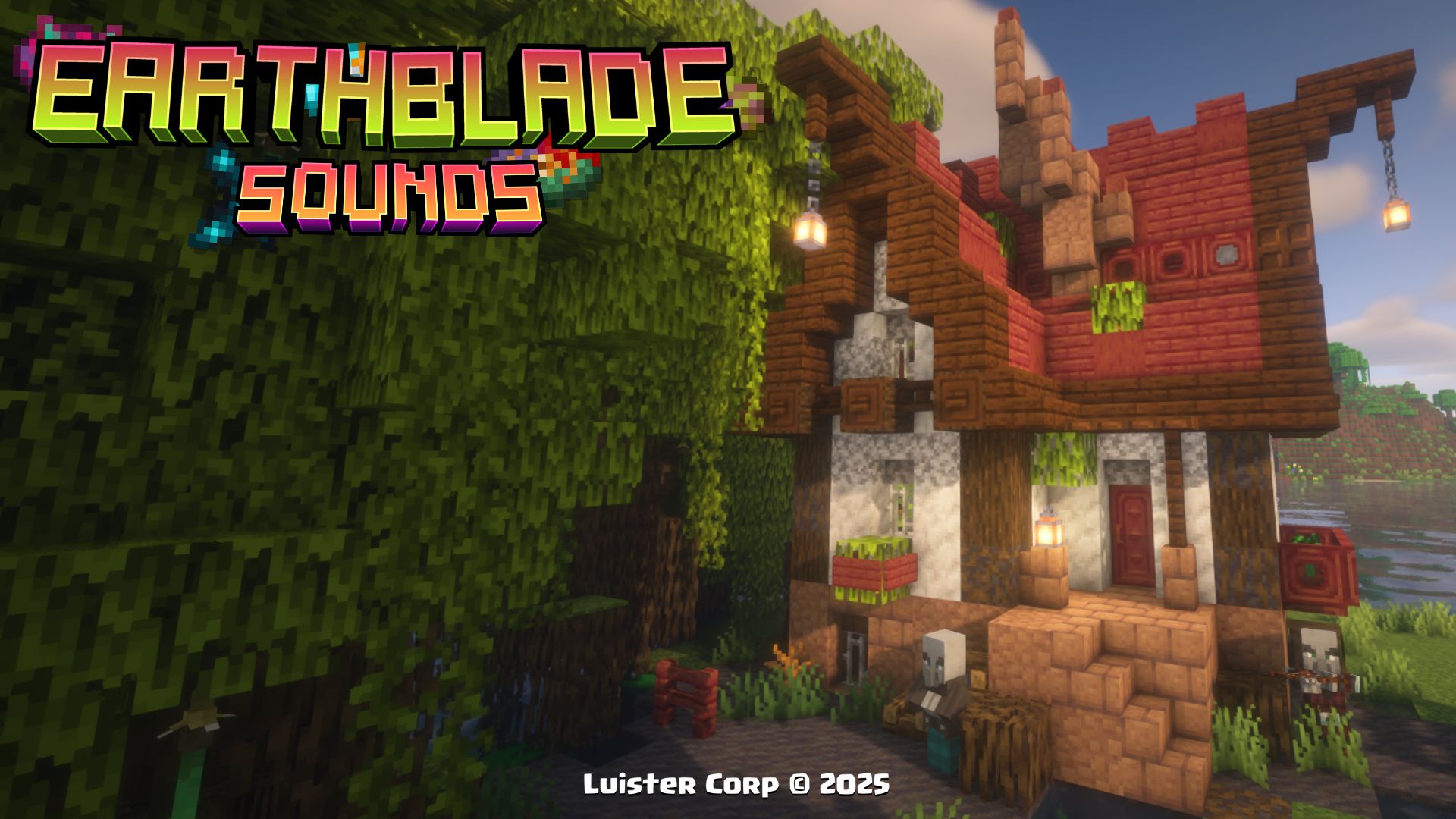
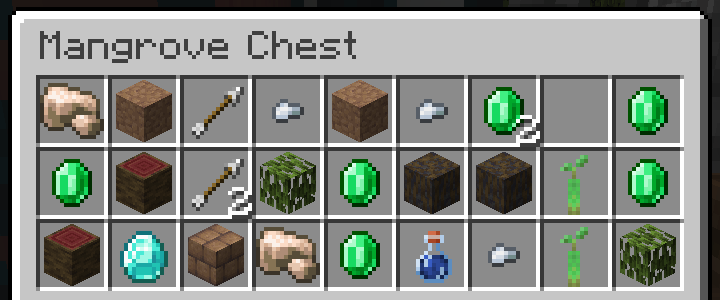
The Mangrove Root House it can appear in mangrove biomes, along with its own custom loot table!
The Mangrove Root House, is generated in Mangrove Biomes, if you want to locate it by commands use:/locate structure luistercorp:mangrove_root_house

Promotional Image:
 Loot Table:

Biome Generation List:
[
"minecraft:mangrove_swamp"

],
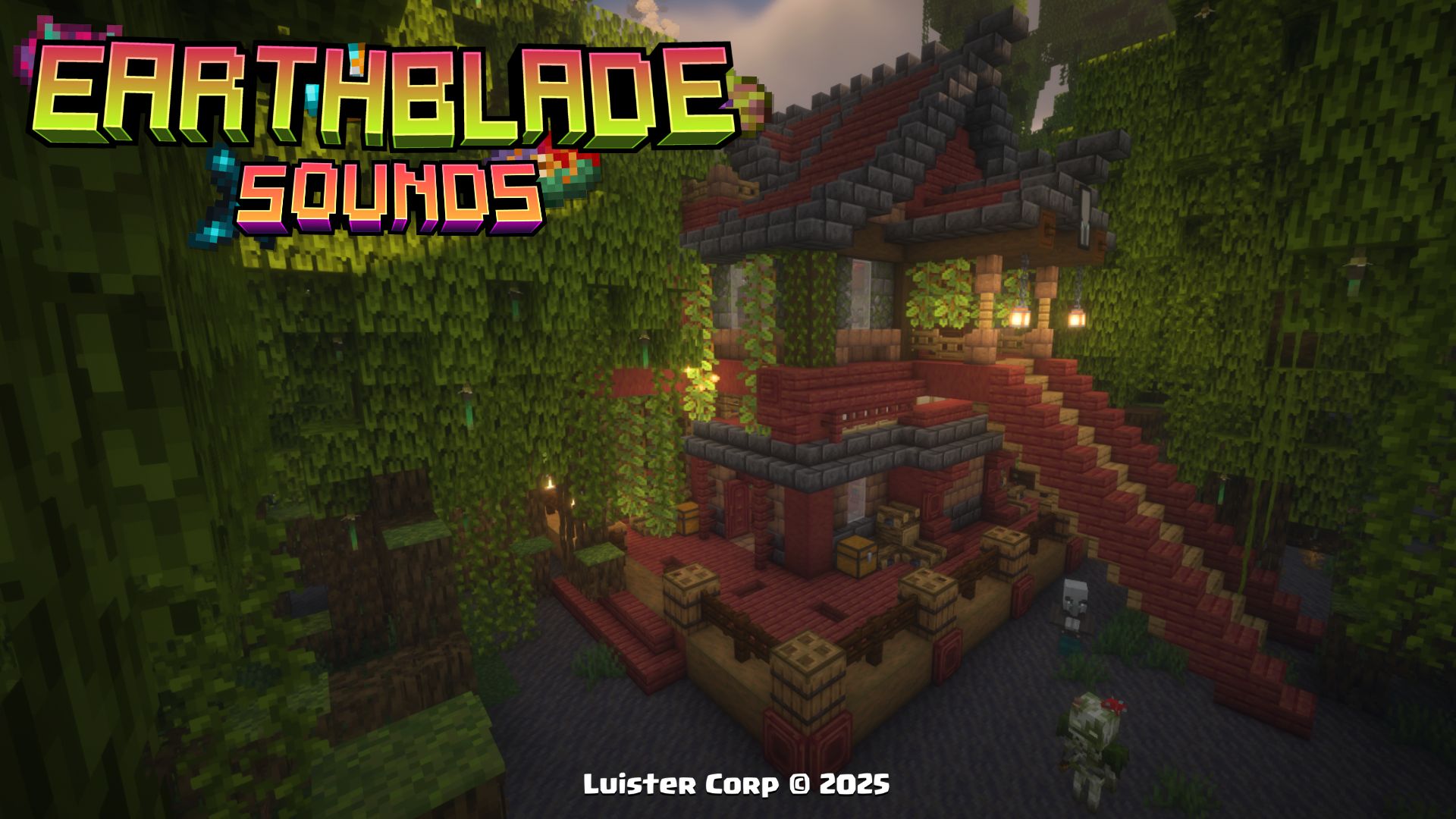
The Mangrove Root Refuge it can appear in mangrove biomes, along with its own custom loot table, and has multiple explorable floors with pillagers and vindicators!
The Mangrove Root Refuge, is generated in Mangrove Biomes, if you want to locate it by commands use:/locate structure luistercorp:mangrove_root_refuge
Promotional Image:
Loot Table:
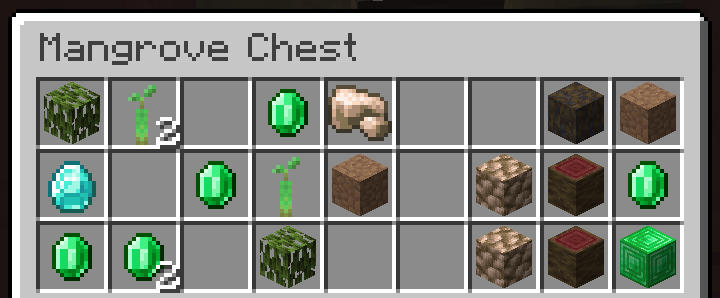
 Biome Generation List:
[
"minecraft:mangrove_swamp"

],
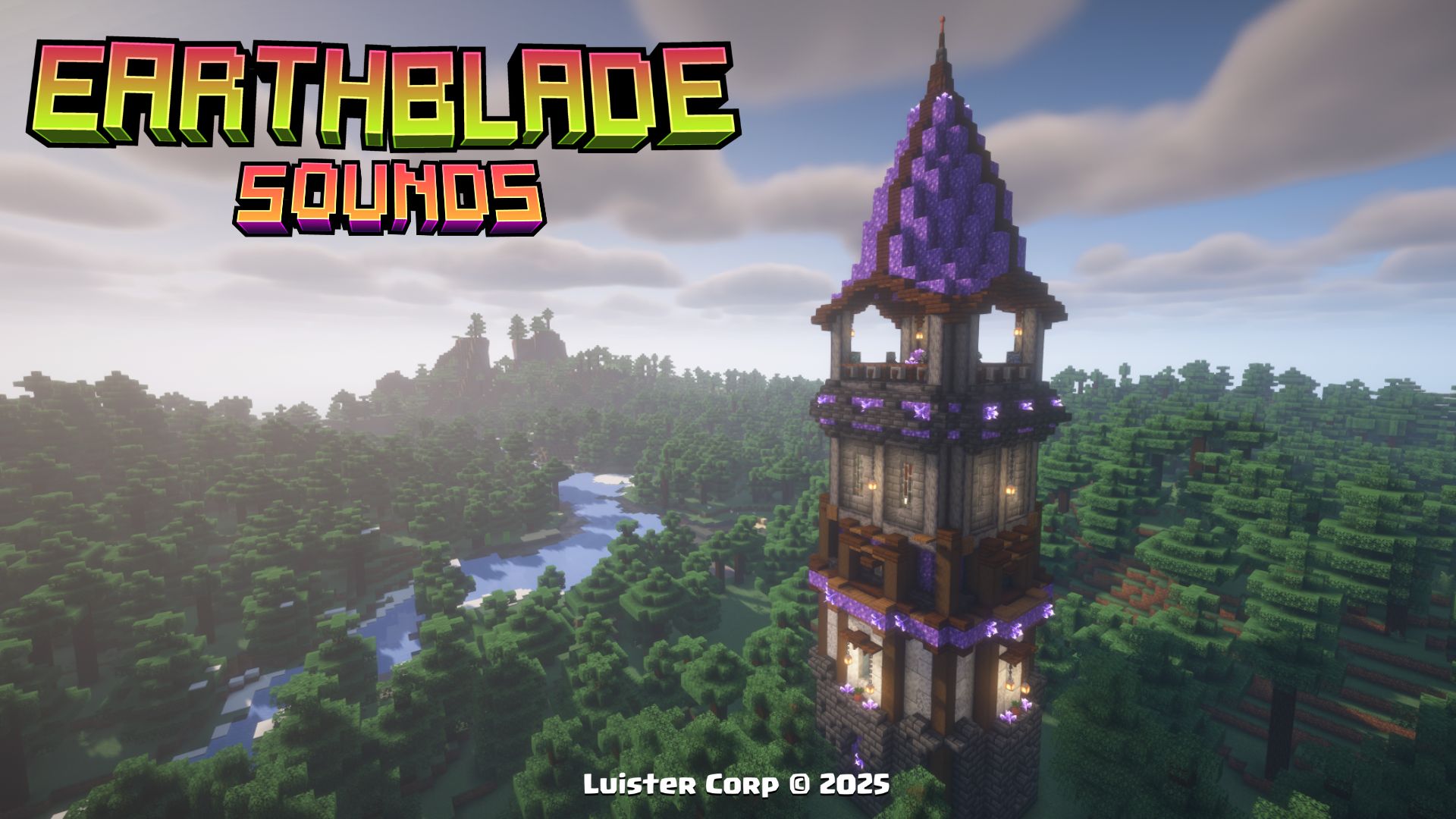
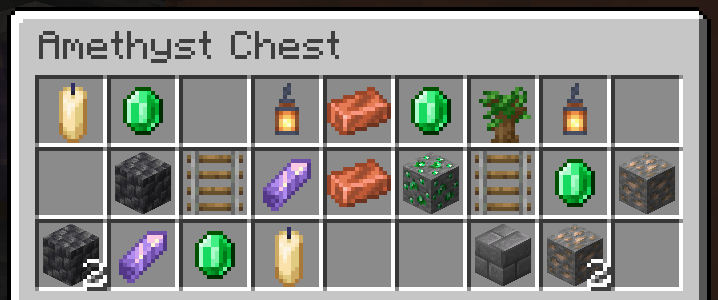
The Amethyst Pillager Tower it can appear in taiga biomes, along with its own custom loot table, and has multiple explorable floors with pillagers and vindicators!
The Amethyst Pillager Tower, is generated in Taiga Biomes, if you want to locate it by commands use:/locate structure luistercorp:amethyst_tower
 Promotional Image:
Loot Table:
Biome Generation List:
[
"minecraft:taiga"

"minecraft:old_growth_pine_taiga"

"minecraft:old_growth_spruce_taiga"

],
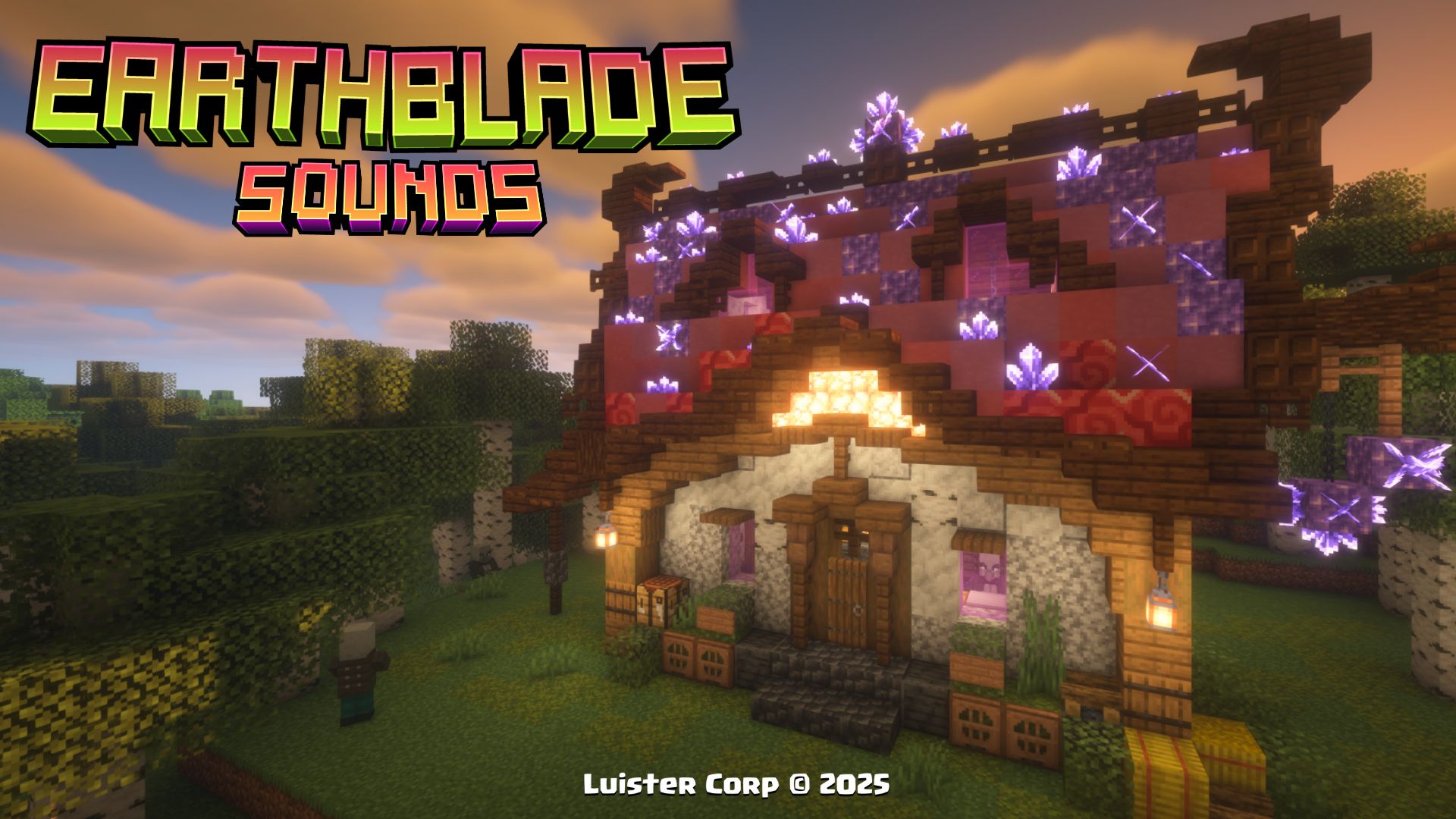
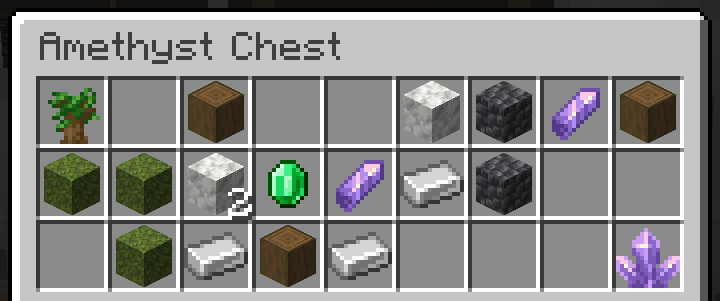
The Amethyst House it can appear in birch biomes, along with its own customized loot table, multiple pillagers inhabit it.
The Amethyst House, is generated in Birch Biomes, if you want to locate it by commands use:/locate structure luistercorp:amethyst_house
Promotional Image:
Loot Table:
Biome Generation List:
[
"minecraft:birch_forest"

"minecraft:old_growth_birch_forest"

],
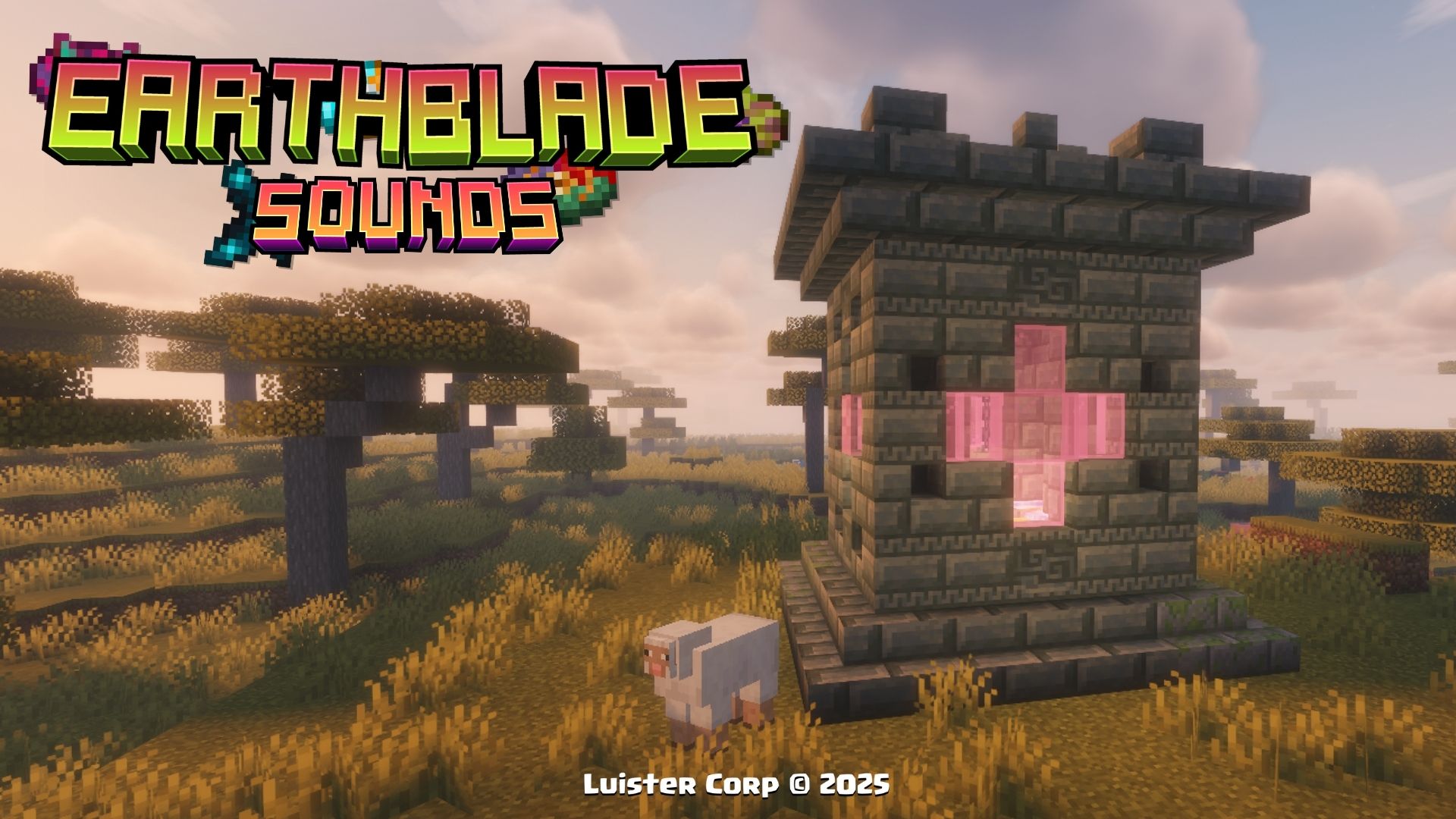
The Sacrifice Cube is the most common Datapack structure every 400 to 500 blocks apart in multiple Overworlds biomes.
The Sacrifice Cube, is generated in all Overworld Biomes, if you want to locate it by commands use:/locate structure luistercorp:magic_cube
 Promotional Image:
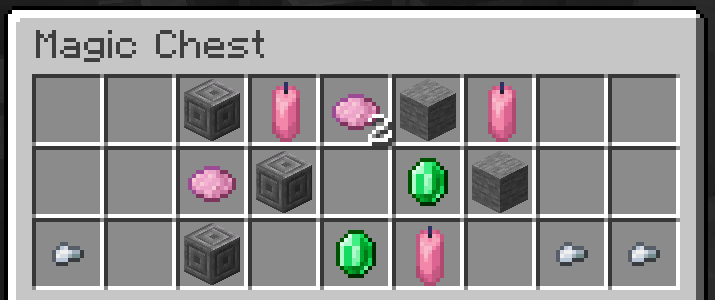
Loot Table:
Biome Generation List:
[
"minecraft:is_overworld"

],
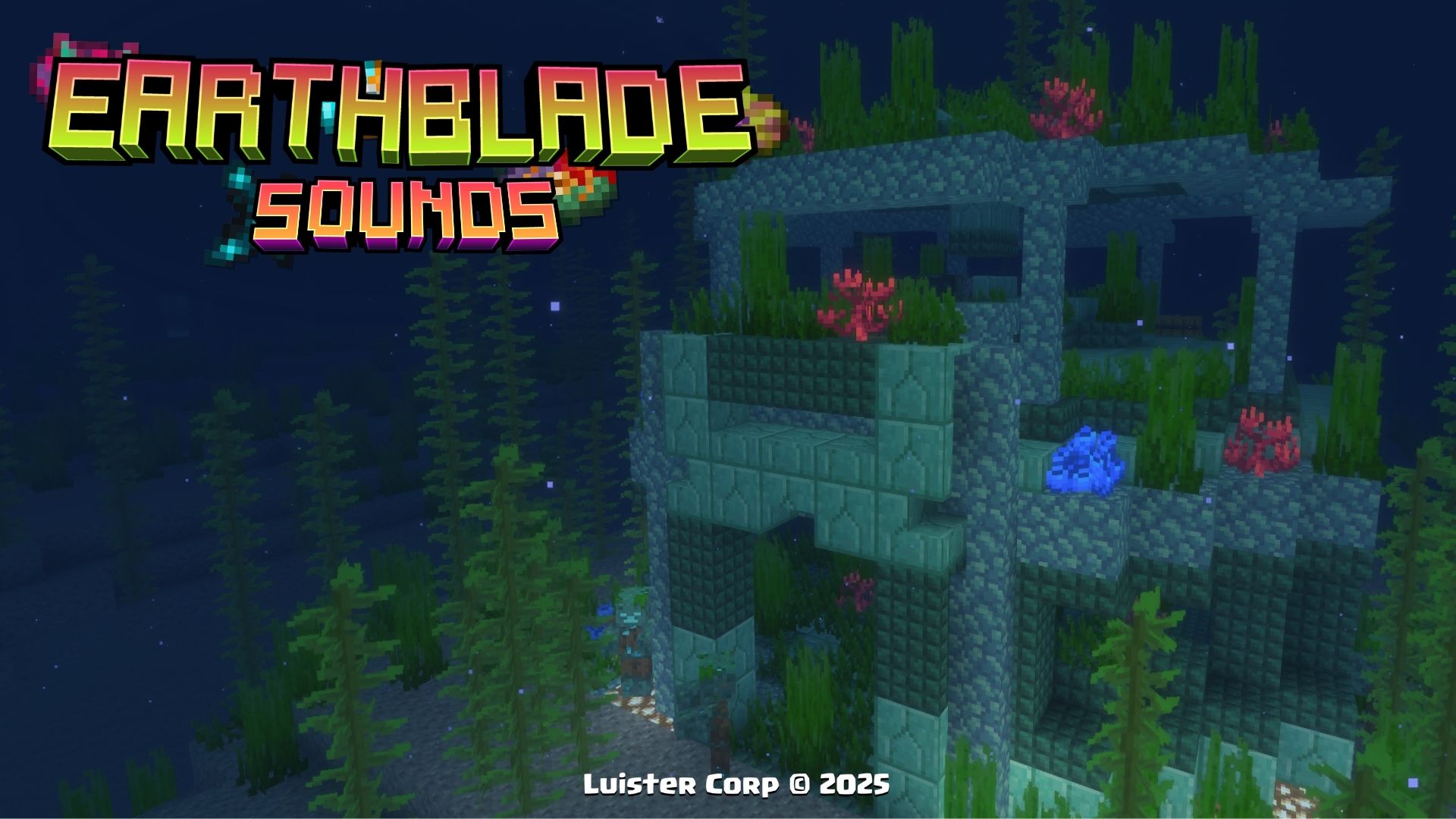
The Temple of Prismarine can appear in the Marine Biomes at a depth of 25 blocks underwater, along with its own perzonalized loot.
The Temple of Prismarine, is generated in all Marine Biomes, if you want to locate it by commands use:/locate structure luistercorp:prismarine_temple
 Promotional Image:
Loot Table:
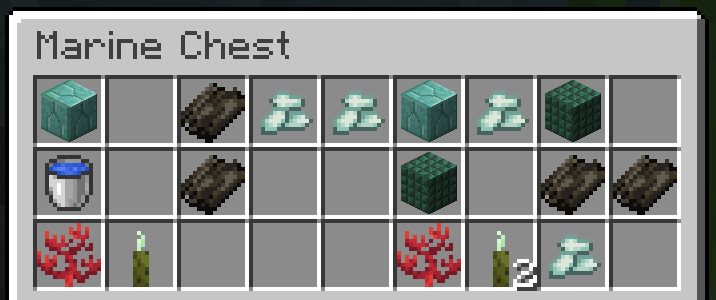
 Biome Generation List:
[
"minecraft:deep_ocean",

"minecraft:ocean",

"minecraft:warm_ocean",

"minecraft:lukewarm_ocean"

"minecraft:deep_lukewarm_ocean"

],
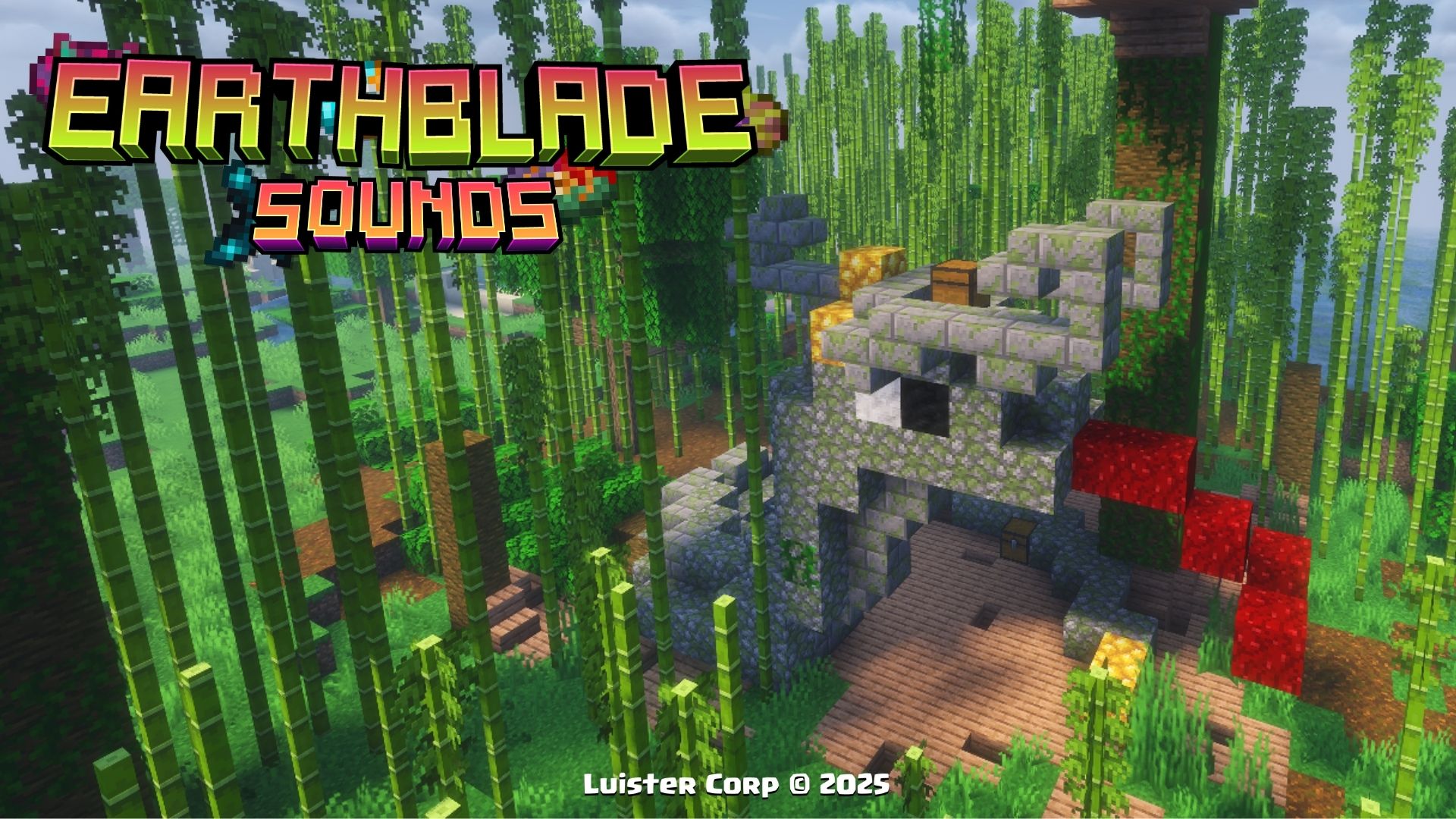
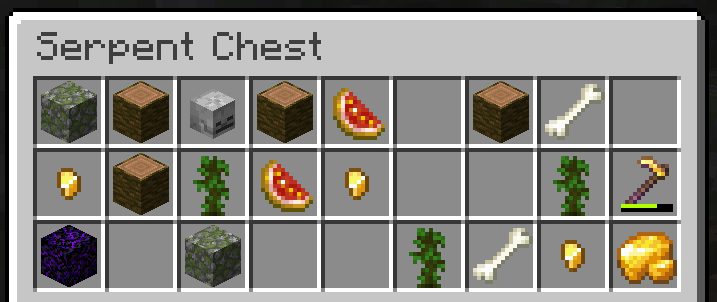
The Snake Tribute can appear in the Jungle Biomes, along with its own perzonalized loot.
The Snake Tribute, is generated in all jungle variations, if you want to locate it by commands use:/locate structure luistercorp:snake_tribute
 Promotional Image:
Loot Table:
 Biome Generation List:
[
"minecraft:jungle",

"minecraft:bamboo_jungle",

"minecraft:sparse_jungle",

],
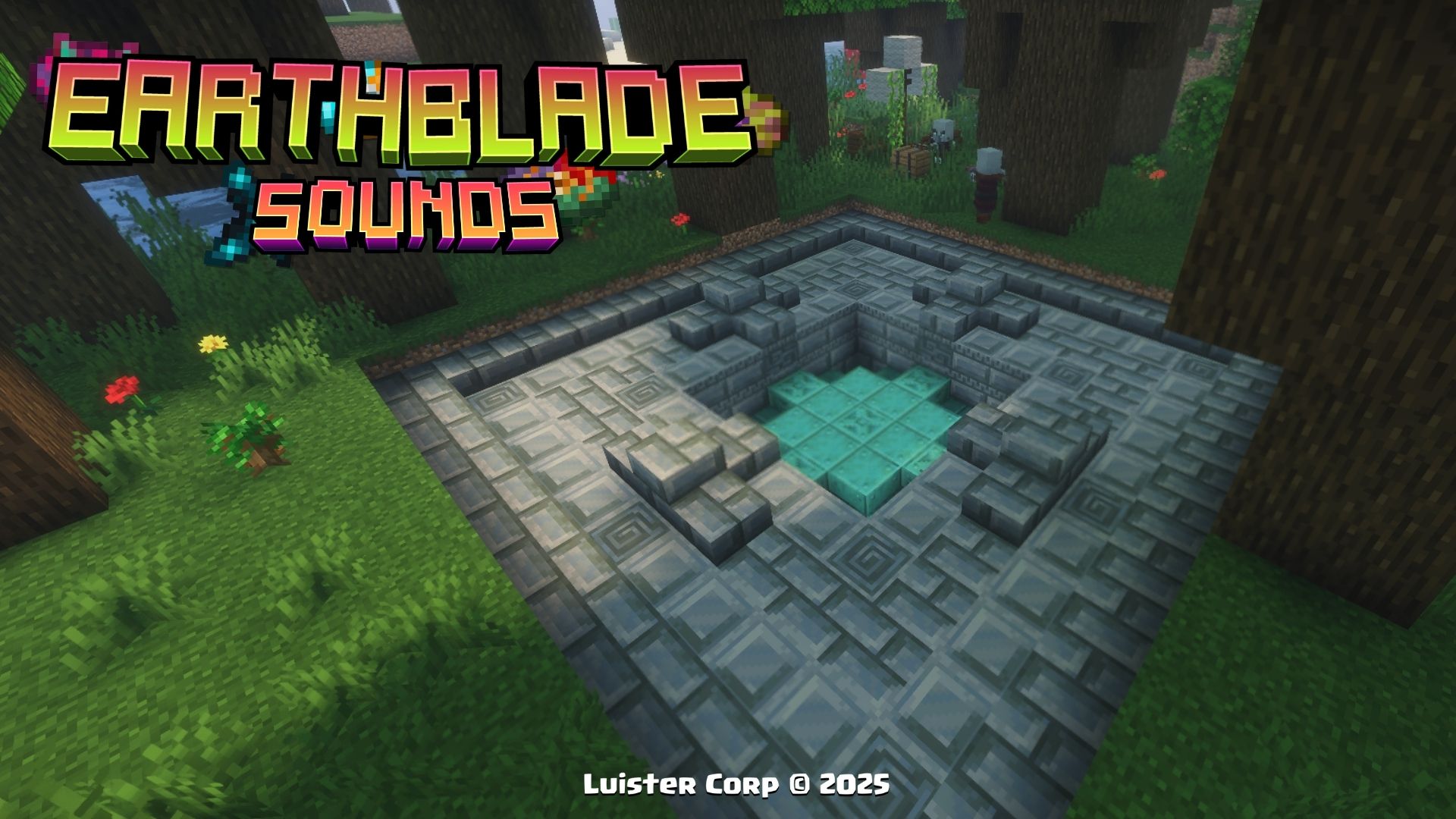
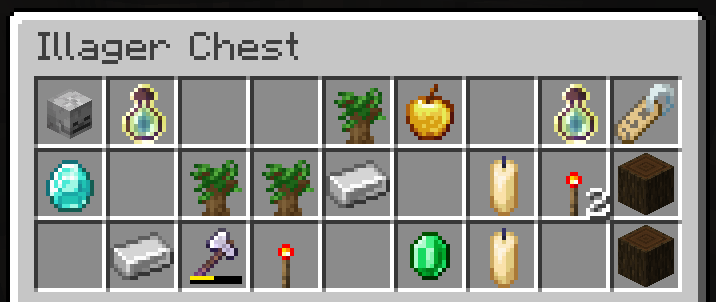
The Illager Vault can appear only in the Dark Forest and inside you can find 4 New Items, along with its own perzonalized loot.
The Illager Vault, is generated in Dark Forest, if you want to locate it by commands use:/locate structure luistercorp:vault_illager
 Promotional Image:
Loot Table:
Biome Generation List:
[
"minecraft:dark_forest",

],
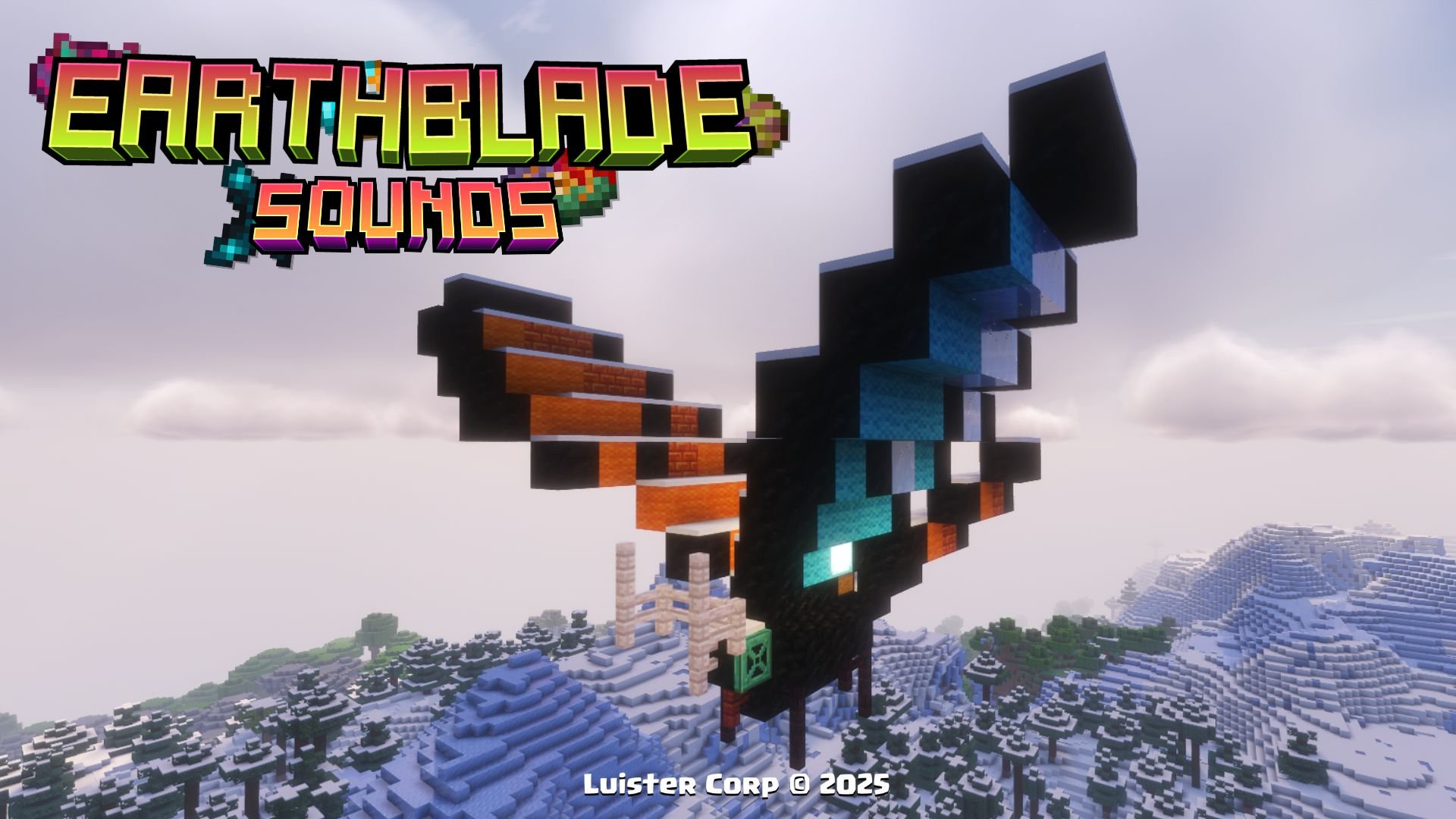
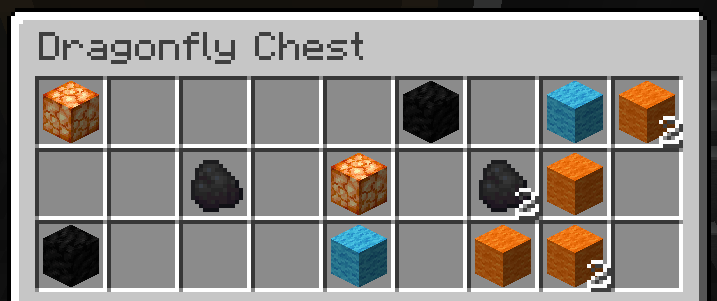
The DragonFly can only appear in the Frozen biomes, at a height of 45 blocks above the ground, along with its own perzonalized loot.
The DragonFly, is generated in the heights, if you want to locate it by commands use:/locate structure luistercorp:dragonfly
 Promotional Image:
Loot Table:
 Biome Generation List:
[
"minecraft:snowy_slopes",

"minecraft:grove",

"minecraft:jagged_peaks",

"minecraft:frozen_peaks"

],
More Soon...
When you get any of the new structures of this Datapack, you will get a new perzonalized advancements with references to different movies🎬, series📺 and videogames 🕹
◾Image:
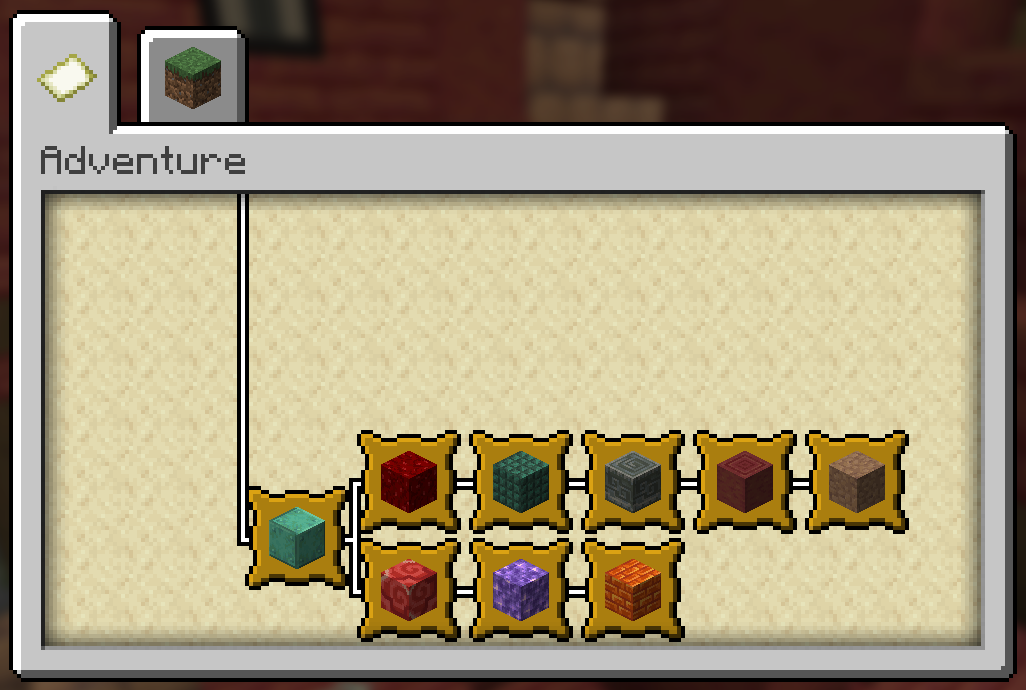
These 9 New Advancements, finding the Structures!
 Below we invite you to review the correct installation process of our Data Package in the following categories
Abrir Minecraft (Open Minecraft)
Inicia el juego (start the game).
Crea un Nuevo Mundo (Create a New World)
Vaya a "Más" y haga clic en "Paquetes de Datos". (go to “More” and click on "Datapacks”).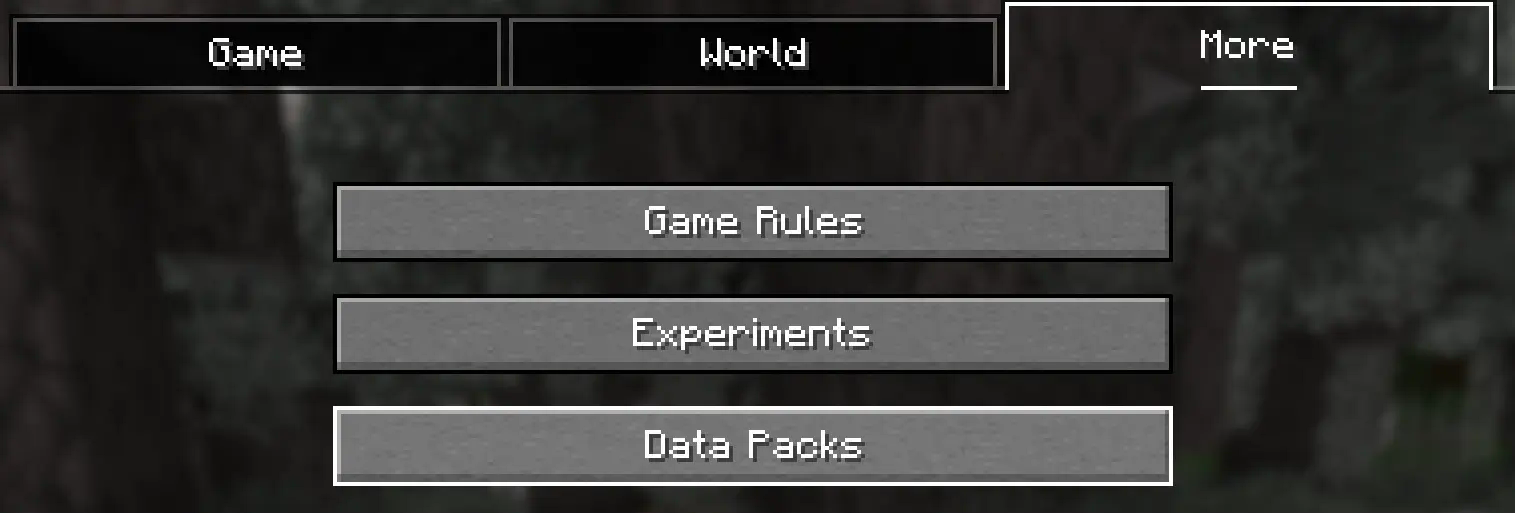
Añadir el Datapack (Add Datapack)
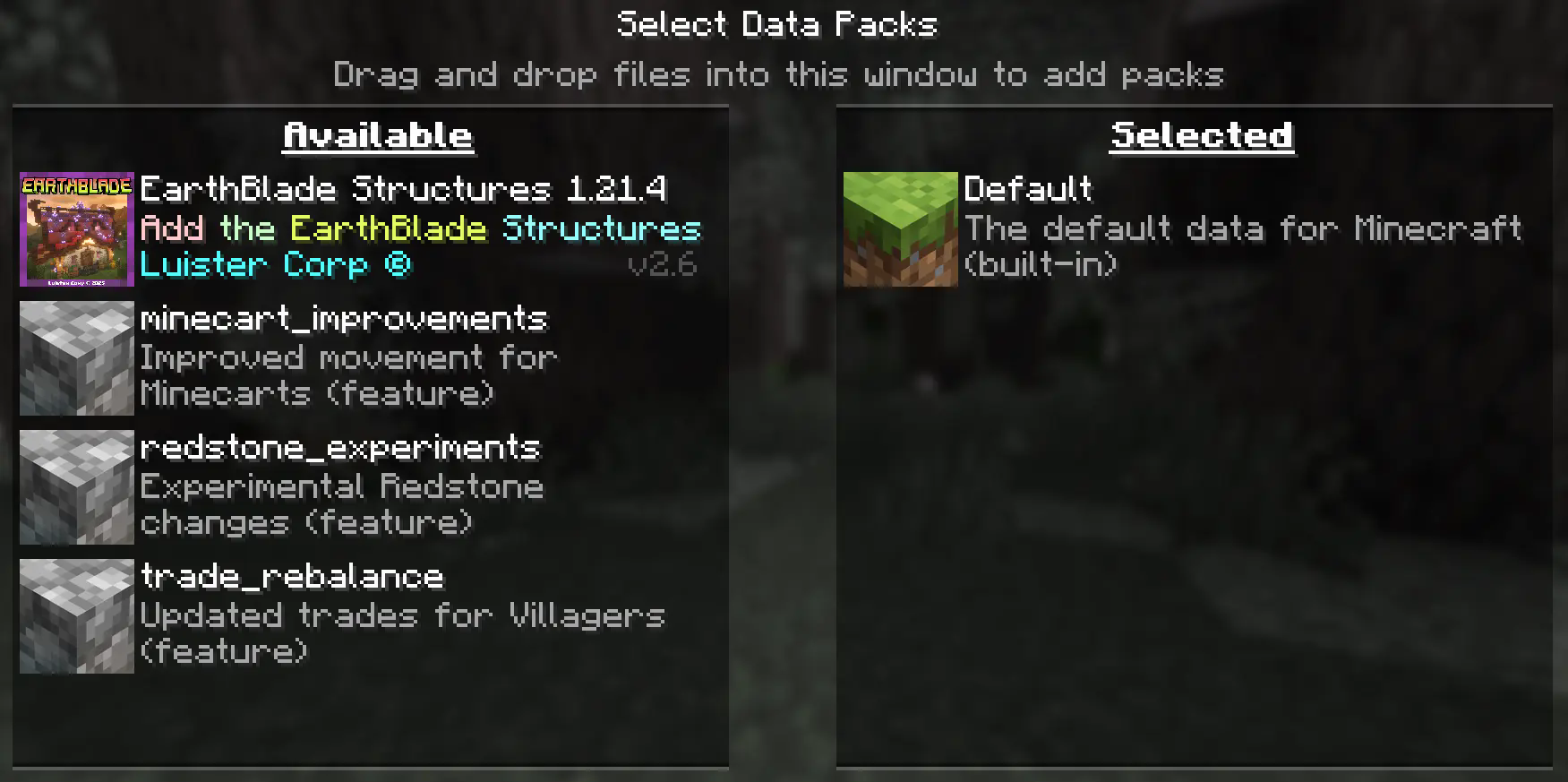
Arrastre el Paquete de Datos (un archivo .zip o directorio) a la ventana de Minecraft.
📟 (Drag the Data Package (a ``
.zip
`` or directory) to the Minecraft window).

 Aparecerá una pantalla de confirmación. Haga clic en **"Confirmar".**

 📟 (A confirmation screen will appear. Click on **"Confirm ”**).
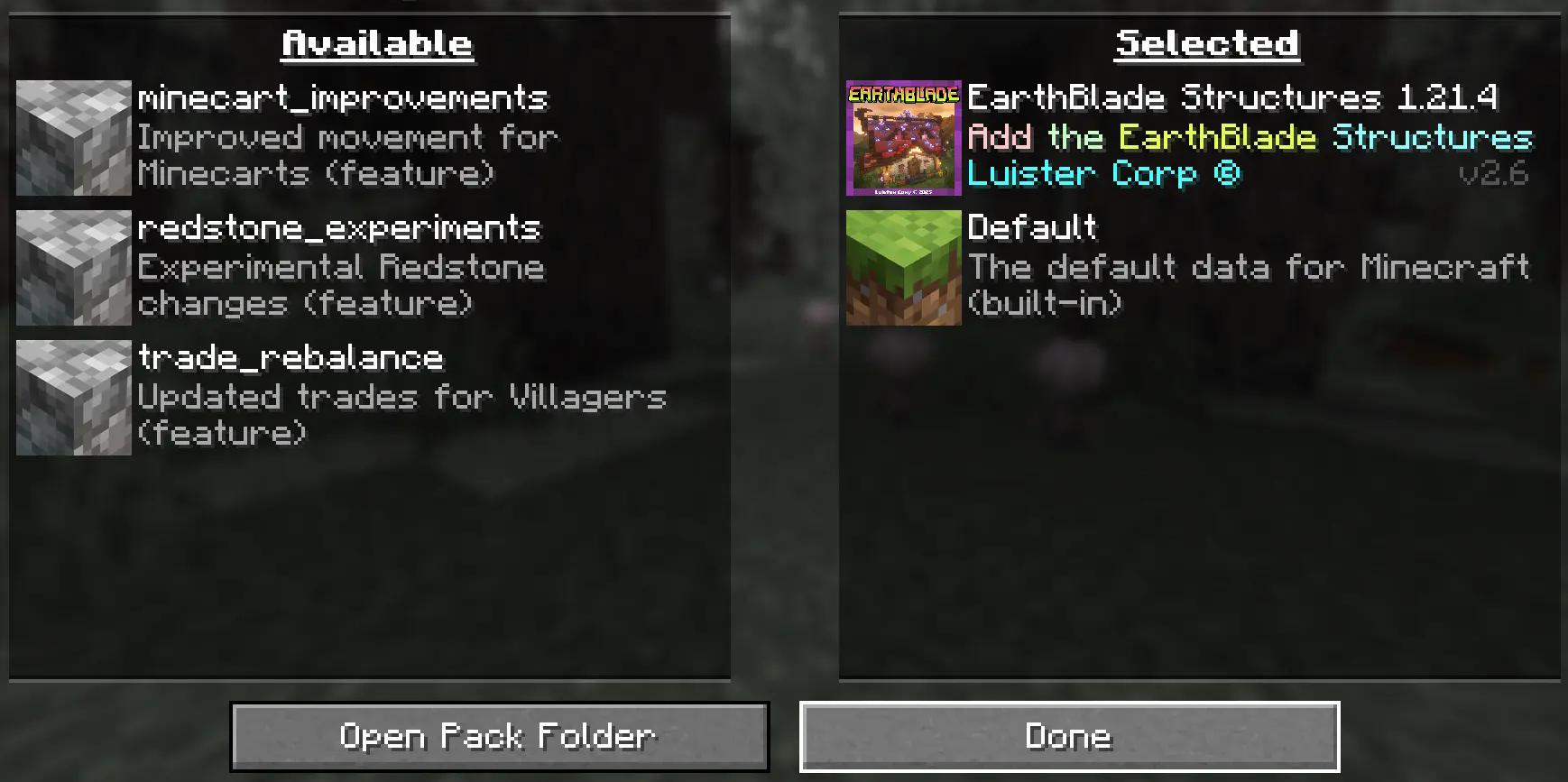
4. Activar el DataPack (Activate the DataPack)
Mueva el Paquete de Datos al lado derecho de la pantalla haciendo clic en el triángulo de su ícono (visible al pasar el cursor sobre él).
📟 Move the Datapack to the right side of the screen by clicking on its triangle icon (visible when hovering over it).
5. Creación del Mundo Nuevo (Creation of the New World)
Haz clic en "Hecho" en la parte inferior de la pantalla.
📟 (Click "Done ” at the bottom of the screen).

Continúa creando tu mundo y haz clic en "Crear nuevo mundo".
📟 (Continue creating your world and click on "Create new world ”).
Se generará un aviso al momento de crear un mundo nuevo, ya que son características experimentales, cualquier tipo de error puede ser comunicado a nuestro Discord Oficial
📟 A warning will be generated when creating a new world, since these are experimental features, any kind of error can be communicated to our Discord Oficial
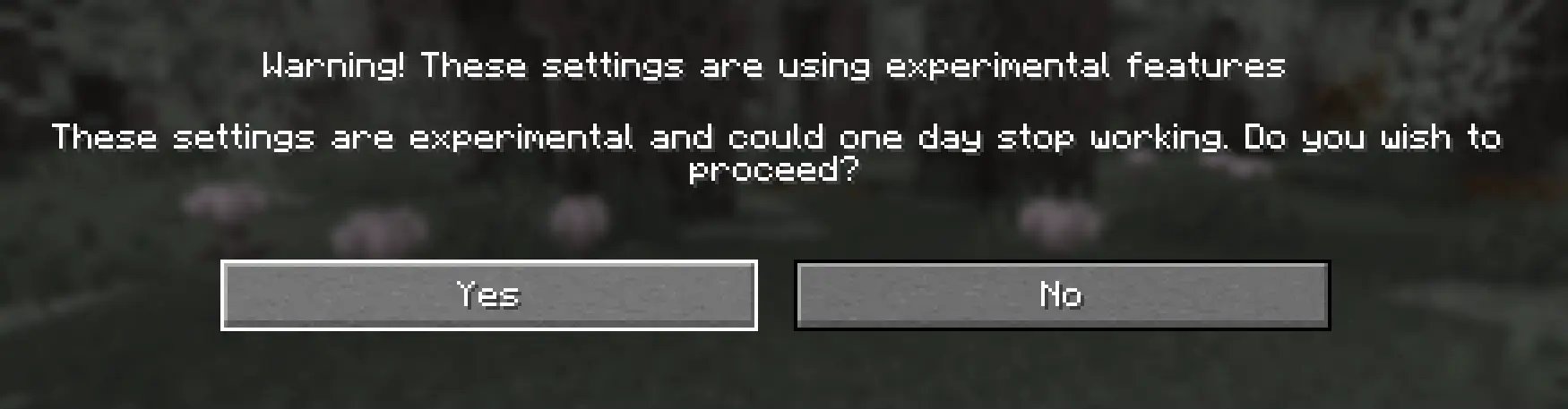
Continue dandole al boton Sí y disfrute de su Aventura :)
📟 Continue clicking the Yes button and enjoy your adventure :)
Multiplayer - MultijugadorAbrir la carpeta de tu servidor (Open the folder on your server)
Navega hasta la carpeta de tu servidor y luego abre la carpeta del mundo en el que deseas instalar el Paquete de Datos (predeterminado: world).
Navigate to your server folder and then open the world folder in which you want to install the Datapacks (default: ``
world
``).
Agrega el DataPack (Add the DataPack)
El Paquete de Datos debe ser un archivo .zip.file.
Coloca el Paquete de Datos en una carpeta llamada datapacks dentro de la carpeta world.
The DataPack must be a ``
.zipfile. Place the **DataPack** in a folder named
datapacks
`` inside the world folder.
Vuelve a cargar el servidor (reload the server)
Escribe /reload desde la consola o como operador de nivel 3, si el servidor estaba ejecutándose durante la instalación.
Type ``
/reload
`` from the console or as a level 3 operator, if the server was running during installation.
Se generará un aviso al momento de crear un mundo nuevo, ya que son características experimentales, cualquier tipo de error puede ser comunicado a nuestro Discord Oficial
📟 A warning will be generated when creating a new world, since these are experimental features, any kind of error can be communicated to our Discord Oficial


