Logo
MINECRAFTBIBLE
Items
Items

All game items

Blocks
Blocks

Building blocks

Mobs
Mobs

Creatures & monsters

Biomes
Biomes

World biomes

Structures
Structures

Generated structures

Recipes
Recipes

Crafting guides

Advancements
Advancements

Achievements

Loot Tables
Loot Tables

Drop rates

Tags
Tags

Item groupings

All Versions
View all data →
Capes
Cape ArchiveNEW

Browse rare Minecon capes, OptiFine capes, and custom capes from players worldwide

Browse

Player Database
Player DatabasePopular

Search any player

Skin Browser
Skin Browser

Browse & download skins

Cape Gallery
Cape GalleryNEW

Minecon & OptiFine capes

Seed Vault
Seed Vault

Curated seeds

Learn

Guides
GuidesNew

Tutorials & tips

Blog
Blog

News & updates

Community

Community Hub
Community HubHub

Posts, discussions & more

All Versions
View community →
Seed Analyzer
Seed Analyzer

World seed analysis

Loot Explorer
Loot Explorer

Drop rates

Crafting Calculator
Crafting Calculator

Material planning

Enchant Calculator
Enchant Calculator

Probability math

Redstone Lab
Redstone Lab

Signal timing

Trading Profit
Trading Profit

Villager ROI

All Versions
View all tools →
Mods
Mods

Browse all mods

Plugins
Plugins

Server plugins

Resource Packs
Resource Packs

Textures & sounds

Shaders
Shaders

Visual enhancements

Datapacks
Datapacks

World logic

Scanner
Mod Intelligence

Scan & analyze any mod

All Versions
View all mods →
Loading...
IntroductionIntroductionVersion HistoryVersion HistoryGuidesGuidesBlog & NewsBlog & News
ItemsItemsBlocksBlocksMobsMobsRecipesRecipesBiomesBiomesStructuresStructuresAdvancementsAdvancementsLoot TablesLoot TablesTagsTags
ModsModsPluginsPluginsResource PacksResource PacksShadersShadersDatapacksDatapacks

MinecraftBible

The Ultimate Wiki

Logo
MINECRAFTBIBLE

The ultimate Minecraft reference. Every item, block, mob, and recipe documented with precision.

Community

  • Player Database
  • Skin Browser
  • Cape Gallery
  • Community Hub
  • Seed Vault

Database

  • Items
  • Blocks
  • Mobs
  • Recipes
  • Biomes
  • Structures

Tools

  • Seed Analyzer
  • Mod Intelligence
  • Crafting Calculator
  • Enchant Calculator

Mods & Packs

  • Mods
  • Plugins
  • Resource Packs
  • Shaders
  • Datapacks

© 2026 MinecraftBible. Not affiliated with Mojang or Microsoft.

PrivacyTermsContact
Death Finder
ModMPL-2.0

Death Finder

Death messages with coordinates! Never waste time searching for your items ever again.

329.2K
Downloads
193
Followers
7 months ago
Updated
📦
30
Versions
game-mechanicsutilityfabricforgeneoforge
Download Latestv21.11.0View on Modrinth

📖About Death Finder


📖 About:

Death Finder adds the exact position of every death to the death screen as well as the death message, so you know exactly where to go looking for your items.

📚 Contents:

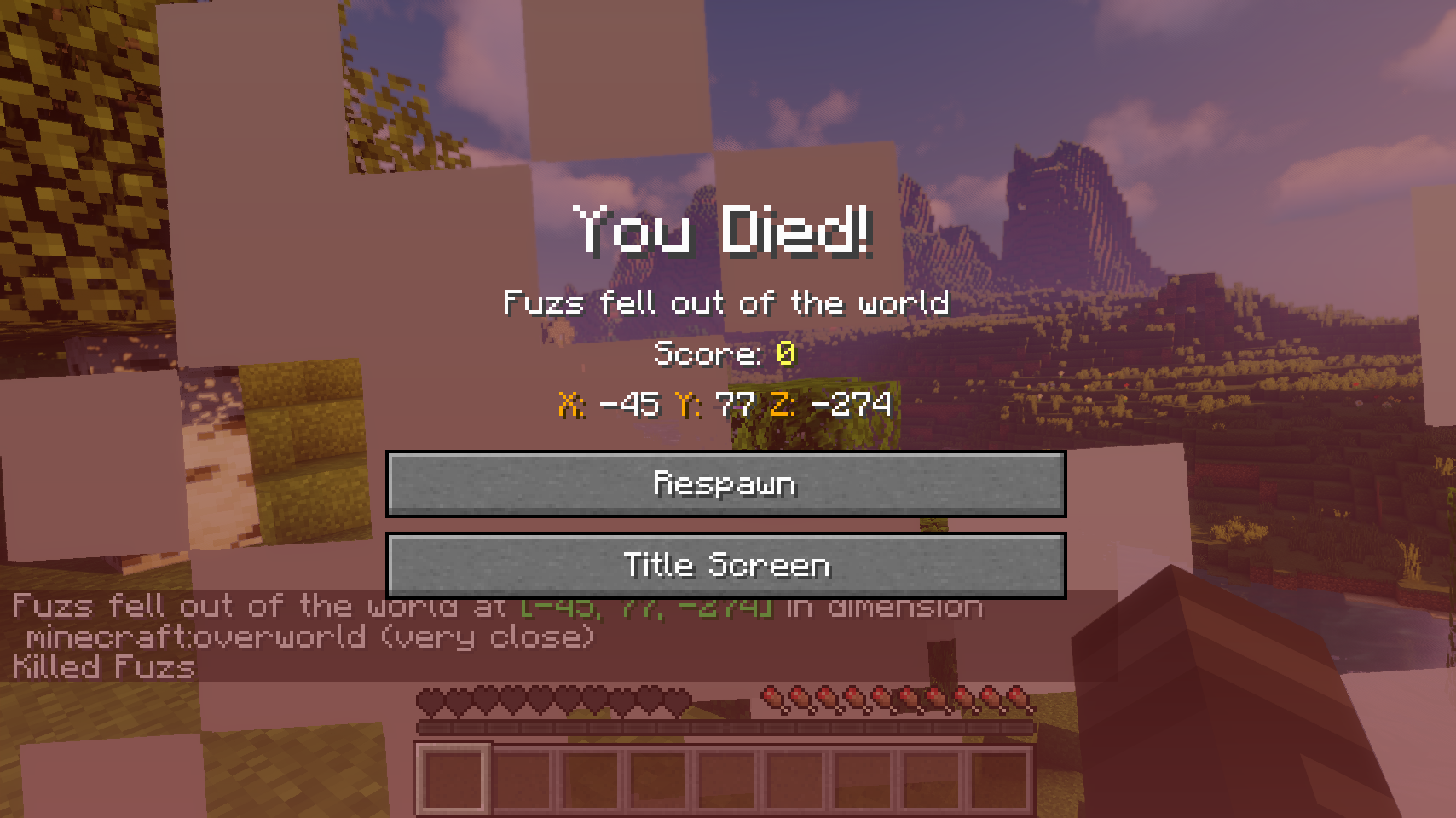
The death position is added to the death screen. Also coordinates, the dimension, as well as your current distance from the death point are added to every death message. Server operators can even click the coordinates in the death message to easily teleport to the death point. This feature can also be enabled for all players, but with a few restrictions: teleporting only works within the next 5 minutes after dying, and it's only available for your own most recent death point.

Also a death message is shown whenever a villager or named entity dies. There also is an option to send out a death message for any entity death, which is disabled by default. This option comes together with a blacklist and whitelist. Additionally vanilla death messages sent out by players and pets can be separately toggled.

📷 Media:
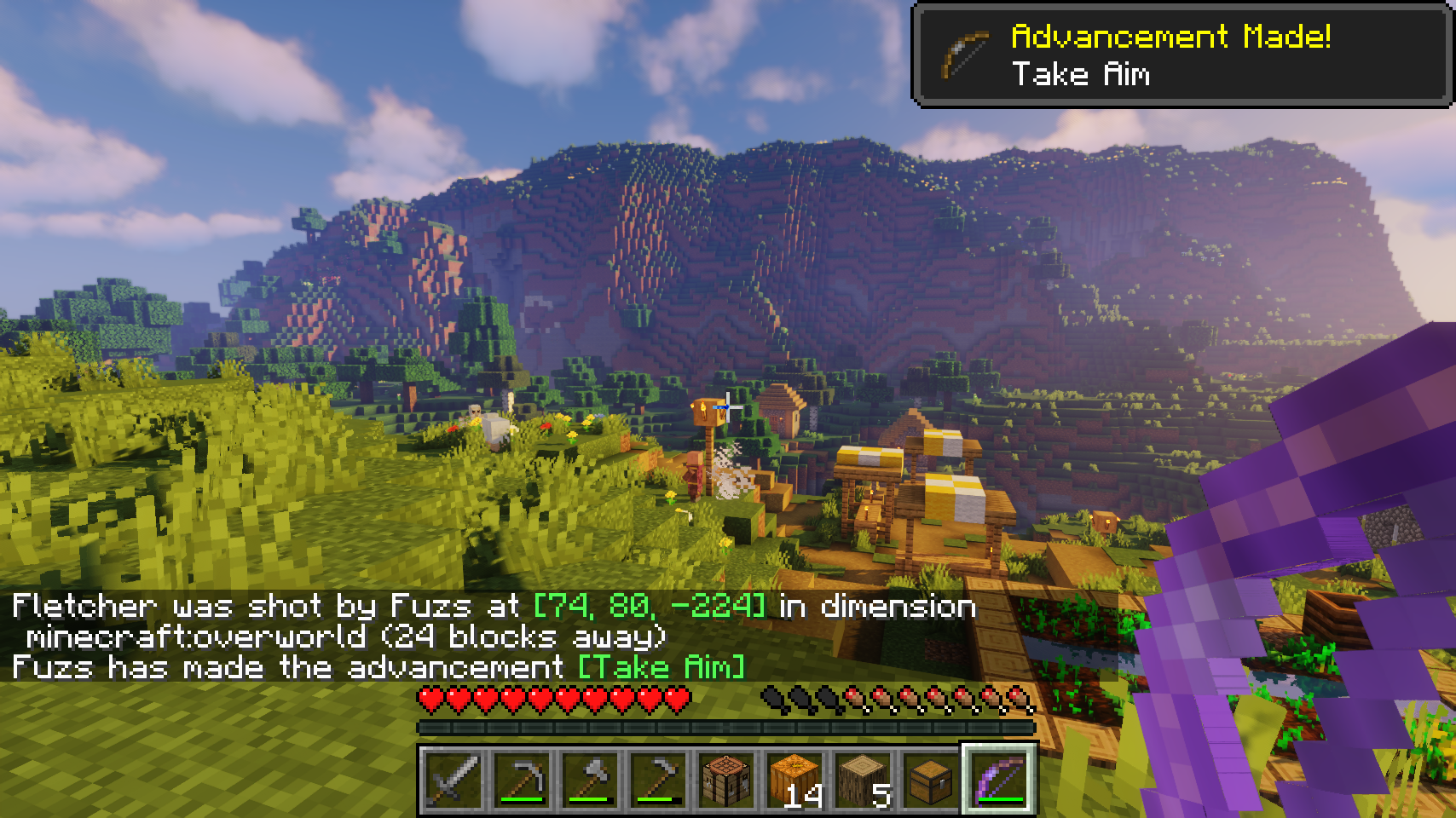
  
Coordinates are added to all death messages    Quickly teleport to the death point with a simple click
 
    
Coordinates are displayed on the death screen     
 

💡 FAQ:

Q: How do I configure this mod on Forge?
A: Install my Config Menus for Forge mod and do it directly in-game!

Q: How do I configure this mod on Fabric?
A: Editing configs directly in-game has not yet been implemented. Instead when in a world run the /config showfile <modid> command by choosing either CLIENT or SERVER (depending on the mod), then click the file name (ending with .toml) that appears in chat to be able to manually edit the config file in a separate editor. After saving the file, the config will automatically reload in-game after a couple of seconds, so no game restart required.

Q: Where can I download this mod for Fabric on versions of Minecraft before 1.19?
A: Older downloads are found on the old project page.


  

    Reddit 


👥 Team & Contributors

LunaPixelStudios
LunaPixelStudios
Studio
Fuzs
FuzsOwner

⚙️ Compatibility

Environment
✅ Client & Server
Loaders
fabricforgeneoforge
Minecraft Versions
1.21.11

🔗 Links

Modrinth Page