
MINECRAFTBIBLE
Loading...


Adds the best controller support to Minecraft Java edition!






A mod that adds the best controller support for Minecraft: Java Edition.
(Advertisement)
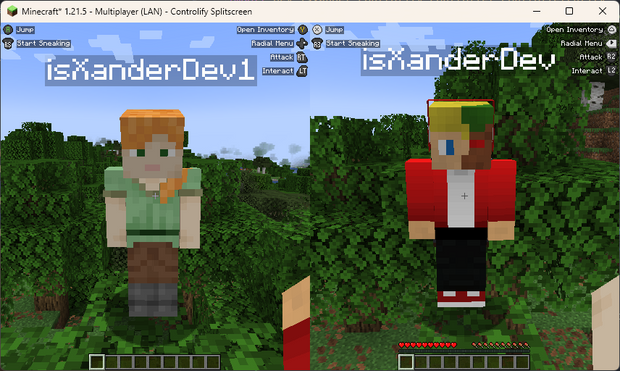
Controlify Splitscreen is a separate mod in development that adds splitscreen support to the game! JARs are currently only available on Patreon!

Read up on the Controlify Wiki for more information on how to use Controlify, how to configure it, and how to develop for it.
Controlify is the best controller support mod for Minecraft: Java Edition. It exceeds the first-party Bedrock Edition controller support in every way possible. It is feature-complete, with support for vibration, gyroscope, HD haptics, and more.
Controlify supports all controllers, thanks to its usage of the SDL3 library, which is the most advanced cross-platform input library available.
Controlify is designed to be both user-friendly and feature-rich. It has sensible defaults, with default sensitivity matched to Bedrock Edition for easy transition, and a simple yet informative settings screen that allows you to tweak your experience to your liking.
The following is actual feedback I have received from users of Controlify, and I'm very proud to have been able to help them enjoy Minecraft in a way they couldn't before:
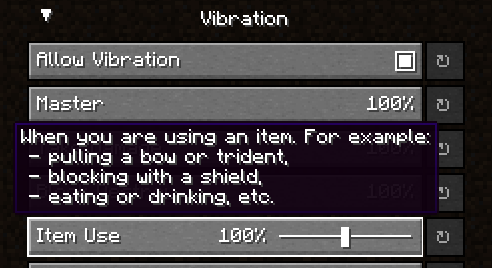
Controlify supports controller vibration, which has not been seen before for PC versions of Minecraft,
including Bedrock Windows 10 Edition. Configure the intensity of each vibration source, with
complex vibration patterns for lots of aspects of the game (e.g. when you take damage).

To save up some buttons on your controller, dedicate some less-used actions to the radial menu.
It is fully customizable through the settings and intuitive to use. Any modded keybind is
compatible with this menu.
Controlify has built-in support for controller gyroscopes, allowing you to make fine movements in-game
with your controller. This can be combined with flick stick to be able to use a controller without
the compromise.
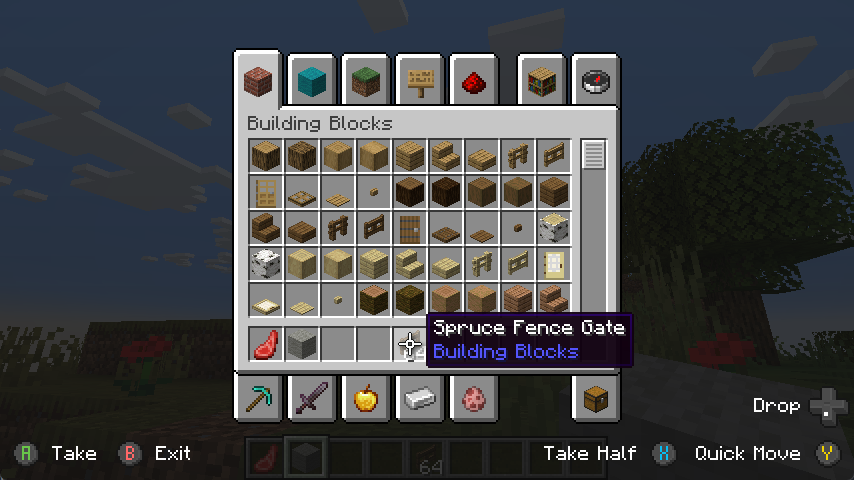
Just like in bedrock edition, you can move a cursor across your inventory, and interact
with it in a controller-friendly way. With dedicated buttons for quick move, dropping etc. Controlify also comes with cursor snapping, so you don't need to be so precise with cursor movements.
Controlify has the ability to identify the make and model of your controller automatically,
and displays relevant button textures for your controller. This is also extendable by resource packs, changing up the button textures in a different style and adding some of your own, more niche controller identifiers.
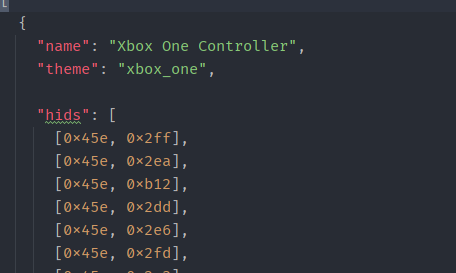
You can connect any joystick to the mod and map it with your own names and textures, with an unlimited amount of inputs per controller.
There is a simple overlay in-game that displays the buttons you can press
based on your player's state and look direction. This is useful for new players, who
have not yet memorised the controls.
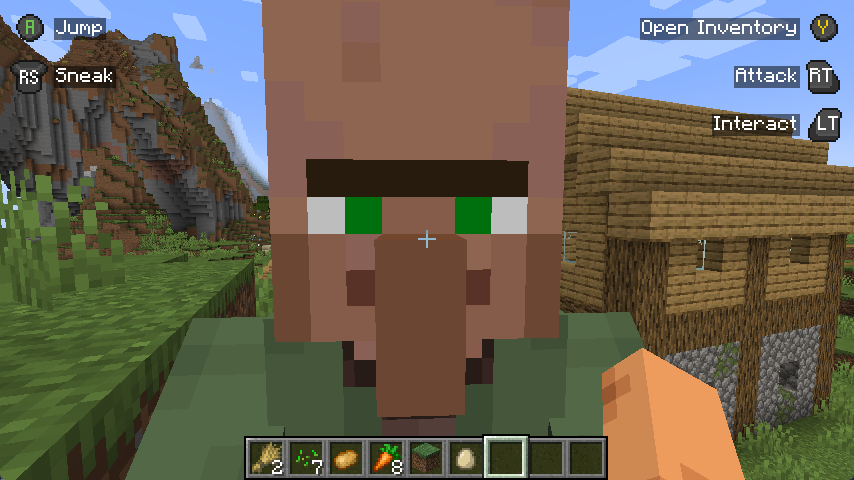

Also, some GUIs display controller buttons on elements that have a controller shortcut, to easily navigate with a controller like you should be able to.
This mod is built around the fact that each controller is completely separate, with it's own configuration, bindings etc.
This means it will be trivial to add support for split-screen play in the future.
GUI operation has been abstracted into a simple API, which allows other mods to easily add support for their own GUIs,
without convoluted support throughout the whole mod's codebase, making it difficult for third parties to integrate.
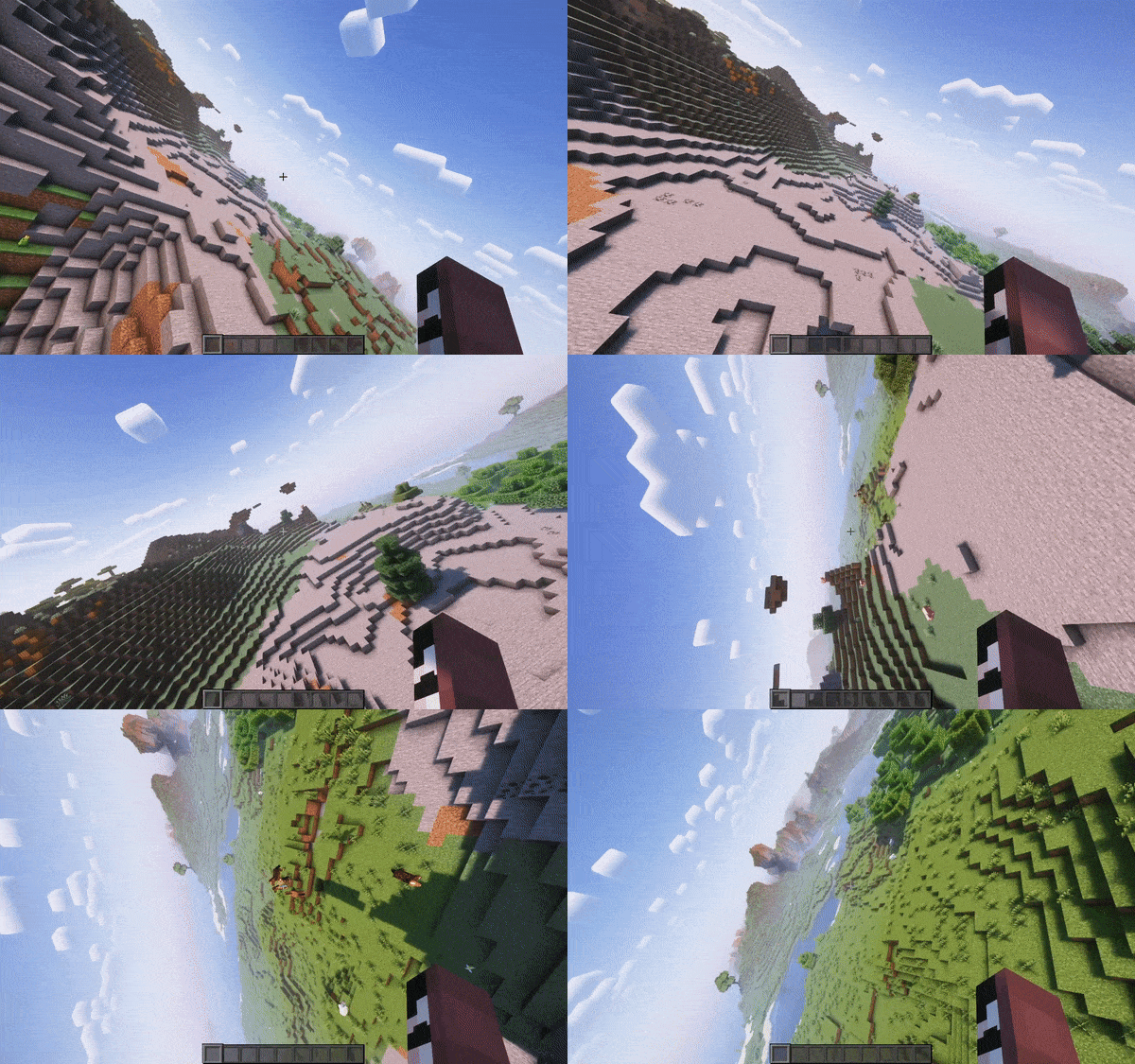
Video recorded using do-a-barrel-roll with a Thrustmaster HOTAS flightstick
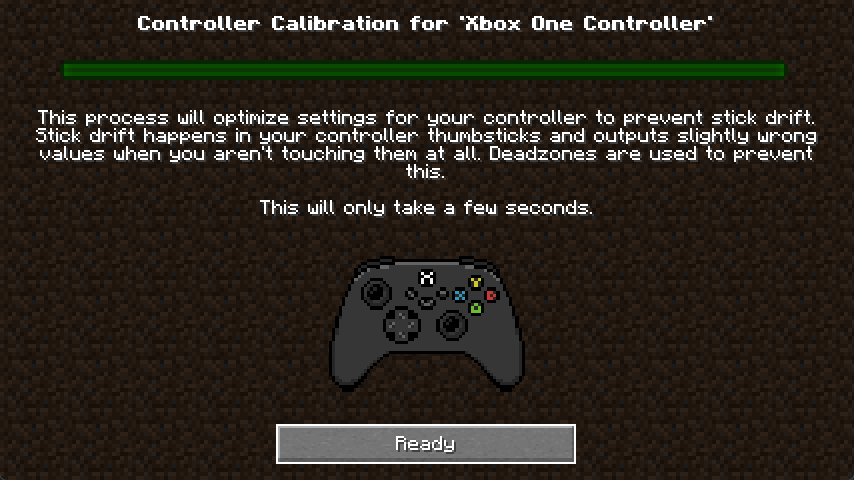
The deadzone values of your controller are automatically calibrated,
meaning you don't have to worry about it.
This mod is only and will only be available for 1.19.4 and above, this is because in 1.19.4, Mojang
introduced arrow key navigation which was easily ported to controller, below 1.19.4, this is not possible.
