Logo
MINECRAFTBIBLE
Items
Items

All game items

Blocks
Blocks

Building blocks

Mobs
Mobs

Creatures & monsters

Biomes
Biomes

World biomes

Structures
Structures

Generated structures

Recipes
Recipes

Crafting guides

Advancements
Advancements

Achievements

Loot Tables
Loot Tables

Drop rates

Tags
Tags

Item groupings

All Versions
View all data →
Capes
Cape ArchiveNEW

Browse rare Minecon capes, OptiFine capes, and custom capes from players worldwide

Browse

Player Database
Player DatabasePopular

Search any player

Skin Browser
Skin Browser

Browse & download skins

Cape Gallery
Cape GalleryNEW

Minecon & OptiFine capes

Seed Vault
Seed Vault

Curated seeds

Learn

Guides
GuidesNew

Tutorials & tips

Blog
Blog

News & updates

Community

Community Hub
Community HubHub

Posts, discussions & more

All Versions
View community →
Seed Analyzer
Seed Analyzer

World seed analysis

Loot Explorer
Loot Explorer

Drop rates

Crafting Calculator
Crafting Calculator

Material planning

Enchant Calculator
Enchant Calculator

Probability math

Redstone Lab
Redstone Lab

Signal timing

Trading Profit
Trading Profit

Villager ROI

All Versions
View all tools →
Mods
Mods

Browse all mods

Plugins
Plugins

Server plugins

Resource Packs
Resource Packs

Textures & sounds

Shaders
Shaders

Visual enhancements

Datapacks
Datapacks

World logic

Scanner
Mod Intelligence

Scan & analyze any mod

All Versions
View all mods →
Loading...
IntroductionIntroductionVersion HistoryVersion HistoryGuidesGuidesBlog & NewsBlog & News
ItemsItemsBlocksBlocksMobsMobsRecipesRecipesBiomesBiomesStructuresStructuresAdvancementsAdvancementsLoot TablesLoot TablesTagsTags
ModsModsPluginsPluginsResource PacksResource PacksShadersShadersDatapacksDatapacks

MinecraftBible

The Ultimate Wiki

Logo
MINECRAFTBIBLE

The ultimate Minecraft reference. Every item, block, mob, and recipe documented with precision.

Community

  • Skin Browser
  • Cape Gallery
  • Seed Vault
  • Blog
  • Guides

Database

  • Items
  • Blocks
  • Mobs
  • Recipes
  • Biomes
  • Structures

Tools

  • Seed Analyzer
  • Mod Intelligence
  • Crafting Calculator
  • Enchant Calculator

Mods & Packs

  • Mods
  • Plugins
  • Resource Packs
  • Shaders
  • Datapacks

Site & Legal

  • About
  • Authors
  • Editorial Policy
  • Corrections
  • Contact
  • Privacy Policy
  • Terms of Service
  • DMCA
  • Sitemap

© 2026 MinecraftBible. Not affiliated with Mojang or Microsoft.

PrivacyTermsContact
Compressed Box
ModMIT

Compressed Box

Create Compressed Boxes to gain space in your base

25
Downloads
0
Followers
3 months ago
Updated
📦
4
Versions
storageutilityworldgenfabricforgeneoforge
Download Latestv1.1View on Modrinth

📖About Compressed Box

Welcome to Compressed Box. 

This mod adds Compressed boxes
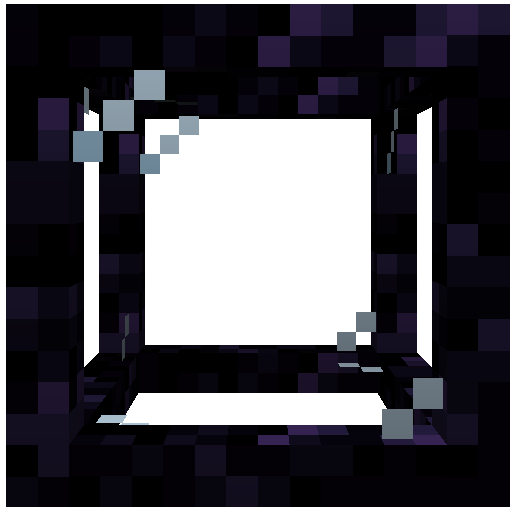
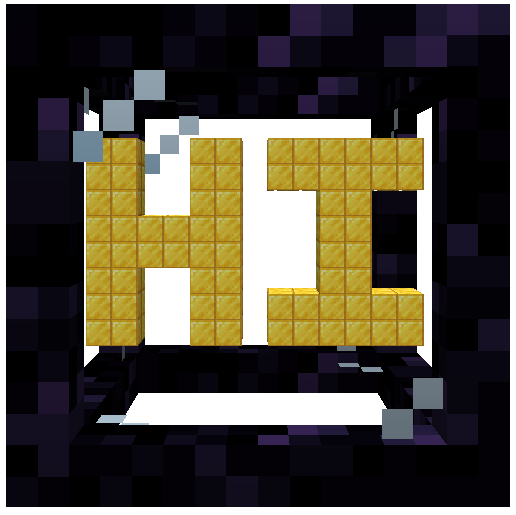
These boxes helps you to optimise your base by creating spaces where you can build everything you want.

The mod was inspired by the mods Compact Machines and Hyperbox

Chunk Loaders

The chunk loader is used to keep things loaded in your whole box.
It need to be charged with glowstone in order to work correctly.

Its variant, the infinite chunk loader don't need to be charged with glowstone.
It will always load your box.
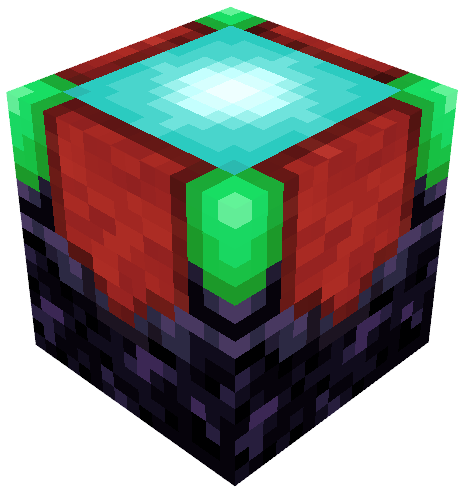
To create it, just use a regular chunk loader on a beacon.

Slots

The slot is used to store items inside of you box.
You can insert items to it directly with hopper and pipes.


The block linked to your box can also be used as an interface for all the slots in it.
It means that if try to insert items from the box block, it will automatically store them into the slots inside the box.

Tanks
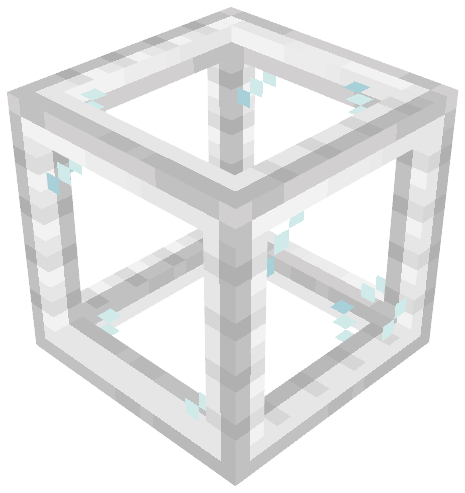
The tank is a slot but for fluids.
You can insert fluids to it directly with pipes or by right clicking it with buckets.


Like slots, the block linked to your box can also be used as an interface for all the tanks in it.
It means that if try to insert fluids from the box block, it will automatically store them into the tanks inside the box.

The Action Bar

The action bar is a feature that can be activated in the box .
It can be shown by pressed the associated keybind (default : Left Alt).
To activate an action from the bar just use the 'Place Block' keybind (default : Right Click)


The different actions from the bar are respectively :

  • Set Entry Point
  • Rename Box
  • Leave Box
  • Export Box as Schematic
  • Configure Client Settings
  • Help with the mod

You can use the mod on your modpack , but you can't repost the mod on an another website !

Curseforge and Modrinth are the only websites where the mod was posted

👥 Team & Contributors

iglee42
iglee42Owner

⚙️ Compatibility

Environment
✅ Client & Server
Loaders
fabricforgeneoforge
Minecraft Versions
1.21.1

🔗 Links

Modrinth Page