Logo
MINECRAFTBIBLE
Items
Items

All game items

Blocks
Blocks

Building blocks

Mobs
Mobs

Creatures & monsters

Biomes
Biomes

World biomes

Structures
Structures

Generated structures

Recipes
Recipes

Crafting guides

Advancements
Advancements

Achievements

Loot Tables
Loot Tables

Drop rates

Tags
Tags

Item groupings

All Versions
View all data →
Capes
Cape ArchiveNEW

Browse rare Minecon capes, OptiFine capes, and custom capes from players worldwide

Browse

Player Database
Player DatabasePopular

Search any player

Skin Browser
Skin Browser

Browse & download skins

Cape Gallery
Cape GalleryNEW

Minecon & OptiFine capes

Seed Vault
Seed Vault

Curated seeds

Learn

Guides
GuidesNew

Tutorials & tips

Blog
Blog

News & updates

Community

Community Hub
Community HubHub

Posts, discussions & more

All Versions
View community →
Seed Analyzer
Seed Analyzer

World seed analysis

Loot Explorer
Loot Explorer

Drop rates

Crafting Calculator
Crafting Calculator

Material planning

Enchant Calculator
Enchant Calculator

Probability math

Redstone Lab
Redstone Lab

Signal timing

Trading Profit
Trading Profit

Villager ROI

All Versions
View all tools →
Mods
Mods

Browse all mods

Plugins
Plugins

Server plugins

Resource Packs
Resource Packs

Textures & sounds

Shaders
Shaders

Visual enhancements

Datapacks
Datapacks

World logic

Scanner
Mod Intelligence

Scan & analyze any mod

All Versions
View all mods →
Loading...
IntroductionIntroductionVersion HistoryVersion HistoryGuidesGuidesBlog & NewsBlog & News
ItemsItemsBlocksBlocksMobsMobsRecipesRecipesBiomesBiomesStructuresStructuresAdvancementsAdvancementsLoot TablesLoot TablesTagsTags
ModsModsPluginsPluginsResource PacksResource PacksShadersShadersDatapacksDatapacks

MinecraftBible

The Ultimate Wiki

Logo
MINECRAFTBIBLE

The ultimate Minecraft reference. Every item, block, mob, and recipe documented with precision.

Community

  • Skin Browser
  • Cape Gallery
  • Seed Vault
  • Blog
  • Guides

Database

  • Items
  • Blocks
  • Mobs
  • Recipes
  • Biomes
  • Structures

Tools

  • Seed Analyzer
  • Mod Intelligence
  • Crafting Calculator
  • Enchant Calculator

Mods & Packs

  • Mods
  • Plugins
  • Resource Packs
  • Shaders
  • Datapacks

Site & Legal

  • About
  • Authors
  • Editorial Policy
  • Corrections
  • Contact
  • Privacy Policy
  • Terms of Service
  • DMCA
  • Sitemap

© 2026 MinecraftBible. Not affiliated with Mojang or Microsoft.

PrivacyTermsContact
Botanical Pots
ModMIT

Botanical Pots

Simple, yet effective way to automate any tree-collection process you have going on.

45.0K
Downloads
156
Followers
10 months ago
Updated
📦
28
Versions
game-mechanicsmanagementutilitydatapackfabricforgeneoforgequilt
Download Latestv2.3+modView on Modrinth

📖About Botanical Pots

Thumbnail

Botanical Pots 🪴

Support Me
Discord
Sources

‼️Important


Botanical Pots is a data-pack that requires a resource pack. The resource pack is attached to the data-pack version you're downloading. Please make sure to grab the resource pack as well!

If you're downloading it as a mod, all the assets are already included in the JAR file.

Have you ever felt bored whilst waiting for a plant to grow? Or maybe you're simply not satisfied with how hard it is to automate the process of farming flowers, fungi, and most importantly - trees?. Botanical Pots is a quick, yet powerful solution to both of these problems!

⚙️ Getting Started


To get your hands on a botanical pot, simply click a regular one with a bone meal. You can then dye the ornament and even upgrade the pot, but more on this later.

Botanical Pots allow you to grow trees (and, if upgraded, other plants) in a much more reliable way since there's no need to chop down the grown result anymore - such a toolbag! In fact, they even allow you to automate the process further.

👀 Psst...


Every plant has a small chance of 5% of dropping a treat, this ranges from apples to honeycombs, just stay patient.

Automation ⚙️

An example of how to automate a botanical pot.

As said, you're able to fully automate the process of collecting wood. Doing so is even simpler than it might sound. As long as there is a container below, all the produced resources will be automatically put there. This even works on modded blocks - it's as easy as it gets!

Refilling the pot isn't hard either, a simple hopper on top will do the trick!

💡 Good-To-Know


The speed rate of botanical pots is directly influenced by the randomTickSpeed gamerule. This also means that setting it to 0 completely disables all pots.

Upgrading 🪽

Upgrading

As previously mentioned, pots can be upgraded to gain different buffs. To upgrade a pot, use an upgrade on it. If you, for some unknown reason, want to remove an upgrade from a pot, it's possible as well! Just use your axe!

There are two main categories of upgrades, common and rare ones. Just as always, the common ones are easier to get but provide arguably fewer buffs than rare ones.

There's no need to list all upgrades in a row here, just remember that whenever you create a botanical pot for the first time, all recipes will be added to your recipe book. Just follow it to obtain the upgrade you want!

💡 Good-To-Know


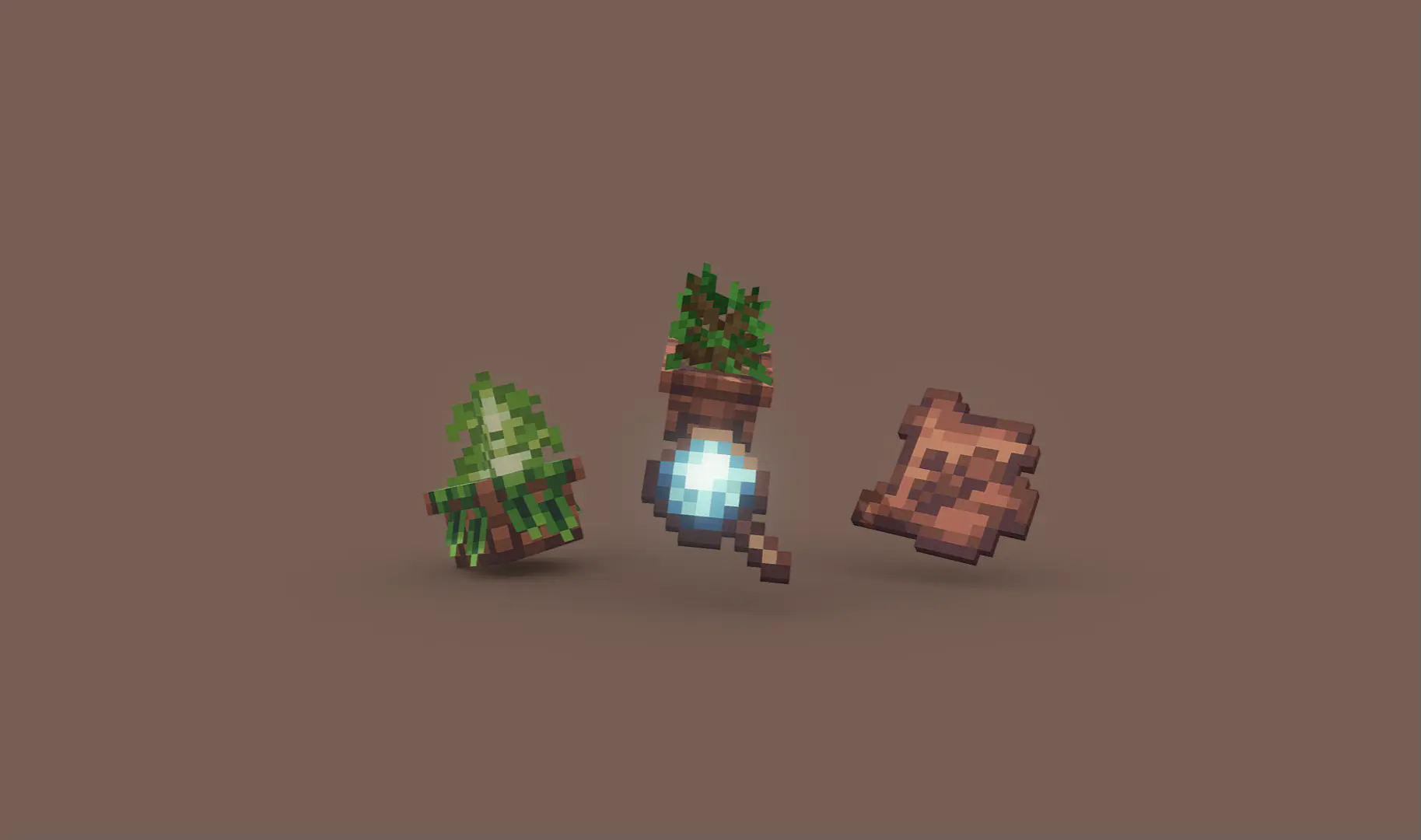
You can grow other plants in pots but under one single condition: the pot must have the rich soil upgrade applied! It's even shown in the image above.

👥 Team & Contributors

Manchick
ManchickOwner

⚙️ Compatibility

Environment
🖥️ Server-side
Loaders
datapackfabricforgeneoforgequilt
Minecraft Versions
1.21.51.21.61.21.7

🔗 Links

Modrinth Page